The Chatbox Is the Default Failure Mode for AI Features

The Chatbox Is the Default Failure Mode for AI Features
Open almost any app that shipped an “AI feature” this year. You will find a text box. Type here, it says. Ask anything. The product team spent three months and a six-figure API bill to drop a chatbot into a workflow that needed a button.
I keep seeing the same pattern across design tools, CRMs, and productivity apps. The AI lands as a floating input, disconnected from the actual task. It feels like innovation and delivers friction. This is not a hot take for its own sake. It is the most common way good teams waste a good model, and it explains why so many AI launches flatline after launch week.
Why Teams Reach for the Chatbox First
The chat interface is the path of least resistance. You do not need to redesign your information architecture. You do not need to map the user’s real decision points. You bolt a panel onto the side, wire it to an API, and ship. From the roadmap meeting, it reads as “we have AI now,” which is enough to tick the box for the quarter.
There is a second reason, less flattering. A chatbox hides product ignorance. When you do not know which step in the workflow actually hurts, a general prompt field covers every possibility. It is the design equivalent of answering a specific question with “it depends” and calling it helpful. The box absorbs the team’s uncertainty instead of forcing them to resolve it.
The model is rarely the problem. Modern foundation models handle summarization, extraction, and rewriting well enough for most product needs. The failure sits upstream, in the decision to expose a raw conversation surface instead of a targeted action. We covered this gap in our breakdown of context engineering for AI agents, where the issue was never model quality but what the system fed the model.
What Users Actually Want From AI in a Tool
Most people open a work app to finish something: resize the asset, classify the lead, draft the reply, reconcile the spreadsheet. They want the model to do the step, not narrate options about the step. A button that says “Summarize thread” beats a box that says “What would you like to do?” every single time, because the button already knows the context the user would have to type.
When the AI lives inside the action, the user never sees the model. They see the result. That is the win. The chatbox forces the user to become the integration layer between their intent and the model, and most users did not ask for that job. Our guide to AI coding agents on large codebases shows the same lesson: agents that act on the repo outperform agents that wait for a prompt.
Also Read:
A useful test: if your AI feature requires the user to write a good prompt to get value, you have shipped a tool for prompt writers, not for your actual audience. Your audience is trying to close the ticket or ship the draft. They will abandon the box the moment it returns one vague answer. The 90-day AI tool abandonment pattern is mostly a story of features that demanded too much input for too little output.
The Data Behind the Wrapper Collapse
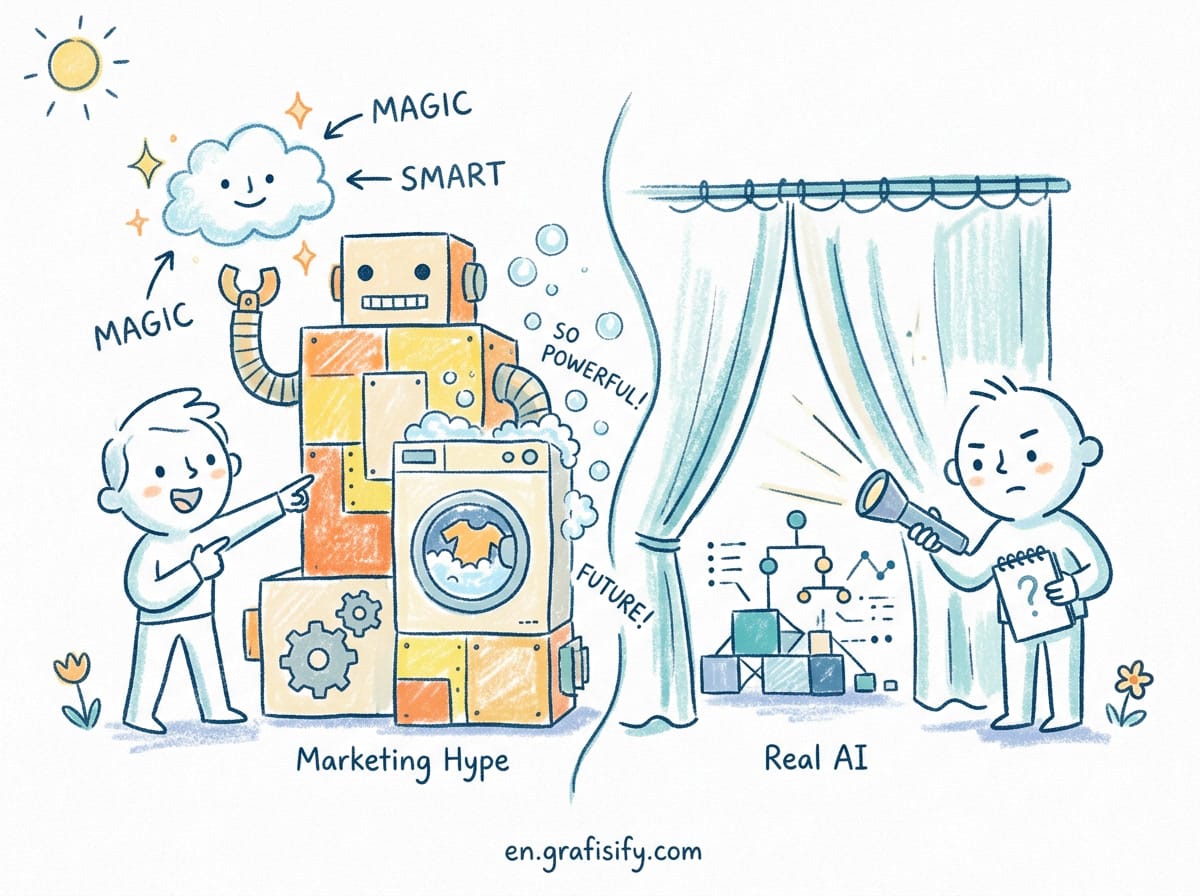
The market has already voted on this. Multiple 2026 analyses track the same outcome: the first wave of AI wrapper startups, products that put a chat UI on top of someone else’s model with no deeper workflow, are shrinking fast. Machine Brief reported in February 2026 that most AI wrapper startups would not survive the year, and Dev.to’s May 2026 breakdown reached the same conclusion from the developer side. Sequoia’s enterprise AI agent research frames the survivors as teams that owned a workflow end to end. The differentiator was never the chat surface. It was ownership of a real workflow.
Enterprise data points the same direction. IBM and SAS survey work cited in 2026 enterprise chatbot research flagged cost and complexity as top barriers, with roughly half of respondents naming cost as the blocker. A chatbox you build, host, and support is expensive to run and easy to ignore. The spend shows up. The engagement does not. When teams compare build approaches, the coding agent comparison shows that depth of integration, not chat access, drives real adoption.
| Approach | What the user does | Retention risk | Build cost |
|---|---|---|---|
| Chatbox bolted to sidebar | Types a prompt, hopes for a good answer | High. Feels like extra work | Low at first, high to maintain |
| AI inside the action (button, auto-step) | Clicks once, gets the result | Low. Becomes part of the habit | Higher design effort upfront |
| Agent that runs the workflow | Approves or reviews an outcome | Lowest. Removes the task | Highest, needs guardrails |
The table is not theory. It maps to what shipped and stuck. Sidebar chatbots get a spike of curiosity and a long flat line of silence. Embedded actions become muscle memory. The cost column inverts over time: the cheap-to-ship chatbox costs the most to keep alive because nobody uses it enough to justify the GPU bill.
Where the Chatbox Still Earns Its Place
I am not arguing chat is always wrong. It earns a spot in two cases. First, genuine exploration: when the user does not yet know what they want, a conversation helps them find the shape of the problem. A marketer brainstorming five angle ideas for a campaign gets more from a back-and-forth than from a single button. Second, expert tools: developers, researchers, and analysts who already think in prompts benefit from an open field. Our MCP server setup guide assumes exactly that expert audience, and the chat surface there is the right call because the user is navigating unknowns, not repeating a known task.
The mistake is defaulting to chat for everyone. The designer exporting assets does not want to negotiate with a model. The support agent handling the fifteenth ticket does not want to compose a query. Match the interface to the user’s skill and the task’s structure, and the chatbox becomes a feature instead of a crutch. When in doubt, ship the action first and offer chat as an escape hatch, not the front door.
How to Ship AI That Does Not Get Abandoned
Start from the workflow, not the model. Map the three steps where users lose time or make errors. Pick the one with the clearest input and output. Build the smallest AI action that removes that step, then measure whether people use it twice. This mirrors the discipline in our n8n production setup guide, where a working narrow automation beats a broad fragile one. A summarize button on the email view beats a “ask the assistant anything” box every week of the quarter, because the button meets the user at the moment of need instead of sending them to a separate place to think about their need.
Keep the model invisible until it needs to show its work. If the AI summarizes a thread, show the summary. If it drafts a reply, show the draft with an edit button. Do not make the user open a separate panel to discover what the model did. The goal is a finished task, not a conversation about finishing it. Track the metric that matters: does the user come back? A chatbox can post impressive demo numbers on day one and flatline by week three. An embedded action grows because it disappears into the routine.
Reserve the chatbox for the moments that are truly open-ended, and label it clearly so users know when they have left the guided path. That separation alone fixes most of the “I tried the AI once and forgot it existed” problem. The chatbox stops being the default and becomes a deliberate choice. Your analytics will show the difference within a month if you instrument both paths honestly.
Key Takeaways
The chatbox is the easiest AI feature to build and the easiest to ignore. Teams reach for it because it hides product uncertainty, not because users want it. Real retention comes from AI embedded in the action: a button, an auto-step, or an agent that runs the workflow. Use chat only for exploration and expert users, and keep it out of paths your audience just wants to finish. The companies that survived the 2026 wrapper collapse shared one trait: they owned the workflow, not the conversation. Build for the task, and the interface will take care of itself.
Final Thoughts
Before your next planning meeting books an “AI chat” ticket, ask one question: what step does this remove for the user? If the honest answer is “none, it just adds a place to type,” kill it. The model is good enough now that the interface, not the intelligence, decides whether anyone uses your feature. Build the button. Let the chatbox stay where it belongs.
Your audience will not thank you for the chatbot. They will thank you for the thing that got done while they were not thinking about AI at all.


Irfan is a Creative Tech Strategist and the founder of Grafisify. He spends his days testing the latest AI design tools and breaking down complex tech into actionable guides for creators. When he’s not writing, he’s experimenting with generative art or optimizing digital workflows.
You might also like





 Artificial Intelligent
 Design & Creative
 Freelance
 Gadgets & Gear
 Insights
 Laptop
 Reviews
 Smartphone
 Tech Guides
 Vibe Coding




