Microshifting Work Life Balance, Troubleshooting Guide (Common Pitfalls, Team Conflict Solutions, and Boundary Fixes) — Part 2
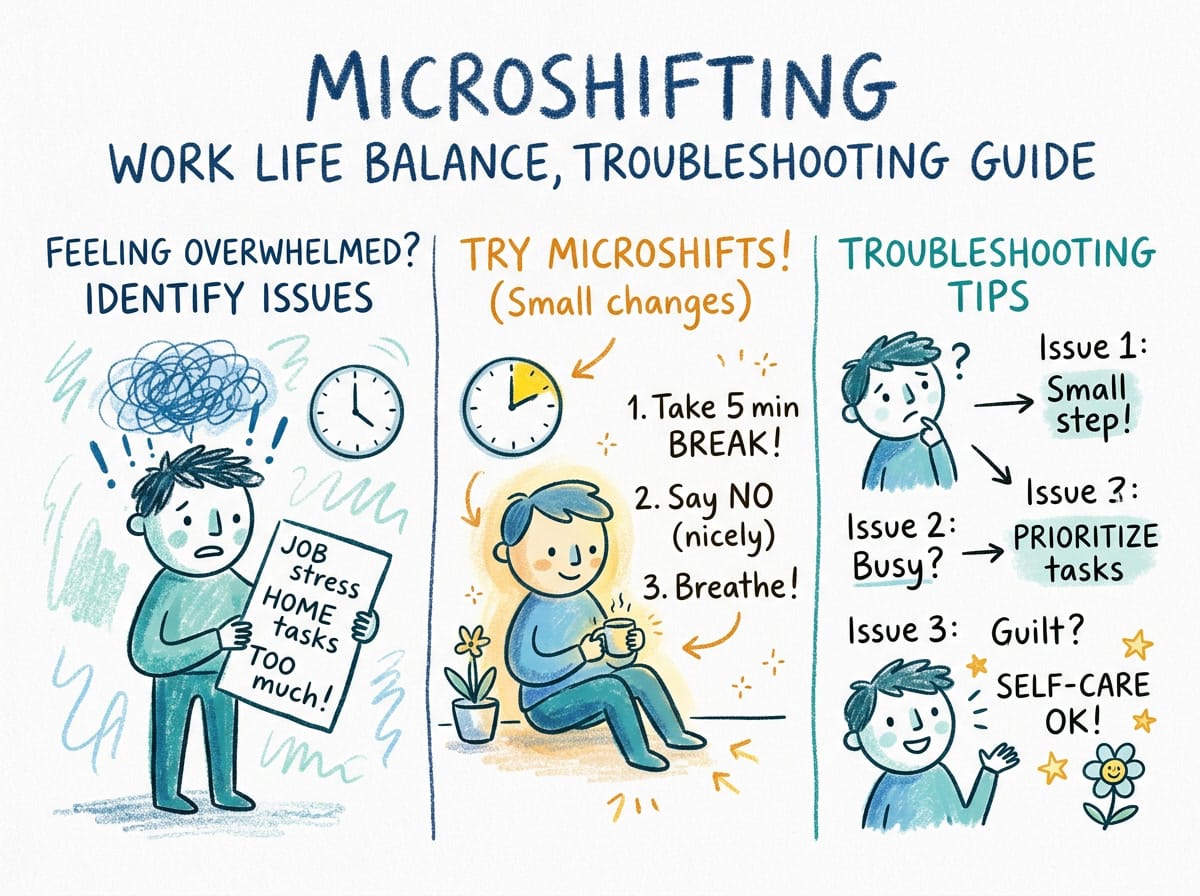
This is Part 2 of the Microshifting Work Life Balance series. Read Part 1: Practical Guide for Employees and Managers first for the fundamentals.
Microshifting Work Life Balance, Troubleshooting Guide (Common Pitfalls, Team Conflict Solutions, and Boundary Fixes) — Part 2
So you tried microshifting work life balance and it didn’t click. Maybe your boundaries blurred, your manager pushed back, or the guilt of stepping away mid-day outweighed the benefit. You’re not alone. Most people who try microshifting hit a wall within the first three weeks. This guide covers exactly what goes wrong and, more importantly, how to fix it.
Part 1 walked through the basics: what microshifting is, the data behind it, and a starter playbook for employees and managers. This is Part 2: the troubleshooting manual for when things don’t go as planned.
You’ve probably read the stats. 53 percent of workers already break up their day, and 78 percent of those report higher productivity. But here’s the stat that doesn’t make the headlines: 31 percent of microshifters say they feel more stressed, not less. The difference between those two groups isn’t the tool. It’s how they handle the friction points that emerge once the novelty wears off.
Following this trend since early 2026, the patterns are clear. Teams that make microshifting work long-term share three things in common: explicit boundaries, honest communication about when things break, and a willingness to adjust instead of abandoning the approach entirely. This guide covers all three.
Microshifting Work Life Balance: Why Your First Attempt Probably Failed
Let’s be direct about the most common failure mode. You started microshifting with good intentions: maybe you blocked off 10 AM to 2 PM for deep work, then took a long lunch and a walk. But by week two, you were checking email during the break. By week three, the break disappeared entirely.
This isn’t a willpower problem. It’s a design problem. Microshifting work life balance requires a specific kind of structure that most people don’t set up on their first attempt. The core issue is that you tried to fit microshifting into a schedule that was never designed for it. Your calendar still had old assumptions built in: that meetings can land anywhere, that Slack expects an instant reply, that being offline means being unavailable.
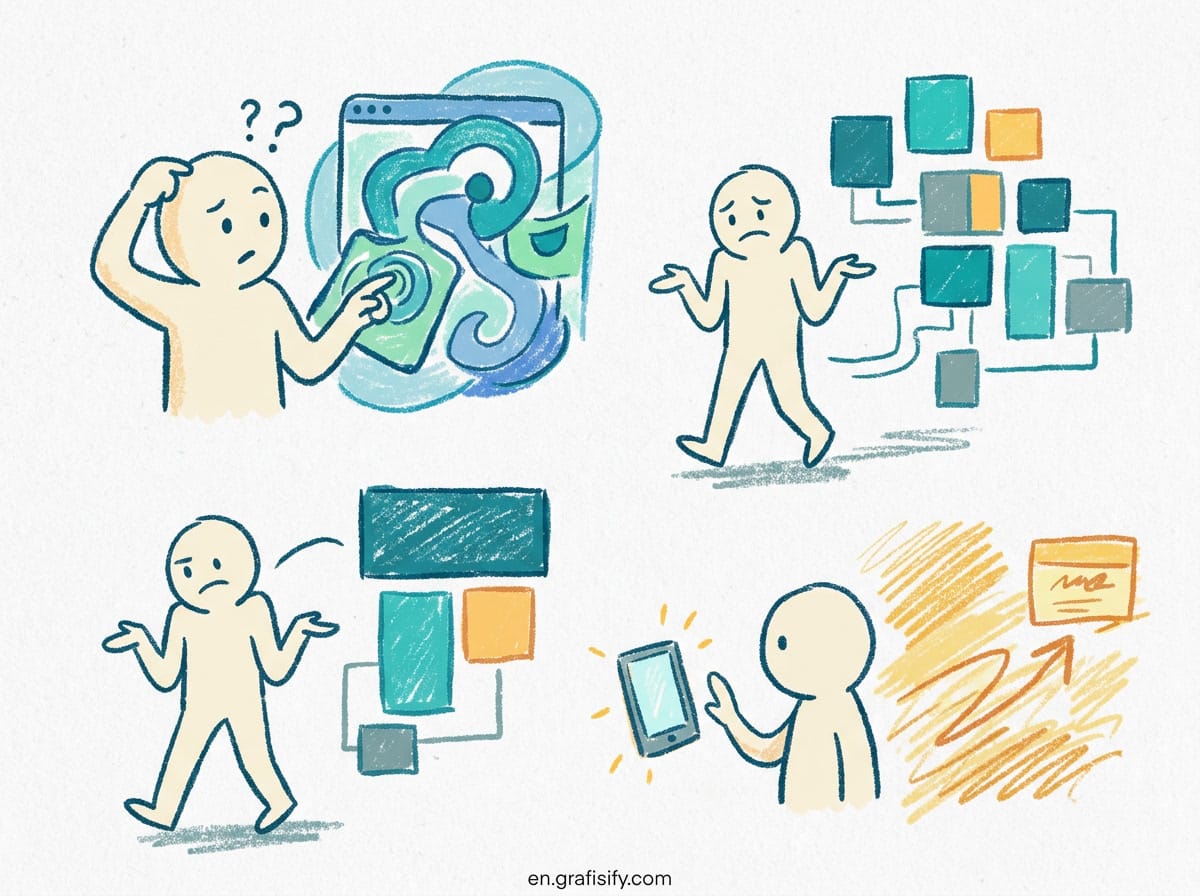
The fix isn’t to try harder. It’s to redesign the container around your workday before you rearrange the contents. That means blocking availability windows, communicating your new pattern to stakeholders in advance, and accepting that the first two weeks will feel awkward. Every successful microshifter I’ve spoken to describes an adjustment period of 10 to 14 days before the new rhythm becomes natural.
Microshifting Work Life Balance: The 5 Most Common Pitfalls

Here are the specific failure patterns that emerge most often, based on the available workplace data and firsthand accounts from people who’ve tried and abandoned microshifting.
| Pitfall | Symptoms | Why It Happens | Fix |
|---|---|---|---|
| Boundary creep | Working more total hours than before, checking email during flex time | No hard rule for when work mode ends | Set a physical signal: close laptop, change location, change clothes |
| Manager friction | Passive-aggressive Slack messages, questions about availability | You changed your schedule without aligning expectations | Send a one-paragraph heads-up with specific core hours |
| Guilt loop | Cancelling flex blocks, feeling like you’re slacking | Internalized productivity guilt from traditional 9-to-5 norms | Track output for two weeks and compare against baseline |
| Isolation creep | Missing spontaneous team conversations, feeling out of the loop | No overlap window with your core team | Maintain at least 3 hours of synchronous overlap daily |
| Schedule chaos | Different start times every day, never settling into a rhythm | Treating microshifting as “whenever I feel like it” instead of a schedule | Pick 2-3 fixed block templates and rotate, don’t improvise daily |
Look at that table honestly. Which row describes your current situation? Most people find themselves in at least two of these categories within the first month. The good news is that each one has a straightforward fix: it’s just not obvious when you’re in the middle of the frustration.

Microshifting Work Life Balance: Team Coordination Playbook
Here’s the hard truth about microshifting work life balance that most individual advice skips: you can’t do it alone. Even if your role is highly independent, your schedule touches other people’s work. The moment your flex block means someone can’t get an answer from you, it becomes their problem too.
The team coordination layer is where microshifting either survives or dies. And the data backs this up. A Boston Globe report from March 2026 found that 42 percent of managers are concerned about collaboration when team members don’t share the same hours. That concern is legitimate, but the solution isn’t to abandon flexibility. It’s to create coordination norms that work with microshifting rather than against it.
Here’s a pattern that works across multiple team types. Start by defining three zones in your team calendar:

- Core zone (mandatory): 4 hours where everyone is present and reachable. Usually 10 AM to 2 PM or 11 AM to 3 PM depending on time zones.
- Flex zone (optional): 2-3 hours where individuals choose to work but are available for async communication. Responses within 2 hours is the norm here.
- Off zone (personal): Blocked, non-negotiable. No expectations, no messages. This is where the actual life in work-life balance lives.
If you’re an individual contributor without authority to set team norms, model the behavior yourself. Communicate your zones clearly and consistently. The people who make microshifting work are the ones who treat their availability windows as seriously as any other commitment.
Microshifting Work Life Balance: Rebuilding Boundaries After They’ve Blurred
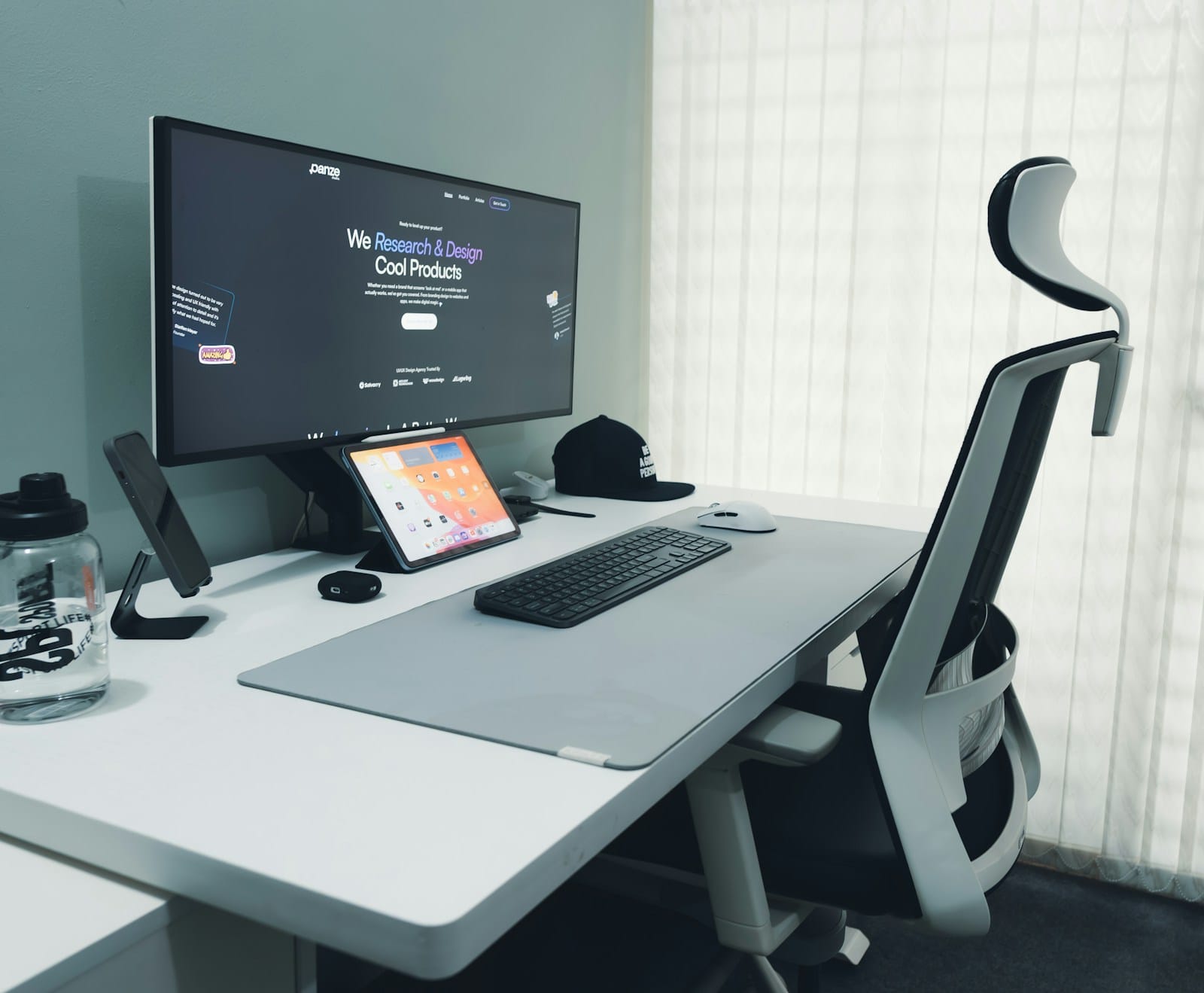
Boundary creep is the most common pitfall in the table above, and it deserves its own section because it’s the hardest to reverse. Once you’ve trained your brain and your colleagues that you’re always reachable, pulling that expectation back takes deliberate effort.
The single most effective technique is what some call the reset week. Announce to your team that you’re running an experiment: for one week, you’ll respond to messages only during your stated windows. No after-hours replies. No mid-flex-block Slack checks. Give people a heads-up so they can adjust their expectations, then follow through.
Here’s the thing about boundaries: they only work if you enforce them consistently for at least five consecutive days. If you cave on day three because a message looks urgent, the reset fails. But if you hold the line for a full week, something shifts. People stop expecting instant replies. You stop feeling the phantom buzz of obligation.
A MoneyWise analysis of microshifting points out that the people who sustain this pattern long-term are the ones who treat their flex block as sacred. Not flexible. Sacred. The distinction matters because sacred means you protect it even when it’s inconvenient.
Microshifting Work Life Balance: Advanced Patterns for Different Work Styles
The starter guide in Part 1 covered a general approach. But microshifting work life balance looks different depending on your role, your team structure, and your personal energy patterns. Here are three variations that work for specific contexts.
The deep work pattern. If your role involves writing, coding, design, or analysis, compress your microshifting around your natural focus window. Block 3-4 hours for deep work first thing if you’re a morning person, or later in the day if you’re not. Use your flex block for shallow tasks: email, scheduling, Slack catch-up. The key insight: don’t break up your deep work window. Microshift around it, not through it.
The caregiver pattern. This is the most common reason people microshift, and it’s also the highest-risk for boundary creep. If you’re shifting to accommodate school pickup, appointments, or family needs, the danger is that you never fully close the work tab. The fix is to make your off-block physical. Leave your workspace entirely. A Fortune report on the microshifting trend found that caregivers who maintain a hard physical separation between work and personal blocks report significantly lower burnout than those who just switch tabs.
The collaborative pattern. If your role requires meetings, pair programming, or real-time collaboration, microshifting is harder but not impossible. The trick is to coordinate with your team on a shared flex window. Instead of everyone choosing their own schedule, the team agrees on a common pattern: maybe everyone works 7-10 AM focused, 10-12 PM collaborative, takes a 2-hour break, then finishes 2-5 PM. This preserves flexibility while maintaining coordination.
Teams use all three patterns, and none is inherently better than the others. The right one depends on your specific constraints. The common thread across all three is intentionality. Microshifting fails when it’s reactive. It works when it’s designed.

Final Thoughts
Microshifting work life balance isn’t a set-it-and-forget-it arrangement. It requires ongoing calibration, honest conversations, and a willingness to adjust when something stops working. The difference between people who make it work and people who abandon it isn’t discipline. It’s the ability to diagnose what went wrong and try a different approach.
If you haven’t read Part 1 of this guide, start there for the fundamentals. Then come back here and work through the specific failure mode you’re facing right now. Pick one fix from the pitfall table that matches your situation, implement it for one week, and see what changes.
And remember: the goal isn’t to microshift perfectly. The goal is to build a work rhythm that lets you do your best work without sacrificing everything else that matters. If that means abandoning microshifting entirely and trying a different approach, that’s a win too. The only failure is staying in a schedule that doesn’t serve you.

Irfan is a Creative Tech Strategist and the founder of Grafisify. He spends his days testing the latest AI design tools and breaking down complex tech into actionable guides for creators. When he’s not writing, he’s experimenting with generative art or optimizing digital workflows.
You might also like







 Artificial Intelligent
 Design & Creative
 Freelance
 Gadgets & Gear
 Insights
 Laptop
 Reviews
 Smartphone
 Tech Guides
 Vibe Coding





