AI Coding Agents on Large Codebases Without Breaking Things

An AI coding agent will happily rewrite the wrong service, delete a shared config, or scatter changes across twelve packages if you point it at a giant monorepo and say “fix the bug.” The tool is not dumb. The problem is context. A model that can only see a few thousand tokens at a time is being asked to understand a 400,000-file repository by reading one paragraph of the novel at a time. This guide shows how to run AI coding agents on large or legacy codebases without turning your build red.
You do not need to avoid agents on big repos. You need to give them boundaries, isolation, and enough indexed context to stay inside the lines. The teams shipping fastest in 2026 are not using smaller models. They are using the same models with better guardrails.

Why Large Codebases Break Naive Agent Setups
Most AI coding assistants are built for a single file or a small project. Drop them into a monorepo and three failures show up fast, even on the strongest models.
First, context starvation. Standard assistants see only a few thousand tokens per request. In a 400K-file monorepo that is a microscopic view. The agent guesses at service boundaries, invents function signatures, and edits code that depends on modules it never read. It is not hallucinating on purpose. It is guessing with missing information.
Second, drift across edits. Without isolation, an agent making changes in one terminal will overwrite or conflict with another process mid-run. Two parallel tasks collide on the same files, and the result is a half-written module that compiles for one run and crashes the next.
Third, missing the blast radius. A change in shared-security can break authn-gateway, which breaks refund-service. An agent that edits locally without tracing the call stack ships a fix that compiles and then fails in production at 3 a.m.

Augment Code documented a real trace that makes the point concrete: working inside a 450K-file monorepo, an agent followed the call stack from refund-service through authn-gateway, into a config import in shared-security, and returned the exact validation function plus the Terraform policy that governed it. That only worked because the agent understood service boundaries and config inheritance, not just text matches. If your tool only searches strings, it will miss that chain entirely.
The Context Window Is Not Enough on Its Own
Bigger context windows help, and 2026 pushed teams toward monorepos partly because models can now hold more of the repo in memory. Claude Code runs on a 200K token context window, and some CLI coding tools now advertise a 1 million token window. But a wide window is not the same as a smart window.
A 1 million token window that dumps the whole repo in unindexed still wastes tokens on irrelevant files and buries the signal in noise. The agents that work on large codebases combine three things: hybrid indexing, which is a prebuilt map of symbols and dependencies; agentic loops, where the model searches, reads, then acts; and model routing, which uses a cheap model for retrieval and a strong model for the actual edit.

Practical takeaway: pick a tool that builds an index before it edits. If it starts “reading” your repo from scratch on every prompt, it will be slow and wrong on anything past the surface layer. You can read more on how agentic loops and model routing refactor safely in this architecture breakdown from Kilo AI.
For a broader view of why monorepos gained ground this year, Spectro Cloud argues that larger context windows made it practical to hand an agent an entire service graph at once, which shifts the calculus toward consolidated repos.
Use Git Worktrees to Isolate Parallel Agents
When you run more than one agent against the same repo, isolation is non-negotiable. Git worktrees solve this cleanly. Each worktree is a separate working directory on its own branch, sharing the same Git history. Claude Code documents this pattern: launch parallel sessions in separate worktrees so their changes never collide.
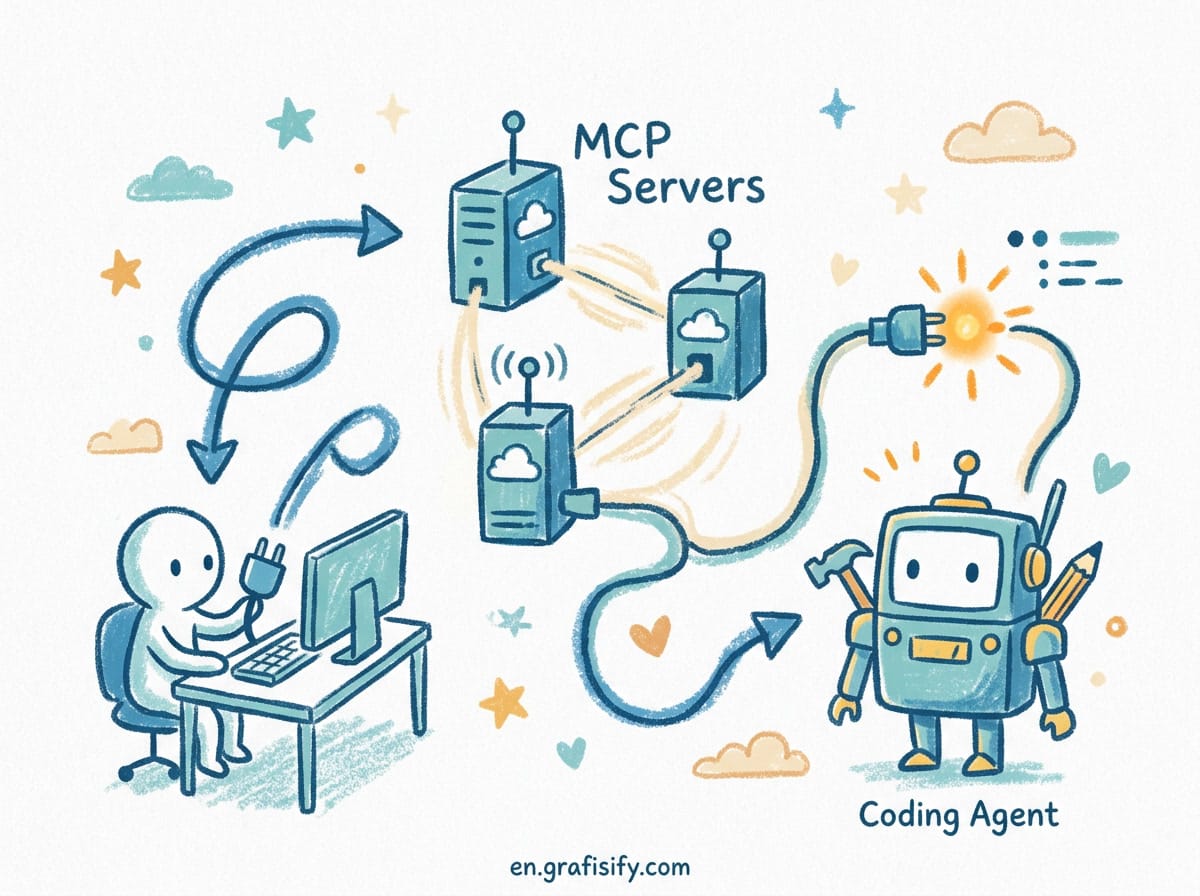
Subagents take this further. In Claude Code, a subagent gets its own 200K token context window and, optionally, its own isolated git worktree. Neither file changes nor context bleed between parallel workers. One subagent can refactor refund-service while another writes tests for authn-gateway, and they never step on each other. The official worktree docs cover the --worktree flag, subagent isolation, and cleanup.
If your agent framework does not support worktrees, run each task in a fresh clone or a container. The cost of setup is nothing compared to the cost of a merge conflict that corrupts a shared module. If you are wiring agents into a self-hosted automation stack, this pairs well with a production n8n setup that triggers agents per branch.
Tune Indexing Before You Trust the Agent
Cursor and similar tools build a codebase index for context-aware suggestions. On a 500K-plus LOC repo that index hits real ceilings. Tuning it is the difference between useful and useless.
Start with ignore rules. A .cursorignore file that excludes node_modules, build artifacts, and generated code keeps the index focused on source you actually maintain. Teams report that untuned indexing on a monorepo answers “what breaks?” with silence, because the tool indexes everything but understands nothing about cross-repo boundaries. Riftmap’s writeup on monorepo indexing shows exactly where Cursor’s tuning stops and why a tuned index still cannot answer every question.
Use semantic retrieval over raw dumps. Cursor’s @codebase command pulls semantically relevant code at query time instead of stuffing the whole repo into the prompt. That is the right instinct: feed the agent the relevant slice, not the firehose. GitHub’s comparison of context handling on large codebases covers how Copilot’s workspace agent narrows the gap but still defaults to file-scoped context.
Set a clear scope per task. Tell the agent which service or package is in bounds. “Refactor the validation layer in shared-security” beats “improve the codebase.” A narrow mandate produces a narrow, reviewable diff that a senior engineer can approve in minutes.
Comparison: What to Look for in a Large-Codebase Agent
Not every AI coding tool handles scale the same way. Use this table when evaluating options for a monorepo or legacy system.
| Capability | Naive Assistant | Large-Codebase Agent |
|---|---|---|
| Context source | Open file only | Prebuilt symbol and dependency index |
| Cross-service tracing | No | Yes, follows call stack across packages |
| Parallel isolation | Collides on shared files | Git worktrees per subagent |
| Retrieval method | Dumps whole repo | Semantic, query-time slice |
| Legacy refactor safety | High breakage risk | Blast-radius aware |
If a tool fails three or more of those rows, do not point it at production code without a human reviewing every line. The table is a filter, not a scoreboard. A tool that passes all five still needs verification on your specific repo.
A Safe Workflow for Legacy and Monorepo Projects
Here is the operating procedure I use when an agent touches a large or old codebase. It assumes the agent already supports indexing and isolation; if it does not, the steps below will expose that gap quickly.
1. Index first. Let the tool build its map. Confirm it can answer “where is the auth logic?” before you ask it to change anything. If it guesses, stop.
2. Scope the task. Name the service, the package, or the function. Keep the blast radius visible. A scoped task is a scoped risk.
3. Isolate the run. Use a worktree or a throwaway branch. Never let an agent edit your main working tree directly. If you want to go deeper on multi-agent orchestration, this guide to Claude Code subagents explains the orchestrator and worker model in detail.
4. Require the trace. Ask the agent to explain what depends on what before it edits. If it cannot name upstream and downstream callers, stop and narrow the scope. This single step prevents most production incidents.
5. Review the diff like a human wrote it. Agents make confident, plausible, wrong edits. A diff that touches fifteen files for a “small fix” is a red flag, not a win. Read the changed lines, not just the summary.
6. Run the tests in the isolated branch. Only merge when green. This is the part that catches the shared-security change that quietly breaks refund-service. If your project has flaky tests, fix those first, because an agent will trip over them and you will blame the wrong thing.
Common Mistakes That Wreck the Build
Pointing the agent at the root and asking for a broad improvement. The wider the mandate, the wider the damage, and the harder the review.
Skipping the index. An unindexed agent on a monorepo is guessing with both hands tied. It will invent APIs that do not exist and call them with confidence.
Running parallel agents in one directory. They overwrite each other silently. Worktrees cost minutes to set up and save hours of conflict resolution. When you also run agents through a terminal, pair this with a workflow that debugs stuck agents so a confused loop does not sit there burning tokens.
Trusting the first diff. Agents optimize for a plausible answer, not a correct one. Verification is your job, not theirs. The model does not know your business rules unless you put them in scope.
Final Thoughts
AI coding agents are not too weak for large codebases. They are too undirected. Give them an index, a scope, and an isolated branch, and they handle monorepos and legacy systems better than most humans can in the same time. Skip those guardrails and you will spend more time undoing damage than shipping features. If you are still choosing a base tool, this comparison of coding agents breaks down which one ships, and OpenCode is a strong self-hostable option when you want full control.
The winning pattern is boring: index, scope, isolate, trace, review, test. Do that on every large-repo run and the agent becomes a force multiplier instead of a liability. The teams that complain agents “don’t work on big codebases” almost always skipped step one or step three.
Start with one service. Pick a small, well-bounded refactor, run it through a worktree, and read every line of the diff. Once that flow feels safe, expand the scope to a second service, then a third. Your monorepo will survive the agent, your tests will stay green, and your weekends will stay free.

Irfan is a Creative Tech Strategist and the founder of Grafisify. He spends his days testing the latest AI design tools and breaking down complex tech into actionable guides for creators. When he’s not writing, he’s experimenting with generative art or optimizing digital workflows.




 Artificial Intelligent
 Design & Creative
 Freelance
 Gadgets & Gear
 Insights
 Laptop
 Reviews
 Smartphone
 Tech Guides
 Vibe Coding





