Claude Code vs Cursor vs Copilot: Which Coding Agent Ships

Verdict Up Front
These three tools are not rivals fighting for the same slot. Claude Code is a terminal-native agent you hand a messy task and check back on. Cursor is a full editor built around diff-level AI pair programming. GitHub Copilot is an assistant that lives inside the editor you already use. Pick by where your hands sit during a workday: in a terminal, in an AI-native editor, or in VS Code with a GitHub bill already open.
If you do most of your work alone and want the heaviest lifting handled autonomously, start with Claude Code. If you edit inside an IDE and want the strongest in-editor diff experience, Cursor is the daily driver. If you are already on GitHub Enterprise, Copilot costs the least and fits the governance you have. Most senior developers in 2026 run two of the three rather than swearing loyalty to one.
Three Different Shapes
The mistake is lining them up as if they compete. They solve the same broad problem, code generation, with three distinct designs.
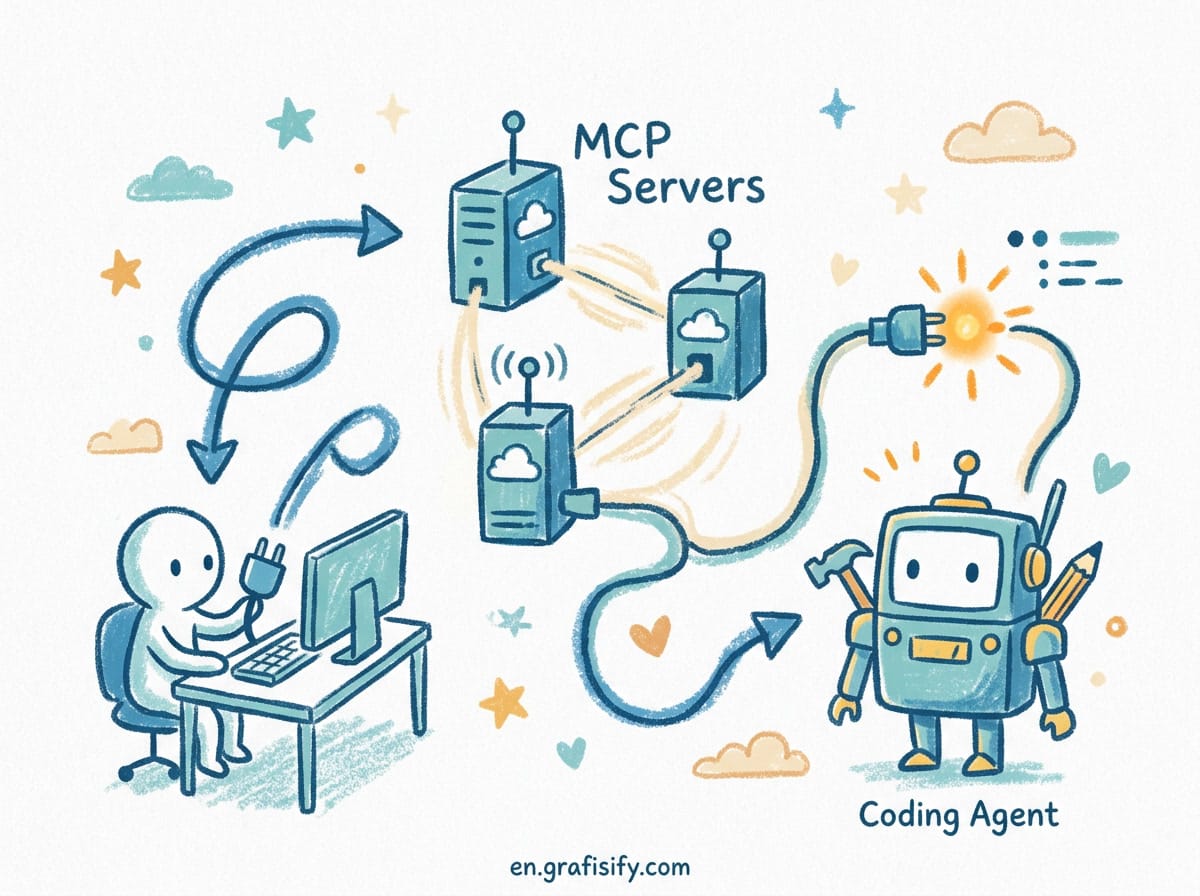
Claude Code is a CLI agent from Anthropic. It runs in your terminal next to whatever editor you use. It reads the file tree, edits across files, runs git and your package manager, and works through multi-step tasks without you watching each step. Its context window leverages Claude models that reach 200K tokens, with Opus-class versions going higher, which lets it hold most of a mid-size codebase in memory at once. Project-level memory lives in rules files you write for AI coding agents, which persist conventions across sessions.
Cursor is a VS Code fork rebuilt around an agent. Every layer of the interface assumes you are pair programming. Its Tab Completion predicts the next diff rather than the next word, Composer handles multi-file edits with side-by-side diffs, and Agent mode plans and applies changes inside the editor itself.
GitHub Copilot is an extension across VS Code, JetBrains, Visual Studio, Neovim, and Xcode. It does not ask you to change editors. For an organization, the draw is governance: sign-in flows through your GitHub identity, so SSO, audit logs, and policy controls you already set apply without a new vendor evaluation.
How They Perform on Real Tasks
Benchmark numbers only tell part of the story, but they are a useful starting point. On SWE-bench Verified, a test measuring whether an agent resolves real closed GitHub issues, Claude Code posted an 80.8% score in a widely cited 2026 comparison, ahead of third-party estimates for the other two. Later Opus-class versions pushed that higher through the year. Cursor and Copilot have not published official SWE-bench Verified results, so their figures are estimates. The official agent documentation from Anthropic, Cursor, and GitHub Copilot lists the current feature set for each if you want the primary source.


The gap shows up most in autonomous multi-file work: running a test suite, reading the failure, fixing the code, and re-running it in a loop. Claude Code does this read-edit-run cycle from the shell without a human staying in the loop. In tests reported by Builder.io, it used roughly 5.5x fewer tokens than Cursor on identical tasks, though treat that as directional, not gospel.
Cursor’s agent mode produces correct code but tends to need more back-and-forth because the diff is right there in the editor and you review it. Copilot’s agent mode produces functionally correct code but required more manual file management in head-to-head tests of an eight-file refactor.

Comparison Table
| Dimension | Claude Code | Cursor | GitHub Copilot |
|---|---|---|---|
| Interface | Terminal / CLI | Standalone AI-native IDE (VS Code fork) | Extension for VS Code, JetBrains, Neovim, Xcode |
| Agentic autonomy | High: plans, edits, runs commands | Medium-high: plans and applies with approval | Medium: proposes, needs more manual apply |
| Model flexibility | Claude models only | Multiple providers, in-editor switch | Multi-model selector |
| Context window | Up to 200K+ tokens | Large via codebase indexing | Varies by model selected |
| Shell execution | Yes, native | Limited | No |
| Web / MCP tools | Yes, native MCP | Partial | No |
| Individual price | $20/mo Pro, $100-200 Max | $20/mo Pro | $10/mo Pro |
| Free tier | Limited via Claude plan | Hobby (eval only) | Yes (capped requests) |
Pricing and the Billing Shift
Cost is where the three diverge most sharply in 2026. GitHub Copilot starts cheapest: a free tier with capped requests, then $10/month for Pro, with Business at $19 per seat. Cursor runs $20/month for Pro and jumps to $40 per seat for Teams. Claude Code has no standalone free tier. It is bundled into Claude’s Pro plan at $20/month, with Max plans at $100 or $200 for heavy daily use.
One wrinkle worth flagging: starting June 2026, Copilot moved to usage-based billing with a monthly credit allotment per plan. The old “ten dollars covers everything” mental model is ending. Each plan still includes credits matched to its price, but heavy agent use can blow past the pool. Budget for the workload, not the sticker. Cursor and Claude Code already meter usage at the top tiers, so they are easier to predict.
Which One Matches Your Workflow
Match the tool to the task you do most often, not to which one scored highest in a benchmark.
- Daily editing and autocomplete: Cursor wins with Tab Completion and Composer inside a familiar editor. Cost is $20/month.
- Completions across JetBrains, Visual Studio, or Xcode: Copilot is the only one with that breadth. Cost is $10/month.
- Refactor across hundreds of lines and many files: Claude Code’s terminal agent and large context handle this without you opening a diff window. Cost is $20 to $200 depending on plan.
- GitHub issue to pull request automation: Copilot lives inside the PR review surface and can be assigned issues through Copilot Workspace.
- Codebase Q&A on a 100K-line monorepo: Claude Code’s project-level reasoning and biggest usable context win.
For a solo developer, Claude Code is the cleanest pick because the terminal interface stays consistent across Python, TypeScript, and infrastructure work in the same week. If you are handing it a large unfamiliar repo, pair it with a habit of auditing vibe-coded Python codebases before trusting the output in production. For a team already standardized on GitHub Enterprise, Copilot wins on procurement and central management even when its underlying models lag the state of the art.
When Each Tool Gets in the Way
The marketing for all three leans on the same words: autonomous, productive, accessible. After months of daily use across teams, the honest limits are clearer than the pitch.
Claude Code assumes terminal fluency. A developer who lives in a GUI editor and never touches bash will feel exposed because there is no visual safety net. Every change lands as a file diff in the terminal, and you are expected to read it. That is a feature for some and a wall for others. Its tight coupling to Claude models also means you cannot route a stubborn task to a different provider without leaving the tool.
Cursor’s strength, the full IDE, is also its tax. The agent indicators, side panels, and status bars add friction to a clean test-driven loop. Heavy users also hit billing surprises after the June 2025 credit-system change, where the meter moved faster than expected on premium model requests. And because it is a standalone editor, your team adopts a second homespace rather than keeping one.
Copilot inherits whatever regressions its upstream model vendors ship. If Anthropic pushes a bad Claude version, Copilot users routed to it feel it the same day. Its agent mode also trails on autonomous file creation, needing more manual steps to finish a multi-file task than the other two. For organizations, that is an acceptable trade because the governance and procurement story outweighs raw agent capability.
Security and Data Handling
All three send code to the cloud and hold SOC 2 Type 2 coverage. Each one states by default that your data is not used for training. HIPAA BAA is available on higher tiers across the board. The one structural difference: GitHub Copilot offers self-hosted deployment through GitHub Enterprise Cloud, while Claude Code and Cursor run in the vendor cloud. If your security posture forbids external code transmission, that rules out two of the three.
Running Two Together
The realistic 2026 setup is not one tool but a stack. A common pattern: Copilot org-wide for the governance and IDE-native completion baseline, with individual developers expensing Cursor or Claude Code on top for agentic work. Many run Cursor as the daily driver for editing and Claude Code reserved for heavy refactors that span too many files to view in one window. Combined Pro-tier cost lands around $40 per month, less than a single SaaS subscription, and gives you the right tool for every situation. If you are shaping a vibe coding workflow for solo developers, the stack approach tends to beat betting everything on one agent.

Key Takeaways
- Claude Code fits terminal-first developers who want an agent that drives the shell: edit files, run builds, read failures, fix them in a loop.
- Cursor fits teams willing to adopt a dedicated editor and wanting the strongest in-editor diff and completion experience.
- Copilot fits organizations already on GitHub that want AI help without an editor migration or a new vendor evaluation.
- None of the three wins outright. Your pick depends on how deep you want AI in your process and where your hands already are.
Final Thoughts
Stop asking which tool is best. Ask where your work actually happens. If you live in the terminal, Claude Code removes the most friction. If you think in diffs inside an editor, Cursor is the tightest loop. If your team is already on GitHub, Copilot is the path of least resistance and the lowest entry cost. The developers shipping the fastest in 2026 are not loyal to one, they keep two within reach and reach for the right one per task. Start with the one that matches your current setup, then add a second only when a recurring task keeps outgrowing it.

Irfan is a Creative Tech Strategist and the founder of Grafisify. He spends his days testing the latest AI design tools and breaking down complex tech into actionable guides for creators. When he’s not writing, he’s experimenting with generative art or optimizing digital workflows.




 Artificial Intelligent
 Design & Creative
 Freelance
 Gadgets & Gear
 Insights
 Laptop
 Reviews
 Smartphone
 Tech Guides
 Vibe Coding





