Passkeys vs Passwords: Which Is More Secure?

Passwords survived decades of obituaries. Passkeys arrived with a louder promise: no more passwords to remember, steal, or phish. The promise holds up better than most tech promises. It also comes with trade-offs that rarely make it into the headlines. This guide compares passkeys and passwords on the criteria that matter, with adoption numbers from FIDO Alliance, Google, and NIST, so you can decide where each one belongs in your own setup.
Verdict: Passkeys Win on Security, Passwords Still Win on Reach
Passkeys are more secure than passwords. The gap is not close on phishing resistance. A passkey cannot be typed into a fake login page, pasted into a chat, or reused across sites, because there is nothing to type or reuse. Passwords fail on all three counts, and they fail at scale.
That verdict comes with a qualifier. Passkeys work best where sites support them and where your devices stay in sync. Passwords still cover every login on the internet, including the long tail of sites that may never add passkey support. I use passkeys everywhere they are offered, and I keep a password manager for the rest. That combination beats either option alone.
- Security: Passkeys win. Phishing-resistant by design, unique per site, no shared secret to leak in a breach.
- Speed: Passkeys win. FIDO Alliance data puts passkey sign-in at nearly three times faster than passwords.
- Reach: Passwords win. Every site accepts a password. Passkey support is broad at big services and thin elsewhere.
- Recovery: Passwords win for now. Resetting a password takes minutes. Recovering a lost passkey setup takes planning.
- Best move for most people: Turn on passkeys for your top accounts this week. Keep a password manager as the fallback.
Why Passwords Keep Failing
A password is a shared secret. You know it, and the server knows a copy of it. Every login hands that secret across the network, and every breach puts a copy of it in criminal hands. The model made sense when people had a handful of accounts. It breaks when people have hundreds.
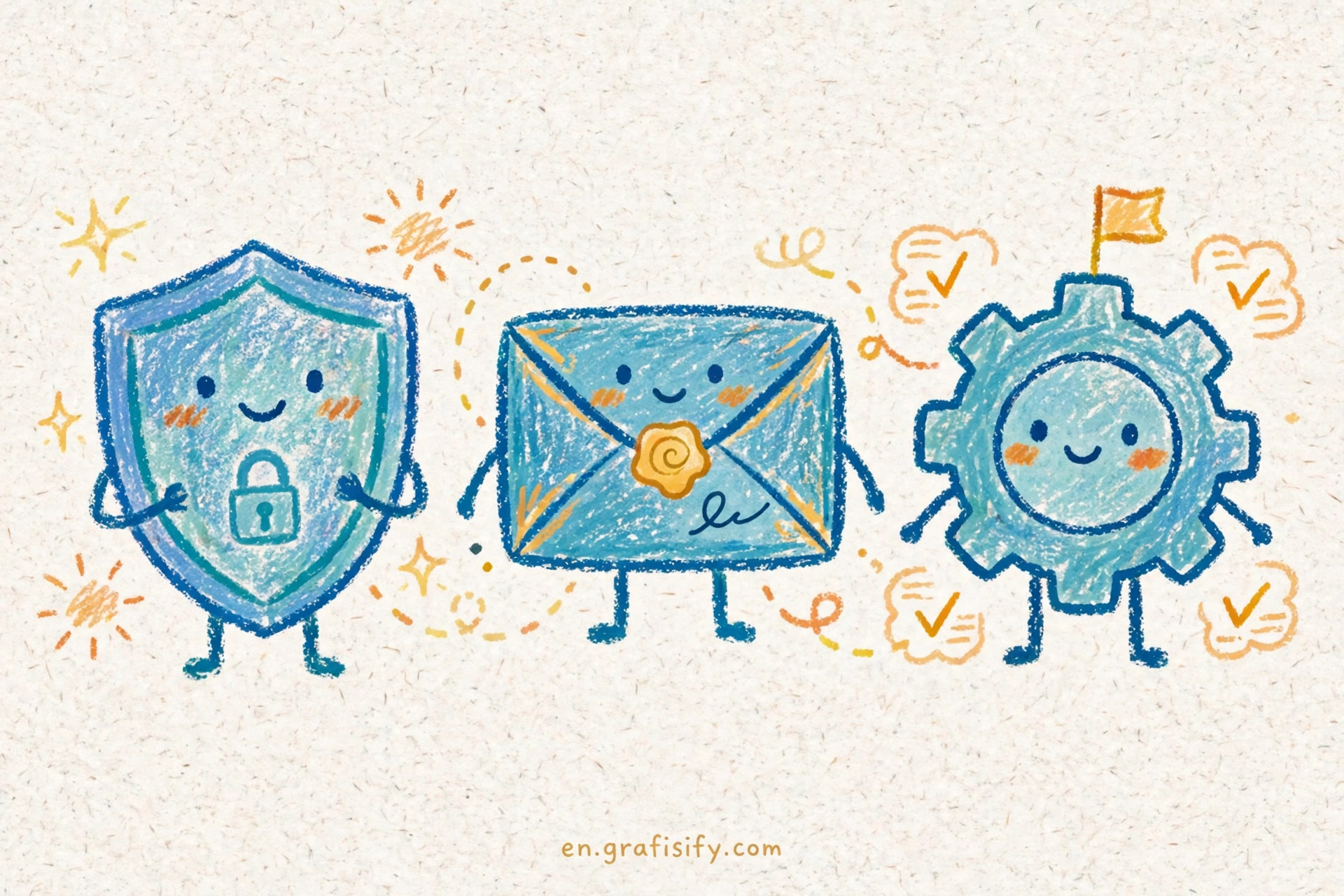
Reuse turns one breach into many. Attackers take username and password pairs from one leak and try them on banking, email, and shopping sites in automated waves, a tactic called credential stuffing. The attack costs almost nothing to run, and it works because people reuse passwords across services. A unique password per site stops this cold, but almost nobody maintains 200 unique passwords in memory.
Phishing targets the human in the loop. A fake login page looks identical to the real one, and the victim types the real password into it. Two-factor codes sent by SMS help, but they can be phished the same way: the victim reads the code from a text and types it into the fake page. SIM-swap attacks add another hole, letting an attacker receive your SMS codes after porting your number to their SIM.
The breach numbers stay grim. The WebAuthn guide puts it plainly: 81% of hacking-related breaches leverage stolen or weak passwords. Treat that figure as an industry estimate rather than a precise count, since the guide states it without showing the underlying study, but the direction matches every breach report of the past decade. Passwords keep failing because the design asks humans to do something humans are bad at: memorize long random strings, never reuse them, and spot a pixel-perfect fake page under time pressure.
Password managers fix the memory problem. They generate and store a unique password per site, and you remember one master password. That is a large improvement, and it remains the right fallback for sites without passkey support. It does not fix phishing, though. A password manager can still fill your credentials into a convincing fake domain if you are tricked into visiting one.
How Passkeys Actually Work
A passkey replaces the shared secret with a key pair. When you create a passkey for a site, your device generates a private key and a public key. The public key goes to the site. The private key never leaves your device. At sign-in, the site sends a challenge, your device signs it with the private key, and the site verifies the signature with the public key.
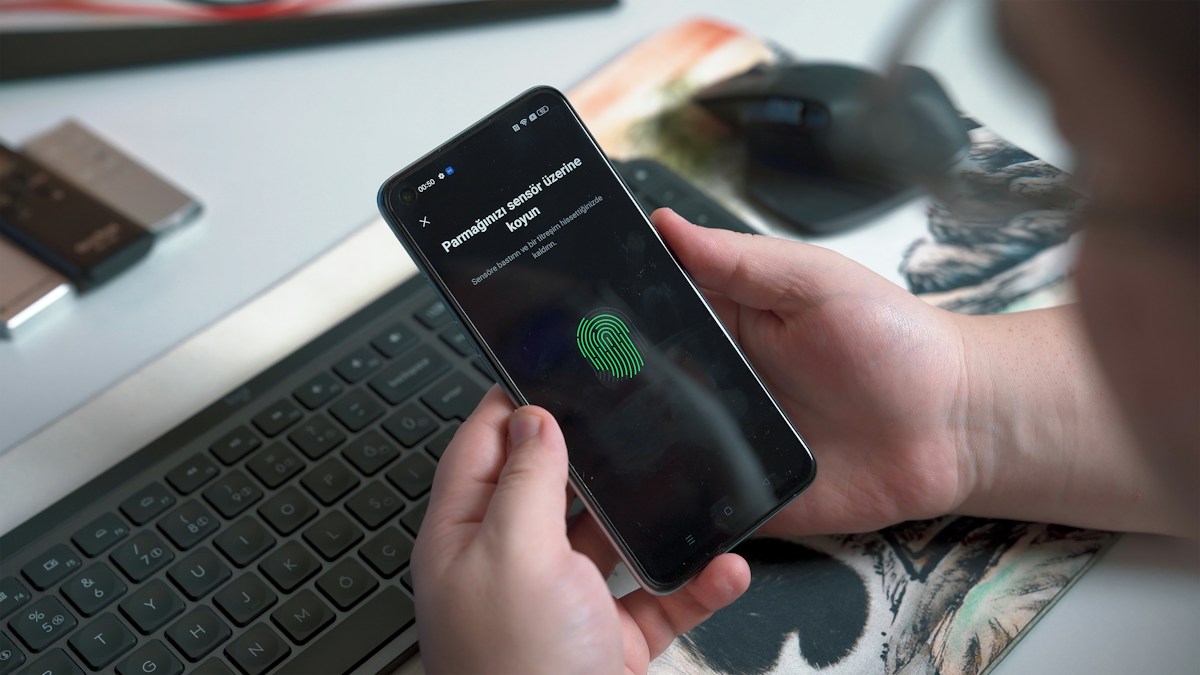
Your fingerprint or face unlocks the private key on the device. The biometric itself never travels to the site. It only proves to your own device that you are the person holding it. A PIN works as the fallback when biometrics are unavailable. If you want the full picture of how these unlock methods compare on your phone, my guide to Face ID vs fingerprint screen unlock breaks down the trade-offs.
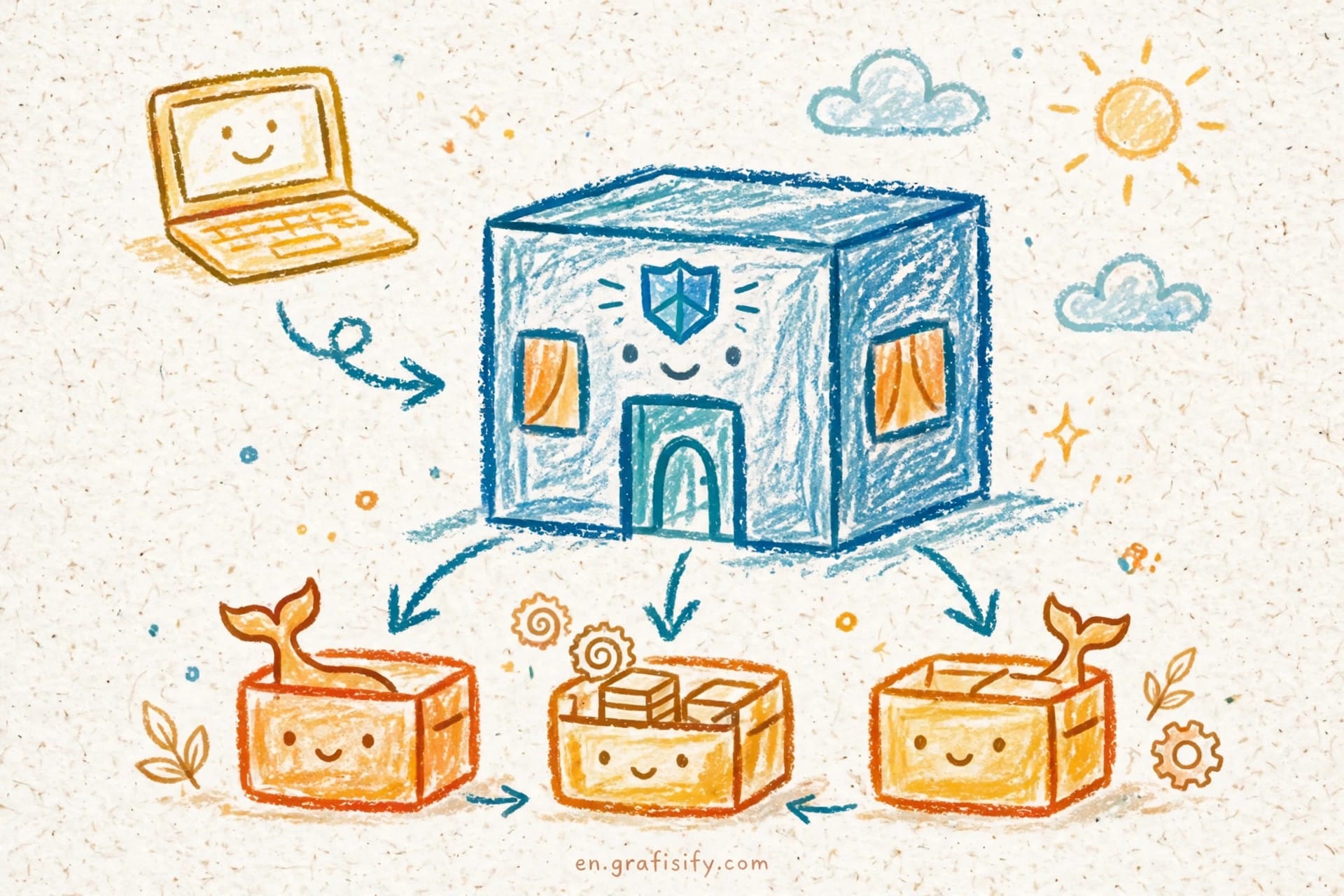
Origin binding is the feature that kills phishing. The signature your device produces is tied to the real domain of the site. A fake login page on a lookalike domain gets no valid signature, because the browser refuses to sign a challenge for the wrong origin. Google puts it plainly in its passkey announcement: your device ensures the signature can only be shared with Google websites and apps, and not with malicious phishing intermediaries.
Passkeys rest on open standards, not on one vendor. WebAuthn is the W3C standard for the browser API, published as a W3C Recommendation in April 2021, and FIDO2 defines the wider framework. Apple, Google, and Microsoft committed jointly in May 2022 to expand support for the FIDO standard across their platforms, which is why passkeys now work across phones, laptops, and browsers instead of living inside one ecosystem. Passkeys sync through your platform account, Apple iCloud Keychain, Google Password Manager, or a third-party manager, so a new phone picks up your passkeys after you sign in.
At Google, a passkey replaces both the password and the second verification step. Google states that when you sign in with a passkey, it will not ask for your password or 2-Step Verification. Google also considers passkeys strong enough to stand in for physical security keys for users in its Advanced Protection Program. That is a strong signal about how much trust the industry now places in the mechanism. Read Google’s original announcement on the Google Security Blog for the details.
Also Read:

Passkeys vs Passwords vs 2FA: The Comparison Table
Security is not one score. It is a set of trade-offs across phishing, breach impact, friction, recovery, and cost. This table scores the five common sign-in methods on each one.
| Method | Phishing resistance | Breach impact | Sign-in friction | Recovery after device loss | Cost | Verdict |
|---|---|---|---|---|---|---|
| Password alone | None | High: leaked credentials work everywhere they are reused | Low, until you forget it | Easy: email reset | Free | Weakest option |
| Password plus SMS OTP | Low: codes can be phished or SIM-swapped | Medium: password leaks still matter | Medium: wait for a text | Easy: new SIM or email reset | Free for users; SMS fees for services | Better than nothing, weakest 2FA |
| Password plus authenticator app (TOTP) | Medium: codes can be phished in real time | Medium: password leaks still matter | Medium: open app, copy code | Hard: lose the seed, lose access | Free | Solid, with a recovery trap |
| Passkey | High: origin-bound, nothing to phish | Low: no shared secret to steal | Low: one biometric tap | Medium: depends on sync and backup | Free | Best balance for most people |
| Hardware security key | High: origin-bound like a passkey | Low: no shared secret to steal | Medium: carry the key, tap it | Hard: lose the key, lose access without a spare | Key costs money | Strongest, with the most friction |
Two rows deserve a closer look. SMS one-time codes look like two-factor security, but they inherit the weaknesses of both channels: the code can be phished like a password, and the phone number can be hijacked through a SIM swap. Authenticator apps fix the SIM-swap hole, because the code is generated on your device, but a real-time phishing proxy can still relay a code you type into a fake page. Passkeys and hardware keys close that hole completely, because there is no code to relay. The difference between the two is convenience: a passkey lives on the phone you already carry, while a hardware key is a separate object you must keep track of.
Adoption in Numbers: Is Passwordless Real Yet?
Passwordless login has crossed from promise to measurement. The FIDO Alliance estimates that 7 billion passkeys are now in use worldwide, according to its October 2026 update. Treat the number as an estimate, which is how FIDO states it, but the scale is large by any measure. The same update reports data from the 2026 Passkey Index, which draws on 15 major consumer services, including Amazon, Google, Microsoft, PayPal, Shopify, TikTok, and WhatsApp.
The Index numbers favor passkeys on every axis it measures. More than a third of successful sign-ins at those services now use a passkey. Passkey sign-ins succeed more often than passwords and traditional multi-factor sign-ins, and they run nearly three times faster. Every participant that measures phishing reported fewer successful attacks after deploying passkeys. Keep the scope in mind: 15 large services that chose to share data are not the whole internet, but they are the services most people sign into daily.
Google published its own scale numbers in May 2024: passkeys had authenticated users more than 1 billion times across over 400 million Google Accounts. Google also reports that passkeys run about 50% faster than passwords, and that passkeys are already used for Google Account sign-in more often than legacy second factors such as SMS codes and authenticator-app codes combined. Those figures are from May 2024, so they understate where adoption stands today, but they remain the latest public milestone Google has published. The full update is on the Google blog.
Standards bodies have moved in the same direction. NIST SP 800-63B, the US federal guideline for digital identity, now states that verifiers shall offer at least one phishing-resistant authentication option at its AAL2 assurance level, and that federal agencies shall require phishing-resistant authentication for access to federal systems. That is a policy mandate, not a suggestion. You can read the requirement in NIST SP 800-63B. The FIDO Alliance tracks the full picture in its 7 billion passkeys update.
Where Passkeys Fall Short
Passkeys are not a clean replacement yet. The gaps are practical, and they decide whether a passkey setup survives contact with real life.
Recovery is the sharpest edge. A password resets through email in minutes. A passkey lives on your devices, so losing your only device without a synced backup can lock you out of accounts that offer no fallback. Synced passkeys through iCloud Keychain or Google Password Manager solve most of this, because a new device restores them after you sign into your platform account. Device-bound passkeys, the kind stored on a single hardware key or a single phone with sync off, do not. Check which kind your accounts create, and keep at least one recovery path per important account.
Assurance levels draw a line most people never see. NIST states that syncable authenticators shall not be used at AAL3, its highest assurance level, because the private key must be exportable to sync. At AAL3, key exportability is prohibited. That distinction matters for high-security work, not for personal accounts, but it shows that sync convenience and maximum assurance pull in opposite directions. A hardware security key stays the right call where the stakes demand it.
Shared devices and shared accounts stay awkward. A passkey belongs to one person on one device profile. A family tablet or a shared work machine needs separate profiles or separate passkeys per person, and not every site supports more than one passkey per account. Sites that never add passkey support leave you with passwords anyway, so the password manager stays in the picture. I keep mine for exactly that long tail, and a self-hosted password manager like Vaultwarden keeps those credentials under my own control.
Two operational details round out the picture. First, account recovery usually runs through email, so a compromised inbox can undo good authentication. Locking down that inbox matters as much as the login method itself, and a proper SPF, DKIM, and DMARC setup on your own domain keeps recovery mail out of the spam folder and harder to spoof. Second, a device that holds passkeys is a device worth protecting when it changes hands. Before you hand a phone or laptop to someone else, wipe a laptop before selling it and remove your accounts from a phone first, so the passkeys on it die with your session.
Conclusion: Start With Passkeys, Keep a Plan B
Passkeys beat passwords where it counts: phishing resistance, speed, and breach impact. The adoption data backs the claim, and the standards bodies have written it into policy. Passwords keep one advantage, reach, and recovery keeps the other. The smart move is not to pick a side. It is to use passkeys where they are offered, keep a password manager for the rest, and set up recovery before you need it.
Take action this week. Turn on passkeys for your email, your bank, your password manager, and your two most-used shopping or social accounts. Confirm that your passkeys sync through your platform account, and store a backup recovery method for each one. Then leave the remaining passwords to the manager. Security improves the most from the accounts you fix first, not from the ones you plan to fix later. If you want the wider context, Apple, Google, and Microsoft laid out the joint commitment that made this shift possible in their 2022 announcement, and the WebAuthn guide explains the underlying standard in plain language.

Irfan is a Creative Tech Strategist and the founder of Grafisify. He spends his days testing the latest AI design tools and breaking down complex tech into actionable guides for creators. When he’s not writing, he’s experimenting with generative art or optimizing digital workflows.







 Artificial Intelligent
 Design & Creative
 Freelance
 Gadgets & Gear
 Insights
 Laptop
 Reviews
 Smartphone
 Tech Guides
 Vibe Coding





