Testing and Versioning LLM Prompts Like a Software Engineer

Verdict
Testing and versioning LLM prompts manually creates context drift, breaking changes in production, and high API costs. Engineering teams building reliable AI applications standardise on code-first prompt evaluation harnesses like promptfoo in CI/CD, alongside developer-first observability registries like LangSmith or Langfuse for live production tracing. Avoid un-evaluated prompt deployments: adopting declarative YAML test cases with automated red-teaming ensures prompt updates are diffed, benchmarked, and validated before hitting end users.
The Hidden Failure Modes of Production Prompts
Prompt engineering often starts informally. A developer edits a system prompt in a playground, tests two example inputs, copy-pastes the text into application code, and deploys. While this workflow works for early prototypes, it quickly breaks down as teams scale their AI features.
Without an evaluation and versioning framework, production prompts suffer from three recurring problems:
- Regression Cascades: Tweaking a prompt to improve edge case A often degrades formatting or accuracy on established use cases B and C. This is the same failure mode teams hit with stale context poisoning in coding agents, where old instructions silently corrupt fresh outputs.
- Silent Formatting Drift: Upstream LLM provider API updates or temperature changes can alter output structures, causing JSON parsing errors in downstream parsers.
- Adversarial Vulnerabilities: Modifying prompt constraints can accidentally loosen guardrails, opening your application to prompt injection and PII leakage.
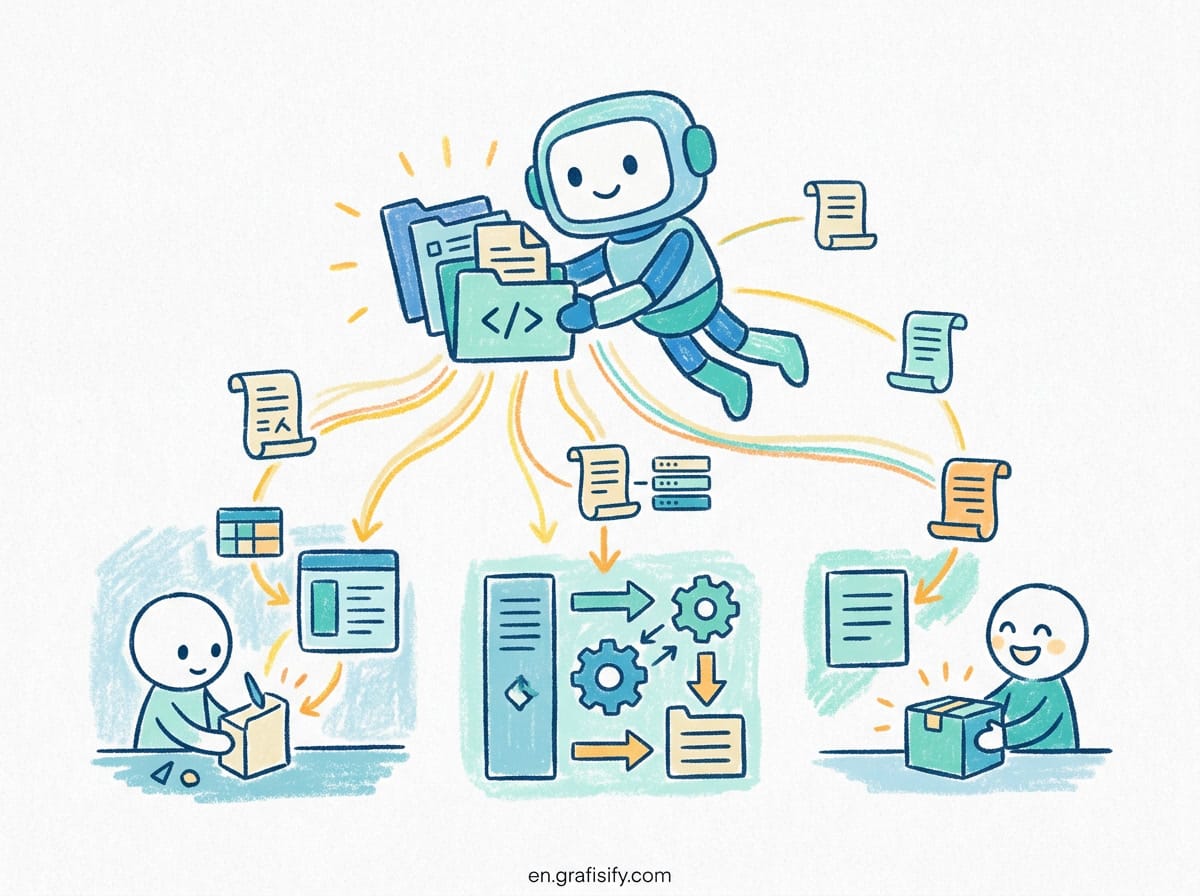
To eliminate these risks, modern engineering teams treat prompts as software artifacts. They apply the same lifecycle discipline used in traditional software development: version control, declarative test suites, automated CI/CD quality gates, and continuous production monitoring.

Prompt Management Paradigms: Config-as-Code vs Hosted Registries
Choosing the right prompt infrastructure depends on team structure, deployment rhythm, and compliance constraints. The ecosystem splits into two primary approaches: code-first local evaluation harnesses and hosted prompt management registries.
| Dimension | Promptfoo (Config-as-Code) | LangSmith (Platform) | Langfuse (Open-Source) |
|---|---|---|---|
| Primary Focus | Pre-deploy CI evals & red-teaming | Production tracing & observability | Open-source observability & prompt store |
| Versioning Model | Git commits & YAML in repo | Commit hashes & environment tags | Named labels (Staging, Production) |
| Primary User | Software & Security Engineers | Developers (LangChain ecosystem) | Engineers & DevOps teams |
| Deployment Flow | Standard Git PR / CI pipeline | SDK fetch by tag / environment | SDK fetch by environment label |
| Red-Teaming | Extensive built-in security probes | Basic custom test suites | Custom evaluators |
| License & Hosting | MIT (Runs locally / in CI) | Proprietary SaaS / Enterprise | MIT Open Source (Self-hostable) |
1. Config-as-Code (Promptfoo)
Tools like promptfoo keep prompt templates and evaluation cases inside your codebase inside declarative promptfooconfig.yaml files. Versioning relies on Git commits, pull requests, and standard review flows. This eliminates vendor lock-in and allows developers to run prompt evaluations locally or inside CI/CD pipelines without incurring SaaS subscriptions.
2. Hosted Registries & Tracing Platforms (LangSmith & Langfuse)
Hosted registries separate prompt text from application code. Engineers or product managers update prompt templates via a visual UI, tag them with labels like staging or production, and application SDKs fetch the active prompt dynamically at runtime. Platforms like LangSmith and Langfuse pair this registry model with step-level production tracing, giving visibility into latency, cost, and tool calls across complex agent workflows.
Also Read:


Building a Pre-Deploy CI Gate with Promptfoo
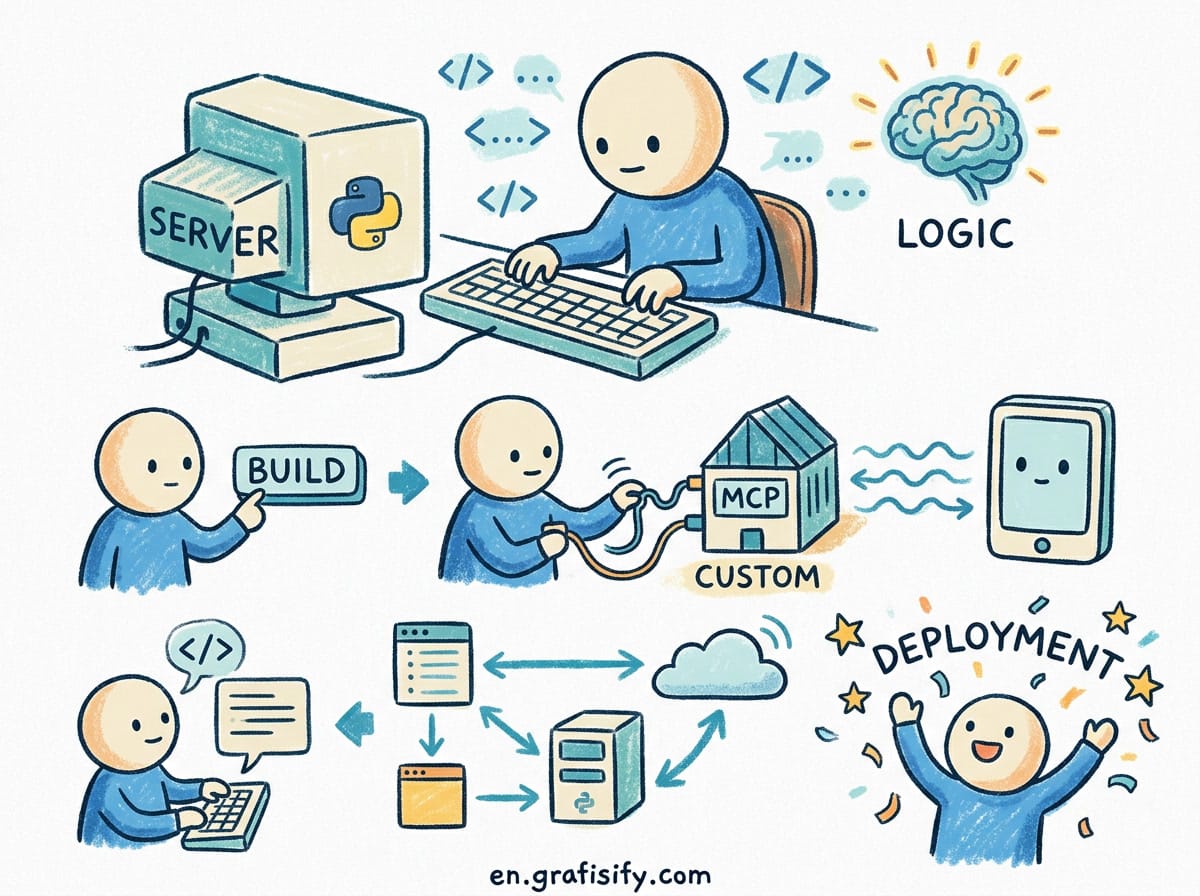
Setting up an automated pre-deploy evaluation pipeline prevents broken prompts from reaching production. Promptfoo allows teams to define prompts, model providers, test variables, and assertions in a single repository configuration. This setup pairs naturally with agent steering files like rules files that keep coding agents in check, because both rely on structured, versioned instructions.
Step 1: Declare Your Configuration
Create a promptfooconfig.yaml file at the root of your project repository. Declare the prompt template, the target model providers, your test variables, and the assertions that define acceptable output quality:
description: "Customer Support Summarization Eval"

prompts:
  - "Summarize this customer issue in 2 sentences. Issue: {{issue}}"

providers:
  - id: openai:gpt-4o-mini
  - id: anthropic:claude-3-5-haiku

tests:
  - vars:
      issue: "I was billed twice for my subscription on March 1st. Order ID #4921."
    assert:
      - type: contains
        value: "billed twice"
      - type: is-json
      - type: llm-rubric
        value: "Does not promise a refund, remains professional"
Step 2: Add Quality Gates in GitHub Actions
Integrate evaluation checks into your continuous integration workflow. The step executes tests across all configured providers and fails the pull request if accuracy thresholds or safety checks drop:
Also Read:

name: Prompt Quality Gate

on:
  pull_request:
    paths:
      - 'prompts/**'
      - 'promptfooconfig.yaml'

jobs:
  evaluate:
    runs-on: ubuntu-latest
    steps:
      - uses: actions/checkout@v4
      - uses: actions/setup-node@v4
        with:
          node-version: '24'

      - name: Run Promptfoo Evaluation
        env:
          OPENAI_API_KEY: ${{ secrets.OPENAI_API_KEY }}
          ANTHROPIC_API_KEY: ${{ secrets.ANTHROPIC_API_KEY }}
        run: |
          npx promptfoo@latest eval -c promptfooconfig.yaml -o results.json

      - name: Enforce Pass Rate
        run: |
          FAILURES=$(jq '.results.stats.failures' results.json)
          if [ "$FAILURES" -gt 0 ]; then
            echo "Quality gate failed with $FAILURES test failures."
            exit 1
          fi

Evaluating Prompt Security with Automated Red-Teaming
Evaluation in continuous integration shouldn’t stop at text quality or formatting adherence. Production prompts are vulnerable to adversarial inputs, prompt injection, and accidental data exposure. Promptfoo includes automated security scanning modules that test system prompts against common vulnerability classes before deployment.
Automated red-teaming sends probe payloads against your prompt templates to identify weaknesses in three critical areas:
- Direct and Indirect Prompt Injection: Attackers craft user inputs designed to override system instructions or manipulate function calling routines.
- PII and Credential Leakage: Probes test whether system prompts leak system instructions, API tokens, or simulated user PII when asked directly by adversarial users.
- Harmful and Out-of-Scope Content: Guardrails ensure the model refuses request types outside the application domain, maintaining brand compliance.
To run red-teaming probes automatically during CI builds, add a dedicated plugin block to your configuration file:

redteam:
  plugins:
    - id: jailbreak
    - id: prompt-extraction
    - id: pii:direct
  strategies:
    - id: jailbreak:composite
Executing this evaluation step catches guardrail regressions before code reviews, turning security validation into an automated continuous integration test.
The Production Feedback Loop: Combining CI Gates with Tracing
Pre-deploy evaluation and post-deploy observability are complementary layers of a complete LLM engineering workflow:
- Pre-Deploy Gate (Promptfoo): Runs in CI on every pull request. It checks prompt variants across model providers, tests formatting rules, and executes red-team security scans against jailbreaks and prompt injection. When building custom agent toolchains, pairing this with Model Context Protocol security practices ensures both prompt instructions and tool interfaces remain secure.
- Production Tracing (LangSmith / Langfuse): Runs live in production. It captures user inputs, model outputs, tool execution parameters, latency, and real-world failure cases.
- Dataset Feedback Loop: Edge cases and failed production runs captured in your tracing tool are exported back into repository test files (
tests.csvorpromptfooconfig.yaml).
This closed-loop system ensures that every production bug becomes a permanent regression test, continuously strengthening your prompt evaluation matrix over time. For engineering teams shipping autonomous agent applications faster than they can manually inspect outputs, this feedback loop matters as much as robust agent observability tooling, because detected production failures only improve reliability if they reach the automated test suite.
Best Practices for Production Prompt Architecture
1. Pin Prompts to Explicit Version Identifiers
Never call an un-versioned or dynamically mutating prompt endpoint in critical production paths. If using a hosted registry, load prompts by explicit semantic tags or git commit SHAs rather than relying on un-versioned latest pointers.
2. Combine Deterministic and Model-Graded Assertions
Use lightweight deterministic checks (such as contains, is-json, regex matching, or length limits) alongside LLM-as-a-judge assertions (llm-rubric). Deterministic assertions run fast at zero token cost, catching structural errors before model-graded evaluators run.
3. Automate Red-Teaming in Scheduled Scans
Incorporate automated adversarial testing into your security pipelines. Running periodic red-teaming scans probes system prompts for indirect prompt injection, sensitive data leakage, and unauthorized system access before external attackers exploit them.
Frequently Asked Questions
Can I use promptfoo alongside LangSmith or Langfuse?
Yes. Pairing promptfoo in CI/CD with LangSmith or Langfuse in production is a standard architecture for AI engineering teams. Promptfoo validates prompts before release, while LangSmith or Langfuse traces live user traffic and monitors latency, cost, and tool calls in real time.
How do I prevent high API costs when running prompt evals in CI?
To control cost, use smaller fast models (such as GPT-4o-mini or Claude 3.5 Haiku) for routine PR evaluations, and schedule comprehensive multi-model matrices or red-team scans on a daily cron or pre-release branch merge. Additionally, enable promptfoo local file caching (PROMPTFOO_CACHE_PATH) in CI to avoid re-evaluating unchanged test inputs.
Should product managers edit prompts directly in production?
Allowing non-engineers to edit prompts in a visual registry can accelerate iteration, but changes should still run through automated test suites. If non-engineers update prompts via a dashboard UI, configure webhooks to trigger CI evaluation runs before promoting the updated prompt label to production.
Conclusion
Moving LLM applications from experimental scripts to production systems requires robust evaluation and version control. By managing prompts as config-as-code in Git, testing changes with promptfoo in CI, and tracing live executions with LangSmith or Langfuse, teams maintain strict output quality, catch regressions early, and ship AI features with confidence.

Irfan is a Creative Tech Strategist and the founder of Grafisify. He spends his days testing the latest AI design tools and breaking down complex tech into actionable guides for creators. When he’s not writing, he’s experimenting with generative art or optimizing digital workflows.






 Artificial Intelligent
 Design & Creative
 Freelance
 Gadgets & Gear
 Insights
 Laptop
 Reviews
 Smartphone
 Tech Guides
 Vibe Coding