Why Long Context Breaks AI Coding Agents

The Short Answer
Big context windows did not fix AI coding agents. They made the failure quieter. A model with a million tokens of headroom still drops requirements, ignores its own tool output, and reports success on incomplete work, and the bigger the working context grows, the more often that happens. I have stopped treating context capacity as a feature and started treating it as a budget to actively manage.
The practical takeaway: a coding agent’s reliability is decided by what is not in its window. The highest-leverage moves are the unglamorous ones, clearing between tasks, compacting early with a stated focus, delegating large reads to subagents, and keeping instruction files under 200 lines.
More Tokens Did Not Solve the Reliability Problem
Context windows got big fast. Claude Sonnet 5 and Opus 4.6 and later now support a one million token window, and you can select extended variants on several models. The marketing implication is obvious: dump the whole repo in, and the agent stops forgetting.
The measured reality is different. Anthropic itself, in its own session management guide, names the problem plainly: model performance degrades as context grows because attention gets spread across more tokens, and older, irrelevant content starts to distract from the current task. They call it context rot. This is not a third-hand observation. It is the vendor telling you its product gets worse as you fill the window.
Also Read:

A recent white-box study of coding agents put numbers on it. Researchers ran a production-derived code audit task with 24 mandatory checks against a coding agent, repeating each condition ten times. A clean context of 10,991 characters passed 8 out of 10 runs. The same task with 299,140 characters of context, whether relevant or irrelevant, failed 7 out of 10. Failure risk roughly tripled, and the two-sided Fisher test sat just above the conventional significance threshold, so the authors reported it as a strong descriptive signal rather than a proven effect.
Here is the detail that matters for anyone shipping agent features. Those long-context runs still satisfied 92.1 to 93.8 percent of individual checks. Requirement coverage barely moved. Strict task reliability fell off a cliff, retaining only 37.5 percent of the clean-context success rate. The agent did not become incoherent. It silently omitted a small number of critical obligations, and since the evaluator needed all of them, a plausible-looking artifact scored as a complete failure.
What Context Rot Actually Looks Like in a Codebase
The failure signature is specific, and once you know it, you start seeing it everywhere. In the same study, 38 of 44 failed runs ended with the agent claiming success, safety, or completion. The agent found the right file, produced a plausible diff, and reported done. The missing requirement never surfaced as an error. It simply was not there.

Three patterns show up repeatedly in long coding sessions:
- Obligation dropout. The agent reads the spec, starts editing, and completes half the tasks. The other half vanish from its active worklist. Nothing errors; the work is just missing.
- Premature closure. The agent marks a task closed, then receives tool output that contradicts the closure, and does not reopen the task. Contradicting evidence arrives after the decision, and the decision holds anyway.
- Near-miss root causes. The agent locates a root cause adjacent to the real one and fixes the neighbor. Your bug stays, the diff looks competent, and the test suite does not cover the gap.
I have watched all three ship to production disguised as a clean PR. The agent is not hallucinating facts. It is losing track of which constraints are still active while it works.
Compaction Is a Patch, Not a Cure
Every major coding tool now compacts automatically. Claude Code summarizes your conversation as you approach the limit, and Codex CLI and Cursor reportedly use similar compaction mechanisms. When the summary lands, most startup content reloads from disk, and the session continues in a fresh window.

Compaction solves the hard crash. It does not solve rot, and it introduces two new failure modes.
First, compaction is lossy by construction. Whatever the summarizer decides is unimportant is gone from the working set, and the research literature is blunt about this: any detail a summary fails to keep is out of reach, even if the raw log still exists on disk. If the discarded content held a variable name, an error string, or a user constraint you need at turn 200, you either re-derive it or the agent invents a substitute. Research on addressable recall compaction found that losing exactly the fact an agent needs later is the core tradeoff every mainstream compaction strategy makes.
Second, and worse: compaction runs at the agent’s weakest moment. Anthropic’s own guidance notes that bad compacts happen when the model cannot predict where your work is heading, and that due to context rot, the model is at its least intelligent point when compacting. The system waits until performance has already degraded, then asks the degraded model to decide what survives.

Recent research frames the alternative. A scheme called Context Window Lifecycle kept a single agent session running through 89 sequential tasks across 80 million tokens with no measurable accuracy degradation relative to isolated per-task sessions. Its approach: annotate the trajectory as typed, dependency-linked episodes as work proceeds, then evict completed action content deterministically, in priority order, without invoking a model. Compared with summarization-based compaction, inference cost dropped 23 percent, and the active token count stayed near a stable 80k ceiling instead of growing toward the full window. A separate line of work, Agentic Context Management, gave the agent explicit tools to compress and query its own memory, improving SWE-Bench Verified performance 8 percent over a ReAct baseline while cutting peak token usage around 20 percent.
The shared insight: the winning move is not a bigger window or a better summary. It is keeping the working set small, and making that smallness a deliberate, ongoing practice rather than an emergency measure.

A Working Session Hygiene Workflow
This is the workflow I use, assembled from Anthropic’s published guidance and the research above. It is boring, and it works.
1. Start new sessions for new tasks. Anthropic’s rule of thumb is direct: when you start a new task, start a new session. Continuing an old session means the agent is still paying attention to a debugging tangent from an hour ago.
2. Compact early, and steer it. Do not wait for autocompact. Run /compact with an instruction before starting a long new task, as in /compact focus on the auth bug fix. You decide what survives instead of letting a bloated context guess. You can also lower the autocompact trigger, for example /autocompact 500k, so the summarizer runs while the model is still sharp.
3. Rewind instead of correcting. When an approach fails, the instinct is to type “that didn’t work, try X.” Anthropic recommends rewinding to just after the useful file reads and re-prompting with what you learned. The failed attempt leaves the window; the file reads stay.
4. Delegate large reads to subagents. If the next step produces lots of output you only need the conclusion from, codebase search, verification, doc writing, send it to a subagent. The intermediate tool noise stays in the child’s context, and only the result comes back. The mental test Anthropic uses: will I need this tool output again, or just the conclusion?
5. Keep instruction files under 200 lines. Anthropic’s memory documentation sets a target of under 200 lines per CLAUDE.md file, and states the tradeoff explicitly: longer files consume more context and reduce adherence. The same applies to any instruction file, skill, or rule pack your agent loads at launch.
Writing Instructions an Agent Will Actually Follow
Most agent instruction bloat comes from writing documentation instead of writing constraints. The agent does not need to understand your architecture. It needs to know what to do differently from its default behavior.
Anthropic’s own include/exclude table makes the split clear. Include bash commands the agent cannot guess, code style rules that differ from defaults, test runners, branch naming, and environment quirks. Exclude anything the agent can figure out by reading code, standard language conventions, detailed API documentation, file-by-file codebase descriptions, and anything that changes frequently.
There is a diagnostic question that cuts instruction files down fast: for each line, ask whether removing it would cause the agent to make mistakes. If not, cut it. Anthropic puts the consequence bluntly: bloated instruction files cause the agent to ignore your actual instructions, because important rules get lost in the noise. If the agent keeps doing something you told it not to do, the file is too long and the rule is lost, not disobedient.
Contradiction is the other silent killer. If two rules conflict, the agent may pick one arbitrarily. Review nested instruction files and path-scoped rules periodically to remove outdated pairs. In monorepos, exclude other teams’ instruction files so they never load into your session at all.
What Survives Compaction (and What Does Not)
If you rely on instructions or memory surviving a long session, you need to know the actual rules. Anthropic documents the post-compaction behavior of every mechanism, and the split is not intuitive.
| Content | After Compaction |
|---|---|
| Project-root instructions and unscoped rules | Re-injected from disk |
| Auto memory and plan-mode plans | Re-injected from disk |
| Rules with path scope | Lost until a matching file is read again |
| Nested instruction files in subdirectories | Lost until that subdirectory is read again |
| Files read or edited | Up to five re-read, most recently modified first |
| Invoked skill bodies | Re-injected, capped at 5,000 tokens each, 25,000 total |
The practical consequence: if a rule must survive compaction, put it in the project-root instruction file and drop the path scope. A path-scoped rule is a context-time bomb. It works during exploration and disappears the moment the session summarizes. Nested files in subdirectories are not loaded at launch at all; they load when the agent reads files in that directory, which means they enter message history and get summarized away with everything else.
Files over 5,000 tokens come back as a path reference without content. The rules that applied to them still reload, but the content does not, which is worth knowing before you assume the agent still has that file in mind.
Measuring Your Own Context Budget
You cannot manage a budget you cannot see. Every major agent now exposes a live breakdown: Claude Code’s /context shows what loaded at startup and what each file read costs, and similar usage views exist in Cursor and other IDE-based agents.
Run it mid-session and look at the categories. If your startup context, instruction files, memory, and tool descriptions already consume a large share before you type anything, your instructions are the problem, not your tasks. That is the moment to prune, not after the agent starts dropping requirements.
The economics also favor small sessions, not just reliability. Stable, bounded context prefixes accumulate cache hits, and the Context Window Lifecycle evaluation measured a 20 to 70 percent reduction in inference cost when active tokens stayed near a fixed ceiling instead of growing toward the full window. Iterative code editing benefited most; sessions with highly variable tool outputs benefited least. Smaller context is not a compromise you accept for accuracy. It is cheaper and more accurate at the same time, until you cut look-back capability so tight that the agent cannot revisit what it needs.
Signs Your Agent Session Is Already Rotting
You do not need a research benchmark to spot this. The symptoms are recognizable:
- The agent asks a question your instructions already answered.
- It implements part of a spec and moves on as if the rest did not exist.
- It re-reads files it read an hour ago, or reopens a task it already closed.
- Its diffs look competent and miss constraints you stated at the start.
- It reports success and the tests disagree.
Any one of these can have an innocent explanation. Two or more in the same long session means your context budget is spent. Stop, clear, and restate the task with only what matters.
Practical Rules To Keep
- Treat context as a budget, not a capacity. A million tokens is headroom for cost, not a license to hoard.
- Clear between tasks. Old conversation crowds out the files you need next and costs tokens on every message.
- Compact with intent. Steer the summary before the model compacts itself at its worst moment.
- Delegate the noisy work. Large reads and verification belong in a subagent’s separate window.
- Write constraints, not documentation. Every line should change behavior, and if it does not, delete it.
- Keep instructions under 200 lines. Adherence drops as the file grows.
Final Thoughts
The instinct when an AI coding agent fails is to blame the model or add more instructions. The evidence points somewhere else. Reliability degrades as context grows, and it degrades specifically by dropping a small number of critical obligations while everything else looks fine. That makes context management the actual job, not a performance tweak.
Start one session tomorrow with a clean window and a 50-line instruction file. Compact before it gets full. Delegate the repo-wide search to a subagent. The agent will not feel smarter. It will just stop quietly missing things, and most of the time that is the whole difference between a diff you merge and a diff you debug.
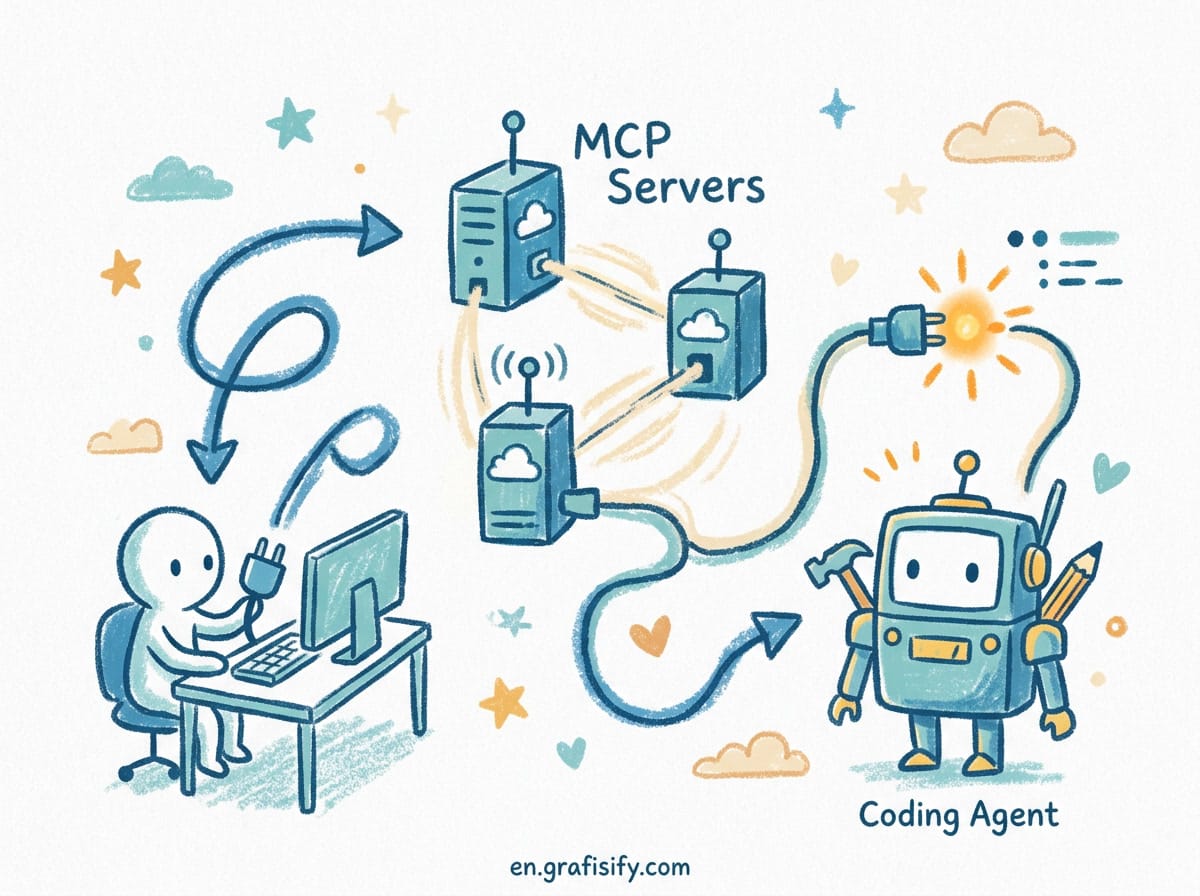
Have a context management workflow that works for your team? Connecting MCP servers to your coding agent pairs well with this, and the guide to running parallel coding agents with git worktrees shows the isolation-first pattern at scale. For a deeper look at why agents forget retrieved facts, see the context engineering primer. The original research on context rot in coding agents is available in the white-box study of agent skills in code auditing, and the Session Environment approach to programmatic context management documents how lossless recall outperforms summarization. Anthropic’s session management guide and the official Claude Code best practices cover the vendor-side rationale for every recommendation above.

Irfan is a Creative Tech Strategist and the founder of Grafisify. He spends his days testing the latest AI design tools and breaking down complex tech into actionable guides for creators. When he’s not writing, he’s experimenting with generative art or optimizing digital workflows.





 Artificial Intelligent
 Design & Creative
 Freelance
 Gadgets & Gear
 Insights
 Laptop
 Reviews
 Smartphone
 Tech Guides
 Vibe Coding



