How to Build a Custom MCP Server with Python
TL;DR
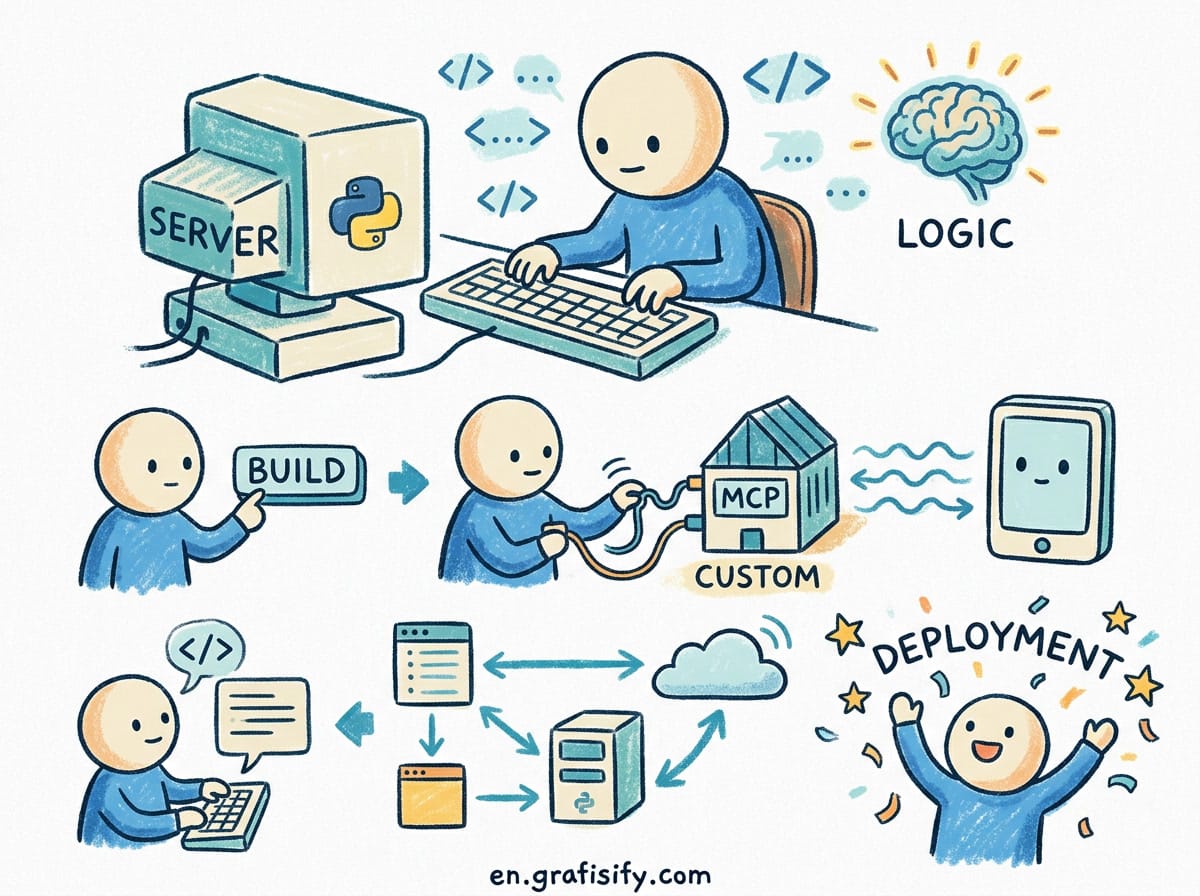
The official Python SDK lets you expose tools, data, and prompt templates to Claude, Cursor, ChatGPT, and Copilot from a single typed Python file. Install mcp[cli], add @mcp.tool() decorators, and run mcp run server.py. Three decorators replace an entire JSON Schema and protocol layer. Start with the stdio transport for local tools, move to Streamable HTTP when a team needs to share one server.
Why a Custom MCP Server Beats a Prompt
Every coding agent hits the same wall. It can reason about your code, but it cannot see your tickets, query your database, read your internal API docs, or trigger a deploy. You paste context by hand until the context window fills, then you paste it again.
A custom MCP server fixes that by giving the agent a callable function instead of a pasted blob. An MCP server is a small adapter that exposes one capability through a shared protocol, so any MCP-capable client can call it. One server works in Claude Desktop, Cursor, VS Code with Copilot, ChatGPT, and any other client that speaks the protocol. You write it once, and every agent your team uses gets the same access.
Real example: a create_release_note tool that pulls merged pull requests since the last tag. Without a server, an agent guesses at commit prefixes or asks you to paste a changelog. With a server, it calls the tool and gets the structured list. Your release notes stop being a manual copy-paste exercise.
Host, Client, and Server: Who Does What
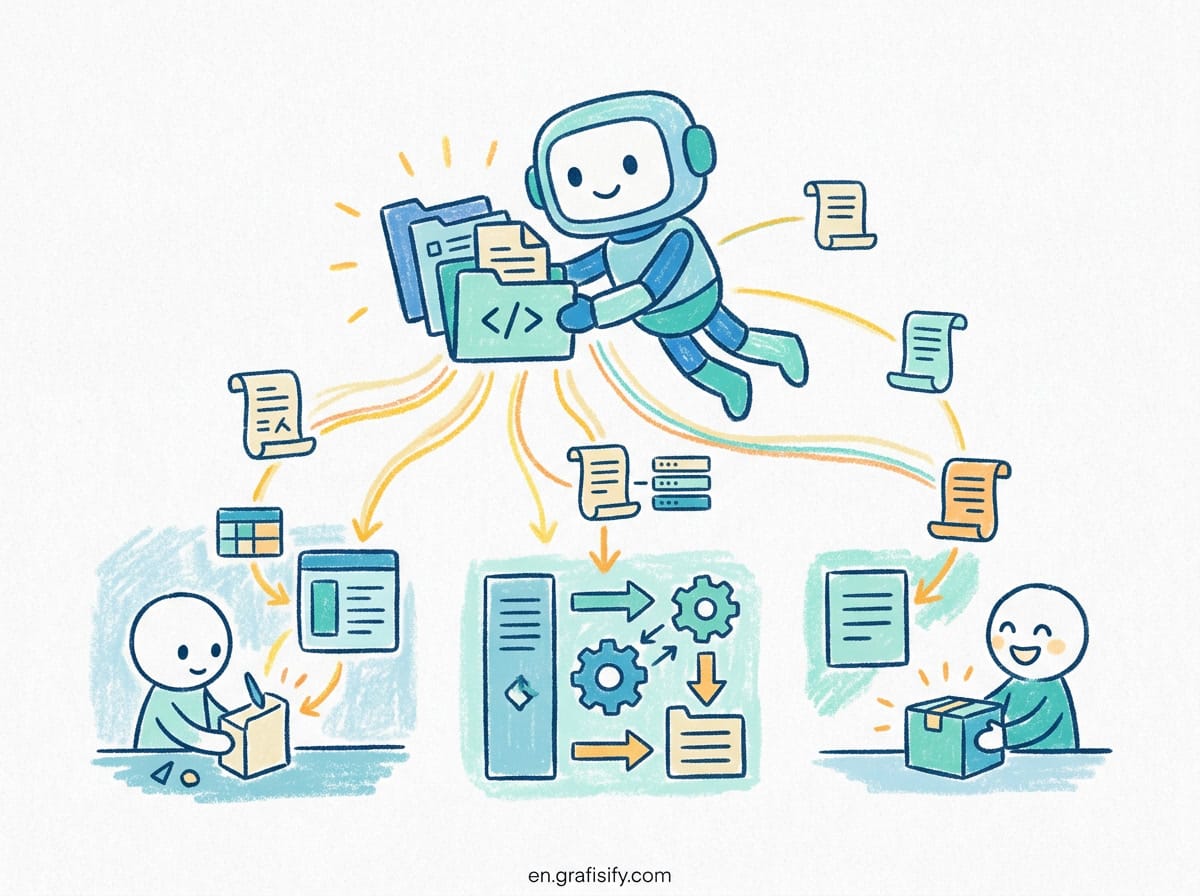
Three roles matter before you write any code.
- Host is the LLM application: Claude Desktop, Cursor, VS Code, your own agent. It holds the conversation and the model API key.
- Client is the MCP-speaking component inside the host. The host runs one client per connected server.
- Server is what you build. It exposes capabilities and never talks to the model directly.
The server declares capabilities when a client connects. tools grants tools/list and tools/call, resources grants the read operations, prompts grants template operations. Register a primitive and its capability appears automatically.
Primitives: Tools, Resources, and Prompts
Three primitives, each controlled by a different party.
- Tools: model-controlled functions. The agent decides when to call them. Tools take actions and have side effects: an API call, a database write, a file change.
- Resources: application-controlled data the host loads into context. A file’s contents, an API response, a schema snapshot.
- Prompts: user-controlled message templates invoked by name. Think slash commands, not generated text.
The distinction is not academic. If you expose a database query as a tool, the model decides when to run it. If you expose it as a resource, the host controls the timing. Side effects belong in tools, static reads belong in resources.
Setting Up a Python MCP Project
You need Python 3.10 or higher and the uv package runner.
uv init mcp-release-notes
cd mcp-release-notes
uv venv
source .venv/bin/activate
uv add "mcp[cli]"
touch server.py
The [cli] extra installs the mcp command-line tool, which gives you mcp dev, mcp run, and mcp install. Without it you get the library only. For a one-off test, uv run --with "mcp[cli]" mcp ... works without a project.
Also Read:

Building the Server: Decorators Do the Work
Here is a complete MCP server.
from mcp.server import MCPServer

mcp = MCPServer("changelog")

@mcp.tool()
def list_recent_commits(branch: str = "main", limit: int = 10) -> list[str]:
    """List recent commit messages on a branch.

    Args:
        branch: Git branch to inspect.
        limit: Number of commits to return.
    """
    # your git logic here
    return ["fix: cart total rounding", "feat: dark mode toggle"]

@mcp.resource("changelog://{version}")
def changelog_for(version: str) -> str:
    """Return the changelog for a given version tag."""
    return "## 1.4.0\n- cart total rounding fix\n- dark mode"

@mcp.prompt()
def summarize_commits(since_tag: str) -> str:
    """Build a release-note summary prompt."""
    return "Summarize the commits since " + since_tag + " into user-facing notes."
Run it:
uv run mcp dev server.pyThat command starts the server and opens the MCP Inspector, an interactive UI for calling tools, reading resources, and rendering prompts. You test everything before touching a real client.
Notice what the SDK did for you. The type hints branch: str and limit: int become the JSON Schema. The docstrings become the tool descriptions the model reads to decide whether to call. The capability declaration, protocol version negotiation, and JSON-RPC framing are handled by the SDK. Two typed functions and docstrings are the whole interface contract.
One import detail that trips people up: the server class lives at from mcp.server import MCPServer. There is no from mcp import MCPServer. The client lives at from mcp import Client. Two import paths, one package.
Transport: stdio Locally, HTTP When You Deploy
The transport decides how bytes move between server and client. You pick it in run(), not in the constructor.
| Transport | What it is | Use when |
|---|---|---|
| stdio | Host launches your file as a subprocess, talks over stdin and stdout | Local servers. The default. |
| streamable-http | Real HTTP server on a port | Anything you deploy or share |
| sse | Older HTTP transport, superseded | Legacy clients only. Do not build new servers on it. |
Local:
if __name__ == "__main__":
    mcp.run(transport="stdio")
On a port:
if __name__ == "__main__":
    mcp.run(transport="streamable-http", port=3001)
That second line builds a Starlette app and serves it with uvicorn. Clients connect to http://127.0.0.1:3001/mcp. The host, port, and streamable_http_path options are all arguments to run(), never to MCPServer(...). The constructor describes what the server is: name, version, instructions. run() describes how it is served.
Two gotchas with stdio. First, stdout is the wire. A stray print() can corrupt the protocol stream. The SDK diverts flushed stdout output to stderr while serving, but output flushed before serving starts still lands on the wire. Use the logging module instead of print(); its handler flushes each record to stderr as it happens.
Second, the if __name__ == "__main__": guard is mandatory, not a style choice. The mcp CLI, your test suite, and the inspector all import the file. Without the guard, an import turns into a running server.
Testing Without a GUI
The same package is a full client. Point it at your running server:
import asyncio
from mcp import Client

async def main() -> None:
    async with Client("http://localhost:8000/mcp") as client:
        result = await client.call_tool("list_recent_commits",
                                       {"branch": "main", "limit": 5})
        print(result.structured_content)

asyncio.run(main())
A URL string means Streamable HTTP. For a local stdio server, hand the client StdioServerParameters and it launches the file as a subprocess:
from mcp import Client, StdioServerParameters

server = StdioServerParameters(
    command="uv",
    args=["run", "server.py"],
    env={"RELEASE_NOTES_API_KEY": "secret"},
)

async with Client(server) as client:
    result = await client.list_tools()
The subprocess gets a minimal allow-listed environment (HOME, PATH, USER on POSIX), not your full shell environment. Pass keys explicitly with env=. This is a deliberate security boundary, not a bug.
Connecting to a Real Client
Once the server works locally, wire it into an agent. In Claude Code, run mcp install server.py and it writes the config for you. In Cursor, add it to .cursor/mcp.json at the project root for a project-scoped server, or ~/.cursor/mcp.json for global access. VS Code uses a servers key in settings.json instead of the mcpServers key Claude and Cursor use.
The servers are client-agnostic. A server built for Claude Desktop works in Cursor and VS Code as long as the client supports the transport and primitives you use. The only real migration cost is the config-key difference and re-adding environment secrets.
Security: Least Privilege From Day One
A local stdio server inherits your operating-system user context. That is safe for a tool that reads your own git history and holds no third-party credentials. It is dangerous the moment you inject a full-scope API key into the config file. Community guides that paste tokens directly into .mcp.json are the pattern that leaks secrets into git history.
Three rules for a server you actually ship:
- Pull credentials from the environment, never from tool parameters. A key passed as a tool argument lands in the conversation history and the model context.
- Scope to read-only where possible. A GitHub server that only reads repositories does not need the
reposcope, which includes write access. - Validate every tool input. Never build a shell command by concatenating arguments. Canonicalize file paths against an allow-list before touching the filesystem.
For a remote HTTP server, treat OAuth 2.1 authorization as mandatory regardless of spec wording. The spec says HTTP transports SHOULD conform; in practice, unauthenticated remote MCP servers are treated like unauthenticated databases on the public internet. The MCP 2026-07-28 spec revision moved the protocol to a stateless core, aligned authorization with production OAuth 2.0 and OIDC, and lets servers run on serverless and edge infrastructure. If your server reaches the network, implement the resource-server role: Protected Resource Metadata at the well-known endpoint, PKCE, HTTPS-only, and audience validation on every token.
When Not to Build a Custom Server
Most servers are not written by you. Vendors publish official servers, and the community maintains thousands more. Before writing a Linear or Sentry integration, check whether one already exists in your client’s connector directory. Claude lists over 950 MCP servers in its connectors directory, and the major AI platforms have adopted the protocol broadly, with SDK downloads in the hundreds of millions per month.
Build custom when the answer to either question is yes. First, is the capability internal to your team? A server that queries your staging deploy status or reads your private design tokens has no community equivalent. Second, do you need an audit trail? A custom server logs every tool call with arguments and results, which gives you a review path for agent behavior that a prompt-based workflow cannot match.
Common Mistakes
- Exposing read-only data as a tool. The model calls it at the wrong moment. Make static data a resource.
- Vague tool descriptions. The model picks tools based on the docstring. “Returns stuff” gets you wrong calls and wasted tokens.
- Too many tools on one server. Some clients cap tool counts. Split read-only and write-enabled servers so agents that only need reads connect to the safe one.
- Skipping the Inspector.
mcp devcatches schema and argument mistakes in seconds. Debugging inside a live agent session takes an hour. - Broad OAuth scopes. Request the minimum scope. A token that can only read is a smaller blast radius when it leaks.
Conclusion
A custom MCP server turns a coding agent from a code generator into something that can act on your actual systems. The Python SDK keeps the protocol layer out of your way: three decorators, type hints as the schema, and one run() call to pick a transport. Build the smallest useful tool first, test it in the Inspector, connect it to one client, then expand. Keep credentials in the environment, validate every input, and split read from write. Once it works, that same file serves every MCP-capable client your team picks up next.
Ready to give your agent real access to your systems? Start with the single tool you paste context for most often, and replace the paste with a function.

Irfan is a Creative Tech Strategist and the founder of Grafisify. He spends his days testing the latest AI design tools and breaking down complex tech into actionable guides for creators. When he’s not writing, he’s experimenting with generative art or optimizing digital workflows.







 Artificial Intelligent
 Design & Creative
 Freelance
 Gadgets & Gear
 Insights
 Laptop
 Reviews
 Smartphone
 Tech Guides
 Vibe Coding




