How to Debug AI Coding Agents When They Get Stuck
How to Debug AI Coding Agents When They Get Stuck
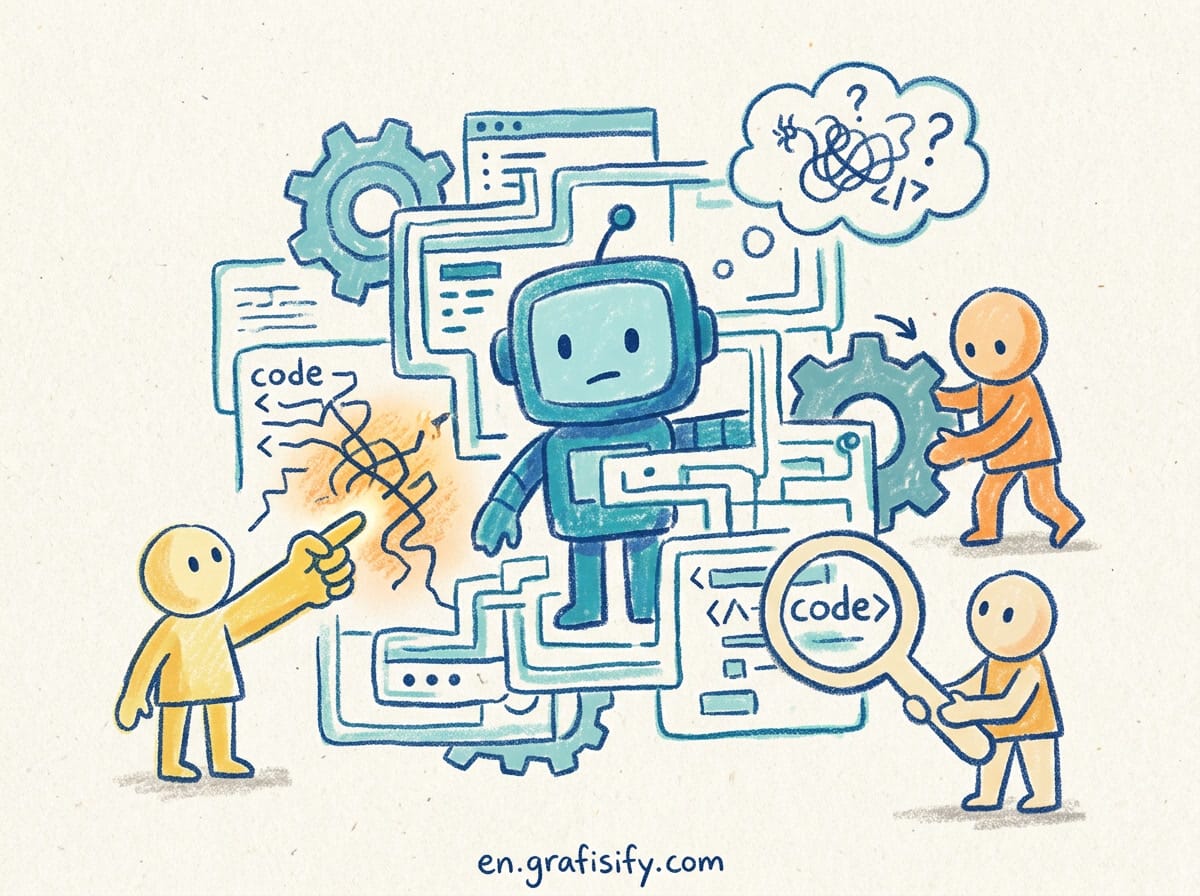
You give the agent a clear task, it starts strong, then it circles the same broken test for forty minutes. The fix it applies breaks something else, so it reverts, then tries the same broken fix again. This is the most common way AI coding agents waste your time, and it is almost always fixable in under five minutes once you know what is happening inside the loop.
Why Agents Get Stuck in the First Place
An AI coding agent is not thinking. It is predicting the next token based on everything in its context window. When that window fills with failed attempts, error logs, and contradictory edits, the model starts repeating what looked plausible before. The loop is a memory problem, not a stupidity problem.
Three things push an agent into a loop:
- Context overflow. On Claude Code running Sonnet 4.6 or Opus 4.7, the context window is roughly 1,000,000 tokens. That sounds huge until you paste a 4,000-line stack trace and ask it to debug. The useful signal drowns in noise.
- No exit condition. The agent keeps going until it runs out of budget or hits a hard cap. If you never defined “done”, it defines done as “the terminal stopped showing red”, which is not the same as working.
- Broken feedback. A flaky test, a cached build artifact, or a misconfigured test runner gives a different answer each run. The agent treats each run as new information and chases ghosts.
The fastest way out is to interrupt, shrink the context, and give the agent one concrete goal instead of a vague destination. A loop rarely means the model cannot solve the problem. It means the model cannot see the problem through the pile of failed attempts stacked on top of it.
Step 1: Kill the Loop and Rewind
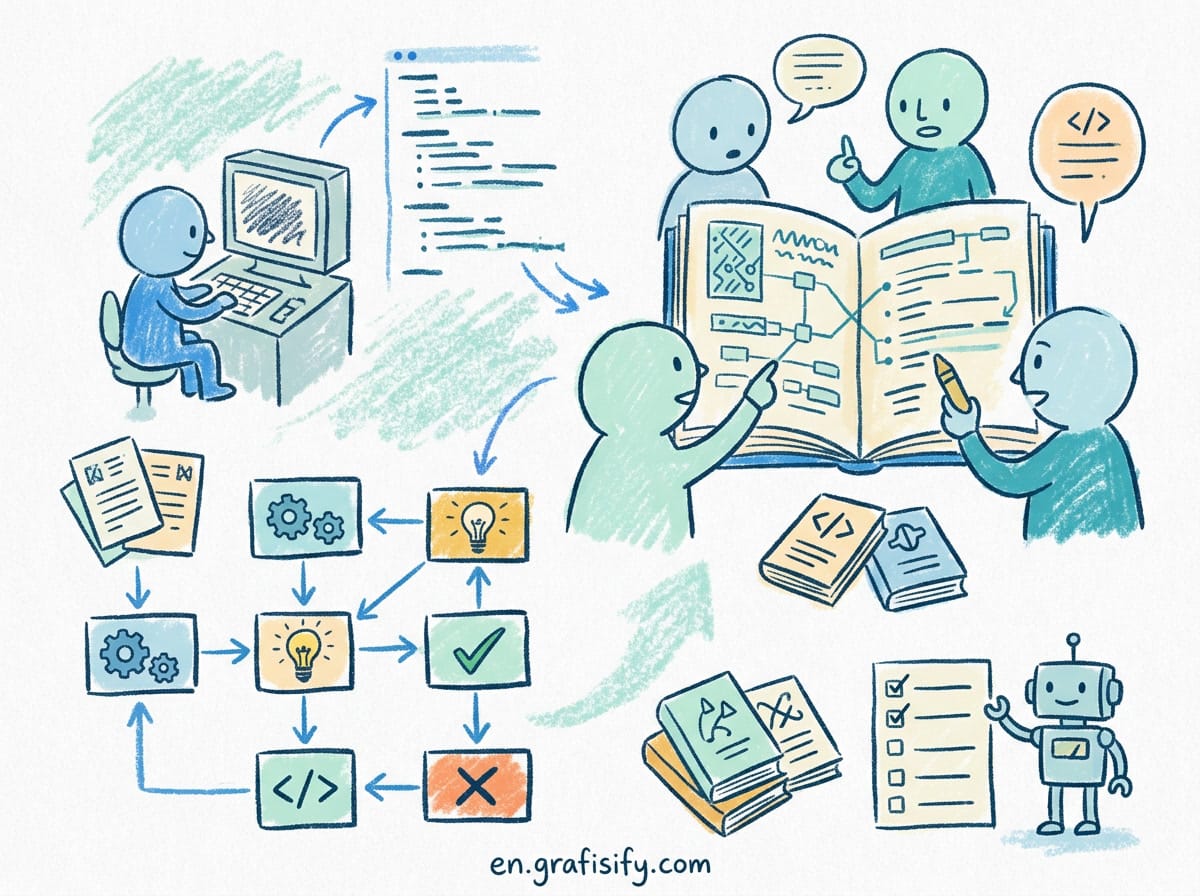
Most agents let you stop mid-run. In Claude Code, press Escape or Ctrl-C to interrupt the current action. Then use /rewind to roll back to a checkpoint from before the loop started. This is the single highest-leverage move: it discards the corrupted context without discarding your whole session.
If you do not have a checkpoint you trust, /clear the conversation and re-open the file fresh. You lose the chat history, but you also lose the poisoned memory that was causing the loop. I reach for a full clear whenever an agent has made more than three failed attempts at the same block.
For Cursor users, the same principle applies. Stop the run, open the chat history, and delete the messages from the failed attempt onward. Starting from a clean slate beats arguing with a stuck model.
Step 2: Compact the Context With a Focus String
Once the loop is stopped, the context is still full of junk. Claude Code ships a /compact command that summarizes the conversation and drops the raw noise. The trick most people miss is the focus string.
Run /compact keep the auth flow and the failing test only instead of a plain /compact. You tell the model exactly what matters, so the summary keeps the signal and throws away the forty lines of retry output. A focused compact turns a 200,000-token mess into a 20,000-token summary that actually points at the bug.
This matters because the agent makes its next decision from the compacted summary. If that summary still says “tried X, failed”, it will try X again. Force the focus onto the observable failure, not the failed attempts. I keep a short note of the exact error message and paste it into the focus string, because the raw text beats any summary the model writes for itself.
A practical pattern: compact after every completed sub-task, not just when things break. Each clean summary trims the junk before it can accumulate. Agents that compact between steps stay on track far longer than agents that carry the whole session from line one.
Step 3: Set a Hard Iteration Cap With a Stop Hook
If you run agents autonomously, a loop can burn budget while you are away. Claude Code supports lifecycle hooks that fire at specific points. The Stop hook runs when the agent tries to exit, and you can use it to enforce a cap.
Wire a Stop hook that emits {"continue": false, "stopReason": "iteration cap reached"} once the session passes your limit. The agent halts instead of spiraling. This is the difference between a $0.20 mistake and a $4.00 one that also corrupted three files.
For local setups, Cursor exposes model overrides in the config file. Setting a tighter contextWindow for the model forces smaller, more focused context per turn, which reduces the drift that causes loops. A narrower window means less room for the model to lose the thread.
Step 4: Isolate the Problem in a Git Worktree
When an agent is stuck on one feature, the rest of your codebase is contaminated context. Git worktrees let you spin up an isolated copy of the repo where the agent can experiment without dragging in unrelated files.
Create a worktree for the failing feature, point the agent at it, and let it loop in a sandbox. When it succeeds, merge the worktree back. When it fails, delete the worktree and your main branch is untouched. This is how you let an agent “think out loud” without paying for it to re-read your entire project on every turn.
Worktrees also make the failure reproducible. The agent works against one small, fixed surface instead of guessing which of 400 files caused the error.
Step 5: Give Better Feedback, Not More Prompts
A looping agent is usually responding to bad signals. Fix the signal:
- Make the test deterministic. A test that passes half the time teaches the model that effort does not correlate with outcome, so it gives up on logic and starts guessing.
- Clear build caches. Stale
node_modulesor__pycache__artifacts return old errors that no longer match the code. The agent debugs a ghost. - Point at the file, not the symptom. “Fix the timeout in auth/login.go” beats “the login is broken”. Specificity shrinks the search space the model reasons over.
The goal is to make the next token prediction easy. Clear input, clear success condition, small context. The agent is a mirror of the signals you feed it: give it noise and it returns noise in a loop; give it one clean failing test and it returns a fix.
A Simple Triage Flow for Any Stuck Agent
When an agent loops, run this order instead of typing another prompt:
- Stop the run. Do not let it spend another turn guessing.
- Read the last three tool calls. Is it editing the same file with the same change? That is your loop signature.
- Rewind or clear back to before attempt one.
- Compact with a focus string that names the failing file and the exact error.
- Re-run with one instruction: fix this specific failure, do not touch unrelated files.
Nine times out of ten the second run solves it in two attempts. The first run poisoned its own context; the second run starts clean and stays clean.
Claude Code vs Cursor: Loop Defense Compared
Both tools loop, but they hand you different escape hatches. Pick based on how much control you want.
| Defense | Claude Code | Cursor |
|---|---|---|
| Manual rewind | /rewind to checkpoint | Delete chat messages |
| Context trim | /compact with focus string | New chat, paste summary |
| Hard cap | Stop hook emits iteration limit | ai.modelOverrides contextWindow |
| Isolation | Git worktrees | Branch + separate window |
| Best for | Autonomous long runs | Interactive short tasks |
Neither tool prevents loops on its own. The prevention lives in how you set the task, the context, and the exit condition before the agent starts.
Key Takeaways
- Loops are a context problem, not a model problem. Shrink the window and the behavior changes.
/rewindand a focused/compactrecover a stuck session faster than any prompt.- A Stop hook with an iteration cap protects you during unattended runs.
- Git worktrees keep one messy experiment from poisoning your whole project.
- Deterministic tests and cleared caches remove the false signals that start loops.
Final Thoughts
Debugging an AI coding agent is less about coding and more about context hygiene. The model will happily repeat itself forever if you let it, because repetition looked right once. Your job is to break the repetition: rewind, compact, cap, isolate. Do those four things and the agent that looped for an hour yesterday writes clean code in one pass today.
Frequently Asked Questions
Why does my agent keep reverting its own changes? It reverts because the test still fails after the edit, so the model concludes the edit was wrong and undoes it, then retries the same logic. Break the cycle by fixing the test signal, not the code, first.
Is a smaller context window always better? No. Too small and the agent loses the project structure it needs. The win comes from trimming failed attempts and noise, not from starving the model of real context. Keep the architecture, drop the retries.
Should I just switch models when it loops? Switching models resets the context, which is why it sometimes works, but it also loses your progress. Rewind and compact first; switch only if the same loop survives a clean context.
Do these fixes work for browser agents like Bolt or Lovable? The principles do. You may not have a Stop hook, but you can fork the project, work in a copy, and restart the chat with a focused summary pasted in. Isolation and context reset are tool-agnostic.
Start by adding a Stop hook to your next autonomous run. It is the one guardrail that protects you when you are not watching, and it costs nothing but a few lines of config.


Irfan is a Creative Tech Strategist and the founder of Grafisify. He spends his days testing the latest AI design tools and breaking down complex tech into actionable guides for creators. When he’s not writing, he’s experimenting with generative art or optimizing digital workflows.



 Artificial Intelligent
 Design & Creative
 Freelance
 Gadgets & Gear
 Insights
 Laptop
 Reviews
 Smartphone
 Tech Guides
 Vibe Coding