Face ID vs Fingerprint: Which Unlock Is More Secure?

Verdict: Face ID Wins on Paper, Fingerprint Wins in Real Life
Face ID carries the better security numbers. Apple puts the chance of a random person unlocking your phone with Face ID at 1 in 1,000,000, against 1 in 50,000 for Touch ID. The gap is twentyfold, and it holds up in independent testing. If your only question is which system is harder to fool with a random stranger, Face ID takes it.
Daily life tells a different story. Fingerprint sensors work with a mask on, in the dark, and with the phone flat on a desk. Face ID needs your eyes open and your face visible. I have used both systems for years, and I reach for the fingerprint sensor more often than I expected when I switched to a face-only phone. The right pick depends on your hands, your face, and the situations you unlock your phone in.
This guide compares the two systems on the numbers that matter, the attacks that work, and the small daily frictions that decide which one feels better after a month.

How Face ID Works
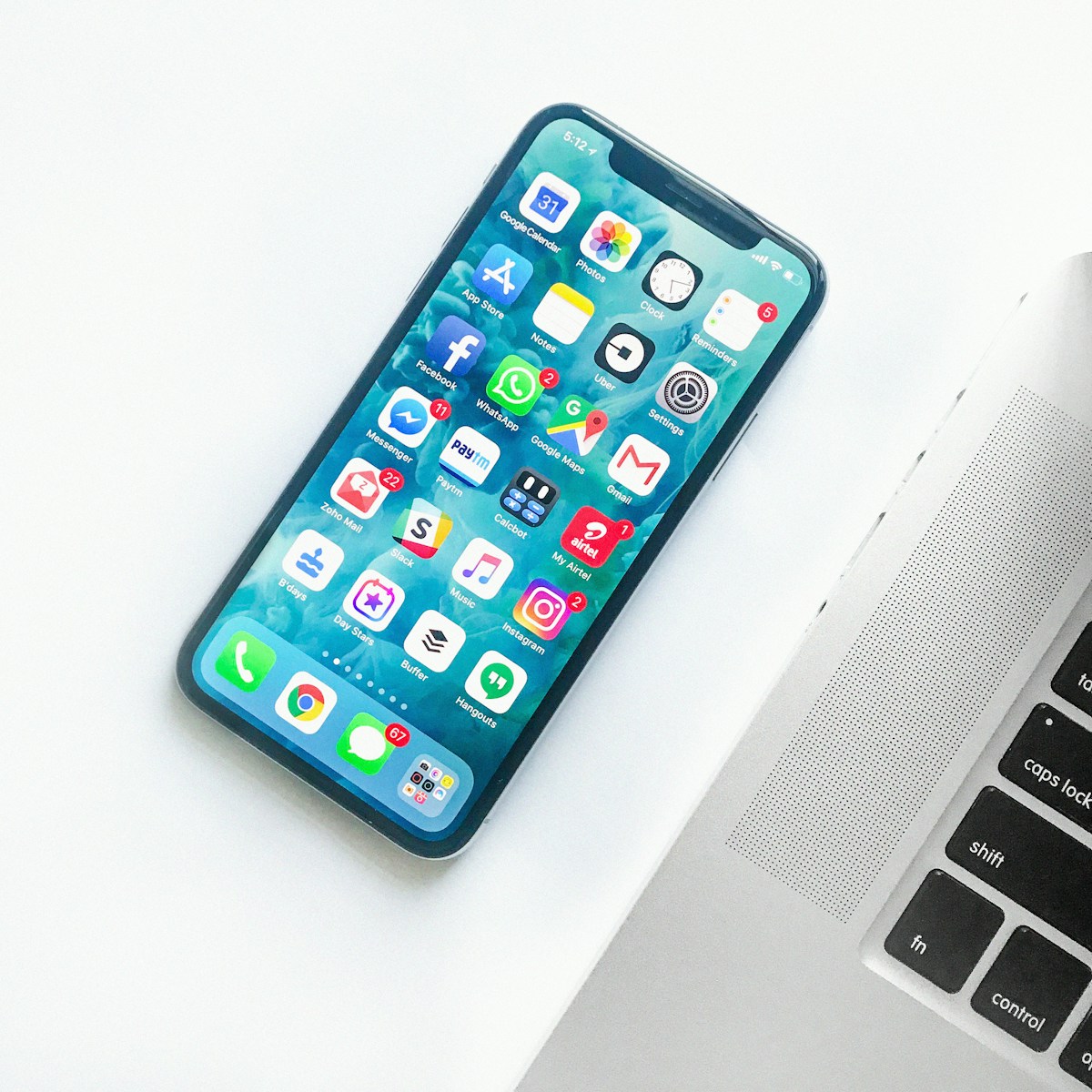
Face ID builds a three-dimensional map of your face. The TrueDepth camera projects more than 30,000 invisible infrared dots onto your face, then reads the pattern with an infrared camera. A neural network turns that depth map into a mathematical representation, stores it in the Secure Enclave, and compares each new glance against it.
Two details matter for security. First, the system checks attention. Your eyes must be open and looking at the phone, so nobody can unlock your device by holding it up to your sleeping face. Second, the depth map defeats flat photos. A printed picture has no depth information, and Face ID refuses it.
Apple designed the system to adapt. It learns gradual changes in your appearance, such as growing a beard or putting on glasses, and it keeps working through them. A second enrolled appearance lowers the false match rate to 1 in 500,000, still far stronger than a fingerprint. Apple documents these numbers in its Face ID support guide, and the same figures appear in the company’s platform security documentation.

The weak spots are narrow but real. Identical twins and close siblings can trigger false matches. Children under 13 have less developed facial features, and Apple warns that the false match rate rises for them. A mask covering nose and mouth raises the rate further, and Apple suggests a passcode instead when that risk worries you.
How Fingerprint Sensors Work
A fingerprint sensor reads the ridges and valleys of your fingertip. Older capacitive sensors measure tiny electrical differences across the skin surface. Newer ultrasonic sensors send sound waves through glass and map the print in three dimensions. Optical sensors under the display take a high-resolution picture of the print through the screen.
Touch ID stores a mathematical representation of your prints in the Secure Enclave, the same isolated chip that holds Face ID data. The print itself never leaves the device, and apps never see the raw image. They ask the system for a yes or no answer, nothing more.
Apple puts the chance of a random fingerprint matching yours at 1 in 50,000. Enroll five fingers and the number drops to 1 in 10,000, because each extra print is another chance for a random match. The figures come straight from Apple’s Touch ID documentation, and they have stayed constant since Touch ID launched.
Fingerprint sensors fail in specific conditions. Wet fingers confuse capacitive sensors. Dry, cracked skin in winter reads poorly. A screen protector can blur an optical sensor. I keep a backup passcode ready in winter for exactly this reason, because cold dry hands turn a one-second unlock into three tries and a passcode prompt.
The Numbers That Matter
Raw numbers favor Face ID, but the comparison table shows the trade-offs behind them.
| Factor | Face ID | Fingerprint (Touch ID) |
|---|---|---|
| Random false match rate | 1 in 1,000,000 | 1 in 50,000 |
| False match with 2 appearances or 5 prints | 1 in 500,000 | 1 in 10,000 |
| Failed attempts before passcode | 5 | 5 |
| Works with a mask | Yes, with lower accuracy | Yes |
| Works with wet hands | Yes | Often no |
| Works with gloves | Yes | No |
| Works in total darkness | Yes, infrared | Yes |
| Unlocks while phone lies flat | No, needs face angle | Yes |
| Fooled by a flat photo | No, depth required | Not applicable |
| Biometric data storage | Secure Enclave, on device | Secure Enclave, on device |
The table hides one important fact. Both systems lock after five failed attempts and demand the passcode. That limit turns a 1 in 50,000 rate into a practical wall, because an attacker gets five guesses, not fifty thousand. The passcode behind both systems is the real last line of defense, and a weak four-digit code undoes the work of either biometric. A strong passcode matters more than the choice between face and finger, a point our password manager guide for beginners covers in detail.
Spoofing, Twins, and Real Attacks
Security researchers have tested both systems hard. High-resolution masks have fooled some face unlock systems, but Apple’s depth sensing and attention check have resisted most public attempts. The documented failures cluster around identical twins, family members with near-identical features, and children. These are edge cases for most buyers, and they are worthless as an attack unless the attacker shares your genes.
Fingerprint spoofing has a longer history. Researchers have lifted prints from glass surfaces and molded them into fake fingers that open capacitive sensors. Ultrasonic sensors resist this better, because they read depth below the skin surface. The attack still needs physical access to a clean print, time to mold it, and access to your phone. It is a targeted attack, not a crime of opportunity.
Android adds a layer of confusion. Google sorts Android biometrics into classes. Class 3, called Strong, meets strict spoof resistance and false match requirements. Class 2, called Weak, covers convenience unlocks such as some 2D face systems that a photo can fool. A phone that advertises face unlock may run either class, and the label on the box rarely says which. Google spells out the classes in the Android biometric authentication guide, and the Android 16 compatibility definition sets the bar manufacturers must clear for each class.
Forced unlocks are a different threat. Police and border agents can compel a finger press or a glance in some jurisdictions, while passcodes enjoy stronger legal protection in others. Biometrics trade legal protection for convenience. Anyone who worries about compelled unlocks should know that a long passcode, entered by hand, is the only option that cannot be applied to your body while you refuse.
Everyday Life: Masks, Gloves, Wet Hands
Security numbers decide little if the system fights you ten times a day. Fingerprint sensors shine in the small moments. You unlock the phone with a thumb while it lies on a desk. You approve a payment at a store without lifting the phone to your face. You wear a mask, gloves off, and the sensor works in half a second.
Face ID shines in a different set of moments. Wet hands after washing up, greasy fingers after cooking, and gloves in winter all defeat fingerprint sensors, while Face ID keeps working. Sunglasses are fine. A hat is fine. The system reads depth, not skin contact, so surface conditions on your hands stop mattering.
The mask era exposed the gap. Face ID with a mask works, but Apple is open about the lower accuracy, and the system sometimes falls back to the passcode. Touch ID never had that problem. Phone makers noticed. Several Android flagships now ship both an ultrasonic fingerprint sensor and 3D face unlock, and Apple kept Touch ID on the iPad and the MacBook keyboard for the same reason. Choice beats ideology here.
Consider your own day before you pick a side. A nurse in gloves, a cook with wet hands, a courier in a mask, and a desk worker with dry winter skin all face different friction. The best system is the one that unlocks on the first try in the conditions you live in. Our guide on how to buy a used phone without getting burned includes a hands-on checklist for testing biometric sensors before you pay, and it applies to new phones too.
Android Biometrics Are Not One Thing
Face ID and Touch ID are Apple products with fixed specs. Android is a spectrum. A Pixel uses a different face unlock stack than a Samsung, and a budget phone with 2D face unlock is a different animal from a flagship with ultrasonic fingerprint sensing.
Ultrasonic sensors from Qualcomm read prints through glass and work with slightly wet fingers. Optical sensors under the display are cheaper, and some struggle with screen protectors or dry skin. In-display sensors also vary by placement, and a low sensor forces an awkward thumb stretch on tall phones.
Face unlock on Android splits the same way. Pixel phones use a front camera with machine learning and, on recent Pro models, stronger hardware backing. Some budget phones use a plain camera image, which a photo can defeat. The US National Institute of Standards and Technology covers presentation attack detection in NIST IR 8280, and its guidance is blunt: a biometric that cannot tell a live face from a picture is a convenience feature, not a security feature.
Before you buy an Android phone for its face unlock, check which biometric class the maker claims. A Class 3 rating means the system can authorize payments and banking apps. A Class 2 rating means it can unlock the screen and little else. Banking apps enforce this distinction themselves, so a weak face unlock will still ask for your fingerprint or PIN inside the app. Camera hardware matters here too, and our breakdown of midrange phone camera specs that actually matter explains which sensor numbers deserve your attention and which ones are marketing.
Conclusion: Which One Should You Pick
Pick Face ID if your hands are often wet, gloved, or dirty, and you unlock your phone at face level most of the day. The security numbers are better, the attention check blocks sleep unlocks, and infrared works in the dark. Accept the mask trade-off and the flat-on-desk annoyance.
Pick a fingerprint sensor if you unlock at a desk, wear a mask often, or value the half-second thumb press that needs no glance. The security gap is real but narrow in practice, because five failed attempts and a strong passcode guard both systems. Accept the wet-hand failures and keep a backup unlock ready.
Pick a phone with both if you can. Several Android flagships now ship a fingerprint sensor plus secure face unlock, and that combination ends the debate. You use whichever fits the moment, and the phone falls back to the other when conditions change. Apple has not shipped a phone with both yet, so iPhone buyers still choose a side.
Whichever you pick, set a strong alphanumeric passcode behind it. Biometrics are a convenience layer over that passcode, and the passcode is the part an attacker can guess from across the room. Pair that with a Qi2 wireless charger on your desk and a phone that charges while it sits face up, and the unlock you use most becomes the one that never makes you think about it.
Face ID wins the spec sheet. Fingerprint wins the desk test. Your hands and your day decide which one wins for you. Try both in a store before you buy, test them with wet hands and a mask on, and let the first-try success rate make the call.

Irfan is a Creative Tech Strategist and the founder of Grafisify. He spends his days testing the latest AI design tools and breaking down complex tech into actionable guides for creators. When he’s not writing, he’s experimenting with generative art or optimizing digital workflows.



 Artificial Intelligent
 Design & Creative
 Freelance
 Gadgets & Gear
 Insights
 Laptop
 Reviews
 Smartphone
 Tech Guides
 Vibe Coding





