Midrange Phone Camera Specs That Actually Matter (And the Ones That Don’t)
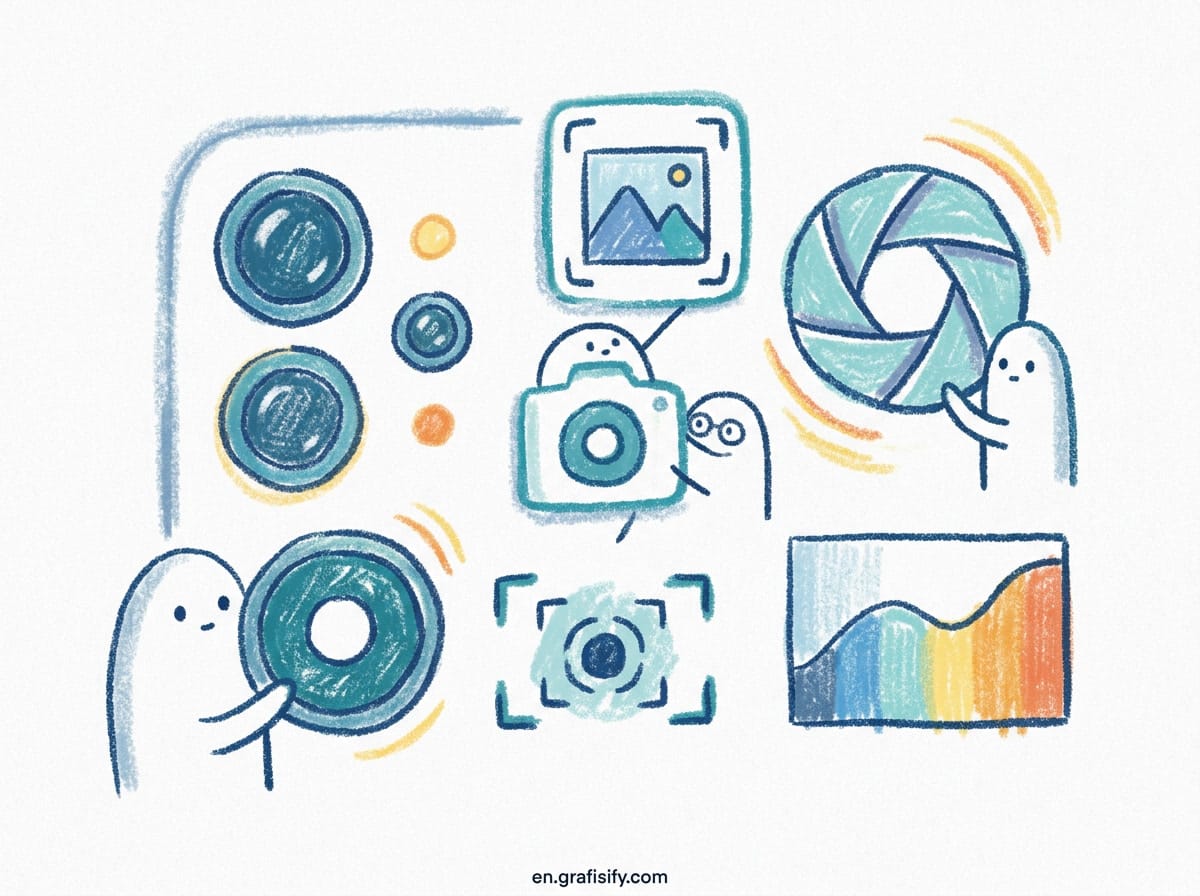
The Megapixel Myth
Walk into any phone store and the first number a sales rep throws at you is the megapixel count. 50 megapixels. 108 megapixels. 200 megapixels. The implication is simple: more megapixels means better photos. It doesn’t work that way.
Megapixels measure resolution, not quality. A 200MP sensor crammed into a tiny 1/2-inch module captures the same light as a 12MP sensor in a bigger 1/1.3-inch module, then splits that light across 16 times more pixels. Each individual pixel ends up smaller, which means it collects less light. Less light means more noise, especially after dark.
Android Authority’s camera testing team made this point directly: “You only need 12MP to print most pictures on a good-sized canvas. Instead, the size of the phone’s image sensor is likely to be a far bigger factor in terms of image quality.” A 12MP photo from a large sensor will beat a 200MP photo from a small one in almost every real-world condition.
Here’s what megapixels are actually good for: cropping. If you shoot a group shot and want to zoom into one face afterward, extra resolution gives you room to crop without the image turning to mush. That’s a real benefit. But it’s a niche one. For everyday photos, sensor size matters far more.

OIS: The Spec That Separates Good From Bad
Optical image stabilization is the single biggest differentiator between a midrange camera that impresses and one that disappoints. OIS physically moves the lens or sensor to counteract your hand shake. That counteraction matters most in exactly the conditions where phone cameras struggle: dim restaurants, evening walks, indoor events with bad lighting.
Without OIS, a midrange phone relies on shorter shutter speeds and aggressive software sharpening to hide blur. The result is photos that look fine on the phone screen and fall apart when you zoom in or print them. With OIS, the shutter can stay open longer, the sensor captures more light, and the image stays crisp.
There’s a sibling technology called EIS, electronic image stabilization, which crops into the frame and shifts the image digitally. EIS is common on midrange phones and it’s fine for video. But it does nothing for still photos taken in low light, because it can’t add light that was never captured. When a spec sheet lists “OIS + EIS,” the OIS part is the one doing the heavy lifting for photography.

Midrange camera analysis from the 2026 buying season reached the same conclusion: “Stabilization, especially OIS on the main camera, makes a huge difference for indoor and night shots. After that, a good portrait or zoom setup is usually more valuable than headline megapixels.” When you’re comparing phones, check whether OIS is on the main camera. If it’s missing, everything else on the spec sheet matters less.
Aperture and Sensor Size: The Numbers to Watch
Two numbers tell you more about a midrange camera’s low-light ability than the megapixel count ever will: the aperture and the sensor size.
Aperture is written as f/1.8, f/2.0, f/2.2, and so on. Lower is better. An f/1.8 lens lets in roughly 50 percent more light than an f/2.2 lens at the same shutter speed. That extra light is what lets the camera avoid boosting ISO into noisy territory. For a midrange phone, an f/1.8 main camera is the baseline to look for. F/2.0 is workable. F/2.2 starts to hurt night performance noticeably.

Sensor size is written in fractions of an inch: 1/1.3-inch, 1/1.56-inch, 1/2.76-inch. Bigger is better. The 1/1.3-inch sensors found in midrange phones from Google, Samsung, and Xiaomi capture substantially more light than the tiny 1/2.76-inch sensors that used to define the budget tier. Manufacturers have been quietly shrinking the gap: 2026 midrange phones routinely carry the same sensor generations that shipped in flagships two years ago.
The trend in the midrange segment is camera partnerships and what the industry calls flagship-lite hardware. Vivo co-engineers its cameras with Zeiss, and its midrange V-series leans on portrait and low-light processing rather than raw megapixels. OnePlus carries Hasselblad branding down into the Nord line. These partnerships mean real hardware improvements, not just logos: better lenses, better coatings, and tuned processing pipelines.
When you see a spec sheet, look for three things in this order: sensor size, aperture, then OIS. If a phone has a large sensor and a wide aperture but no OIS, it will still struggle in low light. If it has all three, you have a genuinely capable camera.
Computational Photography: Software Eating the Hardware Gap
The hardware story only explains part of why midrange cameras have gotten so good. The other part is software, and it’s the reason a phone like the Google Pixel 10a can score 133 on DXOMARK’s camera test with hardware that looks modest on paper.
Computational photography stacks multiple exposures in the background and merges them into one image. Google’s HDR+ and Night Sight capture several frames at different exposures, align them, and combine them to pull detail out of shadows without blowing out highlights. Samsung’s scene optimizer applies the same idea with a more aggressive color profile. Apple’s Deep Fusion does it for midrange iPhones too.
This approach flattens the difference between midrange and flagship hardware in good light. A $500 phone and a $1,200 phone both produce sharp, well-exposed daytime shots because software is doing most of the work. The gap only reappears in demanding conditions: extreme low light, fast-moving subjects, and heavy zoom.
That’s why the same software generation matters more than the same sensor. A midrange phone running the current processing pipeline will often beat a last-generation flagship with better hardware but older software. When you compare phones, check the release cadence of the camera software, not just the sensor specs.
There’s a caveat. Processing can be overdone. Some midrange phones sharpen edges into halos and oversaturate colors to make photos pop on screen. What looks impressive in the store preview can look unnatural later. Sample galleries tell you more than any processing claim, because they show you the actual output, not the marketing.
Midrange Camera Specs That Matter vs. Marketing Hype
This table separates the specs that predict real photo quality from the ones that mostly sell phones.
| Spec | What It Actually Does | Does It Matter? |
|---|---|---|
| Sensor size | Determines light capture and noise levels | Yes, biggest quality driver |
| Optical image stabilization | Reduces blur in low light and video | Yes, critical for night shots |
| Aperture | Controls light entering the lens | Yes, f/1.8 or wider preferred |
| Computational photography | Software merging and processing | Yes, closes the gap to flagship |
| Megapixel count | Crop headroom only, not quality | No, marketing favorite |
| Camera count | More lenses does not mean better photos | No, check each lens quality |
| AI branding | Scene recognition labels | No, processing quality matters more |
| Zoom number | Digital zoom is cropped, not magnified | Partly, optical zoom is what counts |
The pattern is consistent: the specs that matter are the ones that affect light capture and stability. The specs that don’t are the ones that sound impressive on a poster.
How to Test a Phone Camera Before Buying
You don’t need a review site to figure out whether a camera suits you. Ten minutes with the phone in your hands tells you more than any spec sheet.
Start indoors. Point the camera at a dim corner of the store and take a photo. Check for blur on text or product labels, and zoom in to see whether details hold or turn to noise. This single test reveals whether the phone has usable low-light processing, and it’s the condition you’ll shoot in most often.
Next, test a moving subject. Ask someone to walk past while you shoot, or wave your hand across the frame. A phone with good stabilization and fast processing freezes the motion. One without it produces motion blur that software can’t fully fix. This matters if you photograph kids, pets, or anything that doesn’t hold still.
Then test the zoom. Take a photo at 2x, then at 5x if the phone has it. Zoom in on the result. Digital zoom just crops the sensor, so a 100x zoom number on the box means very little if the output is a smeared mess. What you want to know is whether the range you’ll actually use looks acceptable.
Finally, check the sample gallery on the phone itself. Most phones include a demo gallery or you can view photos you just took on the store screen. Look at the colors: are they natural or oversaturated? Look at the edges: are there halos around objects? These are the fingerprints of heavy processing, and they’re easier to spot on a big screen than on the phone’s own display.
One more practical check: video stabilization. Walk while recording, then play it back. EIS does a decent job on most 2026 midrange phones, but the difference between a phone with OIS and one without is obvious in the wobble at the edges of the frame.
Key Takeaways
- Sensor size and aperture predict low-light quality better than megapixels ever will.
- OIS on the main camera is the single most important spec for real-world photography.
- Current software processing can beat last year’s flagship hardware, so check release recency.
- Ignore camera count and AI branding; evaluate each lens and the actual output.
- Test in-store: dim lighting, a moving subject, and the zoom range you’ll actually use.
- A large sensor, wide aperture, and OIS together are the three specs to insist on.
Midrange phones now deliver camera quality that was exclusive to flagships a few years ago. The hardware gap has narrowed, and software has narrowed it further. What’s left is knowing which specs to trust and which to ignore, so your next phone upgrade actually improves your photos instead of just the number on the box.

Irfan is a Creative Tech Strategist and the founder of Grafisify. He spends his days testing the latest AI design tools and breaking down complex tech into actionable guides for creators. When he’s not writing, he’s experimenting with generative art or optimizing digital workflows.





 Artificial Intelligent
 Design & Creative
 Freelance
 Gadgets & Gear
 Insights
 Laptop
 Reviews
 Smartphone
 Tech Guides
 Vibe Coding