IP68 Rating Explained: What Your Phone Survives
Verdict: What IP68 Guarantees
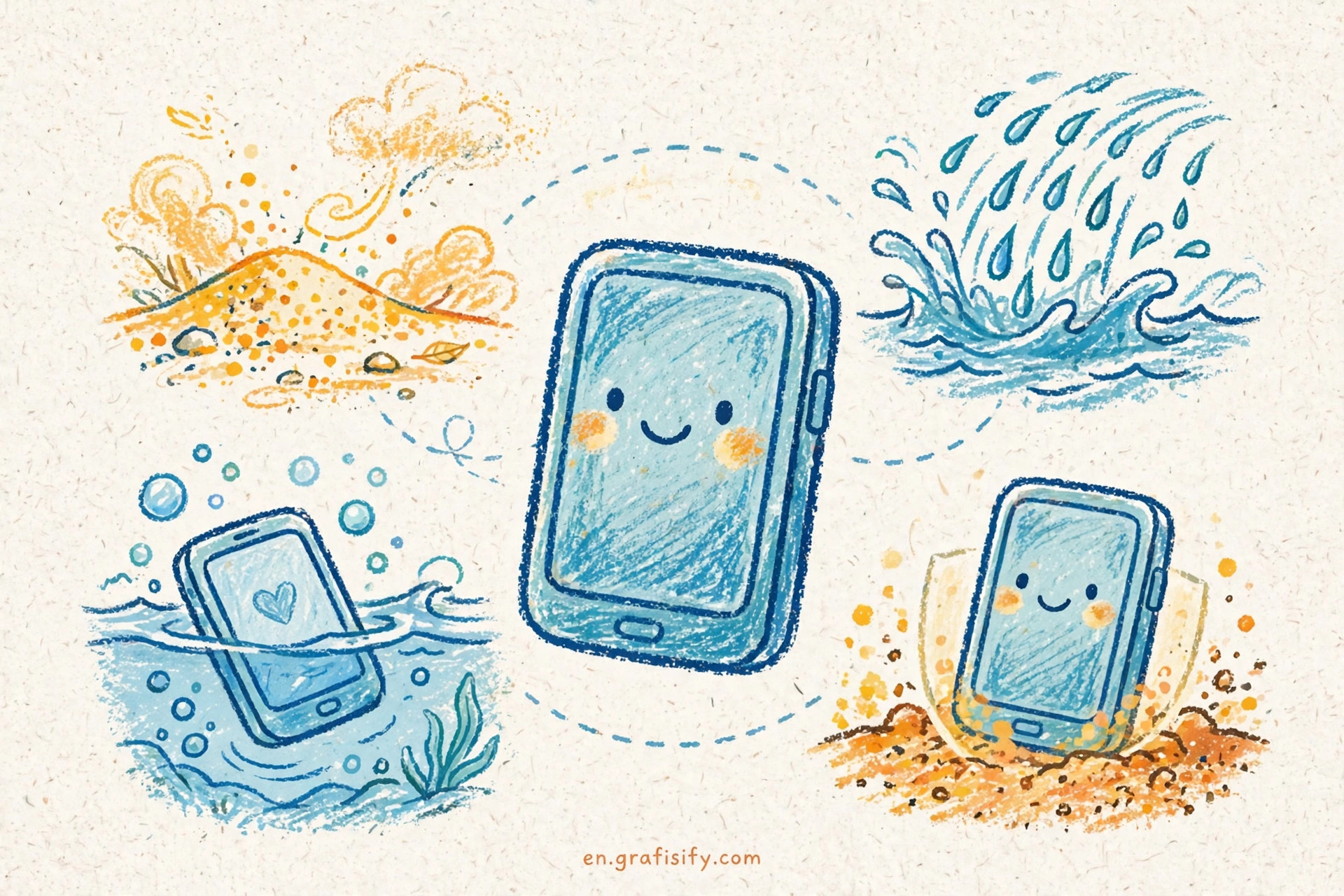
An IP68 badge on a phone promises less than the box suggests. The rating sets a floor, not a ceiling: a lab submerged one sample of the model in fresh water, at a depth the manufacturer chose, for 30 minutes. That test is the whole guarantee.
- IP68 means immersion beyond 1 meter in fresh water for 30 minutes. Each maker picks the depth. Apple rates recent flagships up to 6 meters, while Samsung’s lab claim for the Galaxy S26 Ultra stops at 1.5 meters.
- The 6 covers dust and the 8 covers immersion. The badge excludes salt water, chlorinated pools, soapy water, and steam.
- No phone warranty covers liquid damage, and resistance fades with drops, repairs, and heat.
- Before you pay extra for a rating, read the depth footnote. The badge alone proves almost nothing.
I spent a morning pulling the fine print from Apple, Samsung, and Google. Two phones can wear the same IP68 badge and survive very different depths. This guide decodes the two digits, compares the fine print side by side, and gives you a care routine that matters more than the badge.
Decoding the IP Code: Two Digits, Two Scales
IP stands for ingress protection, and the two digits describe two separate scales. The International Electrotechnical Commission defines the code in standard IEC 60529, and phone makers test against it. You can read the full definitions on the ingress protection code reference page.
Also Read:

The first digit rates solids from 0 to 6. A 6 means the enclosure kept dust out during a vacuum test that can run up to 8 hours. The lab awards the 6 only when it finds zero dust ingress.
The second digit rates liquids from 0 to 9. A 7 means the device survived immersion up to 1 meter for 30 minutes. An 8 means immersion at 1 meter or more, with the depth and conditions set by the manufacturer. In practice, makers test somewhere between 1 and 3 meters.
An X in either position means the maker skipped that test entirely. IPX8 says nothing about dust, which matters when grit meets a charging port.
Also Read:

Two rules keep the code honest. Water ratings do not stack: passing the immersion test (IPX7) does not prove the device survived water jets (IPX5 or IPX6). Labs run each test in fresh water. Salt water, pool chemicals, oils, and solvents sit outside the rating.
Spec sheets often print the claim as a compact line such as IP68 (6 m / 30 min). Read both numbers: the first digit tells you about dust, the pair in parentheses tells you what the 8 stood for on that model. If the parentheses are missing, the maker’s support page holds the answer. Search the model name plus the words splash, water, and dust resistance, and you will land on the official fine print in one click.
The standard exists so buyers can compare claims. Vague words like waterproof meant whatever the marketing team wanted. The IP code replaces them with a test you can read.
IP67 vs IP68 vs IP48 vs IP69K Compared
Phone makers use a handful of ratings. This table shows what each one means in the lab and where the promise stops.
| Rating | First digit (solids) | Second digit (liquids) | Lab test condition | Example on phones | What it does not promise |
|---|---|---|---|---|---|
| IP54 | 5: dust protected | 4: splashing water | Dust plus splashes from any direction | Budget models such as the Galaxy A16 and A17 5G | Any immersion or a dust-tight claim |
| IP64 | 6: dust-tight | 4: splashing water | Zero dust ingress plus splashes | Some mid-range models | Any immersion |
| IP67 | 6: dust-tight | 7: immersion up to 1 m | 30 minutes at up to 1 meter, fresh water | iPhone SE (2nd and 3rd generation); Galaxy A26, A36, and A56 5G | Deeper water, water jets, or salt water |
| IP68 | 6: dust-tight | 8: immersion beyond 1 m | 30 minutes at a maker-chosen depth; the floor is 1 meter | Flagship phones | The same depth for all makers, or pool and sea use |
| IP48 | 4: objects over 1 mm | 8: immersion beyond 1 m | Maker-chosen depth; partial dust sealing | Samsung Z Fold and Z Flip foldables | A dust-tight claim |
| IPX8 | X: no dust claim | 8: immersion beyond 1 m | Maker-chosen depth | Phones whose makers skipped the dust test | Any dust protection |
| IP69K | Different standard | Hot high-pressure jets | Defined by DIN 40050-9 and ISO 20653, not IEC 60529 | Rugged and industrial phones | A tier above IP68 for immersion |
Two rows deserve extra attention. IP48 shows up on Samsung foldables: the hinge keeps full immersion protection, but the moving parts limit dust sealing to objects larger than 1 millimeter. IP69K comes from a different standard built for hot, high-pressure washdowns. A phone rated IP69K survived a pressure washer, not a deeper dive. Do not read it as an upgrade over IP68.
Same Badge, Different Promises: Apple vs Samsung vs Google
The same badge hides different promises. Apple, Samsung, and Google publish very different fine print under the same two digits. I checked the spec pages so you can compare them directly.
| Maker | Rating | Depth and duration claim | Key footnote |
|---|---|---|---|
| Apple | IP68 | Up to 6 meters for 30 minutes | Covers flagships from the iPhone 12 line through the iPhone 17 family; resistance fades with wear; warranty excludes liquid damage. Source: Apple support |
| Apple | IP67 | Up to 1 meter for 30 minutes | iPhone SE (2nd and 3rd generation), XR, X, 8, 8 Plus, 7, and 7 Plus |
| Samsung | IP68 | Lab claim: up to 1.5 meters of fresh water for 30 minutes (Galaxy S26 Ultra) | Model-by-model list: IP68 for flagships and models such as the Galaxy A37 and A57 5G; IP67 for the A26, A36, and A56 5G; IP48 for Z Fold and Z Flip; IP54 for A16 and A17 5G; unlisted models carry no rating; resistance fades with wear. Source: Samsung support |
| IP68 | No depth figure published | Google describes Pixel phones as designed to comply with the rating when they leave the factory, then adds that the device is not water or dust proof; accessories carry no protection; resistance fades with wear, repair, disassembly, or damage. Treat any depth number in forums as rumor. Source: Pixel phone help |
The takeaway is blunt: compare the depth line, not the badge. A 6-meter Apple rating and a 1.5-meter Samsung lab claim share two digits and little else. CNET’s breakdown of IP68 fine print walks through the same gap between badge and reality.
The Waterproof Myth: Warranties, Wear, and Repairs
The word waterproof carries no legal meaning on a phone box, and the makers say so in the warranty. Apple’s one-year limited warranty excludes service for liquid damage. A liquid contact indicator inside the SIM tray turns red on contact with water, which gives repair techs an easy verdict. iPhones from the 14 series onward sold in the US dropped the external indicator.
Resistance also decays. Apple, Samsung, and Google all warn that splash, water, and dust resistance can decrease with normal wear. Drops loosen seals, heat cycles age the adhesives, and any repair that opens the phone breaks the factory seal. A third-party screen replacement can leave a phone far less protected than the badge suggests.
Lab numbers describe a new phone in still, fresh water. A pool adds chlorine, the sea adds salt that corrodes metal contacts in the charging port, and moving the phone through water raises pressure on the seals. None of those conditions appear in the IEC test, so the rating skips them.
For a wider view on how durability shapes a phone’s real lifespan, read how long smartphones actually last.
Safe Use: What to Do and What to Avoid
The badge cannot save a phone from bad habits. Apple’s own guidance lists the situations to skip: swimming or bathing with the phone, pressurized or high-velocity water such as showers, surfing, or jet skiing, saunas and steam rooms, intentional submersion, and exposure to soap, detergent, sunscreen, perfume, or solvents. Each of those breaks the assumptions behind the lab test.
If the phone gets wet, the playbook is short. Rinse off anything that is not water with clean tap water and wipe the phone with a soft, lint-free cloth. Let it dry fully before you open the SIM tray or plug in a cable. Skip the rice bowl trick; rice dust can clog the port. Heat and water both age batteries faster, so check your phone’s battery health while you build better care habits.
Charging a wet phone deserves its own warning. Most modern phones detect moisture in the port and block charging, but the sensor is a last resort, not a safety net. Corrosion starts fast on the thin contacts inside a USB-C port. If the phone spent time in salt water, rinse it with fresh water first, then wait until the port is bone dry. A can of compressed air clears the port faster than a towel, and a wireless charger buys you time when the cable has to wait.
Thinking about an upgrade? Weigh the rating against the rest of the spec sheet. Why your next phone costs more breaks down where the money goes. Switch phones, and transfer your eSIM to your new phone before you wipe the old one.
The Bottom Line: Is the Rating Worth Paying For
IP68 is a useful filter and a weak promise. It proves a phone survived a controlled dunk on the day it left the factory. It does not prove your phone survives the pool, the sea, or next year. Makers set different depths, warranties exclude liquid damage, and each drop and repair erodes the seals.
Buy the rating when two phones cost the same and one carries a deeper, documented claim. Do not pay a premium for the badge alone. I treat the badge as a tiebreaker, not a feature. Read the depth line and dry the phone before you charge it. Keep it out of salt and chlorine.
To keep a phone alive past its second birthday, see how long smartphones actually last and how to remove bloatware from your Android phone to keep a new device running clean.
Tagged with:
ingress protectionip67 vs ip68ip68phone durabilitysmartphone buying guidewater resistant phone
Irfan is a Creative Tech Strategist and the founder of Grafisify. He spends his days testing the latest AI design tools and breaking down complex tech into actionable guides for creators. When he’s not writing, he’s experimenting with generative art or optimizing digital workflows.






 Artificial Intelligent
 Design & Creative
 Freelance
 Gadgets & Gear
 Insights
 Laptop
 Reviews
 Smartphone
 Tech Guides
 Vibe Coding