No-Code AI Automation: 7 Workflows to Save 10 Hours a Week

Quick Verdict
No-code AI automation is finally practical for solo founders, freelancers, and small teams. Workflow platforms like n8n, Zapier, and Make now include AI steps as standard building blocks. You connect the tools you already use, tell the AI what to do with the data that flows between them, and the routine work runs itself. No programming required.
Start with one workflow, not seven. The email triage or meeting notes setup below typically pays for itself within the first two weeks of use. After that, add the next workflow that annoys you the most. This guide walks through seven proven setups, the platforms that run them, and the mistakes that make most automations fail.
Why No-Code AI Automation Works Now
Two things changed at the same time. First, large language models became cheap enough to run inside everyday tools. Second, automation platforms added dedicated AI nodes, so you can insert a “classify this email” or “summarize this transcript” step in a visual flowchart instead of calling an API from code.
The opportunity is larger than most people assume. McKinsey’s research on generative AI estimates that the technology could automate work activities that absorb 60 to 70 percent of employees’ time today. That number refers to the potential, not the result, but it explains why the category is growing so fast.
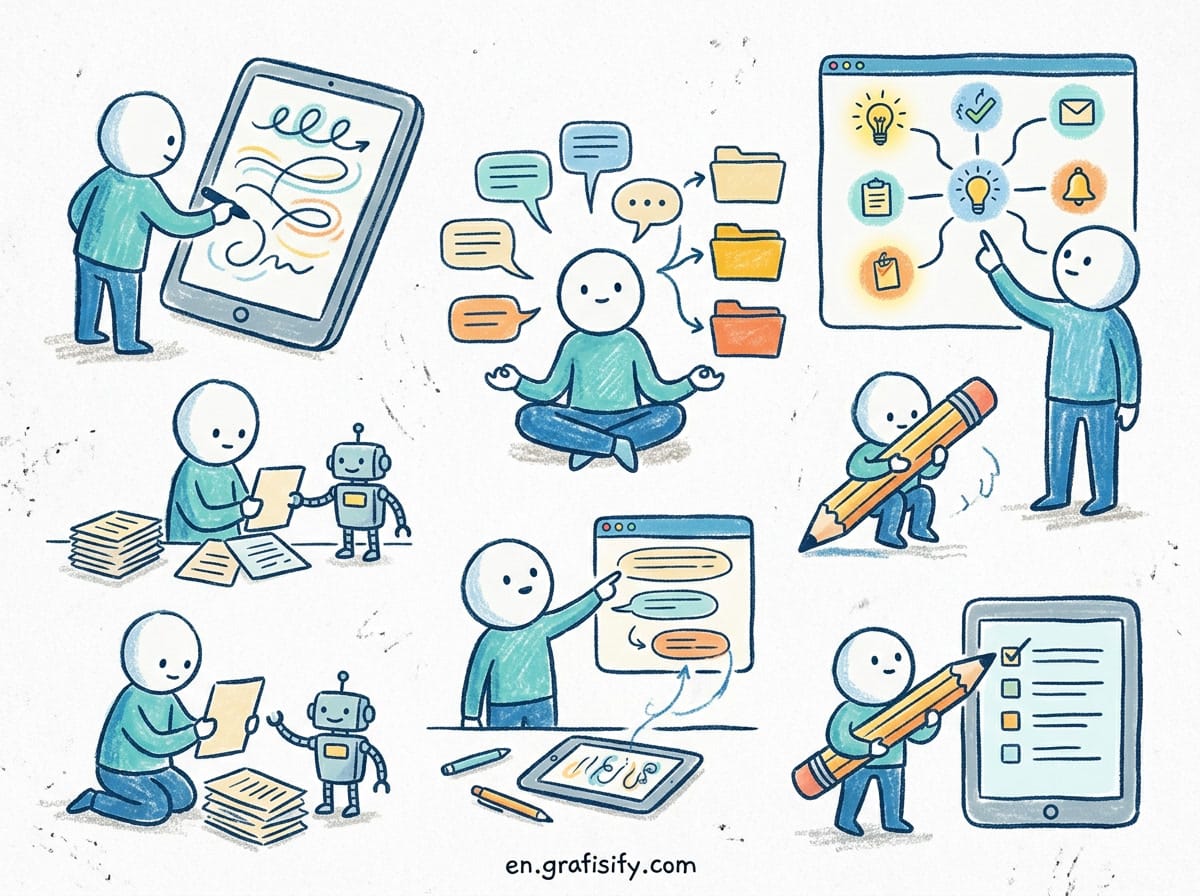
The friction is real too. Asana’s Anatomy of Work research found that knowledge workers spend roughly 60 percent of their day on “work about work”: chasing status updates, switching between tools, and manually moving information from one app to another. Those are exactly the tasks a well-built automation removes. You are not replacing deep thinking. You are deleting the copy-paste layer around it.
What You Need to Start
Three components cover almost every use case in this guide:
- An AI service. ChatGPT, Claude, or Gemini are the common choices. Most platforms let you connect your own API key, which gives you control over cost and model quality. If you do not want to manage keys, the built-in AI nodes work fine for personal use.
- An automation platform. n8n, Zapier, or Make is where the workflow lives. Each one handles triggers, data routing, and error handling in a visual editor.
- The apps you already use. Gmail, Google Calendar, Notion, Airtable, Slack, and Google Sheets are the most common endpoints. If your tool has an API or a native integration, it can be part of a workflow.
That is the entire stack. Everything below uses these three pieces in different combinations.


Seven High-Impact Workflows
These are ordered by how quickly they return value. Build them in this order if you are unsure where to start.
1. Email Triage That Drafts Replies
Unread email is the classic time sink. The workflow looks like this: a new email arrives in Gmail, the AI classifies it as client work, admin, newsletter, or spam, then drafts a context-aware reply for the important categories and files the rest. You review the drafts in a single batch, edit what needs editing, and send.
The trigger is “new email matching inbox.” The AI step gets the subject and body, applies your classification rules, and writes a response in your tone. A final step puts the draft in your drafts folder with the right label. The goal is not zero human involvement. It is turning five scattered trips to the inbox into one focused review session.
People report reclaiming 30 to 60 minutes a day with this pattern alone. The key is giving the AI a clear definition of what counts as urgent, because that definition is what separates useful drafts from noise.
2. Meeting Notes to Action Items
Meetings generate more follow-up tasks than anyone writes down. With this workflow, a recorded call lands in a transcription tool, the transcript is passed to an AI step that extracts decisions, action items, owners, and deadlines, and the output lands in Notion or your task manager as structured entries.
Set it up once and every future meeting follows the same path. No one has to remember who promised what, because the summary exists before the meeting ends.
One warning from experience: AI summaries miss nuance when the audio is bad or multiple speakers talk over each other. Keep the raw transcript attached to the summary so you can check anything that matters.
3. Content Repurposing on Autopilot
One long piece of content becomes many, without extra writing time. The workflow watches a Google Drive folder or RSS feed for new posts, sends the text to an AI step with a prompt like “turn this article into five social posts, a newsletter intro, and three discussion questions,” and publishes the results to a queue or draft folder.
This is the highest-leverage workflow for creators. Instead of staring at a blank page for each platform, you spend five minutes editing AI drafts that already match the source material. The output quality depends almost entirely on how specific your instructions are, so write the prompt once and refine it as you see results.
4. Lead Capture and Personalized Follow-Up
Leads die in the gap between “someone filled the form” and “someone replied.” This workflow closes that gap. A new form submission creates a contact record, the AI writes a personalized first reply based on what the lead actually asked, and a follow-up reminder schedules if no answer arrives in three days.
Personalization is the part that used to require a human. The AI reads the form answers, checks the lead’s company size or stated budget, and writes a reply that references the specifics of the request. It reads as attentive because it is built from real input, not a template.
Solo operators see the fastest wins here. One person can run a steady follow-up cadence that previously needed a part-time assistant.
5. Invoice and Expense Administration
Administration is the least loved part of freelancing. A weekly automation can scan your inbox for payment notifications and receipts, extract amounts, dates, and vendor names, and append the results to a spreadsheet or accounting tool. A second step flags unpaid invoices older than 30 days and drafts a polite reminder.
This does not replace your accountant. It removes the monthly hunt through email for one missing receipt. The accuracy depends on the document quality, so keep the extracted data in a review column until you trust the pattern.
6. A Daily Research Digest You Never Write
Keeping up with industry news used to mean an hour of tab opening and skimming. This workflow collects headlines from the RSS feeds and newsletters you choose, sends the results to an AI step that filters for relevance and writes a three-bullet summary of each important story, then delivers the digest to your inbox or Slack at 7 a.m.
The filter step matters more than the summary step. Without it, you get a long list of everything, which is the same problem you started with. Define your interest area in the prompt and the digest stays short enough to actually read.
7. Social Scheduling and First-Line Replies
Content marketing runs on consistency, and consistency runs on a queue that fills itself. This workflow batches your drafted posts, generates platform-specific variations, and schedules them across the week. A related branch watches for incoming mentions and drafts suggested replies for common question types, leaving the sensitive ones to you.
Use the AI draft as a starting point, not the final word. Replying to a paying customer with an unedited bot message is the fastest way to undo months of trust. The automation buys you time; the human moment stays human.
n8n vs Zapier vs Make: Which Platform Fits
All three platforms run every workflow above. The differences are pricing structure, hosting, and how much control you want. The official documentation for n8n, Zapier, and Make is the place to confirm current pricing, because each vendor changes plan details a few times a year.
| Factor | n8n | Zapier | Make |
|---|---|---|---|
| Best for | Developers and tinkerers who want full control | Non-technical teams that value polish | Visual thinkers who like flexible data mapping |
| Self-hosting | Yes, free and open source | No | No |
| AI nodes built in | Yes, plus direct model access | Yes, via Zapier AI actions | Yes, via AI transformer modules |
| Pricing model | Free self-hosted; cloud from about $24 a month | Free tier, paid plans from about $20 a month | Free tier, paid plans from about $9 a month |
| Learning curve | Steeper | Gentlest | Moderate |
| Error handling | Full control in the editor | Simple retry and alerts | Visual error routes |
The honest answer is that the platform matters less than the discipline of starting small. Pick the one that matches how you learn, then move on to building actual workflows.
How to Build Your First Workflow
Use the lead capture example because it has a clear trigger and a visible result. The same sequence applies to every workflow here:
- Define the trigger. In this case, “a new row in the form responses sheet.” Every workflow starts with one event.
- Map the data. Check which fields arrive with the trigger, then decide what the next step needs. Name, email, and message text cover this case.
- Add the AI step. Connect your model, write a specific instruction, and pass in the trigger data as variables. Say “write a two-paragraph reply that thanks the sender by name and answers their stated question,” not “be helpful.”
- Route the output. Send the reply draft to your drafts folder and store the lead in your CRM. Add a second branch for the three-day follow-up reminder.
- Test with real data. Run the workflow with a sample submission and inspect every step of the execution log. Fix the step where it breaks, then run it again.
- Turn it on and watch. Check the log daily for the first week. Automations fail quietly when a source app changes its format, so a weekly review catches drift before it becomes a problem.
Common Mistakes That Break Automations
These are the mistakes I see most often when I review workflows that stopped working. Every one of them is avoidable with a little discipline.
- Automating an unstable process. If you change how you handle leads every week, the workflow needs rebuilding every week. Stabilize the process first.
- Skipping error handling. A single failed API call can stall a chain silently. Add error routes and a notification step so failures reach you.
- Ignoring token costs. Long documents sent through AI steps add up on paid plans. Summarize before you send, and cache repeated inputs.
- No human review for client-facing output. Autopilot replies to customers are a reputation risk. Always route final messages through a review step.
- Using AI where logic is enough. A simple filter rule is faster, cheaper, and more reliable than a model call. Reserve AI for judgment tasks like tone, classification, and summarization.
FAQ
Do I need to know how to code?
No. All three platforms in the comparison use visual editors. Knowing how data flows between connected apps helps, but the platforms handle the technical layer.
How much does this cost?
Most trials start free. Self-hosted n8n removes the platform fee entirely, and you pay only for the AI usage your workflows consume. A personal automation stack typically runs well under $50 a month in total.
Are the AI outputs reliable enough to send?
For drafts, summaries, and internal processes, yes. For anything customer-facing where the stakes are high, keep a human review step. Reliability improves quickly when you write specific prompts and test with real data.
What is the fastest workflow to start with?
Email triage, because everyone has email and the feedback loop is immediate. You will know within a day whether the classification matches your reality.
When should I use a full AI agent instead?
When a task needs multiple decisions in sequence, like researching, drafting, and publishing a report without human steps. Workflows handle fixed paths well; agents handle open-ended ones. Start with workflows and graduate to agents only when a workflow gets too tangled.

Final Verdict
No-code AI automation is the cheapest productivity upgrade available to a small operation right now. You do not need engineers, massive budgets, or weeks of setup. You need one clear annoyance, one platform, and the willingness to test with real data.
Start with email triage. Then add meeting notes. Keep every workflow simple enough to explain in two sentences, and let the AI do the parts that used to make you procrastinate.
If you are deciding which tools to plug in first, our roundup of the best AI productivity tools for freelancers covers the practical options, and the guide to writing freelance proposals that win clients shows where a good first impression still beats automation. For the sales side, compare the best AI cold email tools before you script outreach, and read about AI voice agents for small business costs when phone handling becomes part of the picture. Pick one workflow from this guide, set it up this weekend, and measure the hours it gives back next week.
I test no-code automation setups for small businesses regularly and publish the results on this site. The workflows above reflect setups that work in production, not lab demos.

Irfan is a Creative Tech Strategist and the founder of Grafisify. He spends his days testing the latest AI design tools and breaking down complex tech into actionable guides for creators. When he’s not writing, he’s experimenting with generative art or optimizing digital workflows.


 Artificial Intelligent
 Design & Creative
 Freelance
 Gadgets & Gear
 Insights
 Laptop
 Reviews
 Smartphone
 Tech Guides
 Vibe Coding