AI Voice Agents for Small Business: Costs and Use Cases
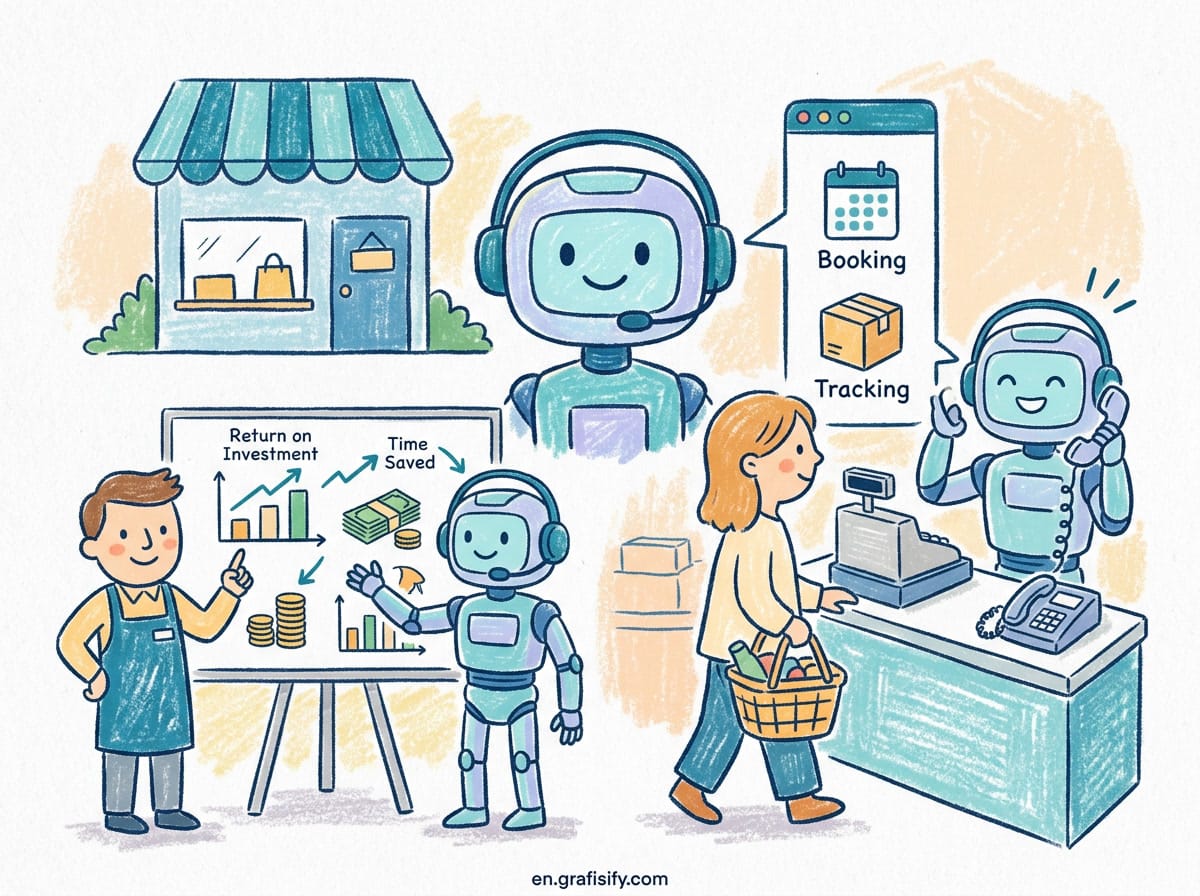
Verdict: AI voice agents are the fastest way a small business can stop losing after-hours calls without hiring another receptionist. For roughly $0.40 to $1.18 per call, an AI phone agent can answer your business line, capture caller details, book appointments, and route urgent calls to a human. The math only gets better as call volume grows. My aim here is practical: what these agents actually do, what they cost, the six use cases that pay off fastest, and how to pick between the main platforms, Vapi, Retell AI, and Bland AI.
What an AI Voice Agent Actually Does for a Small Business
An AI voice agent is a phone receptionist that runs on software. It answers your business number, holds a natural conversation, and takes action based on what the caller says. It does not play a recorded menu. It listens, responds, and completes tasks like a person would.
The core loop is simple. Speech-to-text converts what the caller says, a language model decides what to reply and what tools to use, and text-to-speech delivers the answer in a natural voice. Modern agents interrupt politely, handle small talk, and switch languages if you configure them to.
For a small business, the most useful part is the tool calling. The agent can check your calendar and book a slot, look up an order in your database, update a lead record in your CRM, or send a summary of the call to your inbox. That is what separates a voice agent from an old-school automated attendant.

The setup matters more than the technology. You define the agent’s job in plain language: answer calls between 6 PM and 9 AM, ask for the caller’s name and reason, book appointments in Google Calendar, and text you a transcript when a call ends. Most platforms get you from zero to a working call in under a week, and several do it in an afternoon.
The Real Numbers: Costs, Savings, and ROI
The cost gap between AI and human call handling is the reason this category grew so fast. Gartner projects conversational AI will cut contact center labor costs by $80 billion in 2026 alone. For a small business, the unit economics are what matter.
McKinsey’s 2026 customer service research puts the cost of an AI-resolved interaction at $0.62, against $7.40 for a human-resolved one. Voice AI specifically averages about $1.18 per resolution. Gartner and Juniper Research cite an even wider spread: $0.40 per AI-handled call versus $7 to $12 for a human agent, a 90 to 95 percent unit cost reduction. I pulled most of these figures from Brilo’s compiled 2026 call center statistics, which collects the primary sources in one place if you want to verify them yourself.

You do not need a call center to feel that difference. A landscaping company getting 40 after-hours calls a week can route them to an AI agent for less than $50 a month in usage, instead of paying a receptionist $15 an hour for coverage, or losing the calls to voicemail entirely.
A few other numbers worth knowing before you buy:
- 76 percent of consumers still prefer the phone for customer support, per Salesmate research cited across 2026 industry reports. The phone channel is not dying, and that makes it the highest-stakes place to apply AI.
- Voice AI’s share of inbound contact center volume grew from 6 percent in 2024 to 19 percent in 2026, according to Forrester research, led by banking and telecom. Small businesses are following the same playbook.
- Gartner expects AI to handle 40 percent of all contact center interactions autonomously by 2028. The direction of travel is not in question.
- Bain’s 2026 agentic AI benchmark found a median payback period of 4.1 months for customer service AI deployments, which is unusually fast for business software.
One caveat: adoption is ahead of integration. IBM data cited in the same research shows 88 percent of contact centers report using some form of AI, but only 25 percent have fully woven it into daily operations. The businesses capturing the savings are the ones that define the escalation path, not just the ones that buy the tool.


Six Use Cases Where Voice Agents Pay Off Fastest
Not every phone workflow deserves an AI agent. The ones that pay off fastest share three traits: they are repetitive, they happen outside office hours, and they follow a script that rarely changes. Here are the six that small businesses deploy first.
- After-hours answering. The classic use case. The agent picks up when your office is closed, takes the caller’s name and reason, and books a callback or appointment. Most callers assume they reached a person.
- Appointment scheduling and reminders. The agent checks your calendar, offers open slots, and confirms bookings on the call. Follow-up reminder calls cut no-show rates and cost pennies each.
- Lead qualification. For service businesses, the agent asks the qualifying questions your sales team would ask, scores the lead, and routes hot ones straight to a human callback.
- Tier-1 support. Order status, business hours, pricing, and return policies are the questions AI deflects most reliably. Salesforce data puts the median tier-1 deflection rate at 41.2 percent, with top programs above 58 percent.
- Outbound follow-ups and surveys. Confirmations, payment reminders, and post-service satisfaction calls scale without tying up your staff. Bland AI built its whole platform around this workload.
- Overflow during peak hours. When every line is busy, the agent absorbs the extra calls instead of sending customers to hold music. This is the use case that preserves revenue during your busiest weeks.
One rule of thumb: if a call can be handled with a form, a calendar, and a FAQ, an AI agent can handle it. If the call involves disputes, empathy, or nuance, design the agent to hand off fast. Escalation is a feature, not a failure.
The Main Platforms Compared: Vapi, Retell AI, and Bland AI
Three platforms dominate the conversation for businesses that want to deploy quickly: Vapi, Retell AI, and Bland AI. A side-by-side from AI Agent Rank, which tested all three on identical inbound support, outbound qualification, and appointment-setting workloads, paints a clear picture. I have used their test data as the baseline here because it compares the platforms on the same jobs rather than on marketing claims.
| Platform | Best For | Price Per Minute | Default Latency | Good For Small Business? |
|---|---|---|---|---|
| Retell AI | Inbound support, fastest rollout | $0.08 to $0.20 | 700 to 900 ms | Yes, easiest first call |
| Vapi | Custom stacks, regulated needs | $0.05 to $0.20 | 800 to 1,400 ms | Yes, if you have a developer |
| Bland AI | High-volume outbound calling | $0.07 to $0.18 | 900 to 1,200 ms | Yes, for outbound campaigns |
Retell AI is the product-first choice. Its default voice stack has the lowest median latency of the three, its conversation analytics are polished, and testers built a working appointment-booking agent in one to two hours. If you want the fastest path from signup to answered call, this is the pick.
Vapi is developer infrastructure. You bring or choose every component, from speech-to-text to the language model and voice, which gives you the lowest cost ceiling at scale and the strongest story for regulated industries like healthcare. The tradeoff is setup. You make more decisions, and a bad provider choice becomes your problem.
Bland AI is built for outbound at volume. Its dialer handles scheduling, retries, voicemail detection, and compliance settings like Do Not Call lists out of the box. If your business runs cold outreach or reminder campaigns, Bland is the purpose-built option, though its inbound story is secondary.
For small businesses that want no code at all, Synthflow is worth a look. It positions itself as the no-code builder for voice agents, claims over a thousand business customers, and its G2 reviews consistently praise the ease of setup. The recurring complaint is pricing, which creeps up as call volume grows, so model your monthly minutes before committing.
How to Set Up Your First Voice Agent in a Weekend
Here is a realistic plan for a solo founder or a two-person team, spread across one weekend. It is the same sequence I would follow if I were starting from scratch.
Day one: define the job. Write the script your ideal receptionist would follow. What is the first question? What information must every call capture? What happens if the caller is angry or the request is unusual? Answer those three questions before you touch any software.
Day one: build the agent. Sign up for Retell AI or Synthflow, create a new agent, and paste your script as the system prompt. Connect your calendar and your inbox. Most platforms let you test with a throwaway phone number, so call it ten times and break it on purpose. Note every answer that sounds robotic.
Day two: wire the handoff. The most important setting is escalation. Define the exact phrases that trigger a human transfer, such as “I need to cancel” or “I want to speak to a person,” and test that the transfer works. Then set the hours: agent on after 6 PM, on weekends, and during overflow.
Day two: measure and iterate. Run it for a week with a real forwarding rule during off-hours only. Review the call transcripts each morning. You will find the agent fails on two or three edge cases, and fixing them is a prompt edit, not a re-architecture.
Where AI Voice Agents Still Fall Short
Honesty matters here because the marketing is loud. Voice agents fail in predictable places.
Sentiment-heavy calls are the biggest gap. Digital Applied’s 2026 benchmark found structured requests like password resets and order tracking deflect at 65 to 80 percent, while dispute-type calls rarely break 25 percent regardless of the platform. If your business handles billing arguments, you need a human on the escalation path.
Compliance is a second consideration. In healthcare, the audio of a call can itself be protected health information, which pushes you toward platforms like Vapi that let you bring HIPAA-eligible providers. For outbound calling, you own the responsibility for Do Not Call compliance, and Bland’s built-in tools help but do not replace a lawyer’s review.
There is also a customer-experience floor. Zendesk’s 2026 trends report shows AI-resolved tickets re-contact within 72 hours 11.3 percent of the time, versus 8.7 percent for human-resolved tickets. The gap is small, but it is real, and it is the reason to keep your transfer threshold low and your transcripts reviewed.
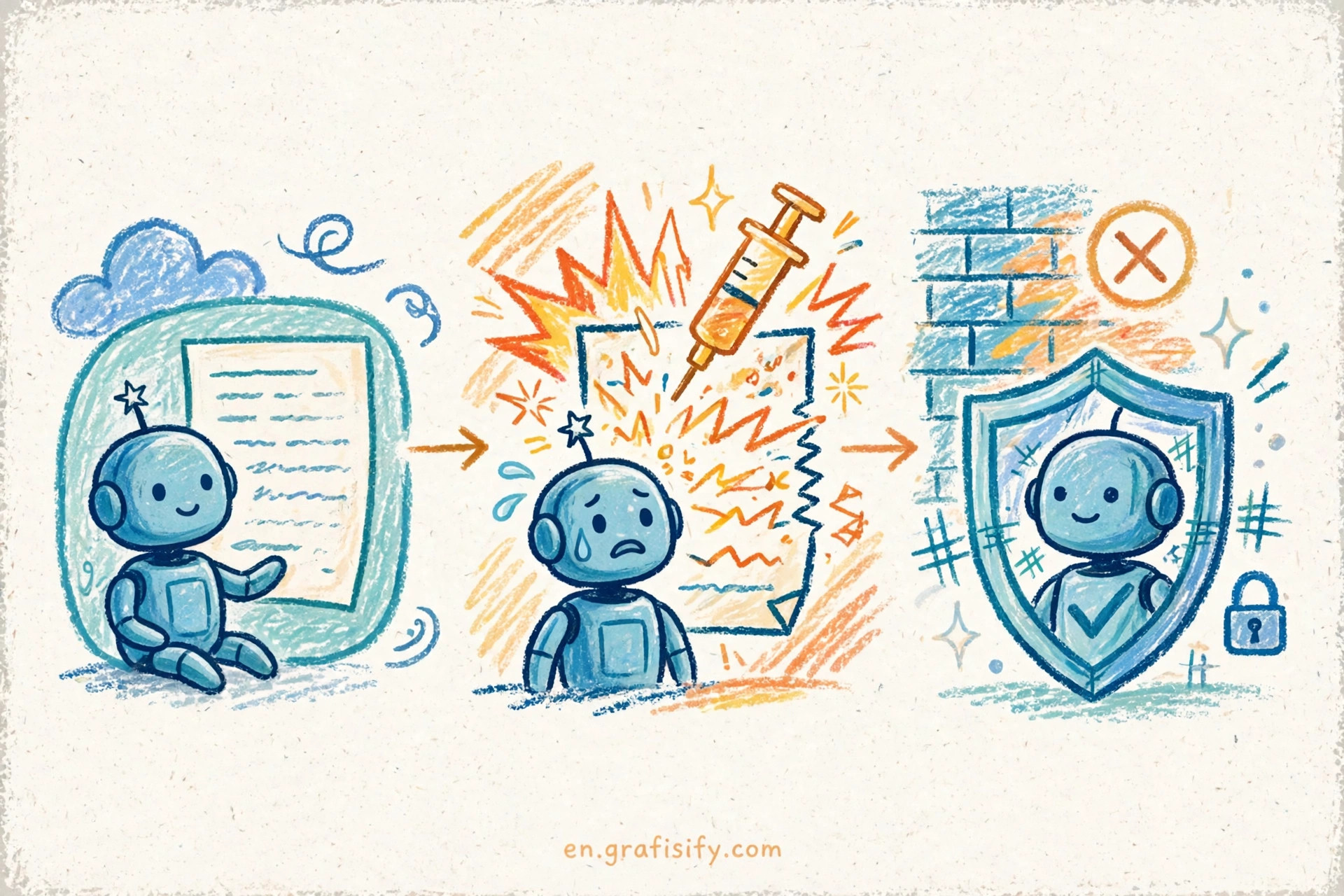
Security deserves its own mention. A voice agent holds real customer data and real calendar access, which makes it a target. The same discipline you apply to your other tools applies here. Audit the agent’s tool permissions, rotate credentials, and treat your call recordings with the same care as your email. If you want a deeper checklist, our guide to AI agent security risks covers the threat model in detail.
Key Takeaways
AI voice agents are not a futuristic experiment. They are a per-call cost decision, and the current numbers favor them heavily for after-hours coverage, appointment booking, and tier-1 questions.
- Expect to pay $0.40 to $1.20 per AI-handled call, versus $7 to $12 for human handling. At 100 calls a month, the savings fund the setup cost many times over.
- Start with one narrow job, usually after-hours answering, and expand only after the transcripts look clean for a week.
- Pick Retell AI for the fastest rollout, Vapi for custom or regulated needs, Bland AI for outbound campaigns, and Synthflow for a no-code start.
- Design the escalation path before you launch. The best voice agents know exactly when to hand off.
- Keep call recordings and agent permissions locked down from day one.
If you are already automating other parts of your workflow, a voice agent slots into the same stack. Our guide to AI automation workflows shows how these pieces fit together, and if your pipeline runs on email as well as phone, the best AI cold email tools list covers the outbound side. For the broader picture on building personal AI systems, this personal AI workflow guide is a good starting point.
Start this weekend with one after-hours call flow. Measure the missed calls you used to lose, and compare them against the transcript log after seven days. That comparison, not the hype, will tell you whether a voice agent belongs in your business.
Frequently Asked Questions
Can an AI voice agent replace my receptionist? Not entirely. It replaces the repetitive 80 percent of the job: answering, capturing information, and booking. The judgment calls still go to a human, and your best setup is an agent that knows when to transfer.
How much does an AI voice agent cost for a small business? Usage-based pricing runs $0.05 to $0.20 per minute on the main platforms, plus telephony costs. A business taking 200 short calls a month typically lands in the $50 to $150 range.
Do callers notice they are talking to AI? Often not on short, structured calls. The gap is noticeable on complex or emotional conversations, which is exactly why escalation design matters more than voice quality.
Do I need a developer to set one up? No. No-code platforms like Synthflow and Retell AI let you build and test an agent in a day. You need a developer mainly if you want a fully custom stack on Vapi.

Irfan is a Creative Tech Strategist and the founder of Grafisify. He spends his days testing the latest AI design tools and breaking down complex tech into actionable guides for creators. When he’s not writing, he’s experimenting with generative art or optimizing digital workflows.







 Artificial Intelligent
 Design & Creative
 Freelance
 Gadgets & Gear
 Insights
 Laptop
 Reviews
 Smartphone
 Tech Guides
 Vibe Coding



