MacBook Pro M4 Student Review 2026: Is It Overkill for Non-STEM Majors?

The Verdict: If you are looking for the tl;dr, here it is. Is the M4 MacBook Pro overkill for a History or English major? Absolutely. Is it the best laptop you will ever own, effectively curing your battery anxiety forever? Also yes. While the MacBook Air M4 is the pragmatic choice, the Pro is the “buy it nice or buy it twice” play for the next four years.
Let’s set the scene. It’s 10:00 AM on a Tuesday. You’re three coffees deep in the campus library, surrounded by a sea of glowing fruit logos. You realized you left your charger in the dorm, which is a twenty-minute walk away. For most people, this is the start of a panic attack. For someone rocking the latest M4 silicon, it’s a non-issue.
Welcome to our deep-dive macbook pro m4 student review 2026. We aren’t here to talk about benchmarks, Geekbench scores, or how fast it renders 8K video—because, let’s be real, if you are a Psychology or Business major, the heaviest thing you’re lifting is a 50-page PDF and forty-seven open Chrome tabs.
The question isn’t whether this machine is powerful enough; we know it is. The question is whether spending the extra cash on a “Pro” machine makes sense when your curriculum doesn’t involve compiling code or 3D modeling. Is it a flex, or is it future-proofing?
Also Read:
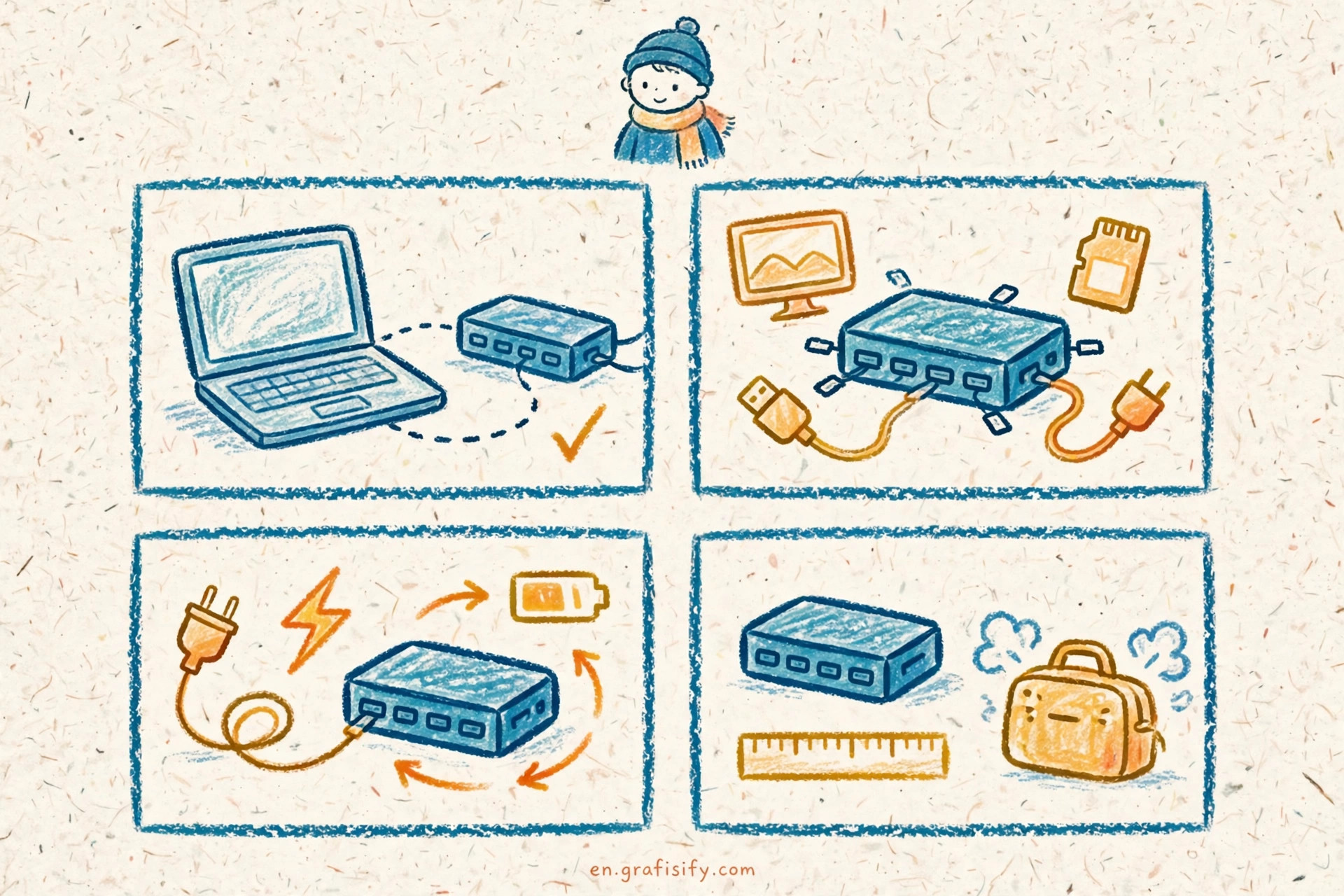
The Elephant in the Room: Do You Need This Much Power?
Let’s rip the band-aid off immediately. Writing an essay on Post-War Economics on a MacBook Pro M4 is like driving a Formula 1 car to pick up groceries. It works, it’s incredibly stylish, but you are barely tapping the gas pedal.
However, that “overkill” headroom is exactly why you might want it.
In 2026, the digital landscape for students has shifted. Even non-STEM majors are dealing with multimedia projects, data visualization tools, and heavy multitasking. The “Pro” moniker isn’t just about raw speed anymore; it’s about smoothness. When you have Spotify running, a Zoom lecture in the background, Discord popping off, and Microsoft Word open, the M4 chip doesn’t even stutter. It doesn’t get hot. The fans don’t spin up like a jet engine preparing for takeoff.

This is where the value lies. It’s the silence. It’s the fluidity. It’s the fact that the spinning beach ball of death is virtually extinct on this machine.
The Killer Feature: 24-Hour Battery Life
If there is one reason to ignore the price tag and grab this machine, it is this: endurance. In our testing for this macbook pro m4 student review 2026, the battery life results were borderline absurd.
Apple claims “all-day battery,” but for the M4 Pro, “all-day” actually means “all day, part of the night, and maybe the next morning.” We are talking about 20+ hours of real-world usage.

Imagine heading to an 8 AM lecture, sitting through three classes, working in the quad for four hours, streaming Netflix during a break, and finishing a paper at midnight—all without ever looking for a wall outlet. For a student, the freedom of leaving the power brick at home is a game-changer. It changes how you move around campus. You aren’t tethered to the wall like a landline phone anymore.
Display and Optics: Once You See It, You Can’t Unsee It
Here is where the Pro separates itself from the Air. The screen. The Liquid Retina XDR display with ProMotion (120Hz refresh rate) is stunning. Is it necessary for reading PDFs? No. But once you scroll through a syllabus at 120Hz, going back to a standard 60Hz screen feels like lagging in a video game.
The text is sharper, the brightness punches through even under direct sunlight (perfect for those outdoor study sessions), and the blacks are inky deep. If you are a film student—or just a student who watches a lot of films instead of studying—this is the best portable theater you can buy.

The “Future-Proofing” Philosophy
Here is the main argument for buying the Pro over the Air, even for Humanities majors. It’s called future-proofing.
College is a four-year marathon (sometimes five, no judgment). A MacBook Air is fantastic, but it has a thermal limit because it lacks a fan. Over time, as software becomes more demanding and updates roll out, the Air might start to feel its age sooner than the Pro.
The MacBook Pro M4 is built with overhead. You are buying performance you don’t need today so that the laptop still feels snappy in 2030. It’s the difference between buying a pair of sneakers that lasts a semester and a pair of boots that lasts a decade. If you amortize the cost over four years of college, the price difference between the Air and the Pro is roughly the cost of one fancy latte a week.
For more insights on choosing the right tech for your specific needs, check out our guides on tech essentials for students.
MacBook Air M4 vs. MacBook Pro M4: The Student Dilemma
Let’s be pragmatic for a second. If you are on a strict budget, the MacBook Air M4 is still an S-tier machine. It is lighter, cheaper, and comes in Midnight Blue (which looks great until you touch it).
But here is the breakdown:
- Get the Air if: You value portability above all else, you are strictly doing text-based work, and saving $400 is critical for your meal plan.
- Get the Pro if: You want the best screen on the market, you hate carrying chargers, you dabble in creative hobbies (photography, video, music), or you want this laptop to last until you get your first promotion at work.
According to recent benchmarks from Apple’s technical overview, the M4 chip offers a significant efficiency leap over the M3, but the thermal management in the Pro chassis allows that performance to be sustained longer without throttling.
Real-World Scenarios: Who is this for?
The Political Science Major:
You have 30 tabs open researching geopolitical policies while streaming news in the background. The Pro’s 18GB (minimum) of unified memory eats this workflow for breakfast.
The Marketing Major:
You aren’t a graphic designer, but you use Canva, edit TikToks for class presentations, and manage social media. The media engine in the M4 Pro renders those video exports instantly.
The Undecided:
You might switch majors. Maybe you’ll take a coding class next year. Maybe you’ll get into data science. The Pro gives you the safety net to pivot into heavier workloads without needing to buy a new computer.
Pros and Cons for the Non-STEM Student
Pros
- Battery Life: Legitimate 2-day usage for light tasks.
- Screen: 120Hz ProMotion makes everything feel faster.
- Ports: HDMI and SD Card slot means fewer dongles to lose.
- Longevity: Will easily last 5+ years.
Cons
- Weight: It’s heavier than the Air. You’ll feel it in your backpack.
- Price: It’s expensive. Painfully so.
- Overkill: You are paying for GPU cores you may never use.
Final Thoughts
Look, nobody needs a MacBook Pro M4 to write a thesis on 18th-century literature. But nobody needs a luxury car to commute to work, either. We buy these things for the experience, the reliability, and the peace of mind.
In this macbook pro m4 student review 2026, the conclusion is clear. If you can afford it, the Pro removes friction from your academic life. It eliminates battery anxiety, screen fatigue, and the need for dongles. It is a tool that gets out of your way so you can focus on the important stuff—like figuring out how to cite a tweet in APA format.
For more deep dives into the latest hardware, reliable sources like The Verge often have excellent technical breakdowns that complement our real-world usage reviews.
Ultimately, if you choose the Pro, you aren’t just buying a laptop for this semester. You’re buying the laptop that will see you walk across the graduation stage.

Irfan is a Creative Tech Strategist and the founder of Grafisify. He spends his days testing the latest AI design tools and breaking down complex tech into actionable guides for creators. When he’s not writing, he’s experimenting with generative art or optimizing digital workflows.






 Artificial Intelligent
 Design & Creative
 Freelance
 Gadgets & Gear
 Insights
 Laptop
 Reviews
 Smartphone
 Tech Guides
 Vibe Coding



