Best AI Assistant for Freelance Work: ChatGPT vs Claude vs Gemini Compared
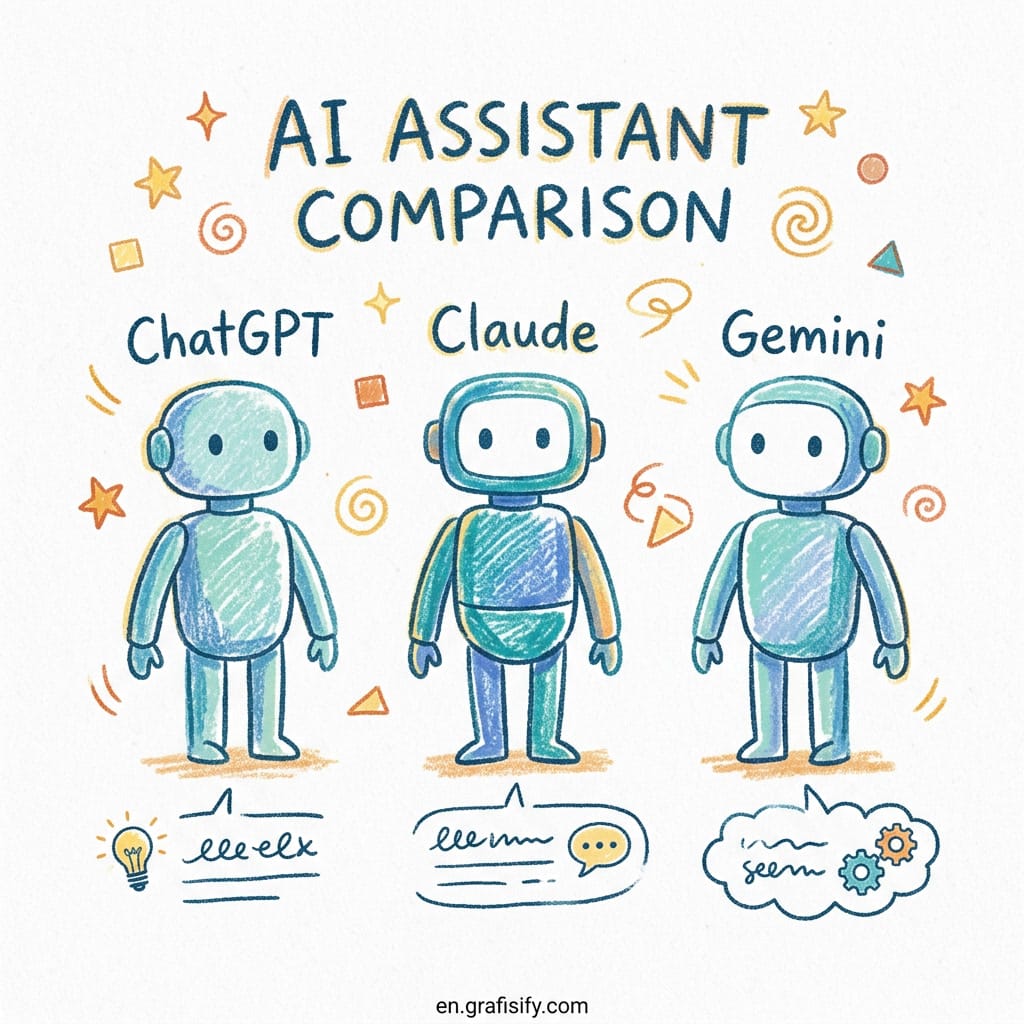
Best AI Assistant for Freelance Work: ChatGPT vs Claude vs Gemini Compared
Quick verdict: There is no single best AI assistant for freelancers, and the right choice depends on what you do. Pick ChatGPT Plus if you wear multiple hats and need one tool for everything. Choose Claude Pro if writing quality and deep reasoning are your bread and butter. Go with Gemini Advanced if you live inside Google Workspace and handle massive documents. And if budget allows, stack two tools for the best results. Most serious freelancers do.
Let me be honest: the AI assistant space in 2026 is confusing. Three major players compete: OpenAI (ChatGPT), Anthropic (Claude), and Google (Gemini). All charge around $20/month for their standard plans. All three claim to be the best. And all three have passionate communities swearing by their pick.
So who is right? All of them, actually. And none of them.
The truth is your freelance niche decides which assistant works for you. A freelance writer needs different capabilities than a web developer. A designer has a completely different workflow from a consultant. And the AI tool that makes one freelancer 5x more productive might slow another one down.
I’ve spent time testing all three assistants across different freelance workflows: writing, coding, research, and strategy. Here is the honest breakdown of the best AI assistant for freelance work based on real use, not benchmark scores.
Why Your Freelance Niche Decides the Right AI Assistant, Not Benchmark Scores
Every month, new benchmark tables show which model scores higher on MATH, MMLU, or HumanEval. Here is the thing: those numbers barely matter for freelancers. What matters is whether the tool helps you finish client work faster and better.
The real differentiators aren’t raw intelligence scores. They are:

- How the tool handles your primary output format: long articles, code blocks, or spreadsheets
- What integrations you already depend on: Google Drive, Notion, or VS Code
- How much context you need: a 1M-token window versus 200K versus 128K
- What kind of mistakes are most costly: factual errors in research or logical gaps in code
With that framework in mind, here is the role-by-role breakdown.
For Writers and Content Creators: Why Claude Pro Is the Default
If you write for a living: blog posts, white papers, newsletters, case studies. Claude Pro should be your first stop. Here is why.
Claude Opus 4.6 produces the most natural long-form writing out of the three models. It handles tone shifts better, follows complex style guides more consistently, and rarely falls into the generic “AI voice” trap that ChatGPT sometimes defaults to. The 200K token context window means you can feed it an entire brand guide, your last ten articles, and a client brief in one go.

What writers actually save with Claude: A freelance writer I know cut her editing time from 4 hours per 2,000-word article to under 90 minutes. The key was Claude’s instruction-following. It stuck to her style guide on the first try, not after three revisions.
ChatGPT is a solid backup here, especially if you need DALL-E image generation for your content. But for pure writing quality, Claude leads.
For Developers: ChatGPT for Full-Stack Work, Claude for Deep Code
This is the closest race. Both ChatGPT and Claude are excellent at code generation and debugging. But they shine in different scenarios.


ChatGPT Plus with GPT-5.4 handles the full development cycle better, from architecture planning through implementation to testing. Its Advanced Data Analysis mode processes files directly, and the GPT Store gives you access to specialized coding agents that can save hours on boilerplate work.
Claude Pro wins on deep code reasoning and debugging complex issues. Give Claude a 5,000-line codebase with a subtle bug, and it frequently finds the root cause faster. Its 200K context means you can paste entire files without worrying about truncation.
| Scenario | Better Tool | Why |
|---|---|---|
| Full-stack web app from scratch | ChatGPT Plus | Better planning + plugins ecosystem |
| Debugging a legacy codebase | Claude Pro | Superior deep reasoning on large files |
| Writing unit tests | ChatGPT Plus | Consistent output across multiple files |
| Reviewing complex pull requests | Claude Pro | Handles larger context without losing thread |
Real-world ROI: If you charge $100/hour for development and save 10 hours per week using either tool, that $20/month subscription generates $4,000/month in extra capacity. The question isn’t whether the tool pays for itself. It’s which tool fits your specific workflow.
For Designers and Creatives: ChatGPT Has the Ecosystem Advantage
Here is where the playing field tilts toward ChatGPT. DALL-E image generation inside ChatGPT Plus means you don’t need a separate Midjourney subscription for quick mockups, social media visuals, or concept exploration.
Gemini Advanced can generate images too, but the quality gap is noticeable for professional-grade design. Claude doesn’t generate images at all; it’s purely text and code.
ChatGPT’s plugin ecosystem is another advantage. Custom GPTs for color palette generation, typography pairing, and layout critique are already built and shared by the community. You don’t start from scratch.
The honest take: If visual work is a core part of what you bill for, ChatGPT Plus gives you the best value in a single subscription. Claude can still handle your project briefs and client communication, but for creative output, ChatGPT has more firepower.
For Google Workspace Power Users: When Gemini Advanced Is the Right Pick
This is the most straightforward recommendation of the three. If your entire freelance operation runs on Google Workspace: Gmail, Google Docs, Google Sheets, Google Drive, Google Calendar. Gemini Advanced is a no-brainer.
Gemini integrates directly into the Google ecosystem. It can summarize email threads in Gmail, draft documents in Google Docs based on a few bullet points, pull data from Google Sheets, and even add events to your calendar. No other AI assistant comes close to this level of native integration.
The 1M+ token context window is also a genuine advantage. You can feed Gemini an entire project’s worth of documents: contracts, briefs, research papers, competitor analysis. And it will reference all of them in a single conversation. That’s a capability neither ChatGPT nor Claude matches.
Trade-off: Gemini’s writing quality and code generation lag behind both ChatGPT and Claude for serious professional work. It works best as a productivity layer on top of Google tools, not as a primary creative or technical assistant.
Best AI Assistant for Freelance Work: How to Choose the Right One
Still unsure which assistant fits your workflow? Run through these three questions:
- What is your primary output? Writing? → Claude Pro. Code? → Tie, pick ChatGPT for breadth or Claude for depth. Visuals? → ChatGPT Plus.
- What ecosystem do you live in? Google Workspace all day? → Gemini Advanced. Otherwise → ChatGPT or Claude.
- Can you afford two subscriptions? $40/month for two AI tools is a fraction of what they enable you to earn. Most serious freelancers run ChatGPT Plus + Claude Pro paired together.
Here is a quick matrix for the most common freelance roles:
| Freelance Role | First Pick | Second Tool (If Budget Allows) |
|---|---|---|
| Freelance writer / content creator | Claude Pro ($20/mo) | ChatGPT Plus (DALL-E for visuals) |
| Web developer / programmer | ChatGPT Plus ($20/mo) | Claude Pro (deep debugging) |
| Graphic designer / creative | ChatGPT Plus ($20/mo) | Gemini Advanced (client comms + docs) |
| Consultant / strategist | Claude Pro ($20/mo) | Perplexity Pro (research) or ChatGPT Plus |
| Virtual assistant / ops freelancer | Gemini Advanced ($20/mo) | ChatGPT Plus (advanced task execution) |
| Video editor / multimedia creator | ChatGPT Plus ($20/mo) | Claude Pro (scripts + project briefs) |
When Free Tiers Are Enough vs When to Upgrade
Can you start with free tiers? Absolutely. Here is what each free plan gives you:
- ChatGPT Free: Limited access to GPT-5, 3 messages every 3 hours on the flagship model. Fine for occasional drafting but frustrating for serious work.
- Claude Free: Access to Sonnet 4.6 (not Opus) with approximately 30 messages per session. Surprisingly capable for light writing tasks.
- Gemini Free: Access to Gemini Flash with voice mode. Good for quick research and simple tasks.
The jump from free to $20/month is worth it the moment you have more than a few client projects per month. The time you save on a single article or code review covers the subscription cost for months.
Frequently Asked Questions About the Best AI Assistant for Freelance Work
Should freelancers pay for ChatGPT Plus or Claude Pro in 2026?
Both are worth $20/month. Pick ChatGPT Plus if you need an all-rounder with image generation and plugins. Pick Claude Pro if writing quality and deep reasoning drive your income. If your freelance income is over $2,000/month, get both.
Which AI assistant is best for freelance writers versus developers?
Writers should default to Claude Pro for better long-form quality and style consistency. Developers should start with ChatGPT Plus for full-stack coverage and add Claude Pro for deep debugging.
Do I need both ChatGPT and Claude as a freelancer?
Not immediately, but most experienced freelancers end up with both. The pair costs $40/month total and covers every freelance scenario better than any single tool. The ROI is clear: one extra hour of billable work per month covers the cost.
Is Gemini Advanced worth it for freelancers?
Only if you depend on Google Workspace daily. For Gmail, Google Docs, and Google Sheets power users, Gemini Advanced pays for itself in time saved. For everyone else, ChatGPT Plus or Claude Pro deliver better value.
Which AI subscription gives the best ROI for freelance work?
Based on real usage data and independent analyses, ChatGPT Plus and Claude Pro both deliver 20-50x ROI for active freelancers. The $20/month cost is recouped within the first 2-3 hours of saved work at typical freelance rates.
Final Thoughts: What Is the Best AI Assistant for Freelance Work?
There is no wrong answer when choosing the best AI assistant for freelance work. All three assistants at $20/month deliver enormous value compared to working without AI. The cost of not using any AI assistant is far higher than the cost of picking the “wrong” one.
Start with the tool that matches your primary work type. If you write, start with Claude. If you build, start with ChatGPT. If you Google Workspace, start with Gemini. Then, as your freelance income grows, add a second tool for the scenarios your first one handles poorly.
The freelancers who get ahead in 2026 aren’t the ones with the most tools. They are the ones who match their tools to their workflow and actually use them every day.

Irfan is a Creative Tech Strategist and the founder of Grafisify. He spends his days testing the latest AI design tools and breaking down complex tech into actionable guides for creators. When he’s not writing, he’s experimenting with generative art or optimizing digital workflows.
You might also like




 Artificial Intelligent
 Design & Creative
 Freelance
 Gadgets & Gear
 Insights
 Laptop
 Reviews
 Smartphone
 Tech Guides
 Vibe Coding