7 Essential Steps to Master Vibe Coding for Beginners

The Verdict
Vibe coding represents a paradigm shift in software development, moving away from strict syntax memorization toward high-level logic and AI collaboration. By leveraging natural language and advanced LLMs, beginners can build complex applications faster, provided they master the art of prompt engineering and iterative review. This guide outlines the exact roadmap to transitioning from a traditional coder to a vibe-based architect.
What is Vibe Coding?
Vibe coding is a modern programming philosophy where the developer primarily uses natural language and intent—the “vibe” of what they want to build—to guide Generative AI tools in writing the actual code. Instead of manually typing syntax, the “vibe coder” acts as a manager, reviewing, refining, and approving the AI’s output to ensure the software functions as intended.

The 7-Step Roadmap to Vibe Coding Mastery
1. Shift Your Mindset: From Writer to Editor
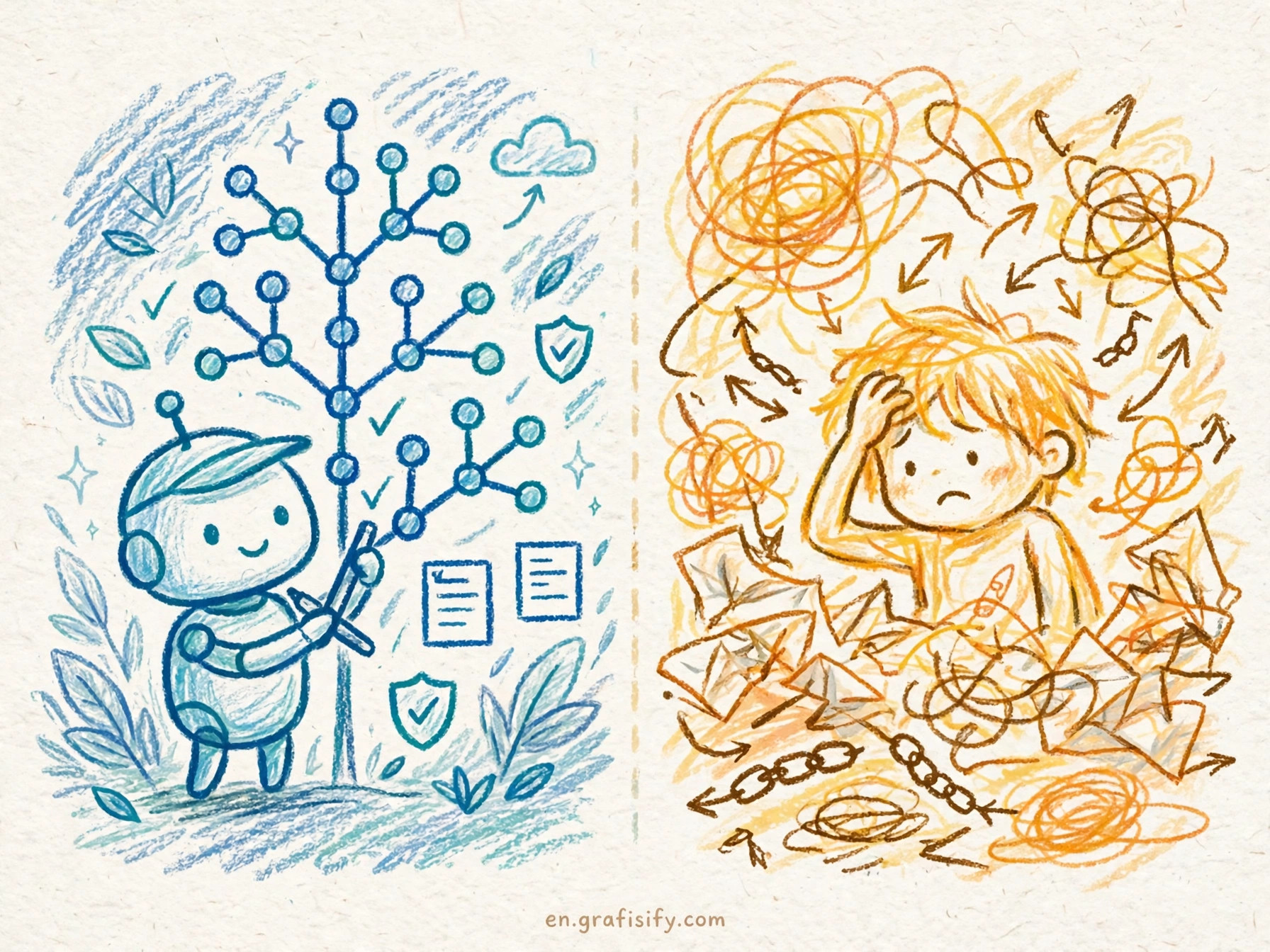
The biggest hurdle in adopting vibe coding isn’t technical; it’s psychological. Traditional coding requires you to obsess over semicolons, memory management, and specific library syntax. In this new era, your role shifts. You are no longer the bricklayer; you are the architect and the site foreman. You need to stop thinking about how to write the loop and start thinking about why the loop exists.
To succeed here, you must embrace the flow state. The goal is to keep the momentum—the “vibe”—going. When you hit a snag, you don’t dig into the documentation immediately; you ask the AI to refactor or explain the error. This requires trusting the process while maintaining a critical eye for logic, ensuring that the AI isn’t hallucinating solutions that look good but fail to run.
2. Choose Your AI Stack Wisely
You cannot vibe code in a notepad. You need an Integrated Development Environment (IDE) that natively understands LLMs. While traditional setups involving a separate ChatGPT window work, true vibe coding happens in tools like Cursor, GitHub Copilot, or Replit’s Agent. These tools have context awareness, meaning they can “read” your entire project file structure, making their suggestions significantly more accurate.

For beginners, setting up an environment like Cursor is crucial because it allows for “Composer” modes where you can edit multiple files simultaneously using plain English instructions. According to Wikipedia’s overview of Generative AI, the capability of these models to understand context is what differentiates simple auto-complete from true intelligent coding assistance. Choose a tool that reduces friction between your thought process and the codebase.
3. Master Natural Language Prompting
In this workflow, English (or your native language) is the new programming syntax. However, vague vibes produce vague code. You need to learn how to articulate technical requirements clearly without writing the code yourself. Instead of saying “fix the button,” you say, “Make the submit button disabled until the form validation passes, and add a loading spinner state during the API call.”
This skill is often called “Prompt Engineering,” but in vibe coding, it’s more like technical direction. You must be specific about libraries and styles if they matter to you. If you want a Python script to use `pandas` instead of standard CSV libraries, you must specify that “vibe” explicitly, or the AI will choose the path of least resistance.

4. The Iteration Loop: Coding by Conversation
Rarely will the AI generate perfect, production-ready code in a single shot. The essence of this method is iteration. You generate a block, run it, see the error, and feed the error back to the AI. This conversational loop is where the magic happens. You are effectively pair-programming with a tireless partner who doesn’t judge your mistakes.
Treat the chat interface as a collaborative workspace. If the output looks wrong, don’t just delete it. Tell the AI, “This looks too complex, simplify it,” or “This function is not handling edge cases where the input is null.” This back-and-forth refinement is what polishes the raw code into a functional product.
5. Reading Code vs. Writing Code
Since you are writing less, you must read more. You cannot blindly trust the vibe coding process. You must develop the skill of scanning code to ensure it makes logical sense. You don’t need to know every nuance of the syntax, but you need to recognize if the AI is importing a library that doesn’t exist or referencing a variable that was never defined.

This is a safety mechanism. Think of it as proofreading a book. You didn’t type every letter, but you are responsible for the typos. As you get better, your ability to “grok” (understand intuitively) the generated code will speed up, allowing you to approve changes in seconds rather than minutes.
6. Handling Hallucinations and Errors
AI hallucinates. It will confidently invent API endpoints that are deprecated or simply imaginary. A key step in your journey is learning to identify when the “vibe” is off. If the AI suggests a solution that seems overly complicated for a simple task, it’s likely hallucinating. Always cross-reference weird imports or complex logic.
For critical infrastructure, consult official documentation from sources like the MDN Web Docs to verify that the methods the AI is using are current and best-practice standards. Blind faith is the enemy of quality software.
7. Deploying and “Vibe Checking” the Final Product
The final step is execution. Does it work? The beauty of this method is that you can get to a deployable state much faster. However, you must perform rigorous testing. Since you didn’t hand-craft every line, there might be subtle bugs hiding in edge cases that the AI overlooked.
Run your unit tests. If you don’t have tests, ask the AI to write them! “Write a test suite for the code you just generated” is a powerful command. Ensure the application feels right—the UI is responsive, the logic holds up, and the performance is acceptable. Only then is the vibe complete.
Common Mistakes to Avoid in AI Coding
One massive pitfall beginners face is “Context Window Overflow.” If you keep a chat session running for too long, the AI might forget the initial instructions or the “vibe” of the project’s architecture. It’s vital to start fresh chats for new features while referencing the relevant files contextually.
Another issue is “Lazy Prompting.” Typing “Make it better” gives the AI too much creative license, often resulting in code that breaks existing functionality. Always anchor your requests with specific constraints. Instead of “Make it pretty,” try “Style this component using Tailwind CSS with a dark mode color palette consistent with the rest of the dashboard.”
Pros & Cons of Vibe Coding
✅ The Good
- Incredible Speed: You can prototype functional apps in hours instead of days.
- Lower Barrier to Entry: You don’t need to memorize syntax to build something useful.
- Reduced Burnout: The AI handles the repetitive “boilerplate” tasks, keeping you fresh for logic.
❌ The Bad
- Knowledge Gaps: You might build things you don’t fully understand, making deep debugging hard.
- Hallucinations: AI can confidently write broken or insecure code.
- Dependency: Over-reliance on AI can atrophy your fundamental coding skills.
Final Thoughts
Vibe coding isn’t just a trend; it’s the future of software interaction. It democratizes creation, allowing anyone with a clear vision and logical thinking skills to build software. However, remember that the AI is a force multiplier, not a replacement for your judgment. The best developers of 2025 will be those who can blend deep technical understanding with the rapid workflow of AI.
Start small, be specific with your vibes, and never stop reviewing the code. Ready to dive deeper into specific tools? Read our related guide on the best AI code editors for 2025.
Tagged with:
beginner programmingcoding guidecursor aifuture of codinggenerative aillmprompt engineeringsoftware developmenttech trendsvibe coding
Irfan is a Creative Tech Strategist and the founder of Grafisify. He spends his days testing the latest AI design tools and breaking down complex tech into actionable guides for creators. When he’s not writing, he’s experimenting with generative art or optimizing digital workflows.






 Artificial Intelligent
 Design & Creative
 Freelance
 Gadgets & Gear
 Insights
 Laptop
 Reviews
 Smartphone
 Tech Guides