How to Audit Vibe Coded Python Codebases
Vibe coding has fundamentally transformed software development. Building complete web applications, automation scripts, or internal dashboards using AI assistants like Cursor, Claude Code, or GitHub Copilot allows developers and non-coders alike to ship products at unprecedented speeds. However, this high-velocity generation model introduces a subtle engineering risk: silent code debt. When artificial intelligence generates hundreds of lines of Python in seconds, syntax errors rarely break the build immediately, but structural anti-patterns, duplicated logic blocks, unhandled exceptions, and dead functions quietly accumulate in the background.
I have spent the past several months reviewing vibe-coded Python repositories across client projects and internal tools. The pattern is remarkably consistent: functional user interfaces built on top of fragile software architecture. To maintain long-term stability without sacrificing the rapid prototyping benefits of artificial intelligence, developers need a systematic auditing workflow. This guide outlines practical steps, toolchains, and context protocol integrations to audit vibe-coded Python projects effectively.
Quick Verdict and Audit Matrix
If you need an immediate strategy to evaluate a vibe-coded Python repository, use the following tiered checklist based on your project’s lifecycle stage:
- Early Prototype Stage: Focus on automated static analysis. Run
flake8for basic syntax and unused imports alongsidebanditfor hardcoded secrets or unsafe file operations. - Production Release Stage: Enforce structural metric evaluation using specialized linters like
pyscnorradon. Analyze cyclomatic complexity and duplicate code blocks before deploying. - Continuous AI Maintenance Stage: Connect static code metrics directly to your AI IDE via Model Context Protocol (MCP). This enables Cursor or Claude Code to read structural quality reports automatically on every file save.
| Audit Dimension | Primary AI Pitfall | Recommended Tool | Target Metric |
|---|---|---|---|
| Security & Secrets | Hardcoded API keys, loose permission calls | Bandit / Trufflehog | Zero high-severity findings |
| Cyclomatic Complexity | Deeply nested loops, sprawling functions | Radon / Pylint | Grade A/B (Score < 10 per function) |
| Code Duplication | Repeated boilerplate across modules | Pyscn / Refurb | < 5% total duplication ratio |
| Type Safety | Missing annotations, dynamic type shifts | Mypy / Pyright | Strict type checking on core modules |
| Context Efficiency | Excessive file size burning context window | MCP Code Analyzer | < 300 lines per module file |
The Structural Vulnerabilities of AI Generated Python
Artificial intelligence language models generate code based on statistical pattern matching derived from public repositories. While AI excels at localized problem solving, it lacks broad systemic architectural awareness unless explicitly guided. When prompts ask an assistant to add a feature quickly, the AI chooses the path of least resistance: appending new blocks into existing functions rather than refactoring modular abstractions.

Over time, this pattern creates several distinct code smell profiles in Python environments:
First, Monolithic Multi-responsibility Functions are extremely common. An AI generator will comfortably create a single 250-line function that parses a web payload, validates form fields, writes records to a database, and fires an email event notification. While execution succeeds, unit testing individual steps becomes nearly impossible.
Second, Hallucinated Dependencies and Legacy Call Signatures emerge when AI models blend syntax patterns across python library versions. You will frequently observe deprecated parameter flags or unnecessary helper functions reimplemented inside utility modules when native standard library methods exist.

Third, Over-broad Exception Handling represents a severe reliability threat. AI generators routinely output except Exception: pass blocks to prevent application crashes during manual acceptance testing. In production environments, this hides database disconnection errors, missing configuration values, and broken network socket streams.
For additional background on building scalable server configurations for automated AI toolchains, see our Docker Compose deployment guide.
Step 1: Automated Security and Hardened Secret Scanning
Before reviewing architectural quality, you must audit security vulnerabilities. AI models trained on public snippets occasionally replicate insecure patterns, such as string-formatted SQL queries or unescaped shell commands.

Begin by scanning your Python codebase for hardcoded keys, API tokens, and credentials using standard command-line tools. You can run automated security analyses using bandit directly against your source directory:
pip install bandit trufflesecurity-trufflehog
bandit -r ./src -f txt -o security_report.txt
Pay primary attention to the following three security indicators during your initial scan review:
B608 (SQL Injection):Search for string formatting inside raw SQL executions. Ensure all database interactions utilize parameterized query arguments or standard Object-Relational Mapping (ORM) frameworks like SQLAlchemy or Peewee.B108 (Hardcoded Temp Files):Audit temporary file creation logic to ensure secure path creation mechanisms like Python’s built-intempfilelibrary are utilized instead of hardcoded/tmppath strings.B110 (Try-Except-Pass):Identify suppressed exceptions that silence system failures silently. Replace empty catch blocks with structured logging output using Python standardloggingmodule.
If your application relies on containerized hosting infrastructure, review our recommendations in Docker container hardening rules for supplementary production security controls.
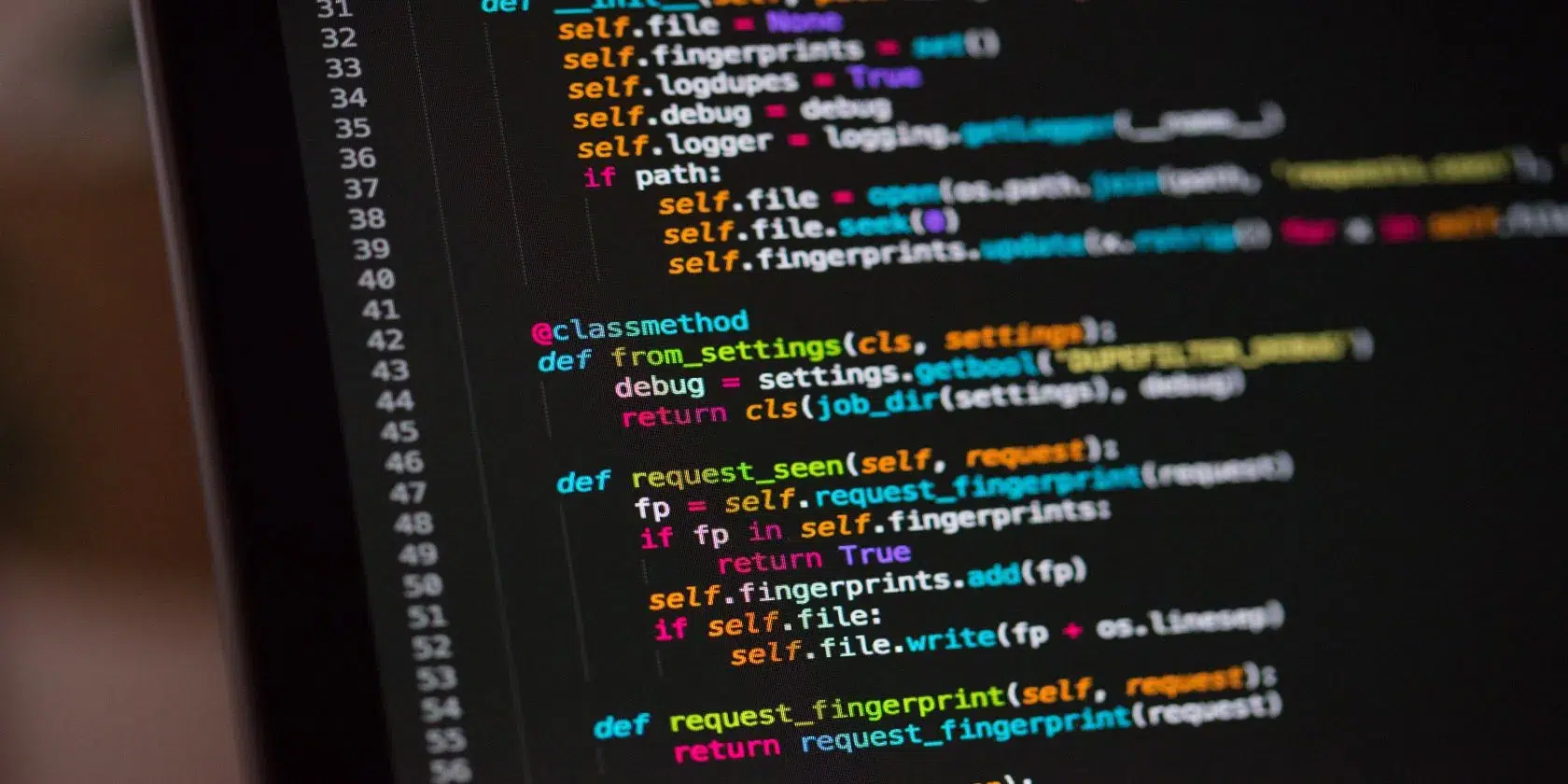

Step 2: Measuring Cyclomatic Complexity and Code Duplication
Once security baselines are established, shift your audit focus toward structural maintainability. High complexity directly correlates with high regression bug rates when prompting AI assistants for updates later.
To quantify code complexity in Python, compute the cyclomatic complexity index using radon. Cyclomatic complexity measures the number of linearly independent paths through a program’s source code.
pip install radon
radon cc ./src -s -a
Interpret radon scores according to these engineering thresholds:
- Rank A (Score 1-5): Simple code, highly stable, easy to test. Ideal target state.
- Rank B (Score 6-10): Moderately complex, acceptable for business logic workflows.
- Rank C (Score 11-20): High complexity, difficult to refactor with AI without test coverage.
- Rank D-F (Score 21+): Extreme risk, must be refactored into smaller sub-functions immediately.
In addition to complexity, code duplication is a signature characteristic of vibe coding. When developers ask an AI assistant to implement similar features across multiple endpoints, the model frequently duplicates utility blocks rather than creating a shared module.
Utilize static analyzers like pyscn or pylint to flag duplicate code blocks across your repository. Target a total duplication ratio below 5 percent. When duplicates are identified, instruct your AI assistant explicitly to extract the duplicated logic into a standalone helper function located inside a dedicated utils/ or helpers/ directory.
Step 3: Enforcing Strict Type Annotations with Mypy
Python’s dynamic typing allows rapid prototyping, but dynamic types degrade AI assistant performance over time. When Cursor or Claude Code processes an untyped function signature, the assistant must inspect distant caller functions to infer variable data types, consuming valuable context window space and increasing hallucination risks.
Enforcing type hints establishes an unambiguous contract between developer intent, static analysis tools, and AI context engines. Integrate mypy into your auditing environment to detect type mismatches:
pip install mypy
mypy ./src --ignore-missing-imports
Adopt a progressive type annotation workflow for vibe-coded codebases:
- Annotate Function Parameters and Returns: Ensure every public function explicitly declares argument types and return values (e.g.,
def process_user(user_id: int) -> bool:). - Define Data Containers via Pydantic or Dataclasses: Replace unstructured dictionaries with typed data containers. Using
dataclasses.dataclassor Pydantic models provides immediate editor autocomplete and explicit schema validation. - Eliminate Any Types: Flag occurrences of
typing.Any. Prompt your AI tool to replaceAnywith explicit type unions, generics, or precise interfaces.
For developer workflows centered around automated AI tooling, review our guide on Vibe coding workflows for solo developers.
Step 4: Integrating Model Context Protocol for Continuous AI Auditing
Manual static analysis runs require discipline that often lapses during fast-paced development cycles. The most effective strategy for preserving code quality is connecting static metrics directly back into the AI assistant’s execution feedback loop.
By configuring Model Context Protocol (MCP) servers in tools like Cursor or Claude Code, static analysis utilities can supply real-time structural metrics to the AI assistant while you interact with it.
{
  "mcpServers": {
    "python-analyzer": {
      "command": "python",
      "args": ["-m", "mcp_pyscn_server", "--project-root", "."]
    }
  }
}
When an MCP code quality server is connected to your IDE environment, your AI assistant receives immediate feedback during code generation cycles:
- The AI assistant observes if a generated function exceeds complexity threshold limits before you accept the changes.
- Unused imported modules and dead code paths are highlighted and purged automatically.
- Refactoring prompts become significantly more precise because the AI model reads objective metric scores directly from local static analysis tools.
To learn more about connecting local services and tools to AI workflows, check out our comprehensive Model Context Protocol (MCP) setup guide.

Refactoring Strategy: Prompt Engineering for Clean Code
When your audit scans reveal high complexity, duplication, or security warnings, avoid issuing vague prompts like “clean up this code” or “make this function better.” Generic prompts often cause the AI model to rewrite working logic unnecessarily, introducing regressions.
Instead, use structured refactoring prompts based on your audit findings. Here are three effective prompt templates designed for Python code cleanup:
1. Complexity Refactoring Prompt:
“Function process_financial_data() in services/reports.py currently has a cyclomatic complexity score of 18 due to nested loop branches. Refactor this function into three smaller single-responsibility helper functions. Maintain strict type annotations and preserve existing docstrings.”
2. Duplication Removal Prompt:
“Modules handlers/user.py and handlers/admin.py contain duplicated request validation logic. Extract this shared logic into a reusable class named RequestValidator inside utils/validators.py. Update both modules to import and utilize the new utility.”
3. Exception Hardening Prompt:
“Review all try-except blocks across api/client.py. Replace generic except Exception: pass statements with specific exception handlers for requests.exceptions.RequestException and KeyError. Log caught errors using the standard application logger.”
Final Checklist for Maintaining Vibe Coded Codebases
Building applications with AI velocity is an incredible competitive advantage, but code health requires consistent maintenance. Apply this post-audit maintenance routine to ensure your Python repositories remain maintainable over the long term:
- Run Automated Linters in Pre-commit Hooks: Configure
gitpre-commit hooks to runflake8,bandit, andmypybefore commits land in main branches. - Keep File Sizes Below 300 Lines: Modularize large files to prevent context window saturation during AI coding sessions.
- Enforce Unit Test Coverage on Core Modules: Prompt your AI assistant to generate companion unit tests for every new feature module using
pytest. - Perform Weekly Architectural Reviews: Run static metric comparisons weekly to ensure cyclomatic complexity and duplication rates remain within established bounds.
By combining rapid AI generation with disciplined static analysis tools, you preserve high development velocity while ensuring your Python codebases remain secure, maintainable, and production-ready.

Irfan is a Creative Tech Strategist and the founder of Grafisify. He spends his days testing the latest AI design tools and breaking down complex tech into actionable guides for creators. When he’s not writing, he’s experimenting with generative art or optimizing digital workflows.






 Artificial Intelligent
 Design & Creative
 Freelance
 Gadgets & Gear
 Insights
 Laptop
 Reviews
 Smartphone
 Tech Guides
 Vibe Coding




