MCP Server Security: How to Prevent Credential Leaks

Quick Verdict: One in eight public Model Context Protocol (MCP) configuration files on GitHub contain hardcoded credentials like API keys and database tokens. Securing your MCP setup requires three non-negotiable operational steps: replace all literal secrets with environment variable references (
${OPENAI_API_KEY}), immediately rotate any key that ever touched a committed file, and enforce least-privilege scoping on dedicated service credentials.Local Model Context Protocol (MCP) servers that read your local filesystem are straightforward to audit. The threat model is transparent: you know exactly which directories on your machine the agent can access, and you can sandbox execution paths using standard operating system permissions. Remote MCP servers operate on a completely different risk profile. A remote or hosted MCP server that an AI coding assistant trusts to execute tools or retrieve remote context sits directly between your language model and your host infrastructure. When you hand that server an authentication credential, you have no direct visibility into how it stores, logs, or transmits the secret behind the scenes.
That visibility gap is precisely where credential leaks occur. As more software engineering teams connect their development environments to remote tools using the open protocol standard, hardcoded API tokens are slipping into public code repositories at an alarming rate. Whether you build custom tools or connect existing infrastructure using Cursor or Claude Desktop with MCP servers, managing authentication boundaries is now a fundamental requirement for maintaining security hygiene.
What the Latest MCP Security Research Uncovered
Security researchers at Hush Security recently published an extensive scan of public GitHub repositories to assess the security posture of active MCP deployments. Their team analyzed roughly 82,000 public MCP configuration files spread across a dozen popular AI coding agents and framework ecosystems. The empirical findings, as reported by TechTarget, expose a widespread security blind spot across developer workflows:
- 12% of credential slots contained a hardcoded secret: Approximately one in eight publicly accessible MCP configuration files on GitHub contained a literal API key, database password, cloud access credential, or private authentication token.
- 24% of leaked keys were broad-scope and non-expiring: Nearly a quarter of the exposed credentials granted indefinite, high-privilege administrative access to corporate databases, cloud infrastructure workspaces, and corporate AI token pools.
- Git commit history retains deleted secrets: Simply deleting a secret from the latest commit or modifying the configuration file on disk does not remove it from Git commit history. Automated repository scraping tools easily inspect older commit trees to extract the exposed keys until they are explicitly rotated at the service provider level.
- Direct financial and data exposure: Leaked Anthropic and OpenAI API keys allow external threat actors to not only exfiltrate confidential model context but also consume massive token volumes on the victim account, resulting in thousands of dollars in unexpected cloud charges.
Gartner analyst Keith Guttridge emphasized that exploiting these public configuration files requires zero advanced technical exploitation skills. A threat actor needs only to search GitHub for standard MCP configuration filenames, copy the leaked credential block into their local client setup, and instantly acquire full access to the victim workspace under an autonomous service identity.

How MCP Credentials Leak in Practice
The mechanics behind these credential leaks stem from routine developer convenience. Most MCP client architectures, including desktop interfaces and CLI tools, store server definitions inside structured JSON or YAML configuration files (such as claude_desktop_config.json or project-level agent configuration files). When developers commit and push a project directory to GitHub, those configuration files are tracked and uploaded by default unless explicitly excluded.
Five recurring development mistakes account for almost all public secret exposures:
- Testing with live production keys: Developers paste a live production API token into a local JSON configuration file to quickly test a new tool or integration, intending to replace it later, but forget to revert the change before executing a git push.
- Incomplete repository ignore rules: Project environment files (
.env) or local configuration overrides are committed because.gitignorewas initialized after the configuration file was already tracked by Git index state. - Unsanitized starter templates: Open source boilerplate projects and starter templates often ship with sample configuration files containing instructions like “paste your API key here”. Developers modify the sample file directly and check it back into their repository without separating secrets into local environment variables.
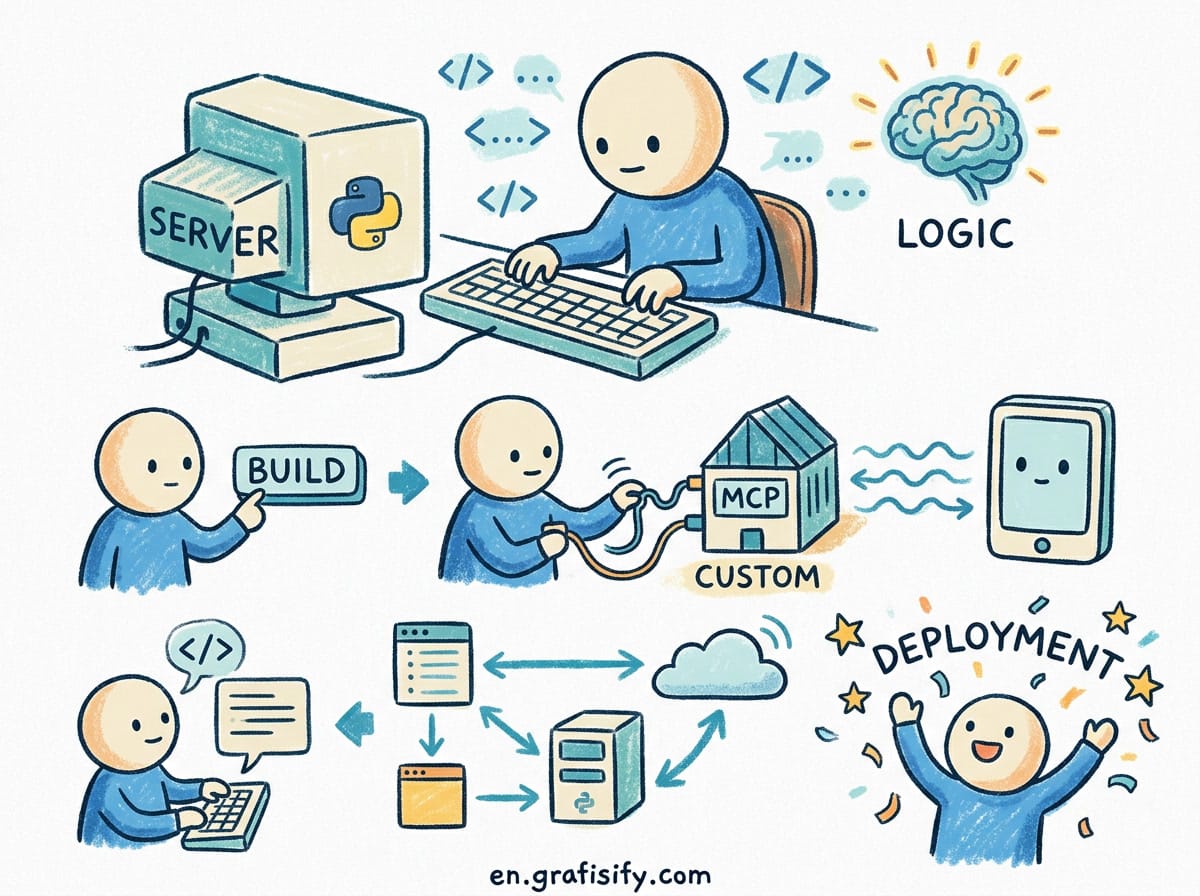
- Nested file creation during server builds: Developers building custom integrations using tools like the custom MCP server Python SDK frequently hardcode fallback tokens in boilerplate configuration code, which then gets committed alongside the package.
- Confusing client-side and server-side secret boundaries: Developers frequently assume that because an MCP server runs locally, its configuration file remains private, overlooking the fact that pushing the parent repository exposes every unignored configuration file to public indexing.
On the server infrastructure side, critical network-level vulnerabilities exist. According to official technical specifications outlined in the IETF Internet-Draft on MCP Security Considerations, HTTP-fetching MCP servers that accept URL parameters without strict IP address validation are vulnerable to Server-Side Request Forgery (SSRF). An adversarial prompt can manipulate an unhardened server into issuing requests to cloud instance metadata endpoints (such as 169.254.169.254), exposing underlying AWS IAM or GCP service account credentials directly to the attacker.

Prompt Hijacking and Protocol-Level Vulnerabilities
Static file leaks are only one dimension of the MCP security challenge. Runtime protocol interactions introduce unique attack surfaces that standard web application security models fail to address. Security researchers at JFrog identified a vulnerability pattern in MCP transport implementations termed “prompt hijacking” (tracked as CVE-2025-6515 in the oatpp-mcp C++ implementation).
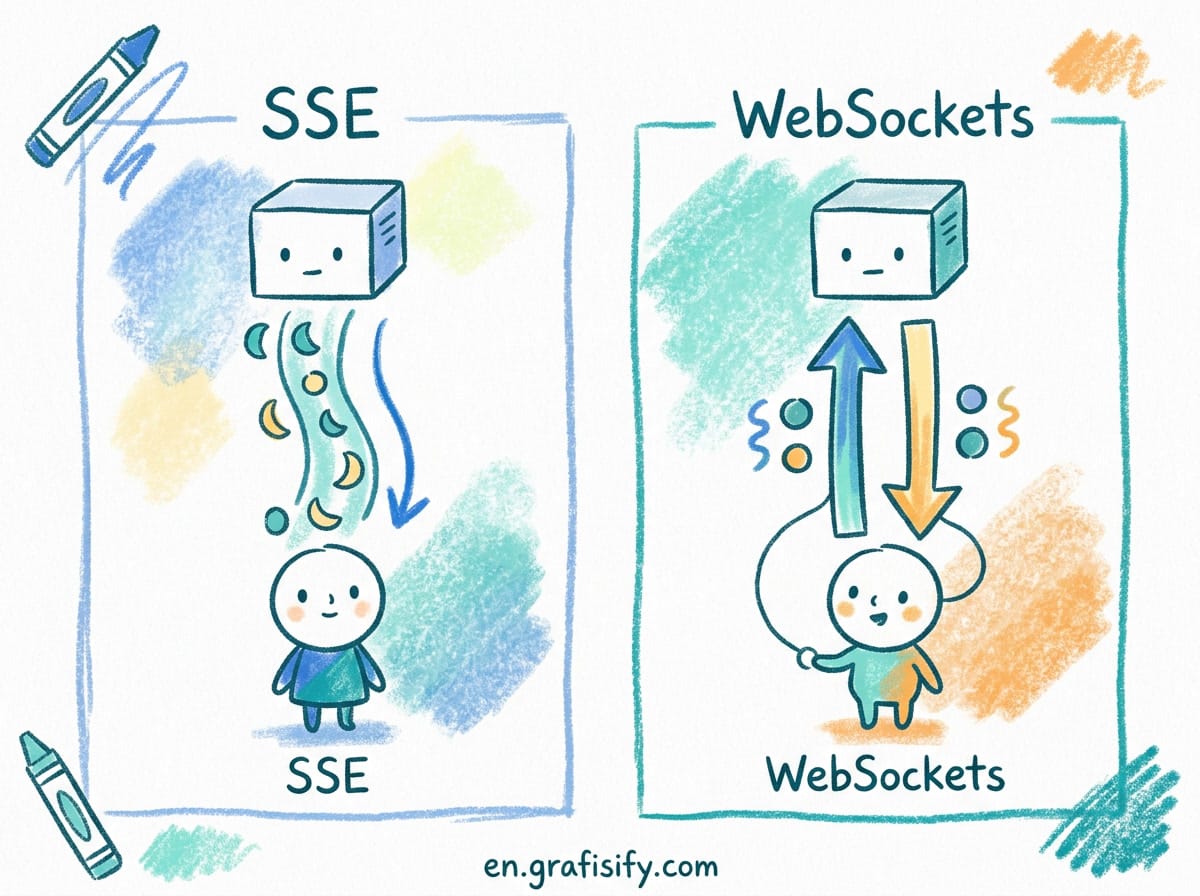
When an MCP server utilizes the Server-Sent Events (SSE) transport protocol with predictable or sequential session IDs, a remote attacker can brute-force active session identifiers. By guessing a valid session ID, the attacker can transmit unauthorized tool calls or inject malicious prompts into an active client session. The receiving client processes the injected payload as an authentic response from the trusted MCP server, executing secondary actions under the user context.
Academic security research published on arXiv further demonstrated that frontier language models remain susceptible to multi-server indirect prompt injection attacks. In a Retrieval-Agent Deception (RADE) scenario, an adversary embeds malicious instructions inside an external file (such as a public document or repository file). When an MCP-enabled agent queries a local vector database or reads the file via a search tool, the agent reads the embedded payload and executes instructions to search local environment variables for strings like OPENAI_API_KEY, posting the harvested credentials to an external web endpoint.

Because the Model Context Protocol prioritizes tool composability over strict isolation, a payload returned from Server A can directly manipulate tool calls dispatched to Server B. Addressing this risk requires defense-in-depth across developer workstations, local config files, and network egress rules, aligning with established AI agent security risk frameworks.
Practical Guidelines to Secure Your MCP Infrastructure
Securing your MCP environment does not require complex enterprise infrastructure. Implementing six straightforward operational practices eliminates the vast majority of credential exposure vectors:
1. Use Environment Variable Expansion Exclusively
Never write literal secret strings inside MCP configuration files. Utilize standard variable expansion syntax (such as ${OPENAI_API_KEY} or $ANTHROPIC_API_KEY) so the MCP client reads credentials directly from your workstation shell environment or secret manager at launch. The configuration file saved in your project directory should contain zero secret strings.

2. Immediately Rotate Any Secret Found in Git History
If an API key or password was ever committed to a Git repository, consider it compromised. Deleting the line or removing the file in a subsequent commit leaves the secret fully accessible in previous Git commits. Generate a new key in your provider dashboard and revoke the exposed credential immediately.
3. Enforce Least-Privilege Scoping for Tool Credentials
Create dedicated, narrowly-scoped service credentials specifically for MCP tool integrations rather than reusing master account tokens. If an MCP server only requires read access to a specific database table or cloud storage bucket, issue a credential restricted to those exact actions. If the credential ever leaks, the potential blast radius remains tightly contained.
4. Implement Pre-Commit Secret Scanning
Integrate automated secret detection tools (such as Gitleaks, Trufflehog, or GitGuard) into your local pre-commit hooks. These tools inspect outgoing commits for API key signatures, blocking the commit process on your local workstation before any secret touches a remote branch.
5. Restrict Local and Container Egress Paths
When running custom or self-hosted MCP servers inside local Docker containers or systemd units, apply strict egress network policies. Block outbound connections to link-local metadata IP ranges (169.254.169.254) and internal loopback services to neutralize potential SSRF vectors.
6. Audit Remote Third-Party Servers Before Connection
Treat any third-party hosted MCP server as an untrusted external entity. Review the server capability declarations, inspect the scope of tools exposed, and verify what data the server requests before providing authentication headers. If a remote server cannot provide clear documentation regarding its data retention and security controls, isolate it or avoid connecting it to sensitive environments.
Comparison of MCP Credential Management Methods
| Security Approach | Setup Effort | Credential Leak Risk | Key Revocation Speed | Recommended Use Case |
|---|---|---|---|---|
| Hardcoded Config String | Very Low | Critical (High Risk) | Slow (Manual Reset) | Never (Dangerous Anti-pattern) |
Environment Variables (${VAR}) | Low | Low (Safe if .env ignored) | Fast (Shell env update) | Individual developers, local CLI tools |
| Secret Manager Integration | Medium | Very Low | Instant (Centralized control) | Engineering teams, CI/CD pipelines |
| Dedicated Scoped Keys | Medium | Low (Contained blast radius) | Fast (Per-tool key deletion) | All production agentic workflows |
| API Gateway / Proxy Vault | High | Minimal | Automated rotation | Enterprise multi-agent infrastructure |

Key Takeaways for Software Teams
The Model Context Protocol offers powerful capabilities for connecting AI models to external tools and internal data infrastructure. However, treating configuration files as harmless text documents creates a serious security liability. The empirical research from Hush Security demonstrates that hardcoded credentials in public repositories remain the single largest vulnerability surface in modern agentic software development.
By enforcing environment variable expansion, rotating legacy secrets stored in Git history, and restricting credential permissions, developers and engineering teams can harness MCP automation safely without exposing critical infrastructure to public exploitation.

Irfan is a Creative Tech Strategist and the founder of Grafisify. He spends his days testing the latest AI design tools and breaking down complex tech into actionable guides for creators. When he’s not writing, he’s experimenting with generative art or optimizing digital workflows.
You might also like


 Artificial Intelligent
 Design & Creative
 Freelance
 Gadgets & Gear
 Insights
 Laptop
 Reviews
 Smartphone
 Tech Guides
 Vibe Coding