How to Write Structured AI Prompt Files for Complex Refactoring

Refactoring a legacy codebase using AI coding tools often degenerates into a frustrating loop of half-baked edits, broken dependencies, and hallucinated function signatures. When you pass a simple prompt to an AI assistant and ask it to restructure a core service, the model lacks boundary constraints. It renames variables arbitrarily, ignores system architecture contracts, and attempts to re-architect unrelated modules in a single pass.
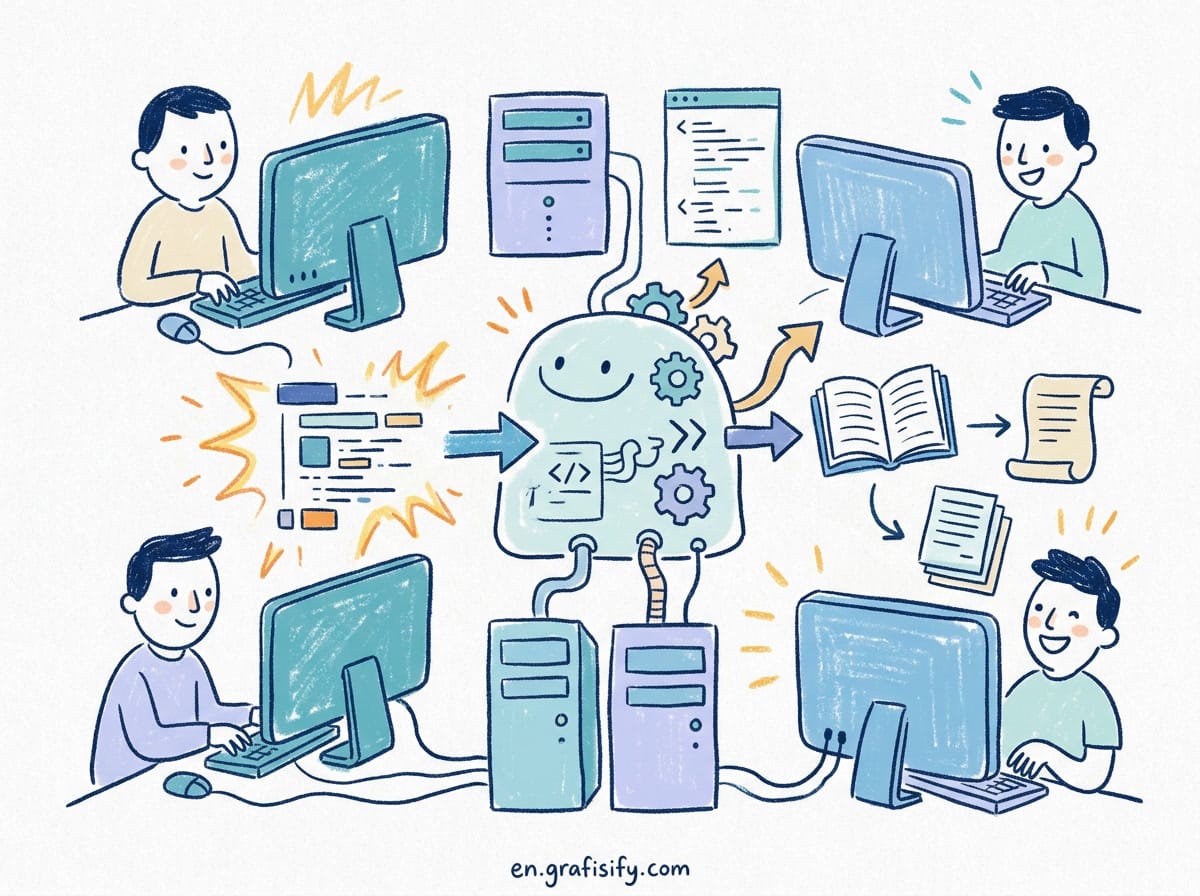
The solution to this problem is not writing longer prose prompts inside an interactive chat window. Instead, senior engineers use structured prompt files: version-controlled configuration documents that define explicit context, strict constraints, step-by-step refactoring stages, and concrete verification gates. By treating your AI prompts as code artifacts, you transform unpredictable generative outputs into deterministic engineering workflows.
Verdict / Key Takeaways
- Decouple Context from Execution: Never ask an AI model to analyze a complex codebase and execute refactoring changes in the same context turn. Separate discovery from implementation.
- Use Markdown Schema Contracts: Structure your prompt files using strict section headers such as Target Scope, Invariants, Step-by-Step Directives, and Failure Criteria.
- Constrain the Diff Surface: Restrict AI edits to specific file paths or functions. Require the model to preserve exact public interface signatures unless an explicit breaking change is specified.
- Automate Verification Gates: Include mandatory CLI test verification steps in your prompt files. Require the AI to confirm green test outputs before proceeding to the next stage.
Why Unstructured AI Prompts Fail for Code Refactoring
Generative language models operate on probabilistic pattern matching rather than abstract syntax tree logic. When tasked with refactoring a multi-file module, a raw prompt like “refactor our authentication service to use async/await” introduces critical failure points across your repository:
- Context Drift: As the conversation context grows, the model forgets early constraints, slowly introducing subtle bugs or reverting custom error classes to standard exceptions.
- Uncontrolled Scope Creep: Without rigid file boundaries, the AI will modify downstream utility functions, rewrite formatting style, or introduce unapproved third-party dependencies.
- Hallucinated Dependencies: The model assumes certain helper libraries exist in your environment or calls non-existent methods on external SDKs.
- Loss of Type Safety: In TypeScript or Python codebases, AI models frequently fall back to loose typing when resolving complex generic interfaces during refactoring.
Structured prompt files eliminate these failure patterns by supplying a predictable execution blueprint. Rather than relying on conversation memory, the model evaluates a single, comprehensive configuration file on every iteration.
The Core Architecture of a Production Prompt File
A production-ready AI refactoring prompt file is written in clean Markdown and stored directly alongside your source code, typically inside a project directory such as .ai/prompts/ or docs/refactoring/. This file must contain five distinct functional sections:
1. Target Scope and File Boundaries
Explicitly declare which files the AI is allowed to modify and which files are strictly read-only. For example, if you are refactoring a data access module, state clearly that domain models and API handlers must remain untouched.
2. Architecture Invariants (Non-Negotiable Rules)
List hard constraints that the AI must not violate under any circumstance. Examples include maintaining backwards compatibility for public API responses, preserving specific logging formats, or adhering to explicit memory allocations.

3. Context Dependency Injection
Reference necessary documentation, existing interface definitions, and example patterns. Instead of pasting 5,000 lines of source code into the prompt, provide precise code snippets or file paths for the model to inspect.
4. Phased Execution Directives
Break the refactoring task into small, sequential phases. The AI must complete phase one and verify its output before attempting phase two.
5. Verification and Validation Rules
Specify the exact terminal commands required to validate the refactoring pass. This includes linting checks, static type checks, and unit test suites.

Step-by-Step: Writing a Refactoring Prompt File
Let us walk through creating a complete, structured prompt file for refactoring a legacy synchronous API module into an asynchronous architecture.

Phase 1: Define Scope and Invariants
Begin your prompt file by establishing clear metadata and structural boundaries. Notice how explicit constraints prevent the model from touching external dependencies:
# REFACTORING DIRECTIVE: Async Conversion for User Data Access Layer
# TARGET MODULE: src/services/user_service.py
# READ-ONLY FILES: src/models/user.py, src/api/v1/user_routes.py

## NON-NEGOTIABLE INVARIANTS
1. Do NOT modify public function names or parameter types in user_routes.py.
2. Maintain existing custom exception hierarchy (UserNotFoundError, ValidationFailedError).
3. Do NOT add new third-party dependencies to requirements.txt.
4. Ensure all database operations use the async connection pool from src/database.py.
Phase 2: Specify the Transformation Directives
Provide exact implementation directives for the refactoring. Avoid vague instructions like “clean up the code” or “make it faster.” Instead, use unambiguous technical specifications:

## TRANSFORMATION STEPS
Step 1: Replace synchronous 'sqlite3' calls with 'aiosqlite' async queries in src/services/user_service.py.
Step 2: Update all internal helper functions to use the 'async def' syntax.
Step 3: Update database query calls to use the 'await' keyword.
Step 4: Ensure type annotations reflect async return types using typing.Awaitable where necessary.
Phase 3: Set Up Verification Instructions
The final section of your prompt file directs the model to execute test validation commands and check for regressions before delivering the final diff:
## VERIFICATION COMMANDS
Run the following verification suite in order:
1. `pytest tests/unit/test_user_service.py`
2. `mypy src/services/user_service.py --strict`
3. `flake8 src/services/user_service.py`

CRITICAL: If any test or type check fails, analyze the error output, fix the regression, and rerun the test suite. Do not output your final summary until all verification commands pass without errors.
Refactoring Strategy Comparison
To understand the advantages of file-based prompt engineering over manual interactive prompting, compare how both approaches handle key engineering requirements:
| Evaluation Dimension | Interactive Chat Prompting | Structured Prompt Files |
|---|---|---|
| Repeatability | Low (results vary drastically between sessions) | High (version-controlled and reproducible) |
| Scope Control | Poor (frequent unintended edits outside target modules) | Strict (explicit read-only file enforcement) |
| Verification | Manual (developer must copy and test code locally) | Automated (AI executes CLI test loops directly) |
| Code Quality | Inconsistent (hallucinations and incomplete diffs) | High (enforces type safety and architecture rules) |
| Team Collaboration | Impossible (prompts lost in chat histories) | Seamless (committed to git, reviewable via PR) |
Best Practices for Maintaining Prompt Files in Version Control
Integrating AI prompt files into your software development workflow requires governance, just like managing infrastructure-as-code or database migrations. Adopting these best practices keeps your project clean and maintainable:

- Store Prompts in a Standard Directory: Standardize on a directory name like
.ai/prompts/at your repository root. Organize files by task type, such asrefactoring/,test-generation/, ormigration/. - Require PR Reviews for Prompts: Treat reusable refactoring prompts as codebase infrastructure. Submit pull requests when updating shared prompt files so teammates can review constraint definitions.
- Keep Prompts Modular and Targeted: Avoid creating monolithic 1,000-line prompt files that attempt to handle full application refactoring. Split large tasks into smaller, specialized prompt files that execute sequentially.
- Log AI Refactoring Results: Record the model version, context token count, and test execution results alongside your refactoring prompt files for future auditing and optimization.
Structured prompt files also act as living documentation. When a new engineer joins the team and needs to understand how a specific database migration was handled, they do not have to dig through hours of Git history or rely on tribal knowledge. Instead, they can open the corresponding prompt file and immediately review the exact constraints, invariants, and verification commands applied to that module. This documentation trail bridges the gap between architectural intent and actual implementation details.
Frequently Asked Questions
Can I use structured prompt files with any AI coding tool?
Yes. Structured prompt files are written in standard Markdown, making them compatible with modern AI tools including Claude Code, Cursor, GitHub Copilot Workspace, Aider, and custom LLM CLI scripts. You can pass the file directly as context using system prompt parameters or CLI flags.
How do I prevent the AI from making sweeping formatting changes?
Add an explicit rule in your Non-Negotiable Invariants section: “Do NOT alter code formatting, indentation, whitespace, or variable names outside the target refactoring logic. Adhere strictly to existing project styling.”
What should I do if the AI gets stuck in an automated test retry loop?
Define a maximum iteration cap inside your prompt file. Instruct the model: “If verification commands fail after 3 consecutive repair attempts, abort execution, revert all modified files, and produce a detailed error report explaining the root cause.”
Implement an Iteration Cap
Without strict execution limits, AI models can enter infinite loops where they repeatedly attempt to fix a broken test and introduce new bugs to do so. Always specify a hard limit on the number of consecutive repair attempts allowed before aborting. This protects your local development environment from cascading failures and forces a clean rollback when the refactoring strategy is not viable.
Conclusion
Unlocking the full power of AI-assisted refactoring requires shifting your perspective. Stop treating AI coding tools as conversational chatbots and start driving them as deterministic execution agents. By authoring structured, version-controlled prompt files with tight file boundaries, strict invariants, and explicit verification loops, you eliminate hallucinated regressions and achieve clean, maintainable architectural refactoring at scale.

Irfan is a Creative Tech Strategist and the founder of Grafisify. He spends his days testing the latest AI design tools and breaking down complex tech into actionable guides for creators. When he’s not writing, he’s experimenting with generative art or optimizing digital workflows.



 Artificial Intelligent
 Design & Creative
 Freelance
 Gadgets & Gear
 Insights
 Laptop
 Reviews
 Smartphone
 Tech Guides
 Vibe Coding