Freelancer Ergonomic Home Office Setup, Prevention Guide (Budget, Equipment, Tax Deductions)

Freelancer Ergonomic Home Office Setup, Prevention Guide (Budget, Equipment, Tax Deductions)
When you work for yourself, your body is your most important business asset. No ergonomics team. No HR to approve a chair upgrade. You carry the full cost of every ache, every repetitive strain injury, every back problem that creeps up from hours at a makeshift desk. This guide gives you a practical freelancer ergonomic home office setup plan that works with your actual budget and freelance reality.
You have probably felt it. That dull ache in your lower back after a ten-hour coding session. The burning sensation in your wrist after a day of client design work. For freelancers, these aren’t just annoyances. They’re productivity killers and, over time, career threats. But here is the thing most ergonomics articles miss: you aren’t an office worker with a corporate budget. You’re a freelancer. Your setup has to work with your income, your space, and the specific way you earn a living.
I learned this the hard way. Six years of working from home, and I made every ergonomic mistake you can imagine. A kitchen stool as a chair. A laptop propped on books. A standing desk built from scrap wood that wobbled at the wrong height. My body paid the price, and this guide is what I wish someone had handed me on day one.
Freelancer Ergonomic Home Office Setup: What It Is and Why You Need One
Freelancer ergonomic home office setup is simply arranging your workspace so your body stays healthy while you work. It isn’t just about buying an expensive chair. It covers your posture, your screen position, your keyboard angle, your lighting, and your movement patterns throughout the day. Think of it as a system, not a shopping list.

Why do freelancers need to care more than office workers? Three big reasons. First, you set your own hours, which often means longer stretches at the desk without natural breaks. Second, you don’t have an employer who provides ergonomic assessments or equipment budgets. Third, when you get injured, the lost income is entirely on you. According to a 2026 report from We Work Remotely’s State of Remote Work, musculoskeletal complaints are the most common health issue among remote workers, affecting nearly 40 percent of respondents. For freelancers without employer-sponsored health coverage, that’s a risk you can’t afford to ignore.
Freelancer Ergonomic Home Office Setup: The Progressive Budget Framework
You don’t need to spend a thousand dollars today. The smartest approach is to start with the highest-impact, lowest-cost fixes, then invest more as your freelance income grows. Here is a breakdown by budget tier.
Tier 1: Minimal Fix (USD 0 to 50)
These changes cost almost nothing but deliver the biggest improvement. Adjust your chair height so your feet rest flat on the floor and your knees form a ninety-degree angle. Raise your monitor or laptop to eye level so you don’t look down. Use a stack of books if you don’t have a stand. Position your keyboard so your elbows are at a right angle and your wrists stay straight. Take a five-minute break every hour. Set a timer. Stand up. Walk around. Stretch your shoulders.
That is it. Those five adjustments prevent most of the common issues that drive freelancers to physiotherapy. A study from Johns Hopkins Medicine confirms that simple postural corrections and regular movement breaks reduce back and neck pain by over 60 percent in remote workers.
This tier also covers the 90-90-90 rule: your hips and knees should form ninety-degree angles when seated, and your elbows should also be at ninety degrees when your hands rest on the keyboard. It is an easy guideline to remember, and it works.
Tier 2: Smart Investment (USD 50 to 300)
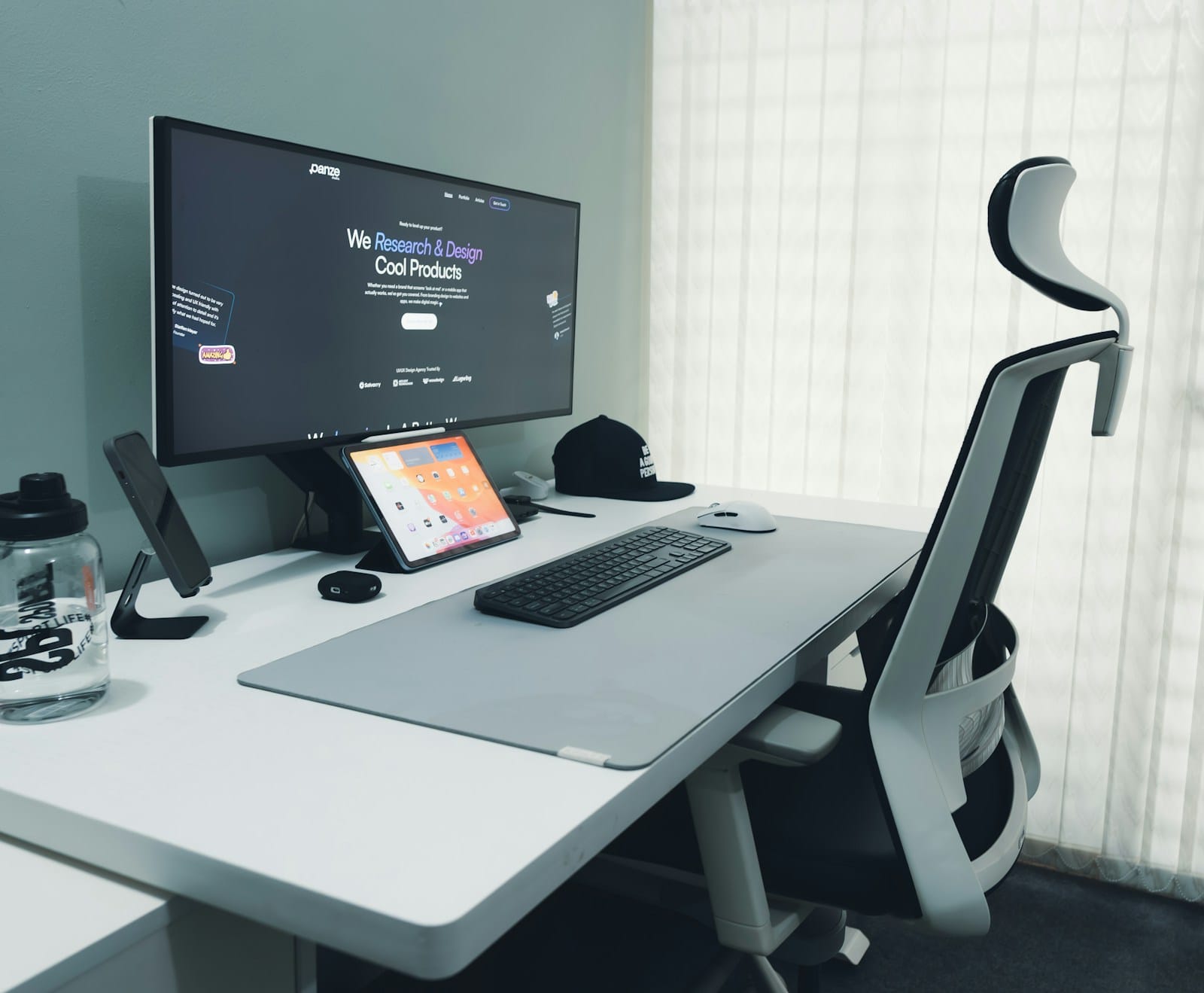
Once you have the fundamentals right, the next upgrades deliver long-term returns. A basic ergonomic chair with lumbar support costs around USD 150 to 250. A monitor arm that lets you adjust screen height and distance runs about USD 40 to 80. A separate keyboard and mouse let you position your hands more naturally than a laptop keyboard allows.
Also Read:
You can spread these purchases over several months. Pick the item that addresses your biggest pain point first. For most freelancers, that’s the chair. Your chair is the piece of equipment you interact with most, so it’s worth getting one that doesn’t hurt you. A good freelancer ergonomic home office setup starts with the surface that supports your body for hours every day.
Tier 3: Full Infrastructure (USD 300 to 1,000-plus)
At this level, you’re building a workspace that supports your health for years. Options include a height-adjustable standing desk (USD 300 to 600), a high-end ergonomic chair with adjustable lumbar and armrests (USD 400 to 800), and specialized accessories like a vertical mouse or an ergonomic split keyboard. These investments make sense when your freelance income is stable and you spend forty-plus hours per week at your desk.
Pros and Cons of Investing in Ergonomic Equipment
| Pros | Cons |
|---|---|
| Reduces pain and long-term injury risk significantly | Quality equipment costs real money upfront |
| Improves focus and productivity during work sessions | No single setup works for everyone; you may need to experiment |
| Equipment can be tax-deductible for freelancers | Cheap ergonomic products can be worse than none at all |
| Better sleep and overall quality of life | Setup takes time and multiple adjustments to get right |
How to Set Up Your Ergonomic Home Office by Work Type
Different freelance work puts different strain on your body. A writer who types all day has different needs than a video editor who uses a mouse heavily or a designer who moves between keyboard and tablet. Here is how to tailor your freelancer ergonomic home office setup based on what you actually do.
Writers and coders. Your main risk is repetitive strain in your wrists and fingers plus lower back pain from prolonged sitting. Prioritize a split or angled keyboard, a chair with strong lumbar support, and a timer that reminds you to stand every thirty minutes.
Designers and photo editors. You switch between keyboard, mouse, and graphics tablet frequently. A large mouse surface and a well-positioned tablet reduce shoulder strain. Consider a standing desk so you can alternate positions throughout the day.
Video editors and 3D artists. You work long hours with a mouse or pen in a static position. Wrist supports and a vertical mouse help prevent carpal tunnel issues. Frequent micro-breaks are non-negotiable.
Consultants and coaches. Your primary strain comes from talking while sitting or standing in one place. A headset or hands-free microphone lets you move freely during calls. Position your camera at eye level so you don’t hunch forward.
Frequently Asked Questions About Freelancer Ergonomics
How do I know if my current setup is causing problems? Pay attention to discomfort that appears during work hours and fades after you stop. Numbness, tingling, burning, or persistent ache are signals that something in your setup needs to change.
Can freelancers deduct ergonomic equipment on their taxes? Yes. As a freelancer, you can deduct qualified home office equipment under Section 179 of the tax code. This includes chairs, desks, monitors, keyboards, and even lighting if it’s used primarily for your business. Keep your receipts and consult a tax professional for your specific situation.
What is the single most important thing I should fix first? Your screen height. Looking down at a laptop screen for hours creates forward head posture, which strains your neck and upper back. Raise the screen so the top third is at eye level. This one change has the highest impact-to-cost ratio of any ergonomic adjustment.
How often should I take breaks? Every twenty-five to thirty minutes, stand up for at least two minutes. The Pomodoro technique works well for this. Use the break to walk, stretch, or simply look at something twenty feet away to rest your eyes.
Which ergonomic adjustment gives the best return on investment? Your chair. A decent ergonomic chair with proper lumbar support eliminates the most common source of back pain for freelancers. If you can only buy one thing, make it the chair you sit in for eight to ten hours a day.
Final Thoughts
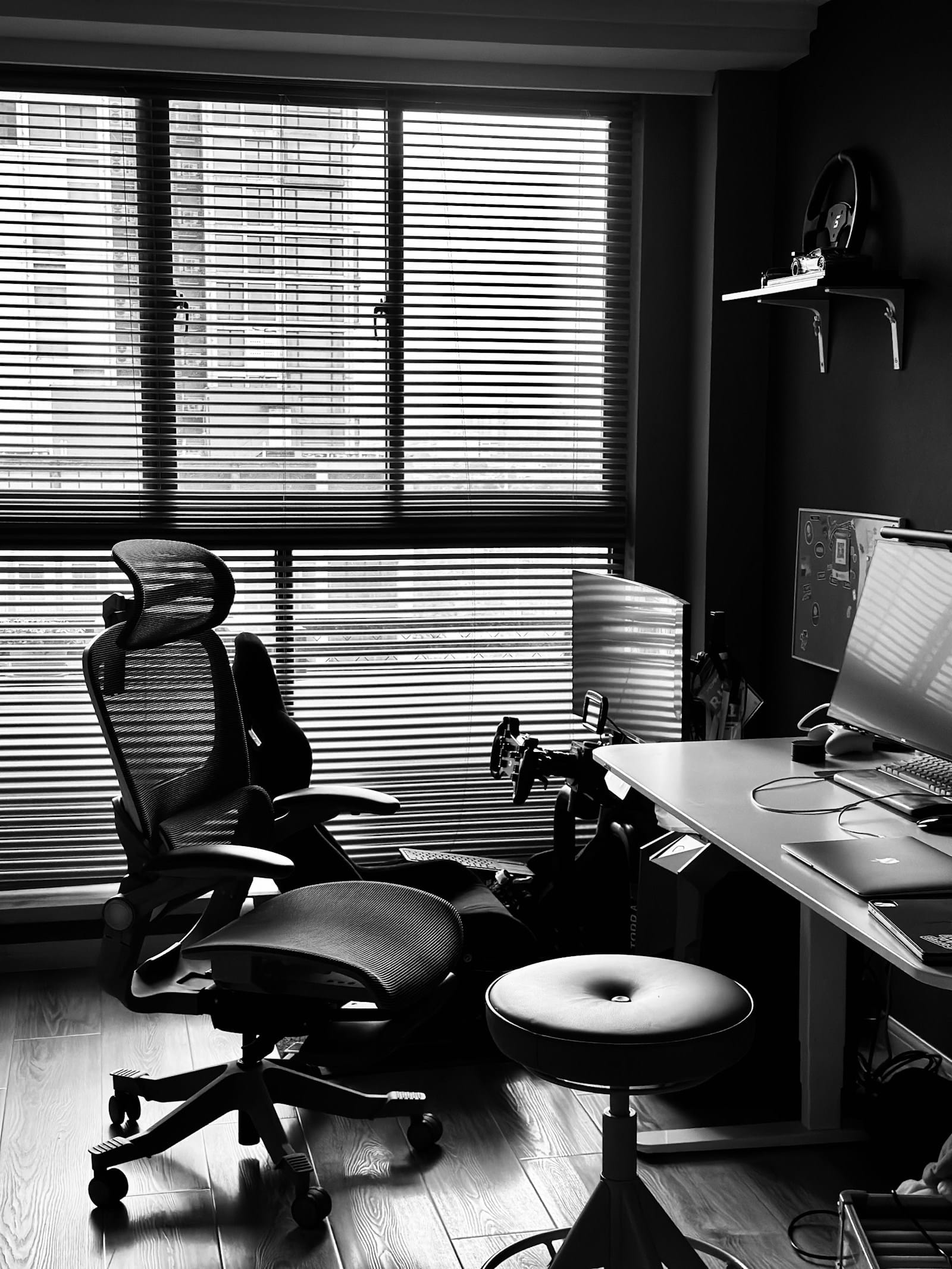
Your health is the foundation of your freelance business. A good freelancer ergonomic home office setup isn’t an expense. It’s an investment in your ability to keep working, keep earning, and keep enjoying what you do. Start with the free fixes today. Add the smart investments as you can. Your future self will thank you.
If you’re looking for more guidance on building a sustainable freelance career, check out our guide on silent health risks of working from home for a broader look at remote work wellness beyond ergonomics.

Irfan is a Creative Tech Strategist and the founder of Grafisify. He spends his days testing the latest AI design tools and breaking down complex tech into actionable guides for creators. When he’s not writing, he’s experimenting with generative art or optimizing digital workflows.






 Artificial Intelligent
 Design & Creative
 Freelance
 Gadgets & Gear
 Insights
 Laptop
 Reviews
 Smartphone
 Tech Guides
 Vibe Coding





