7 Key Differences Between SSD vs HDD and Which Drive Fits Your Needs
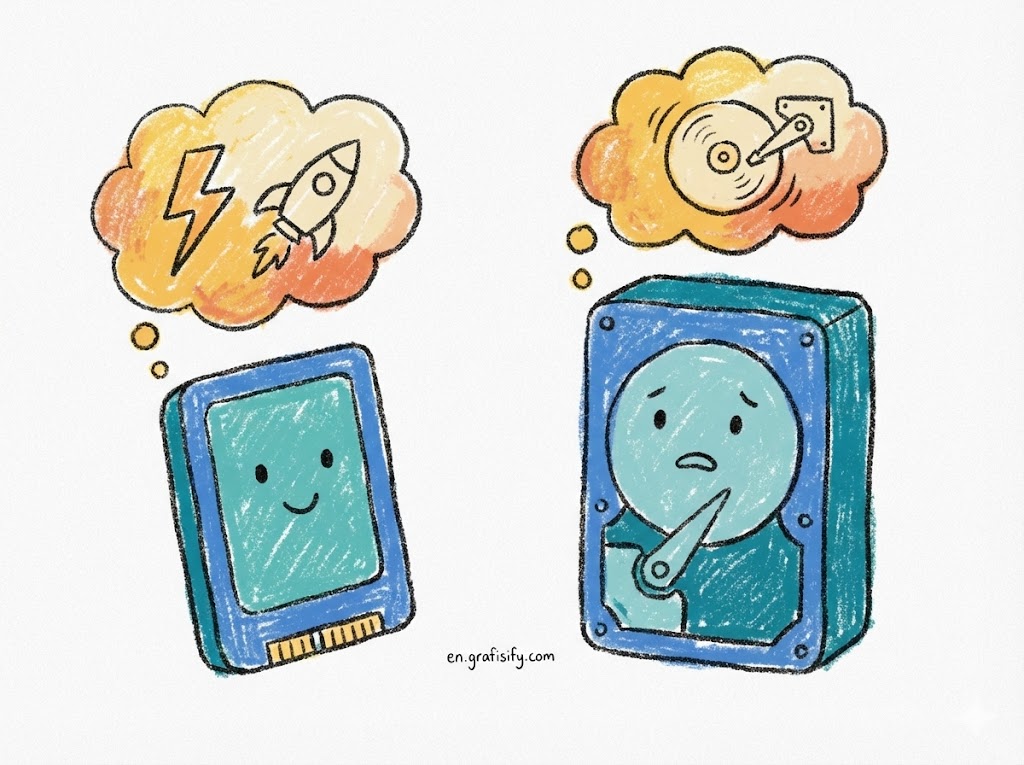
Quick Summary: This guide breaks down the critical battle of SSD vs HDD to help you upgrade your PC wisely. While SSDs offer superior speed and durability perfect for operating systems and gaming, HDDs remain the champion of affordable, high-capacity storage for backups. Read on to find the perfect balance for your budget.
What is the Difference Between SSD vs HDD?
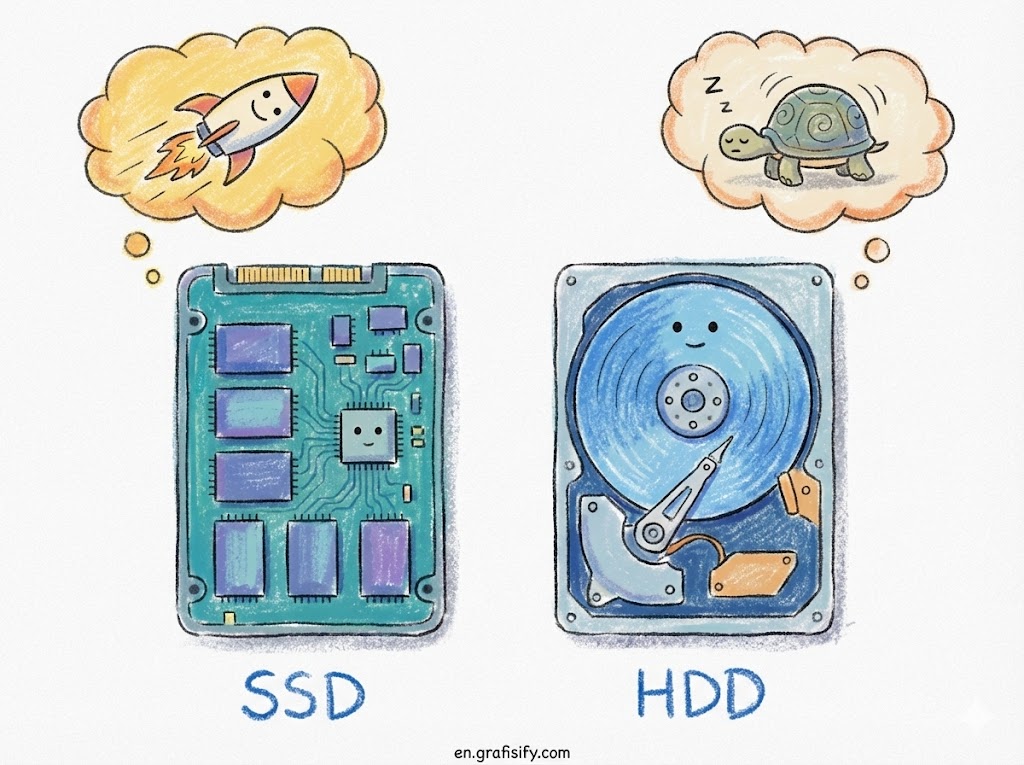
At its core, the SSD vs HDD debate comes down to the underlying technology. An HDD (Hard Disk Drive) uses spinning magnetic platters and a moving read/write head to access data, making it mechanical. An SSD (Solid State Drive) uses flash memory chips with no moving parts, resulting in significantly faster speeds, silence, and durability.
7 Critical Differences to Consider Before Buying
1. Speed and Performance Agility
The most noticeable difference when comparing SSD vs HDD is raw speed. If you have ever waited minutes for Windows to boot up on an old laptop, you were likely limited by a hard drive. SSDs can read and write data anywhere from 5 to 20 times faster than traditional hard drives. This snaps your operating system to life in seconds rather than minutes.
For gamers and creative professionals, this speed is non-negotiable. Loading screens in modern games effectively disappear with a high-quality NVMe SSD. For a deeper dive into how flash memory achieves these speeds, check out this overview on Solid-state drive technology.
2. Durability and Shock Resistance
Because HDDs rely on spinning platters and delicate read/write heads that hover nanometers above the disk, they are fragile. A single drop while the drive is running can be catastrophic, causing the head to crash into the platter and destroy data. This makes them less than ideal for laptops that get tossed into backpacks.
Also Read:
In contrast, SSDs have no moving parts. They can withstand drops, shocks, and vibrations far better than their mechanical ancestors. If you are building a rugged portable drive or upgrading a laptop for travel, the durability winner in the SSD vs HDD match is clearly the Solid State Drive.
3. Cost Per Gigabyte
This is where the Hard Disk Drive fights back. If you are strictly looking at the price tag for massive storage, HDDs are significantly cheaper. You can easily find a 4TB or 8TB HDD for a fraction of the price of an equivalent SSD. This makes HDDs the go-to solution for servers, NAS (Network Attached Storage), and digital hoarders.
While SSD prices have dropped dramatically over the last decade, there is still a “flash tax.” You are paying for that premium speed. For simple cold storage—like keeping family photos or old tax documents—paying extra for an SSD is often unnecessary.

4. Maximum Storage Capacity
Historically, HDDs have held the crown for capacity. It is common to see consumer HDDs reaching 18TB or even 20TB. While SSDs are catching up, high-capacity consumer SSDs (above 4TB) are prohibitively expensive for most users.
If your workflow involves archiving massive video files or keeping a backup of the entire internet, the mechanical drive is your friend. Technology sites like Tom’s Hardware regularly review these high-capacity drives if you want to see the latest limits.
5. Form Factor and Size
HDDs are physically constrained by their platters. The standard sizes are 3.5-inch for desktops and 2.5-inch for laptops. They are bulky and require specific mounting brackets. This limits how small a device can be if it relies on mechanical storage.

SSDs, particularly the M.2 format, are tiny—roughly the size of a stick of gum. They plug directly into the motherboard, eliminating the need for bulky cables and allowing for incredibly thin laptops and compact PC builds. This evolution in form factor has revolutionized modern PC design.
6. Noise and Power Consumption
Spinning platters require energy and create friction. Even the quietest HDDs emit a low hum, and when they are working hard (seeking data), you will hear the characteristic “clicking” or “grinding” noise. They also generate heat and consume more electricity, which can drain laptop batteries faster.
SSDs are silent assassins. They make zero noise, run cooler, and are much more energy-efficient. In the SSD vs HDD comparison for laptops, switching to an SSD can often squeeze an extra hour or more of battery life out of your machine.

7. Lifespan and Reliability
Both drive types wear out, but differently. HDDs can fail mechanically; motors burn out, and heads crash. SSDs have a limited number of “write cycles”—you can only write data to a cell so many times before it degrades. However, for the average user, modern SSD longevity is exceptional.
Unless you are writing terabytes of data daily in an enterprise server environment, an SSD will likely outlast the computer it is installed in. The lack of mechanical failure points generally makes them more reliable for day-to-day consumer use.
Which Storage Drive Should You Buy?
Now that we have dissected the SSD vs HDD specs, let’s look at real-world scenarios. Choosing the right drive isn’t just about specs; it’s about how you use your computer.
The “Boot Drive” Strategy: The smartest setup for desktop users is a hybrid approach. Buy a 500GB or 1TB NVMe SSD to hold your Windows OS, applications, and favorite games. Then, add a cheap 4TB HDD to store movies, music, and backups. You get the snappy performance where it counts and the massive capacity where you need it.

If you are upgrading an old laptop, completely ditch the HDD. The performance jump is transformative. It can make a 5-year-old laptop feel brand new. Read our related guide on how to clone your old hard drive to a new SSD without losing data.
Pros & Cons Breakdown
✅ The Good (SSD Wins)
- Incredible speed reduces boot times to seconds.
- Silent operation and zero vibration.
- Highly durable and resistant to physical drops.
❌ The Bad (HDD Wins)
- SSDs are more expensive per gigabyte.
- Lower maximum capacities for consumer pricing.
- Data recovery from a failed SSD is much harder than an HDD.
Final Thoughts
The battle of SSD vs HDD has a clear winner for primary computing: the SSD. Its speed and responsiveness are essential for a modern computing experience. However, the HDD is not dead; it has simply moved into a retirement role as the king of affordable, bulk storage.
Don’t let a slow computer bottle up your productivity. Check your system specs today—if you are still booting off a spinning disk, grabbing a new SSD is the single best upgrade you can make for under $100. Make the switch and feel the difference immediately.
Tagged with:
Computer Hardwaredata backupgaming PC specshard drive guidelaptop upgradeNVMe vs SATAPC buildingSSD benefitsstorage devicestech tips
Irfan is a Creative Tech Strategist and the founder of Grafisify. He spends his days testing the latest AI design tools and breaking down complex tech into actionable guides for creators. When he’s not writing, he’s experimenting with generative art or optimizing digital workflows.





 Artificial Intelligent
 Design & Creative
 Freelance
 Gadgets & Gear
 Insights
 Laptop
 Reviews
 Smartphone
 Tech Guides
 Vibe Coding





