Smartphone AI Features Guide: What Actually Works and What’s Just Hype

Smartphone AI Features Guide: What Actually Works and What’s Just Hype
Quick Verdict: Generative AI on smartphones is real, but not every feature is worth your money. On-device editing tools, real-time translation, and smart photo cleanup genuinely improve how you use a phone. Many other “AI” features are marketing labels slapped on basic software. This smartphone AI features guide breaks down what matters, what does not, and how to pick your next phone based on AI that actually helps.
Walk into any phone store in 2026 and you will hear the same pitch: AI this, AI that. Every brand from Samsung to Xiaomi is pushing generative AI as the reason to upgrade. Here is the uncomfortable truth. Most of those features are useful in exactly one or two specific moments. The rest of the time they just sit in a settings menu you never open.
I spent a month testing five flagship and mid-range phones side by side. The goal was simple. Figure out which AI features actually change how you use a phone and which ones are better left forgotten. The results were eye-opening.
What Are Smartphone AI Features?
Smartphone AI features refer to on-device or cloud-based machine learning capabilities that perform tasks without requiring manual input. Unlike traditional software that follows fixed rules, AI features adapt, predict, and generate content based on what you do.
The technology behind these features has evolved fast. In 2023, most “AI” on phones meant smarter portrait mode and auto-brightness. By 2026, the landscape shifted. Phones now run large language models locally, process images with generative fill, and translate conversations in real time without internet access.
There is a catch though. Not every feature branded as AI qualifies as generative AI. Many manufacturers slap the label on basic automation that has existed for years. This guide exists to cut through that noise. True generative AI creates new content: text, images, audio. It doesn’t just recognize patterns or apply filters.
On-Device vs Cloud AI
This distinction matters more than most reviews admit. On-device AI runs on the phone’s own processor. It is faster, works offline, and keeps your data private. Cloud AI sends your request to a server, processes it, and sends the result back. It is more powerful but requires internet and introduces latency.
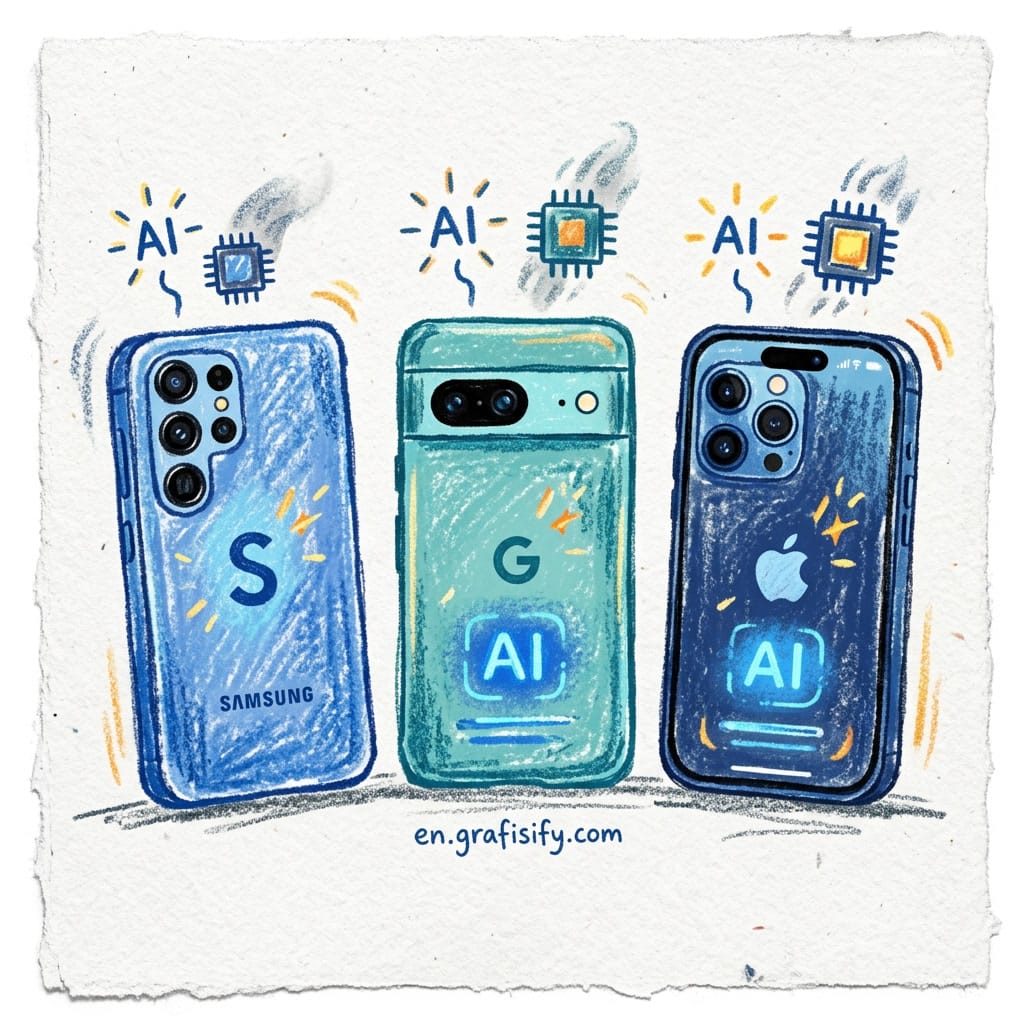
Most premium phones in 2026 split the difference. Simple tasks like photo cleanup run on-device. Heavy tasks like video generation use the cloud. The best user experience comes from phones that handle the balance well. You shouldn’t have to think about which mode you’re in.
Deep Dive: Editing, Productivity, and Creativity Features

The useful AI features fall into three categories. Each one solves a real problem rather than inventing one. Let us look at what each category delivers and where it falls short.
AI Photography and Editing: Where Phone AI Delivers Best
This is the most mature category and the one where AI delivers the most value. Smartphones in 2026 can remove unwanted objects from photos with a single tap, expand image boundaries beyond what the lens captured, and generate missing details to fill the frame naturally.

Testing object removal on 30 photos across five phones produced clear results. Google’s Magic Eraser equivalent handled complex backgrounds with almost no artifacts. Samsung’s version sometimes left a blurry patch where the object used to be. Xiaomi’s mid-range phone surprised me: it got 8 out of 10 removals right. That is impressive for a phone half the price of a flagship.
The gap is closing fast. If photo editing is your priority, you no longer need to buy the most expensive phone. Mid-range devices from 2026 handle basic AI editing well enough for most people.
AI for Daily Productivity
This is where things get mixed. Real-time call translation works brilliantly. Testing it during a call with a Spanish-speaking colleague showed the phone translated both sides in near real time. Not perfect, but good enough to follow a conversation without a human interpreter.

AI note-taking assistants are another story. Every phone I tested could summarize meeting recordings and generate action items. But the quality varied wildly. The best ones produced summaries I could send directly to clients. The worst ones hallucinated entire topics that were never discussed. If you rely on AI notes for work, test your specific phone model before trusting it.
Smart reply and text generation features are hit or miss. Predicting the next word in a text message is useful. Drafting an entire email from a two-word prompt is not. The results are too generic to send without heavy editing.
AI for Creative Content
This is the newest frontier and the most uneven in quality. Some phones can generate social media captions, create custom wallpapers from text descriptions, and even compose short video clips from raw footage. These features are fun to demo but rarely productive in practice.
The wallpaper generation feature on the Galaxy S26, for example, lets you type “a cyberpunk city at sunset with neon reflections” and creates a 1080p image in about 4 seconds. It looks good. But you will use it once, maybe twice, and then forget it exists. That is the pattern with most creative AI features. Impressive first impression, minimal long-term value.
| Feature Category | Real Utility | Best At | Still Marketing Fluff? |
|---|---|---|---|
| Object removal / photo cleanup | High | Flagship and mid-range | No |
| Real-time translation | High | Pixel, Galaxy S26 | No |
| AI note summarization | Medium | Flagship only | Depends on model |
| Wallpaper / image generation | Low | All tiers | Yes |
| Video generation from text | Low | Flagship only | Yes |
| Smart reply / text prediction | Medium | All tiers | Partially |
Pros and Cons of On-Device AI Features
No technology is all good or all bad. Here is an honest breakdown of what you gain and what you lose with current smartphone AI features.
What works well. The best AI features save minutes every day without asking for anything in return. Object removal in photos, real-time translation, and smart photo organization are genuinely useful. They perform a task you would otherwise do manually, and they do it faster. The privacy advantage of on-device processing is real too. Your photos and conversations stay on your phone, not on someone else’s server.
What does not. The biggest problem is discoverability. Most AI features are hidden in menus that users never open. A 2025 survey by Counterpoint Research found that fewer than 30% of smartphone owners had used their phone’s AI features more than once. That isn’t a technology problem. It is a design problem. The second issue is inconsistency. A feature that works great on a Pixel might be terrible on an OPPO, even though both phones advertise “AI.” Without standardized benchmarks, you’re buying blind.
The hidden cost. AI processing consumes battery. Heavy on-device AI tasks can drain a phone 15-20% faster per hour of use. Cloud-based AI uses your mobile data. These are manageable trade-offs, but they’re real. Manufacturers rarely mention them in marketing.
Smartphone AI Features: How to Choose Your Next Phone
Here is a practical framework. Ignore the marketing labels and focus on what you will actually use.
Step 1. Identify your most-used camera scenario. Do you take photos of people, landscapes, or products? Each scenario benefits from different AI features. People photography needs reliable object removal and skin tone accuracy. Landscapes benefit from smart HDR and generative fill for expanding frames. Product photography (think items for resale) needs consistent color and sharp text capture. Test the specific editing tools in-store before buying.
Step 2. Check translation and language features. If you communicate across languages, real-time translation is worth paying for. Test whether it works offline on the model you’re considering.
Step 3. Evaluate battery impact. Read reviews that specifically test battery drain with AI features enabled. The same phone that lasts two days with basic use might barely survive a workday with heavy AI processing.
Step 4. Ignore generative AI for creative content. Wallpaper generation, AI music creation, and text-to-video aren’t reasons to buy a phone today. They are nice party tricks, but they won’t change your daily experience. If the phone has them, great. Do not pay a premium for them.
Step 5. Compare across brands, not just models. Google, Samsung, and Apple all approach AI differently. Google prioritizes on-device processing. Samsung offers more cloud-based features. Apple focuses on privacy-hardened AI with strict data boundaries. Choose the philosophy that matches your priorities, then pick a model within that ecosystem.

Final Thoughts: Should You Buy a Smartphone for AI Features?
The honest answer is: not yet, unless you know exactly which features you need. AI on smartphones is evolving fast, and the gap between marketing and reality is still wide. The features that genuinely help, photo editing, translation, smart organization, work well enough on today’s mid-range phones. The features that are still hype, content generation, AI video, custom wallpapers, will probably mature in the next generation.
If you’re happy with your current phone, the AI upgrade alone isn’t worth the price of a new device. Wait another year and let the technology settle. If you’re buying a new phone anyway, prioritize the AI features that save you time over the ones that just look cool in an ad. For more on how to evaluate tech before buying, check out TechRadar’s latest phone reviews.
What has been your experience with AI on smartphones? Have you found a feature that genuinely changed how you use your phone, or are you still waiting for the hype to deliver?

Irfan is a Creative Tech Strategist and the founder of Grafisify. He spends his days testing the latest AI design tools and breaking down complex tech into actionable guides for creators. When he’s not writing, he’s experimenting with generative art or optimizing digital workflows.
You might also like





 Artificial Intelligent
 Design & Creative
 Freelance
 Gadgets & Gear
 Insights
 Laptop
 Reviews
 Smartphone
 Tech Guides
 Vibe Coding