Open WebUI vs LibreChat: Self-Hosted AI Interface Comparison
Quick Verdict: Which Self-Hosted AI Interface Fits Your Stack?
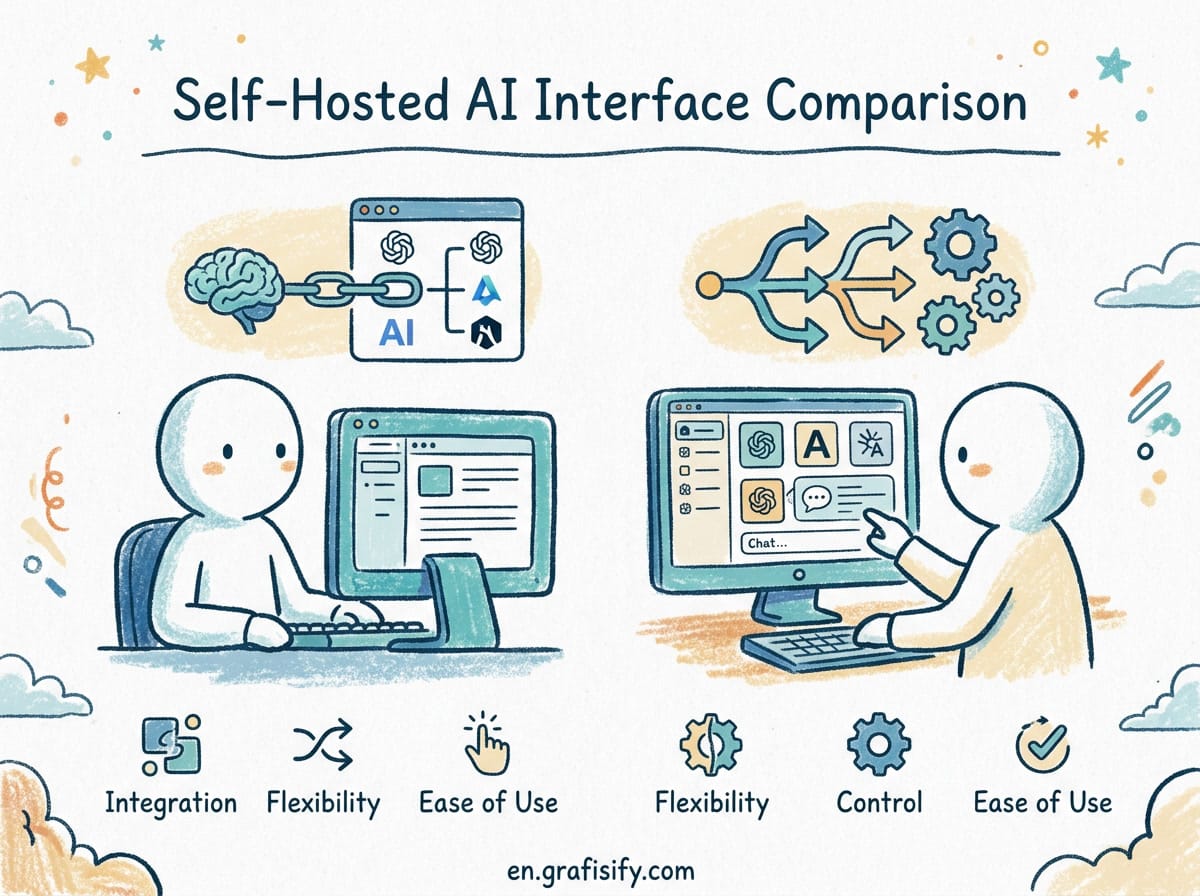
If you want a lightweight, direct ChatGPT replacement for multi-provider API switching with an official MIT license, LibreChat is your best choice. If you need a comprehensive AI workspace featuring deep RAG pipeline integrations, native Model Context Protocol (MCP) support, custom Python tool execution, and team channels, Open WebUI is the clear winner. Both platforms run exceptionally well on local Ollama or remote vLLM backends, but their operational target audiences differ significantly.
The Shift in Self-Hosted AI Frontends
Deploying local Large Language Models (LLMs) via Ollama, vLLM, or LM Studio has become trivial for developers and system administrators. However, raw terminal outputs and basic API endpoints fail to satisfy non-technical users or complex engineering workflows. To unlock productivity, modern teams rely on self-hosted web interfaces that match or exceed commercial offerings like ChatGPT Plus and Claude Pro.
Two platforms dominate this self-hosted ecosystem: Open WebUI and LibreChat. While early versions of both tools focused simply on rendering Markdown text from Ollama streams, both have matured into sophisticated software suites. Choosing between them requires understanding their architecture, tool integrations, and operational overhead.
Feature Matrix: Open WebUI vs LibreChat
Comparing these two frontends across core infrastructure and workflow parameters highlights key functional differences:
| Feature Category | Open WebUI | LibreChat |
|---|---|---|
| Primary Focus | Full enterprise AI workspace & platform | Multi-provider chat UI & ChatGPT replica |
| Software License | Open WebUI Custom License | MIT License |
| Backend Connectivity | Ollama, OpenAI API, vLLM, LiteLLM, Pipelines | OpenAI, Anthropic, Google, Azure, Ollama |
| RAG & Vector Search | Native (9 Vector DBs, Hybrid Search, Reranking) | File attachment & basic search integration |
| Tooling & Extensibility | Python Tools, MCP Servers, OpenAPI Specs | Preset plugins, agent tools, custom code execution |
| Authentication & RBAC | SSO, OIDC, LDAP, SCIM 2.0, Granular Roles | OAuth2, LDAP, Social Logins, Basic RBAC |
| Code Execution | In-Browser Python, Open Terminal Integration | Built-in Code Interpreter |
| Team Features | Channels, Shared Notes, Admin Analytics | Shared presets, multi-user accounts |
Deep Dive: Open WebUI Architecture and Workflow
Open WebUI (formerly Ollama WebUI) has evolved beyond a chat window into a full-featured AI management platform. Built with SvelteKit and Python, it operates as an orchestration layer over your LLM infrastructure.
Advanced Retrieval-Augmented Generation (RAG)
Open WebUI excels in document intelligence. Rather than relying on external indexing tools, Open WebUI embeds a vector engine directly into its workflow. Users can upload PDFs, CSVs, or text documents and instantly query them across 9 supported vector databases (including ChromaDB, Qdrant, and Milvus).

It supports hybrid BM25 and dense vector retrieval alongside Cross-Encoder reranking models. For technical documentation or internal company knowledge bases, this architecture ensures higher precision and reduces hallucination rates during document queries.
Model Context Protocol (MCP) and Python Tooling
Open WebUI offers native support for Python-based tool extensions and the Model Context Protocol (MCP). Engineers can connect remote MCP servers directly inside the admin console, enabling the local LLM to execute database queries, search live web APIs, or run shell scripts safely inside isolated containers.
I set up Open WebUI in a team environment to manage internal server documentation. The seamless transition from simple document search to active infrastructure troubleshooting through MCP scripts saved hours of manual command lookups.
Deep Dive: LibreChat Architecture and Experience
LibreChat focuses heavily on replicating and enhancing the familiar ChatGPT user interface. Built on Node.js, React, and MongoDB, LibreChat delivers high responsiveness and a polished UI experience.
Multi-Provider Model Comparison
One of LibreChat’s flagship features is side-by-side model evaluation. Users can send a single prompt to multiple backend providers simultaneously: such as comparing local DeepSeek R1 outputs via Ollama alongside Anthropic Claude 3.7 Sonnet via API. The dual-pane response view lets developers assess response quality, token throughput, and formatting accuracy instantly.
Presets and Prompt Management
LibreChat offers an intuitive preset system. Users can save exact model configurations: including custom temperature, top_p settings, system instructions, and icon avatars: and share them across team members. This makes LibreChat particularly attractive for organizations that want standardized AI agent prompts without configuring complex backend logic.

RAG Performance and Knowledge Handling
When selecting a platform for document indexing, knowledge management capabilities become critical:
- Open WebUI: Features built-in document chunking controls, embedding model selectors, web scraping tools, and multi-file collections. You can drag and drop an entire folder of technical manuals and assign them to specific user groups.
- LibreChat: Handles file attachments smoothly within chat threads, relying on backend parser plugins. While adequate for conversational context upload, it is less suited for building persistent enterprise-wide knowledge repositories.
Authentication, Security, and Governance
For homelab enthusiasts running a single server, basic authentication suffices. However, for organizations deploying local AI to remote workers or corporate networks, access control is essential.
Open WebUI provides enterprise-grade identity governance. It supports OAuth2/OIDC, SAML, LDAP, and SCIM 2.0 provisioning. Admins can restrict specific models or token limits per user group, preventing budget overruns on pay-per-token cloud models like Claude 3.7 or GPT-4o.
LibreChat features OAuth2, LDAP, and social login integrations. Its user management model is clean and straightforward, ideal for small teams or community deployments where granular resource quotas are not required.
Deployment and System Requirements
Both platforms deploy effortlessly using Docker Compose. Below are standard baseline deployment configurations for both options.
Open WebUI Docker Compose Deployment
To run Open WebUI with bundled Ollama GPU acceleration on a Linux VPS or local server:
services:
  open-webui:
    image: ghcr.io/open-webui/open-webui:main
    container_name: open-webui
    ports:
      - "3000:8080"
    environment:
      - OLLAMA_BASE_URL=http://ollama:11434
    volumes:
      - open-webui-data:/app/backend/data
    restart: always

volumes:
  open-webui-data:
LibreChat Docker Compose Deployment
LibreChat relies on MongoDB and MeiliSearch containers for state and message index management:
services:
  librechat:
    image: ghcr.io/danny-avila/librechat-dev:latest
    container_name: LibreChat
    ports:
      - "3080:3080"
    environment:
      - MONGO_URI=mongodb://mongodb:27017/LibreChat
    volumes:
      - ./librechat.yaml:/app/librechat.yaml
    restart: always

  mongodb:
    image: mongo:latest
    container_name: chat-mongodb
    volumes:
      - mongo-data:/data/db

volumes:
  mongo-data:
Internal Image Context
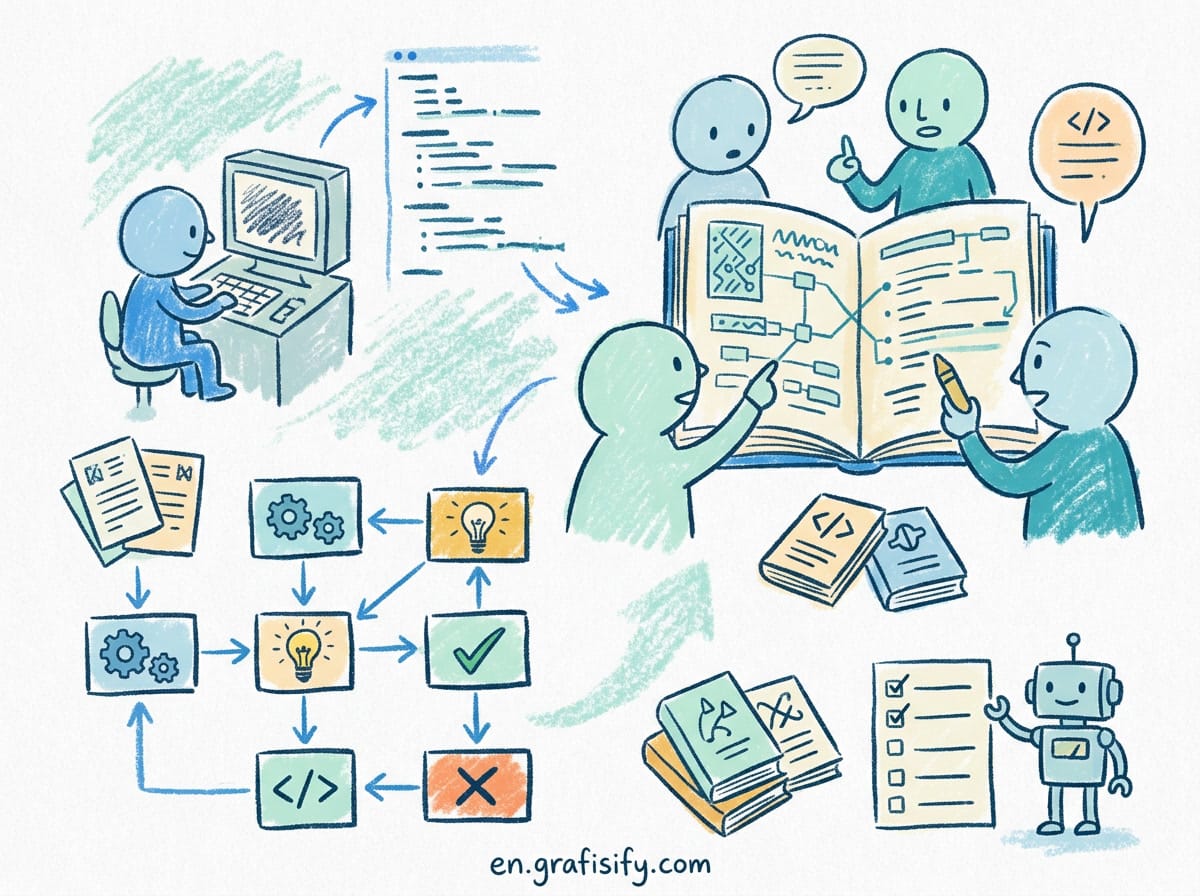
To illustrate local AI interface workflows, here is an example setup visual:

Frequently Asked Questions
Can I run Open WebUI and LibreChat on the same server?
Yes. Both frontends act as stateless UI containers that send standard API requests. You can point both Open WebUI and LibreChat to the same local Ollama instance or vLLM container simultaneously without resource conflicts.
Is Open WebUI free for commercial use?
Open WebUI uses a custom license. While free for individual and open-source usage, organizations modifying or embedding it into proprietary commercial offerings should review its specific terms. LibreChat uses the permissive MIT license, permitting unrestricted commercial distribution and adaptation.
Which interface uses less system memory?
LibreChat requires slightly less idle RAM when paired with a basic MongoDB setup. Open WebUI consumes additional RAM if you enable local vector embedding models and internal Web Search indexers inside the container.
Final Recommendation
Both Open WebUI and LibreChat represent top-tier open-source engineering. If your primary goal is a polished multi-model chat interface with side-by-side model comparisons, LibreChat delivers a streamlined experience. However, if you require built-in document RAG, custom Python agent extensions, and enterprise user controls, Open WebUI stands out as the ultimate self-hosted AI platform for engineering teams.

Irfan is a Creative Tech Strategist and the founder of Grafisify. He spends his days testing the latest AI design tools and breaking down complex tech into actionable guides for creators. When he’s not writing, he’s experimenting with generative art or optimizing digital workflows.



 Artificial Intelligent
 Design & Creative
 Freelance
 Gadgets & Gear
 Insights
 Laptop
 Reviews
 Smartphone
 Tech Guides
 Vibe Coding