GitHub Actions Cache: Cut CI Time and Cost

TL;DR: The Cache Verdict
GitHub Actions cache is the fastest lever I know for cutting CI minutes: a well-keyed cache turns a three-minute dependency install into a 20-second restore. The catch is that the cache is ruthless about keys, branch scope, and eviction. A repository gets 10 GB of cache by default, entries die after 7 days without access, and a sloppy key strategy silently burns the whole budget. This guide shows how the cache actually behaves, when to use cache instead of artifacts, and the exact key recipes I use for Node, Python, and Docker builds.

Most teams turn on caching once, see one green run, and never think about it again. I used to do the same. Then I inherited a monorepo whose CI took 11 minutes per push and whose cache list looked like a graveyard: 9.8 GB of entries, most of them dead weight from branches that no longer existed. The bill was not the problem. The wasted developer time was. Fixing the keys dropped median build time to under 4 minutes in an afternoon.
The mechanics below come straight from GitHub’s dependency caching reference and the actions/cache repository. Nothing here is folklore. If you run CI on GitHub Actions, this is a configuration you already pay for, so you might as well get the value out of it.

How the GitHub Actions Cache Actually Works
The cache is a key-value store scoped to your repository. A workflow step saves a directory under a string key; a later run restores it by looking up the same key. The action most people use is actions/cache, currently at v4 (the project deprecated older versions in early 2025, so pin v4 or v4.2.0 by SHA if you pin versions).
Three behaviors matter more than anything else. First, cache entries are immutable. Once a key is written, writing the same key again changes nothing. This is the number one source of confusion I see: a team updates a dependency, reruns the workflow, and wonders why the old lockfile snapshot keeps coming back. The fix is a key that changes when the inputs change, which is why the standard recipe hashes the lockfile into the key.
Second, cache scope follows branches. A cache written on a branch is visible to that branch, and the default branch (usually main) is readable from everywhere. Pull requests can read caches from their base branch, which is how a feature branch gets a warm cache on its first run. The exception: pull requests from forked repositories cannot read or write caches at all. If your project accepts outside contributions, plan for cold builds on fork PRs.

Third, lookup order is exact-match first, then prefixes. You provide a key and an optional ordered list of restore-keys. GitHub tries the exact key on the current branch, then each restore-key as a prefix on the current branch, then repeats the whole sequence on the default branch. The action exposes a cache-hit output that is true only on an exact key match. I gate expensive steps on that flag: skip npm ci when the exact key hits, run it when only a prefix matched or nothing matched.
Cache vs Artifacts: Pick the Right Tool
Newcomers mix these up, and the docs use similar language for both. They solve different problems. Cache speeds up repeated work inside the CI lifecycle. Artifacts carry files out of a run: to the next job, to a deploy step, or to a human who clicks a download link.
| Aspect | Cache | Artifacts |
|---|---|---|
| Purpose | Skip repeated work (installs, builds) | Move files between jobs or to people |
| Lifetime | Evicted after 7 days without access | Kept for the retention period you set |
| Scope | Repository-wide, branch-scoped lookup | Per run, downloadable by job |
| Storage model | 10 GB default per repository | Billed per GB-month of storage |
| Read pattern | Key lookup at job start | Download step after upload |
| Right for | node_modules, pip wheels, Docker layers | Build outputs, test reports, release zips |
The practical rule I give teams: if the file exists to make the next run faster, it belongs in the cache. If the file exists because a person or a later step needs it, it belongs in artifacts. Caching a test report is a classic mistake I still see in the wild. It burns cache quota and helps nobody.

The 10 GB Ceiling and the Eviction Rules
GitHub gives each repository 10 GB of cache storage by default. Enterprise and organization owners can raise it, and usage above the limit is billed. There is no cap on the number of entries, only on total size. When a repository crosses its limit, GitHub starts deleting the least recently accessed caches until the total fits again.
That eviction policy has a failure mode the docs name explicitly: cache thrashing. It happens when writes keep evicting the entries other jobs need. The symptom is a cache-hit rate that collapses even though every workflow “uses caching.” The causes are almost always the same: keys that change on every run (embedding a timestamp or run ID in the key), caching enormous directories (whole home folders instead of the package manager’s store), or dozens of matrix jobs each writing a slightly different key for nearly identical content.
The second rule is the 7-day clock. Any entry not accessed for more than 7 days is deleted, no matter how much free quota remains. Weekly scheduled workflows are the classic victim. A Sunday-night job restores a cache that was warm on Monday, finds it gone, and does a full cold install every week. For anything that runs less often than daily, accept the cold start or warm the cache from a daily job on the default branch.

There is also a rate limit most people never hit but should know about: 200 cache uploads and 1,500 downloads per minute per repository. Monorepos with aggressive matrix strategies can brush against the upload limit. If uploads start failing with retry hints, that is usually the cause.
Key Design: Recipes for Node, Python, and Docker Layers
Good keys share a shape: a static prefix you control, the runner OS, and a hash of the lockfile. The static prefix lets you invalidate everything by bumping a version when the toolchain changes. The OS segment prevents Linux tarballs from leaking into a macOS job. The lockfile hash makes the key change exactly when dependencies change.
| Stack | What to cache | Key pattern | Skip install on |
|---|---|---|---|
| Node (npm) | ~/.npm (npm cache dir) | npm-v1-${{ runner.os }}-${{ hashFiles(‘**/package-lock.json’) }} | cache-hit true, then npm ci (reads warm cache) |
| Python (pip) | ~/.cache/pip | pip-v1-${{ runner.os }}-${{ hashFiles(‘**/requirements*.txt’) }} | cache-hit true, then pip install |
| Python (uv) | ~/.cache/uv | uv-v1-${{ runner.os }}-${{ hashFiles(‘**/uv.lock’) }} | cache-hit true, then uv sync |
| Docker | BuildKit layer cache via registry or local | image tag + target in buildx cache-to | Layer reuse, not key match |
For Node, cache the npm cache directory rather than node_modules. I have watched node_modules caches cause more phantom failures than they fix: native modules compiled for one runner image get restored onto a different one, and the error messages never mention the cache. The npm cache directory restores safely and still cuts install time dramatically because tarballs come from local disk.
The same logic applies to Python. Cache the pip or uv download cache, not the virtualenv. Virtualenvs embed absolute paths and break when the runner image changes. The package cache is portable, and pip’s own resolver does the rest.
Docker is a special case. Docker layers are already a cache; the problem is that hosted runners are ephemeral, so the layer cache dies with the machine. The fix is pushing the BuildKit cache to a registry (cache-to/cache-from with your container registry) or using GitHub’s own cache backend through docker/build-push-action. Pair this with multi-stage Docker builds so the layers you cache are small in the first place. A slim runtime stage means less to transfer on every cache restore.
Many setup actions now include caching as a one-line option: actions/setup-node with cache: npm, actions/setup-python with cache: pip. These are fine for simple repos and I recommend them as a starting point. Move to explicit actions/cache steps when you need restore-keys, conditional installs, or caches shared across jobs.
The Five-Minute Cache Audit
Here is the audit I run on any repository I inherit. It takes five minutes and it has never once found a healthy cache on the first pass.
Step 1: list what you actually have. Open the repository on GitHub, go to the Actions tab, and click Caches in the sidebar. You get every entry with size, creation time, and last access. Sort by size. In my experience the top three entries usually account for most of the quota.
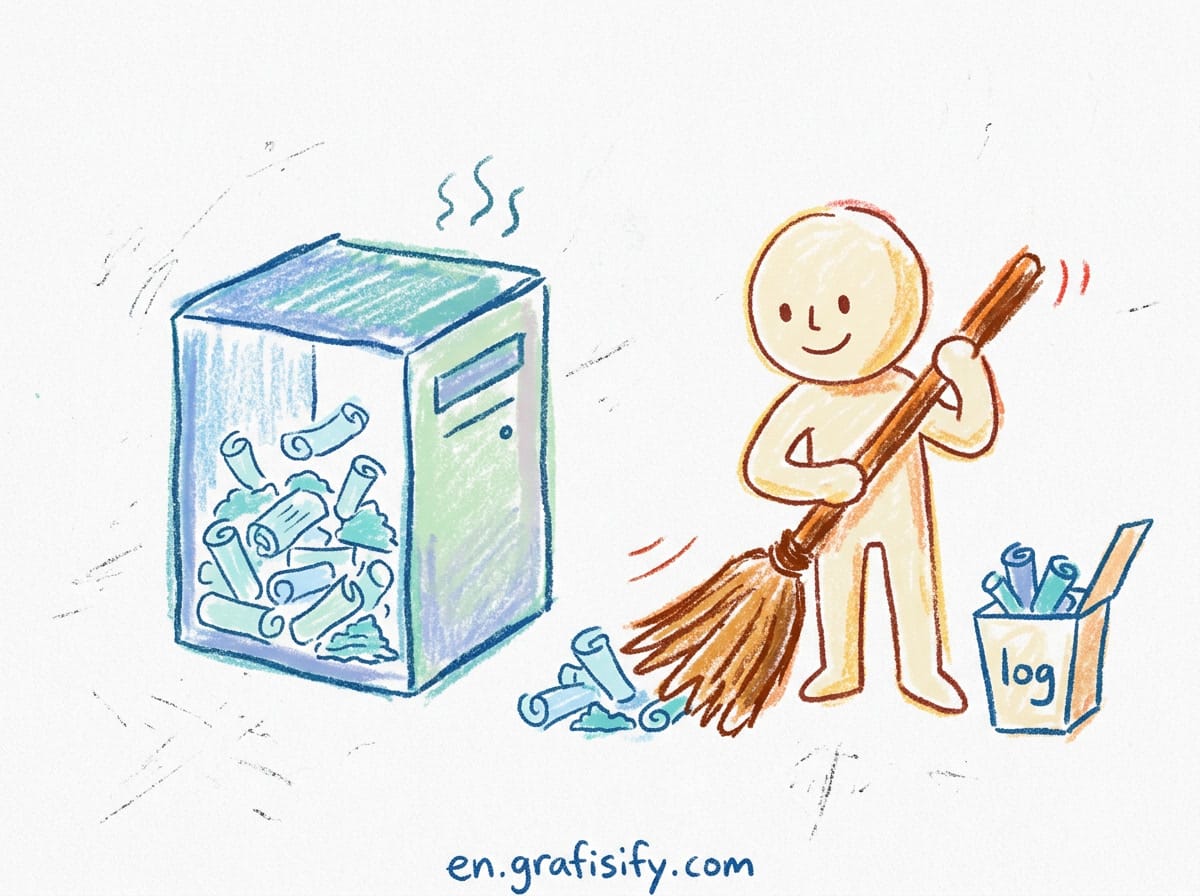
Step 2: delete the dead weight. Anything not accessed in weeks is either thrash residue or from a deleted branch. The GitHub CLI makes this fast: automate repo workflows with the GitHub CLI and use gh cache list to see entries, gh cache delete to remove them. One full wipe through the GitHub CLI followed by a single clean run on the default branch is the fastest reset I know for a repository deep in thrash.
Step 3: check key stability. Search your workflows for key: lines. Any key containing github.run_id, github.run_attempt, or a timestamp is a cache that can never hit. Replace the volatile segment with the lockfile hash pattern from the recipes table.
Step 4: check path discipline. Look at the path: blocks. Caching ~/.cache in full or the entire home directory is the usual quota killer. Narrow each path to the package manager’s store: ~/.npm, ~/.cache/pip, ~/.cache/uv. I aim for cache entries under a few hundred megabytes each.
Step 5: measure the hit rate. Add the cache-hit output to your workflow logs or echo it in a summary step. You want exact-match hits above 80 percent on the default branch. Prefix-only restores mean the key changes too often, which usually means the lockfile changes too often or the key includes something it should not.
The official references for everything above: the dependency caching reference documents limits, eviction, and branch scoping; the caching how-to guide covers the action syntax and restore-keys; the actions/cache repository is the source of truth for v4 behavior and outputs; and the gh cache manual documents the CLI commands for listing and deleting entries.
What Changes When You Add AI Coding Agents
A short aside for teams where AI agents now write code and open pull requests. Agent-generated PRs change the cache calculus in two ways. First, they create more branches, and each branch writes its own cache entries. Watch the entry count grow after you connect an agent to your repo. Second, agents that regenerate lockfiles on every run (some do, when they bump dependencies as part of a fix) invalidate the key constantly. If your hit rate drops the week you onboard an agent, check whether the agent touches the lockfile.
This is also where CI caching connects to the agent workflow itself. Agents run linters, tests, and type checks before pushing, and fast local feedback loops matter as much as fast CI. I keep AI coding agent rules files in the repo so every agent follows the same conventions, and structured AI prompt files for the big refactors. Consistent agents produce consistent lockfiles, and consistent lockfiles keep the cache hot.
Keep It Fast: Conclusion and Next Step
The cache rewards a boring setup: stable keys, narrow paths, small entries, and a default branch that stays warm. It punishes cleverness: volatile keys, whole-directory caching, and set-and-forget configurations that slowly fill 10 GB with entries nobody restores. The difference between the two is one afternoon of key design and a quarterly five-minute audit.
Do the audit this week. Open the Caches page for your busiest repository, delete what is dead, and fix one unstable key. Then watch the next few runs. If median build time does not move, the bottleneck is somewhere else: maybe the test suite itself, or a framework-level issue like Core Web Vitals in Next.js builds that spend their time in bundling rather than installing. Cache what is cacheable, measure what is not, and keep the CI minutes for work that actually needs a computer.

Irfan is a Creative Tech Strategist and the founder of Grafisify. He spends his days testing the latest AI design tools and breaking down complex tech into actionable guides for creators. When he’s not writing, he’s experimenting with generative art or optimizing digital workflows.






 Artificial Intelligent
 Design & Creative
 Freelance
 Gadgets & Gear
 Insights
 Laptop
 Reviews
 Smartphone
 Tech Guides
 Vibe Coding




