Docker Multi-Stage Builds for Python Apps: Reduce Image Size

Deploying Python applications in standard container images often produces bloated build artifacts exceeding 1 GB. These oversized containers slow down continuous integration pipelines, increase cloud registry storage bills, and expand potential security vulnerabilities with unnecessary compilation toolchains. Docker multi-stage builds resolve this issue by isolating build dependencies from runtime environments.
I cut production image footprints from 1.2 GB to under 95 MB on standard FastAPI and worker services by separating build-time wheel compilation from the final lightweight execution layer. This guide breaks down exact configurations, virtual environment patterns, non-root security practices, wheel caching strategies, and practical debugging workflows for lean Python containers.
Quick Verdict: Single-Stage vs Multi-Stage Python Images
Single-stage Docker builds leave behind compilers, build headers, and package manager cache layers. Multi-stage builds discard compilers and cache layers in a disposable builder stage, copying only pre-compiled wheels or an isolated virtual environment into a slim base image.
| Metric or Feature | Single-Stage Build (python:3.11) | Multi-Stage Build (python:3.11-slim) |
|---|---|---|
| Average Image Size | 900 MB to 1.4 GB | 80 MB to 160 MB |
| Build Toolchain in Production | Yes (gcc, g++, make included) | No (stripped from final stage) |
| Vulnerability Attack Surface | High (300+ OS packages) | Low (under 45 OS packages) |
| Deployment Pull Time | 45 to 90 seconds | 4 to 8 seconds |
| Registry Storage Cost | High | Minimal |
| Production Security Posture | Suboptimal | Hardened with non-root user |
Why Standard Python Docker Images Get Bloated
The official standard python:3.11 image contains a full Debian GNU/Linux environment equipped with GCC, G++, build-essential, git, and system libraries required to compile C extensions. When running pip install -r requirements.txt inside a single-stage Dockerfile, pip downloads build dependencies, creates intermediate wheel artifacts, and stores cached tarballs inside ~/.cache/pip.
Libraries such as NumPy, Pandas, Cryptography, psycopg2, or PyTorch require native development headers during installation. If you install these headers directly into a single runtime image, those developer tools remain baked into every layer deployed to your production clusters. Attackers who gain shell access to an unhardened container can use installed compilers to download and execute arbitrary native code.
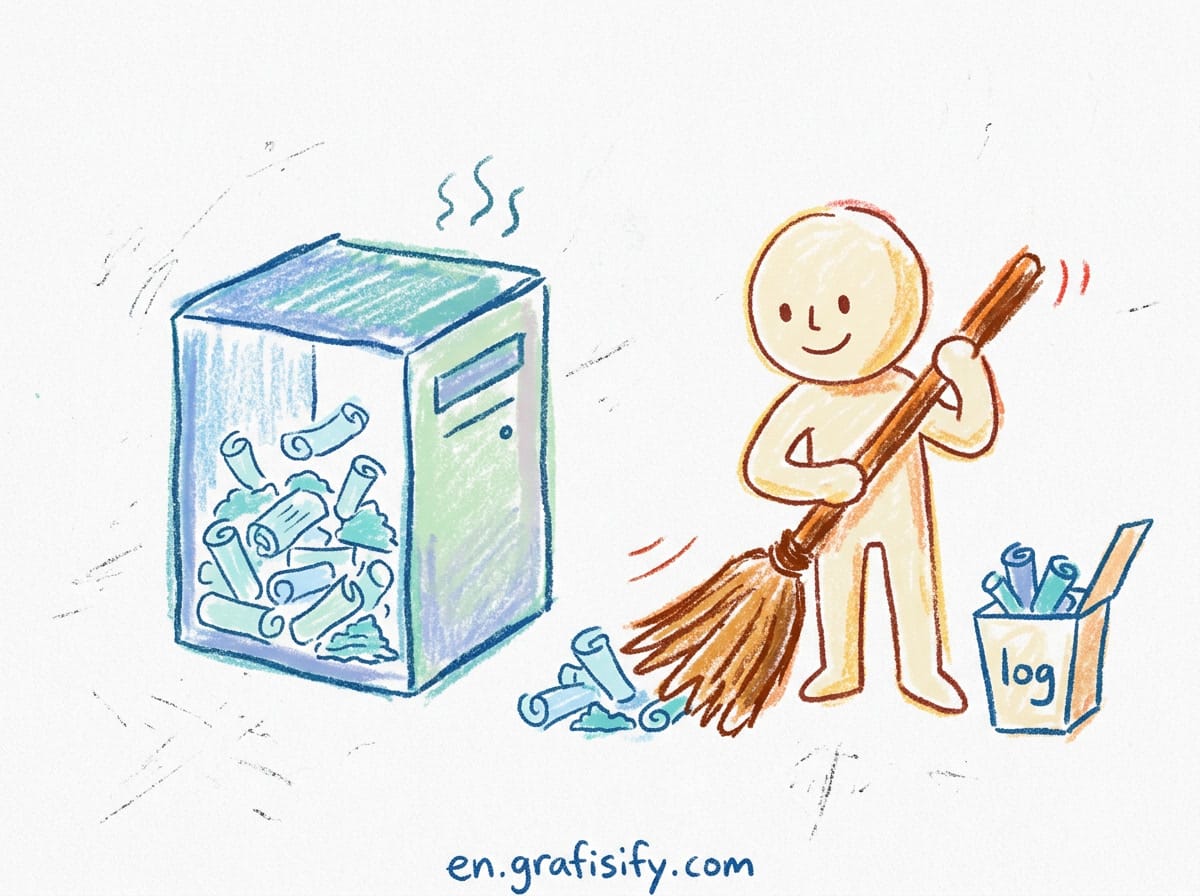
Furthermore, standard images retain documentation, man pages, package indices, and build artifact temp files across distinct image layers. Because Docker layers are immutable and additive, deleting temporary compilation files in a subsequent RUN instruction fails to reclaim the disk space allocated in preceding layers. Multi-stage builds solve this architectural limitation at the root level.

Step 1: The Builder Stage Pattern with Virtual Environments
The standard multi-stage pattern defines a builder stage responsible for fetching build headers and compiling dependencies into an isolated virtual environment. The final runtime stage begins from a clean python:3.11-slim image and copies only the prepared virtual environment directory.
I structure the builder stage with explicit build dependencies, ensuring no leftover cache layers persist in runtime storage:
# Stage 1: Build stage
FROM python:3.11-slim AS builder

WORKDIR /build

# Install system compilation packages
RUN apt-get update && apt-get install -y --no-install-recommends \
    build-essential \
    libpq-dev \
    gcc \
    && rm -rf /var/lib/apt/lists/*

# Create isolated virtual environment
RUN python -m venv /opt/venv
ENV PATH="/opt/venv/bin:$PATH"

# Copy dependency specifications
COPY requirements.txt .

# Install dependencies into virtualenv without caching wheels
RUN pip install --no-cache-dir --upgrade pip && \
    pip install --no-cache-dir -r requirements.txt
Using /opt/venv creates a self-contained directory tree containing binary executable scripts in /opt/venv/bin and compiled Python libraries in /opt/venv/lib/python3.11/site-packages. Because the paths match between builder and runner stages, copying this entire directory preserves all library links and system dynamic bindings without requiring path patches.
Step 2: The Final Runtime Stage and Non-Root User Setup
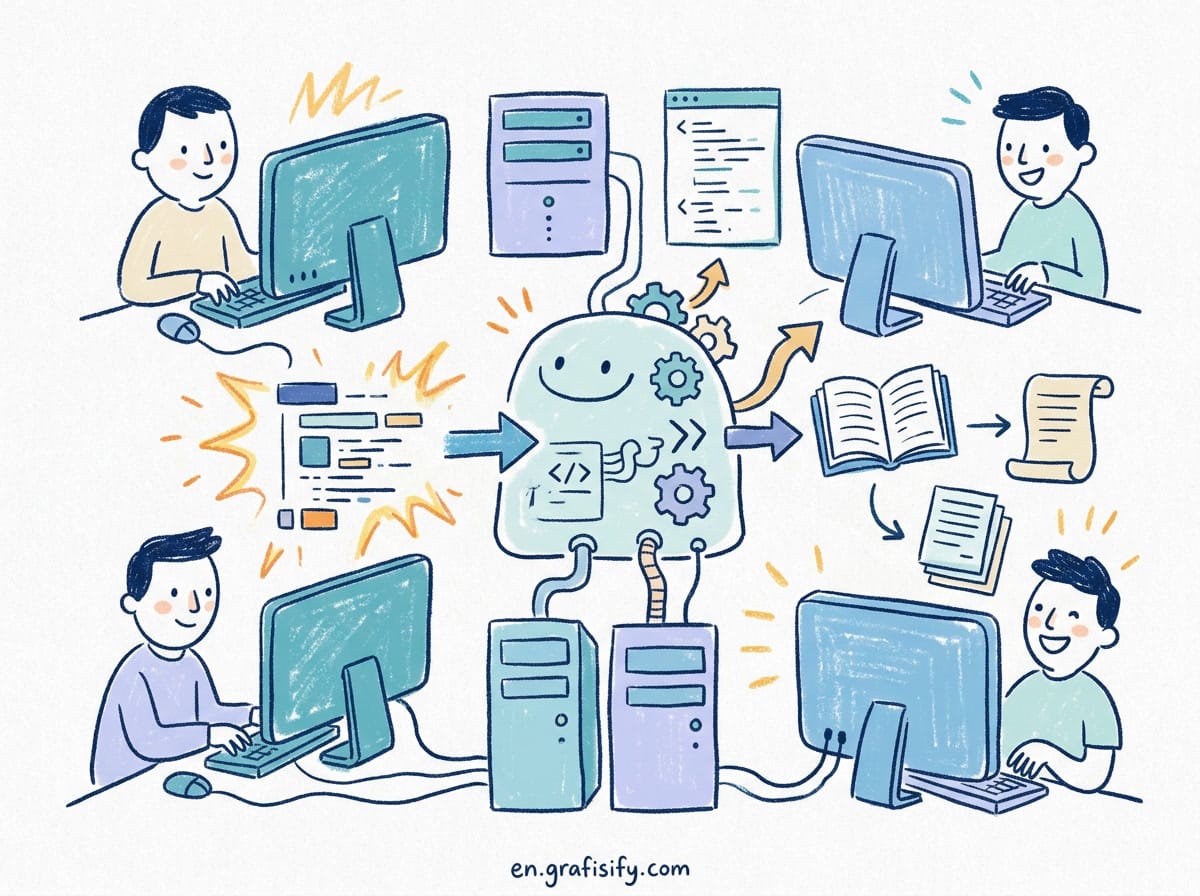
The second stage discards GCC, make, and build-essential completely. It installs only dynamic runtime shared libraries required by packages like psycopg2 (for example, libpq5 instead of libpq-dev), creates an unprivileged user, and sets up execution entry points.
# Stage 2: Final runtime image
FROM python:3.11-slim AS runner

WORKDIR /app

# Install minimal runtime-only system libraries
RUN apt-get update && apt-get install -y --no-install-recommends \
    libpq5 \
    curl \
    && rm -rf /var/lib/apt/lists/*

# Copy virtual environment from builder stage
COPY --from=builder /opt/venv /opt/venv

# Configure environment variables
ENV PATH="/opt/venv/bin:$PATH" \
    PYTHONUNBUFFERED=1 \
    PYTHONDONTWRITEBYTECODE=1

# Create unprivileged system user for security
RUN groupadd -g 10001 appgroup && \
    useradd -u 10001 -g appgroup -s /sbin/nologin -d /app appuser

# Copy application source code with correct ownership
COPY --chown=appuser:appgroup ./src ./src

# Switch to non-root user
USER appuser

EXPOSE 8000

CMD ["uvicorn", "src.main:app", "--host", "0.0.0.0", "--port", "8000"]
Running containers as root inside Kubernetes or Docker Swarm creates unnecessary container escape risks. Adding explicit user and group IDs (UID/GID 10001) prevents privilege escalation while meeting strict enterprise container security standards and compliance audits.
Alternative Strategy: Compiling Pre-Built Wheels
Instead of copying the full virtual environment directory across stages, you can configure the builder stage to compile wheels into a clean directory. The runner stage then executes a clean pip install --no-index --find-links=/wheels command against those pre-compiled binaries.

I frequently employ this pattern in microservice monorepos where multiple services share common compiled proprietary libraries:
# Builder stage compiling wheels
FROM python:3.11-slim AS wheel-builder

WORKDIR /build
RUN apt-get update && apt-get install -y --no-install-recommends \
    build-essential \
    libpq-dev \
    && rm -rf /var/lib/apt/lists/*

COPY requirements.txt .
RUN pip wheel --no-cache-dir --wheel-dir=/build/wheels -r requirements.txt

# Final runner stage installing local wheels
FROM python:3.11-slim AS runner

WORKDIR /app
RUN apt-get update && apt-get install -y --no-install-recommends \
    libpq5 \
    && rm -rf /var/lib/apt/lists/*

COPY --from=wheel-builder /build/wheels /wheels
COPY requirements.txt .

RUN pip install --no-cache-dir --no-index --find-links=/wheels -r requirements.txt \
    && rm -rf /wheels

COPY ./src ./src
USER 10001:10001
CMD ["python", "src/main.py"]
This approach gives you maximum flexibility if you want pip to register standard site-packages metadata while ensuring that zero external network calls occur during the final image assembly step.
Advanced Caching with UV and Modern BuildKit
Traditional pip installations re-download dependencies whenever requirements change slightly. Utilizing Docker BuildKit cache mounts alongside modern package managers like uv package manager accelerates build speeds ten-fold.
Here is an optimized multi-stage build utilizing uv for sub-second dependency installation:
# syntax=docker/dockerfile:1.4
FROM python:3.11-slim AS builder

WORKDIR /build

# Copy uv binary directly from official image
COPY --from=ghcr.io/astral-sh/uv:latest /uv /bin/uv

# Mount cache directory for uv package cache across builds
COPY pyproject.toml uv.lock ./
RUN --mount=type=cache,target=/root/.cache/uv \
    uv sync --frozen --no-dev --no-editable

FROM python:3.11-slim AS runner
WORKDIR /app

ENV PATH="/build/.venv/bin:$PATH" \
    PYTHONUNBUFFERED=1

COPY --from=builder /build/.venv /build/.venv
COPY ./src ./src

USER 10001:10001
CMD ["python", "src/main.py"]
The --mount=type=cache directive stores downloaded package wheels on the host daemon outside the image layer filesystem. When your team updates application source code, Docker reuses cached packages without touching remote PyPI servers.
Handling Native C Extensions: Common Package Requirements
Certain Python packages require distinct compile-time development headers and runtime dynamic shared libraries. If you miss the runtime library in the final stage, your application crashes with an ImportError: libX.so.Y cannot open shared object file.
| Python Package | Builder Stage Package (Dev Headers) | Runner Stage Package (Runtime Library) |
|---|---|---|
| psycopg2 | libpq-dev, gcc | libpq5 |
| Pillow (PIL) | libjpeg-dev, zlib1g-dev, libpng-dev | libjpeg62-turbo, zlib1g, libpng16-16 |
| lxml | libxml2-dev, libxslt1-dev, gcc | libxml2, libxslt1.1 |
| cffi or cryptography | libffi-dev, libssl-dev, gcc | libffi8, libssl3 |
| OpenCV (opencv-python-headless) | libgl1-mesa-dev, libglib2.0-dev | libgl1, libglib2.0-0 |
I always test imports in the final stage during continuous integration to ensure all dynamic shared object dependencies resolve before shipping images to staging registries.
Alpine vs Debian Slim: Why Slim Is Better for Python
Developers frequently choose Alpine Linux (python:3.11-alpine) hoping for the smallest possible container footprint. While Alpine base images start at 5 MB, Alpine uses musl libc rather than Debian standard glibc.
Most pre-compiled Python binary wheels hosted on PyPI are built for manylinux (glibc). When installing packages like Pandas, SciPy, or Cryptography on Alpine, pip cannot use pre-compiled binary wheels. It falls back to compiling source code from scratch, requiring massive toolchains, prolonging build times from seconds to 15 minutes, and frequently triggering obscure runtime segmentation faults.
Debian Slim (python:3.11-slim) provides universal glibc wheel compatibility, sub-second installation times, and clean multi-stage separation with a negligible 20 MB difference in final compressed layer size.
Container Hardening Checklist for Production Python
Ensure your Docker configuration passes this essential operational checklist before pushing to production environments:
- Set PYTHONUNBUFFERED=1: Forces stdout and stderr streams to write directly to container logs without buffer delays.
- Set PYTHONDONTWRITEBYTECODE=1: Prevents Python from writing transient
.pycfiles inside writeable container overlays. - Always use explicit base image tags: Pin specific patch releases such as
python:3.11.9-slim-bookworminstead of moving floating tags likelatest. - Configure Dockerignore: Place
.git,.venv,tests,__pycache__, and local environment files inside.dockerignore. - Implement Container Healthchecks: Define a lightweight
HEALTHCHECKinstruction using curl or Python sockets to signal container status to orchestrators. - Scan Images with Trivy or Grype: Incorporate automated vulnerability scans in CI to flag outdated base packages before deployment.
Debugging Multi-Stage Containers and Common Pitfalls
When migrating legacy Dockerfiles to multi-stage architectures, developers sometimes encounter subtle runtime errors. Here is how to diagnose and resolve the three most common failures:
- Permission Denied on Application Entry: Occurs when files are copied with root ownership but executed by a non-root user. Always append
--chown=appuser:appgroupto allCOPYinstructions in the runner stage. - Broken Entrypoint Scripts: Occurs when virtual environment executables are not located in the system
PATH. SettingENV PATH="/opt/venv/bin:$PATH"ensures commands likegunicorn,uvicorn, orceleryinvoke their respective virtualenv binaries automatically. - Missing System Certificates: Occurs if your Python application performs outbound HTTPS API calls and the slim base image lacks certificate stores. Always install
ca-certificatesin the runner stage if your app connects to external services.
Key Takeaways and Next Steps
Optimizing container packaging is one of the highest leverage improvements for development teams running cloud workloads. Multi-stage builds deliver three immediate production benefits:
- Dramatic Size Reduction: Cuts deployment artifacts by 80% to 90%, speeding up cluster auto-scaling events.
- Security Hardening: Strips compiler toolchains and headers, leaving no exploit compilation tools for malicious actors.
- Faster CI/CD Pipelines: Efficient layer separation and BuildKit caching cut test and deployment cycle durations.
For more deployment and cloud infrastructure guides, check out our walkthrough on preventing VPS disk exhaustion and our breakdown of PostgreSQL vs SQLite for modern apps. Start converting your legacy single-stage Dockerfiles today to build safer, faster Python services.

Irfan is a Creative Tech Strategist and the founder of Grafisify. He spends his days testing the latest AI design tools and breaking down complex tech into actionable guides for creators. When he’s not writing, he’s experimenting with generative art or optimizing digital workflows.




 Artificial Intelligent
 Design & Creative
 Freelance
 Gadgets & Gear
 Insights
 Laptop
 Reviews
 Smartphone
 Tech Guides
 Vibe Coding