Gaming Laptop vs Creator Laptop: Which Should You Buy
Verdict: Gaming Laptop vs Creator Laptop
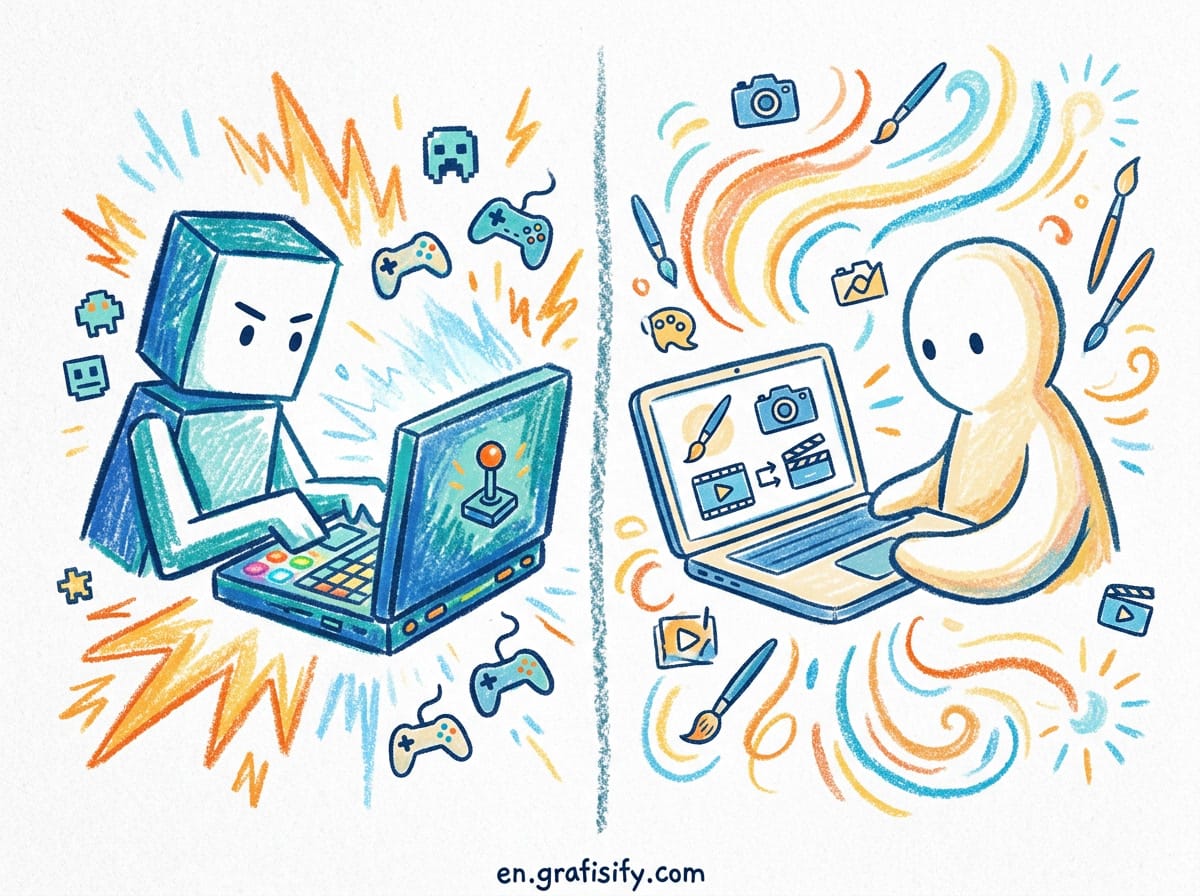
Buy a creator laptop if your work depends on color accuracy, quiet operation, and a calibrated screen for photo, video, or design work. Buy a gaming laptop if you want maximum raw performance, high refresh rates, and you do not mind fan noise, heavier weight, and a display that is fast but not always color-accurate. The two categories now overlap more than ever, but the display and acoustics are still where they split.
What Actually Separates the Two
On paper, a gaming laptop and a creator laptop can look nearly identical. Both ship with discrete NVIDIA graphics, fast multi-core CPUs, and plenty of RAM. The real differences show up in three places: the screen, the cooling and acoustics, and the software drivers.
Creator laptops are engineered as all-round machines. They carry bright, high-resolution panels with wide color coverage, usually 16:10 aspect ratios, and factory calibration. Gaming laptops are engineered for peak performance first. They push higher wattage CPUs and GPUs, run aggressive cooling, and favor refresh rates of 144Hz and above over color precision.


Neither is cheap, and both can handle demanding software. The question is not which is more powerful, it is which one fits the work you actually do every day. A photographer and a competitive gamer have opposite priorities, and the hardware reflects that.
Display: The Deciding Factor
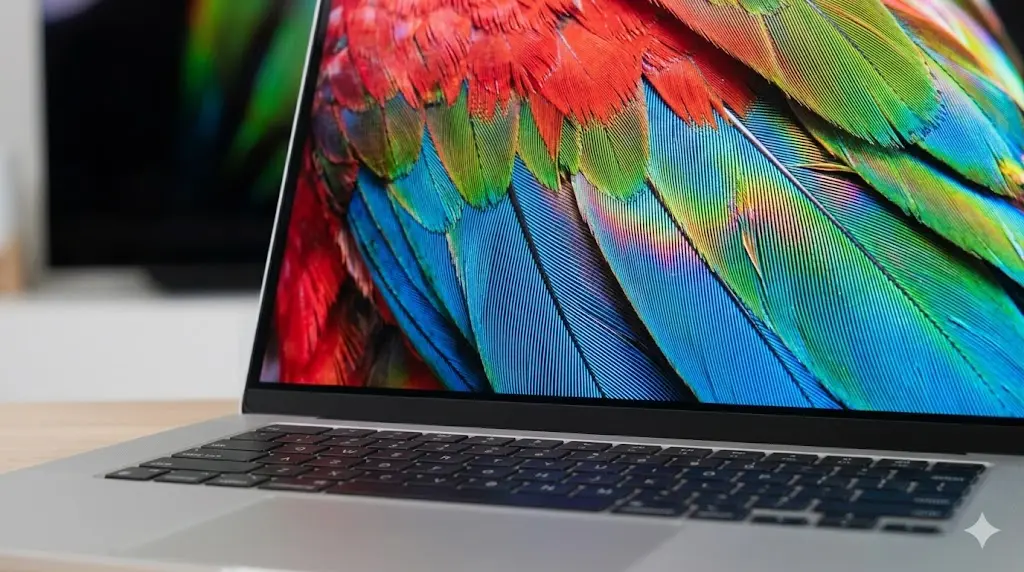
If you edit photos, grade video, or design branding, the screen matters more than the GPU. Creator laptops prioritize color-accurate panels that cover close to 100 percent of DCI-P3 or AdobeRGB, often factory-calibrated and Pantone-validated. ASUS Zenbook Pro models, for example, ship OLED panels at 2.8K resolution with 100 percent DCI-P3 coverage and a 90Hz or 120Hz refresh, a combination built for visual work rather than esports.
Gaming laptops traditionally favored speed over accuracy. A 300Hz IPS or OLED panel feels buttery in a shooter but may drift in color, which is a problem when your client expects exact brand hex values. The gap is closing, though. Samsung has demonstrated OLED laptop panels reaching 300Hz, and many 2026 gaming laptops now offer decent color coverage. Still, a creator laptop is the safer bet for color-critical work, because the panel is certified before it leaves the factory and you are not left guessing whether what you see matches what prints.

For a broader view of the current laptop market and panel trends, TechRadar’s laptop section tracks new releases and display tech as vendors ship them, which helps you see how fast the category is moving.
Cooling, Noise, and Portability
Gaming laptops pull more wattage, so they run hotter and louder. Under load, some sound like a jet engine, and that is acceptable if you game with headphones. For a creator editing in a quiet studio or a shared office, that noise is a real downside that interrupts calls and recordings.
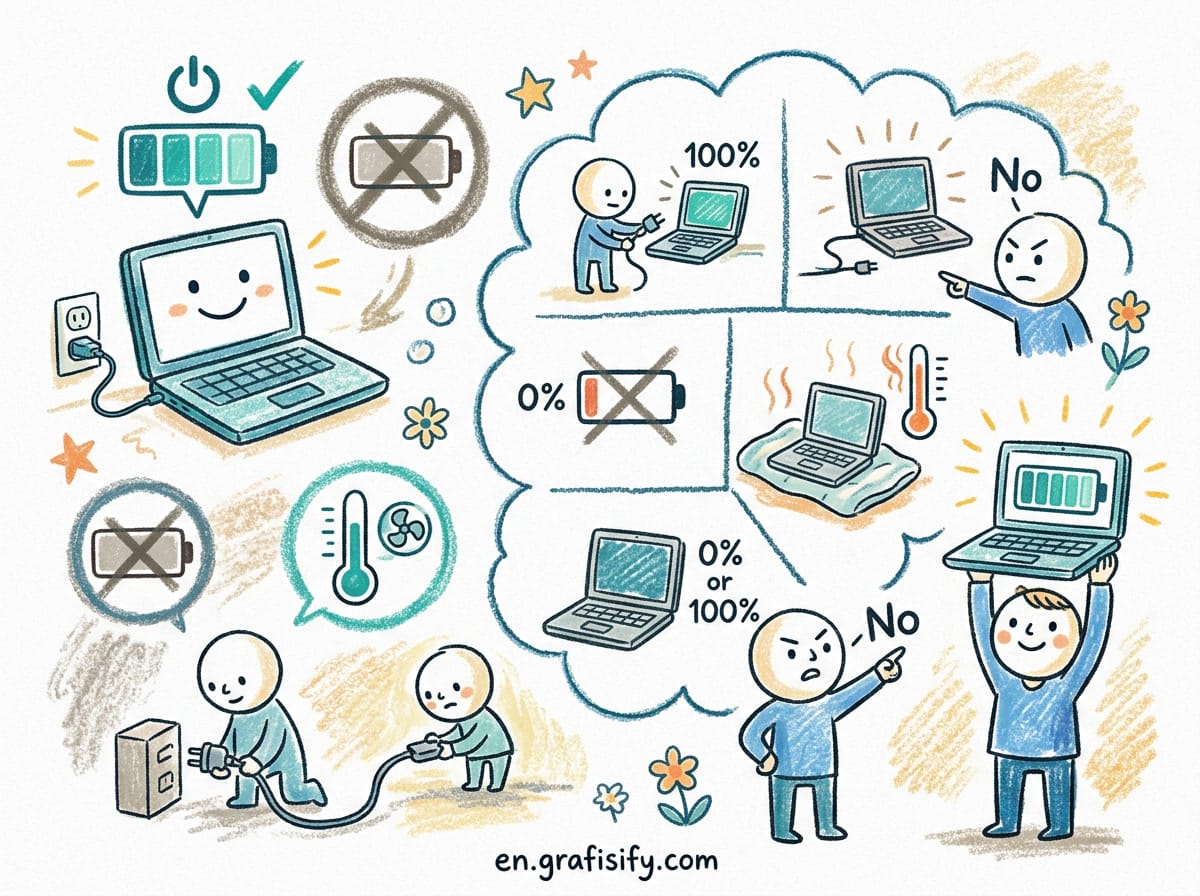
Creator laptops temper their internals. They may use power-constrained CPUs and GPUs to keep thermals and acoustics in check. The trade-off is slightly slower render times, but the machine stays quiet and cool. If you want to keep your machine from thermal throttling during long sessions, our guide on keeping your laptop cool and preventing overheating covers the practical steps that work for both categories.
Weight matters too. Gaming laptops often weigh above 2.5 kilograms once you add the brick-sized power adapter. Creator laptops tend to stay under 2 kilograms, which makes a difference when you carry the machine between meetings or shoots. Battery life follows the same pattern: a creator laptop tuned for efficiency can last a full workday unplugged, while a gaming laptop drained by a high-wattage GPU rarely survives past three hours away from the wall.
Drivers and Certifications
This is the quiet difference most buyers miss. Many creator and workstation laptops use NVIDIA Studio drivers, which are tuned and certified for stability in apps like Premiere Pro, DaVinci Resolve, and Blender. NVIDIA’s Studio platform lists hardware and software built for consistent creative performance rather than peak frame rates, and the certification process targets fewer crashes during long renders.
Gaming laptops ship Game Ready drivers, optimized for the newest titles and maximum FPS. They work fine in creative apps, but Studio drivers reduce the risk of a driver hiccup mid-project. If your income depends on a render finishing without interruption, that distinction matters more than a benchmark chart suggests.

Performance: Raw Numbers vs Sustained Work
Gaming laptops usually win short benchmarks. They sustain higher clock speeds because the cooling is built to dump heat fast. For 3D rendering, simulation, or compiling large codebases, that extra headroom helps, and you feel it on export day. A creator laptop with the same GPU model may score lower simply because its power limit is set lower to protect the slim chassis and quiet fans.
Creator laptops win on sustained, color-critical workflows where stability and screen quality beat a few extra frames. They also tend to include I/O creators actually use: full-size SD card slots, more USB-C and Thunderbolt ports, and HDMI for client monitors. If you shoot on a DSLR or mirrorless camera, an SD slot alone can justify the creator category and save you a dongle.
Wondering how much memory your workflow needs before you commit? Our breakdown of how much RAM you really need in a laptop helps you size the build so you do not pay for capacity you will never use.
Gaming Laptop vs Creator Laptop: Comparison Table
| Factor | Gaming Laptop | Creator Laptop |
|---|---|---|
| Display priority | High refresh (144Hz plus), fast response | Color accuracy, 100 percent DCI-P3, factory calibrated |
| Typical refresh | 144Hz to 300Hz | 60Hz to 120Hz |
| Cooling and noise | Aggressive, loud under load | Tempered, quiet |
| Drivers | Game Ready | Studio or ISV certified |
| Peak performance | Higher short benchmarks | Stable sustained work |
| Ports | USB, HDMI, often Ethernet | SD slot, Thunderbolt, more I/O |
| Weight | Heavier, bulkier | Usually lighter, slimmer |
| Best for | Gaming, 3D, heavy compute | Photo, video, design, client work |
Can a Gaming Laptop Replace a Creator Laptop?
Yes, with one condition: the screen. A gaming laptop with a color-accurate panel can do creative work well, especially if you tether it to a calibrated external monitor. CGDirector’s comparison of creator versus gaming laptops points out that gaming laptops have improved enough to serve creators who are not color-critical, and the overlap grows each product cycle.
If your work is color-critical, though, do not gamble on a gaming panel. A creator laptop removes that risk on day one. The reverse is easier: a creator laptop can game, but you lower settings because its GPU is often power-constrained to protect acoustics and battery.

Which Should You Buy?
Choose a creator laptop if you are a photographer, videographer, illustrator, or UI/UX designer who needs accurate color, quiet operation, and an SD slot. Choose a gaming laptop if you game regularly, do heavy 3D or compute work, and want the highest performance per dollar even with noise and weight.
If you do both, read the spec sheet carefully. Look for a gaming laptop with a verified color-accurate panel, or a creator laptop with a higher-wattage GPU if you can accept some fan noise. The lines blur, but your daily workload should decide. ASUS documents its Zenbook creator line with OLED specs so you can verify color coverage before buying rather than trusting the marketing photos.
A simple test helps: list the three tasks you do most each week. If two of them are color work, pick the creator laptop. If two of them are gaming or heavy compute, pick the gaming laptop. If they split evenly, buy the category whose weaknesses you can tolerate, because no single machine excuses both fan noise and perfect color at a fair price.
Still deciding between a new machine and a used one? Our guide on refurbished versus new laptops breaks down the trade-offs, and our Intel Core Ultra versus Ryzen AI CPU comparison helps you pick the right chip once you choose a category.

Key Takeaways
- Creator laptops win on color-accurate displays, quiet operation, and creator I/O like SD slots.
- Gaming laptops win on raw performance, high refresh rates, and price-to-power.
- Drivers differ: Studio drivers for stability, Game Ready drivers for FPS.
- A gaming laptop can do creative work only if its panel is color-accurate.
- Your daily workload, not the marketing, should pick the category.
Final Thoughts
The gaming versus creator split is smaller in 2026 than it was three years ago, but it has not disappeared. Spend your budget on the screen and the drivers first, then the GPU. Match the machine to the work you do most, and you will not regret the purchase when the next big project lands on your desk.
For deeper model recommendations, ASUS lists its Zenbook creator line with OLED specs, and CGDirector maintains a running comparison of creator and gaming laptops as new hardware ships. Read those before you click checkout, because the spec sheet tells the truth the product photos hide. A half hour of reading saves you from a laptop that looks great in the store and fails you at the deadline.

Irfan is a Creative Tech Strategist and the founder of Grafisify. He spends his days testing the latest AI design tools and breaking down complex tech into actionable guides for creators. When he’s not writing, he’s experimenting with generative art or optimizing digital workflows.





 Artificial Intelligent
 Design & Creative
 Freelance
 Gadgets & Gear
 Insights
 Laptop
 Reviews
 Smartphone
 Tech Guides
 Vibe Coding




