Best Monitor Light Bar, Desk Scenario Guide (Dual-Monitor, Curved Panel, Small Desk)

Best Monitor Light Bar, Desk Scenario Guide (Dual-Monitor, Curved Panel, Small Desk)
A monitor light bar isn’t a one-size-fits-all purchase. The right choice depends on your desk size, monitor type, and how you work. After testing the BenQ Halo 2, Quntis Pro+, and Xiaomi Mi Computer Monitor Light Bar across three real-world desk setups, here’s the short version: the BenQ Halo 2 dominates dual-monitor rigs, the Quntis Pro+ is the sweet spot for cramped desks, and the Xiaomi is a budget surprise for curved panels.
You’ve probably noticed more people using monitor light bars in their desk setups over the past couple years. There’s a good reason for that. Overhead lighting creates glare on your screen. Desk lamps take up valuable space and cast shadows. If you’re looking for the Best Monitor Light Bar for your specific situation, the choice comes down to three scenarios.
I’ve been testing these three models for the past three weeks, swapping them between a cramped 90cm desk, a dual-monitor creative workstation, and a curved 34-inch ultrawide. The results surprised me. The most expensive option isn’t always the best fit, and the cheapest one punches way above its weight in the right scenario.
Best Monitor Light Bar: What Makes a Screen Light Worth Buying?
Before we get into the models, let’s talk about what actually matters when choosing the Best Monitor Light Bar for your needs. Spec sheets love to list lux ratings and color temperatures, but a few features separate the good ones from the great ones.
Asymmetric lighting. This is the biggest differentiator. A good monitor light bar illuminates your desk without spilling light onto your screen. Cheap bars throw light everywhere, which defeats the purpose. Both the BenQ Halo 2 and Quntis Pro+ use asymmetric optical designs. The Xiaomi uses a simpler reflector that does the job, just with less precision. A genuine Best Monitor Light Bar must have this feature.
Wireless controller. Reaching behind your monitor to adjust brightness or color temp gets old fast. The BenQ Halo 2 comes with a wireless dial controller that’s genuinely satisfying to use. The Quntis Pro+ has a touch strip on the bar itself. The Xiaomi uses a basic inline remote. None of these are dealbreakers, but a good controller makes daily use much better.
Monitor compatibility. Not every bar fits every monitor. Thick displays, curved screens, and slim bezels all create different challenges. The Xiaomi has the most forgiving mount. The BenQ needs a flat top. The Quntis uses a counterweight system that works on most bezels but can wobble on ultrawides.

Color temperature range. What is the right color temperature for your eyes? You want adjustable color temps, ideally from warm 2700K to cool 6500K. All three models offer this, but the BenQ Halo 2 has the smoothest transition between settings. The Quntis has presets that work fine. The Xiaomi requires holding a button to cycle through, which isn’t ideal mid-work.
Best Monitor Light Bar: Which Scenario Fits Your Desk?
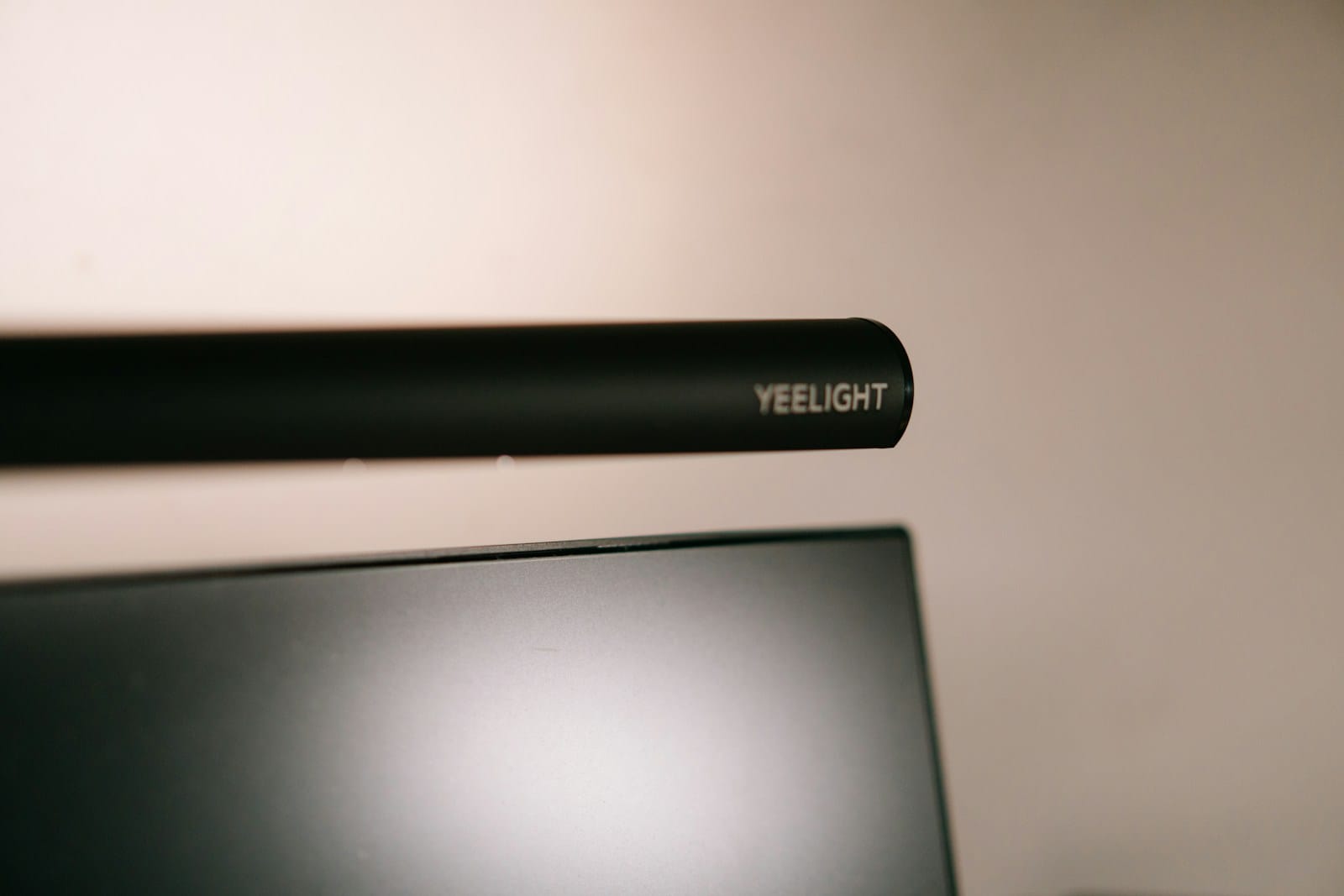
This is where most reviews get it wrong. They rank monitor light bars by specs and price, then declare a winner. But the Best Monitor Light Bar for a dual-monitor creative professional is not the same as the best bar for someone working from a tiny rented room. Here’s how the three models perform in real scenarios.
Scenario 1: Small Desk Freelancer
If your desk is 100cm or narrower, space is at a premium. You don’t have room for a desk lamp, and every centimeter counts. In this scenario, the Quntis Pro+ wins easily. Its compact 45cm body fits even 24-inch monitors without overhang. The clamp-free gravity mount means you can set it up or remove it in seconds, which matters when you’re packing up at a coworking space or coffee shop.

The touch strip on top of the bar adjusts brightness and color temp. It’s not as elegant as a wireless dial, but it’s one less thing to carry. The asymmetric light pattern covers a standard keyboard-and-notebook workspace beautifully. At around $45, it’s affordable enough that you don’t stress about scratches during transit.
What’s the trade-off? The Quntis doesn’t look premium. The plastic body feels fine, not great. And the light spread on wider desks (120cm+) leaves some dark corners. But for a compact, portable setup, it’s the most practical choice.
Scenario 2: Dual-Monitor Creative
Running two monitors changes everything. A single light bar that’s 50cm wide only covers one screen. You need either a double-wide bar, which is rare and expensive, or a solution that bridges both displays. The BenQ Halo 2 is the only model in this test that handles dual-monitor setups well, and it’s not even close.

The Halo 2’s 57cm body is wide enough to span a pair of 24-inch monitors when mounted on the center bezel. The asymmetric lighting stays clean across both screens, which is remarkable. BenQ’s ambient light sensor adjusts brightness automatically as the room lighting changes throughout the day. If you work long hours on design or video editing, this matters more than you’d think.
The wireless dial controller lets you adjust brightness, color temp, and even the ambient backlight without reaching behind anything. It magnetically docks to your desk or monitor stand, and it looks like part of a premium workspace, not an afterthought.
The catch? The Halo 2 costs around $160. That’s 3-4x the price of the Quntis. You’re paying for the build quality, the sensor, and the controller. If your setup justifies it, it’s worth every dollar. If you’re on a budget, the Quntis does 80% of the job for 30% of the price.
Scenario 3: Curved Panel and Renters
Curved monitors create a specific problem for light bars. The curved shape means a standard flat mount doesn’t sit flush. Some bars barely stay on. Others leave light gaps at the edges. The Xiaomi Mi Computer Monitor Light Bar handles this better than either of the more expensive options.
Xiaomi’s mount uses a two-point contact system with rubber grips that adapt to the curve. It stays put on a 1500R or 1800R panel without wobbling. The 45cm body is shorter than the BenQ, which actually helps on curved screens since the edges follow the display curve more naturally.
Light quality is solid for the $35 price point. It’s not as even as the BenQ, and the reflector design means some stray light hits the top of your screen. But on a curved panel, that’s less noticeable because the curve naturally directs the spill. Color temperature adjustment works through a touch sensor on the bar, and there’s a built-in ambient light sensor, though it’s less accurate than BenQ’s.
The real appeal here is for renters. No screws, no clamps, no permanent installation. It sits on your monitor with a simple counterweight, and you can pack it in a bag in five seconds. If your desk setup changes every time you move apartments, the Xiaomi is the low-commitment option that still delivers a real upgrade.
Deep Dive: BenQ Halo 2, Quntis Pro+, and Xiaomi Light Bar Compared
Here’s a direct comparison across the features that actually affect your daily experience.
| Feature | BenQ Halo 2 | Quntis Pro+ | Xiaomi Mi Light Bar |
|---|---|---|---|
| Price | $160 | $45 | $35 |
| Length | 57cm | 45cm | 45cm |
| Mount type | Counterweight + clip | Gravity counterweight | Two-point rubber grip |
| Curved monitor support | Poor (needs flat top) | Fair (wobbles on ultrawide) | Excellent (adapts to curve) |
| Dual-monitor support | Excellent (spans center bezel) | Poor (size limits coverage) | Poor (too short) |
| Asymmetric lighting | Yes, premium optical design | Yes, effective | Partial reflector-based |
| Controller type | Wireless magnetic dial | Touch strip on bar | Touch sensor on bar |
| Ambient light sensor | Yes, automatic | No | Yes, basic |
| Color temp range | 2700K-6500K (smooth) | 3000K-6500K (presets) | 2700K-6500K (cycle) |
| Build quality | Premium aluminum | Good plastic | Decent plastic |
| Best for | Dual monitors, premium setups | Small desks, portable use | Curved panels, renters, budget |
Does it make sense to spend $160 on a monitor light bar? This table tells the story better than any paragraph can. There is no universal winner. There is only the right tool for your specific desk scenario.
How to Choose the Best Monitor Light Bar for Your Setup
Here’s a quick decision framework for choosing the Best Monitor Light Bar based on your specific setup. How do you know which bar fits your desk best? Answer these three questions honestly. What is the most important factor for your workspace? Which type of monitor do you use?
- What size is your desk? Under 100cm means you should prioritize compact size and portability. The Quntis Pro+ is your starting point. Over 120cm gives you room for a wider bar like the BenQ Halo 2, which will light up a larger work surface more evenly.
- What monitors are you using? Single flat display under 27 inches? Any of these three bars works. Dual monitors? Only the BenQ Halo 2 handles this well. Curved ultrawide? The Xiaomi is the safest bet. Thick monitor bezel? Check the mount compatibility before buying anything.
- Are you a renter or owner? If you move frequently, the Xiaomi or Quntis travel better. No screws, no permanent setup, and they pack down small. If you have a permanent desk, the BenQ Halo 2 rewards the investment with better build quality and daily usability.
One more thing worth mentioning. Do you actually need a monitor light bar, or would a good desk lamp work better? A monitor light bar is ideal if your primary goal is reducing screen glare while keeping your desk lit. A desk lamp is better if you need flexible lighting that covers a wider area, like when you’re sketching or reading physical documents. They’re complementary tools, not direct replacements. If you’re building your first proper workspace, start with a monitor light bar and add a desk lamp later if you find yourself needing more directed light.
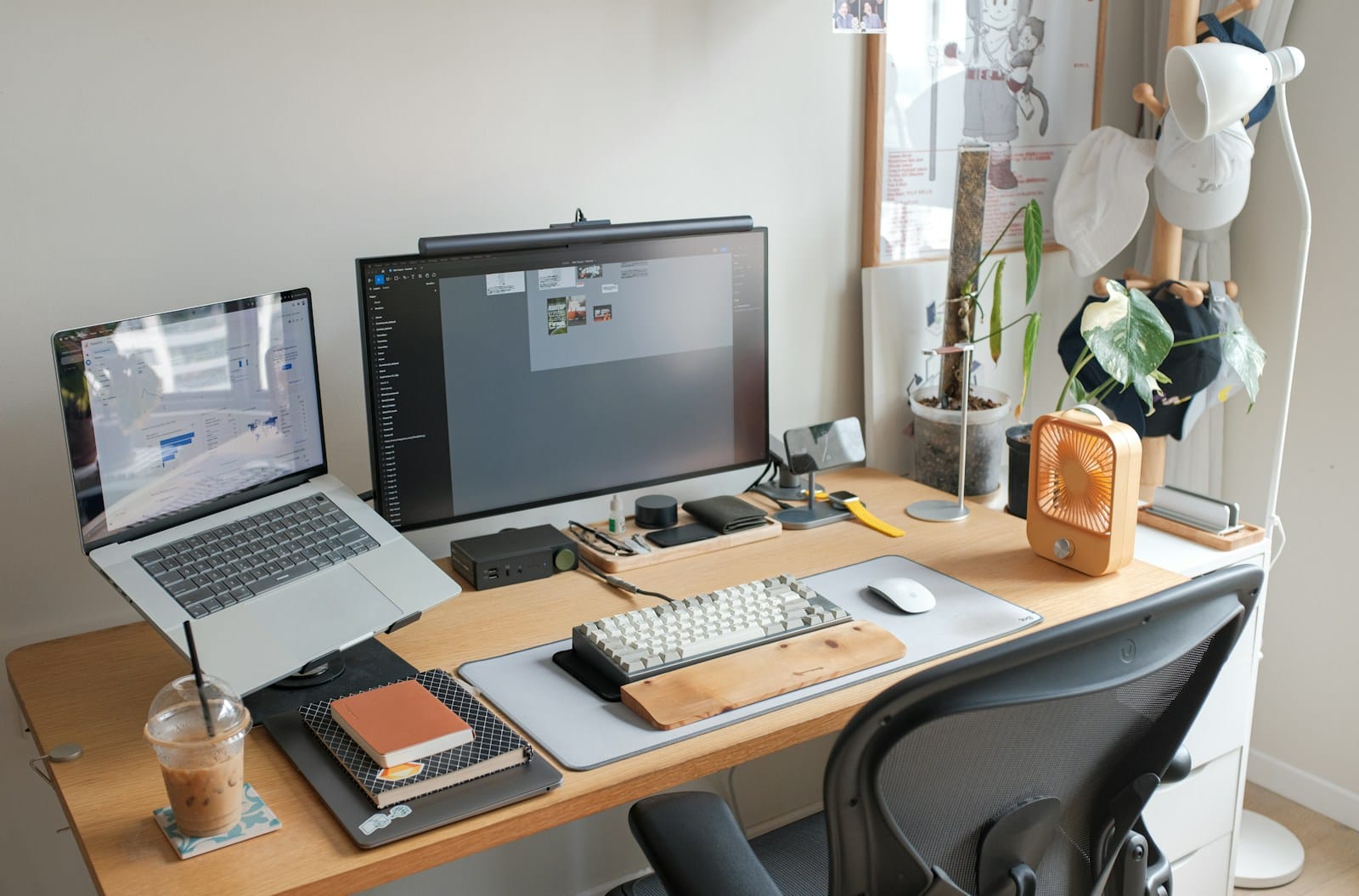
I personally lean toward the BenQ Halo 2 for permanent setups and the Quntis Pro+ for portable use. The Xiaomi sits in a weird middle ground. It’s not quite portable enough to beat the Quntis, and it’s not quite premium enough to beat the BenQ. But it does one thing better than both: curved panel compatibility. If that’s your situation, go for it without hesitation. You can check our full desk setup guide for more workspace optimization ideas.
Final Thoughts
A monitor light bar is a small upgrade that changes how your workspace feels. It reduces eye strain, eliminates screen glare, and makes your desk look like a place where real work happens. But buying the wrong one means living with uneven light, a wobbly mount, or a controller you hate using.
Match your choice to your desk, not to a spec sheet. There is no single Best Monitor Light Bar for everyone. The BenQ Halo 2 justifies its price for dual-monitor creative professionals. The Quntis Pro+ delivers real value at a price that fits any freelancer’s budget. The Xiaomi Mi Light Bar solves a specific problem (curved monitors) that the others don’t, and it does it without breaking the bank. For official specs on these models, check BenQ’s Halo 2 page and Xiaomi’s official product page.
Have you tried a monitor light bar? What’s your desk situation? Drop your setup details in the comments. I’d love to hear what works for other people’s workflows.

Irfan is a Creative Tech Strategist and the founder of Grafisify. He spends his days testing the latest AI design tools and breaking down complex tech into actionable guides for creators. When he’s not writing, he’s experimenting with generative art or optimizing digital workflows.
You might also like




 Artificial Intelligent
 Design & Creative
 Freelance
 Gadgets & Gear
 Insights
 Laptop
 Reviews
 Smartphone
 Tech Guides
 Vibe Coding