Best AI Tools for UX Research That Actually Save Time
TL;DR
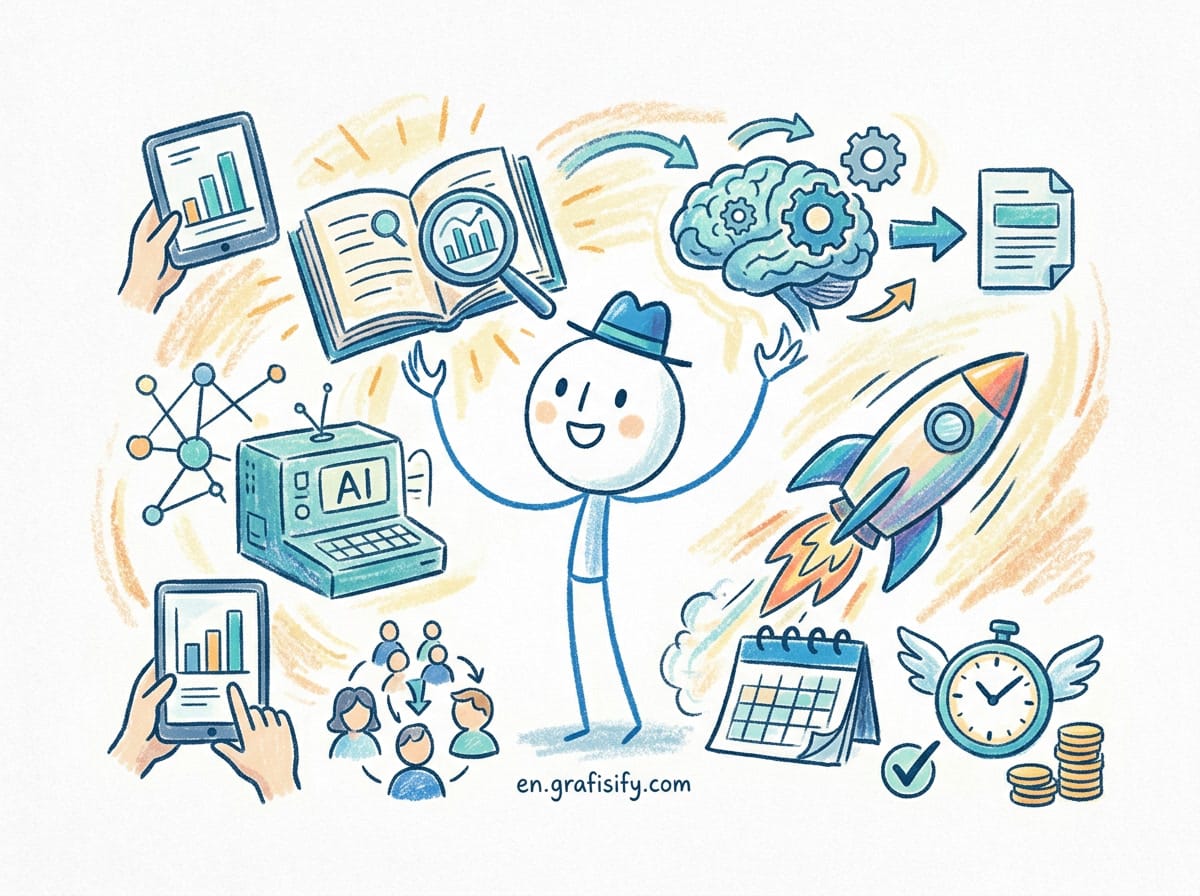
AI now handles the slow parts of UX research: transcription, theme clustering, sentiment tagging, and report drafting. The tools below do not replace your judgment. They free you from the mechanical work so you can spend time interpreting what users actually mean. Pick one interview-analysis tool, one usability-test platform, and one feedback-synthesis layer, then grow from there.
Why AI Changed UX Research First
UX research was always the most time-starved part of product work. A single 45-minute interview produces a transcript, a pile of sticky notes, and maybe a few quotes your stakeholders never read. Multiply that by twenty interviews and the analysis phase alone eats a week. Most teams run lean, with one researcher supporting forty or more product people, so the backlog of unanalyzed interviews grows faster than anyone can clear it. The result is research that informs nothing, because the insight arrives after the decision is already made.
AI flipped that math. Modern tools transcribe with speaker labels, cluster recurring themes across hundreds of conversations, score sentiment, and draft the insight brief your PM will actually open. The global UX research software market is projected to reach about $4.2 billion in 2026, and adoption reflects it: roughly 78% of UX research teams at companies with 500+ employees now use at least one AI-powered research tool, up from around 40% in 2023. Mixed-methods research, where AI bridges qualitative depth and quantitative scale, has surged right alongside it.
The right framing matters. Dr. Nikki Anderson-Stanier, a well-known UX research educator, puts it plainly: AI removes the mechanical burden of transcription and initial coding so researchers can focus on interpreting meaning and driving strategic decisions. The empathy stays human. The drudgery does not. For the broader market context, the BuildBetter 2026 UX research tools review compares eighteen platforms across these exact criteria, and the Design-Rise UI/UX tools breakdown covers the design-side tooling in depth.


The 3 Jobs AI Does Best in Research
Before picking tools, name the work. Most AI research tools win on one of three jobs, and the marketing copy rarely tells you which one matters for your team:
- Transcribe and structure. Turn recordings into searchable text with speakers identified. This is table stakes now, not a premium feature, and accuracy above 95% on clear English audio is the bar.
- Cluster and surface patterns. Find the recurring complaint across 40 interviews without you reading all 40. This is where the time savings are real, often 60 to 80% of analysis time, because the AI does the first pass of coding that used to take days.
- Synthesize and report. Generate the shareable brief, the persona, the PRD snippet. The artifact stakeholders actually consume, written in a voice they will read instead of skip.
Tools that do all three well are rare. Most excel at one and partner with the rest through integrations. Build your stack around the job you hate most, because that is the one where automation pays for itself fastest.
Best AI Tools for Interview Analysis
This is where AI delivers the most obvious win. You record the conversation, the tool does the rest, and you walk into the debrief with themes already flagged.
BuildBetter is built for B2B product teams. It connects to Zoom, Slack, Salesforce, Jira, Zendesk, and Intercom, then pulls themes, action items, and sentiment from call recordings. Its standout feature is cross-source synthesis: it mixes internal data like Slack threads with external feedback like support tickets into one research repository. If your problem is “insights live in ten different tools,” this is the one to watch, and its published evaluation criteria show how it rates against pure-play analysis tools.
Dovetail remains the choice for dedicated research teams. Its AI tagging, theme clustering, and highlight reels live inside a structured qualitative workspace. Researchers build taxonomies and let the AI surface patterns across large interview sets. Strong for teams with a real research practice rather than a one-person operation, and it supports analysis in 30+ languages. The Dovetail platform overview walks through the tagging and clustering workflow in detail.

Grain is lighter. It makes AI summaries and searchable video clips you can drop straight into a Slack message. Best when stakeholder buy-in depends on them hearing the user’s voice, not reading your summary. Otter.ai wins on pure transcription affordability. Its accuracy hits 95%+ on clear English audio, and the price stays friendly for early-stage teams. Treat it as your entry point, not your final stack.
Best AI Tools for Usability Testing
Usability testing in 2026 goes past task-completion rates. AI detects friction automatically, writes follow-up questions based on behavior, and draws heatmaps that show where users stall.
Maze is the design-team favorite. It plugs into Figma, runs unmoderated tests on prototypes and live products, and returns AI-generated follow-ups plus automatic issue detection. If you validate flows weekly, this is the default, and its official documentation shows the full prototype-to-live workflow. UserTesting (now under UserZoom) serves enterprise research operations with AI sentiment on video responses, automated highlight reels, and a large participant panel for both moderated and unmoderated studies.
Userlytics stands out for global work, with panels in 40+ countries and multilingual AI transcription. Lyssna (formerly UsabilityHub) is the fast, cheap option for first-click tests and five-second surveys when you need a quick design decision, not a full study. The pattern across all of these: the AI shortens the loop between a test and an actionable finding.
Comparison Table: Pick by Your Bottleneck
| Tool | Primary Job | Best For | Free Tier |
|---|---|---|---|
| BuildBetter | Cross-source insight synthesis | B2B product teams | Yes |
| Dovetail | Qualitative coding and clustering | Dedicated research teams | Yes |
| Maze | Unmoderated usability testing | Design teams in Figma | Yes |
| Grain | Shareable interview clips | Stakeholder buy-in | Yes |
| Otter.ai | Transcription | Budget-conscious teams | Yes |
| Userlytics | Multilingual testing | Global research | Trial |
Three Mistakes That Waste the Investment
Buying the tool is the easy part. Most teams stall after that because of three predictable errors.
First, they treat the AI output as finished analysis. A theme cluster is a starting point, not a conclusion. You still decide what the pattern means and whether it changes the roadmap. Second, they skip the integration step. A tool that sits outside your Slack, Jira, or Figma becomes a graveyard of unread insight briefs. The value shows up where your team already works. Third, they overbuy. Three well-chosen tools beat six overlapping ones, because the cost is not just the subscription. It is the cognitive load of checking six dashboards.
How to Start Without Overbuying
You do not need six tools. Most teams get 80% of the value from three:
- One transcription or interview-analysis tool (Otter.ai to start, BuildBetter or Dovetail as you scale).
- One usability-test platform (Maze covers most design teams).
- One synthesis habit: a single shared repository where insights land, not a folder of disconnected docs.
Integration beats features. A tool that writes straight into Slack, Jira, or Figma saves more time than one with a longer AI feature list but no connections. Check the integration list before the pricing page. And confirm pricing transparency: free tiers, trial availability, and whether enterprise pricing requires a sales call all change how fast you can start.
Privacy and Accuracy: The Two Things to Verify
When a tool processes voice and video of real users, security is not optional. Look for SOC 2 Type II certification and GDPR compliance as baseline for enterprise use. Ask vendors directly: is my data used to train your models? Where is it stored? What is the retention and deletion policy? Can I get an audit trail? These questions matter most when you record identifiable participants.
Accuracy also varies by language. English, Spanish, French, German, and Portuguese typically hit 90%+ transcription accuracy. Languages with complex grammar such as Mandarin, Japanese, Arabic, or Hindi land closer to 85 to 92%, and sentiment scoring is weaker there. For critical multilingual studies, plan a human review pass rather than trusting the AI output blindly. Several leading tools now support 30+ languages for transcription and analysis, but the quality ceiling is not uniform.
Final Thoughts
AI in UX research is not a replacement for the researcher. It is a force multiplier for the parts of the job that used to consume your week. Start with the bottleneck you feel most, pick one tool that fits, and expand only after the first win shows up in your stakeholder conversations. The teams pulling ahead are not the ones with the biggest tool budget. They are the ones who automated the drudgery and kept their human judgment sharp. If you are evaluating your first tool this quarter, begin with transcription and clustering, because that is the layer every other insight builds on, and it is the fastest place to show your stakeholders real time saved.
If you want to keep the rest of your design stack current, our AI productivity tools guide for freelancers covers adjacent workflows, and our AI meeting assistants comparison overlaps heavily with interview capture. For design-side AI, see our marketing automation roundup, and for the coding side of product work, our spec-driven development guide extends the same AI-augmentation thinking.

Irfan is a Creative Tech Strategist and the founder of Grafisify. He spends his days testing the latest AI design tools and breaking down complex tech into actionable guides for creators. When he’s not writing, he’s experimenting with generative art or optimizing digital workflows.

 Artificial Intelligent
 Design & Creative
 Freelance
 Gadgets & Gear
 Insights
 Laptop
 Reviews
 Smartphone
 Tech Guides
 Vibe Coding