What Is RCS Messaging and Why It Matters Now
Verdict: RCS Is the Texting Upgrade You Already Have
Texting between iPhone and Android spent years stuck in the SMS era. Photos arrived compressed, group chats broke, and nobody knew if a message had been read. RCS fixes most of that without asking you to install anything. It lives in the messaging app your phone shipped with, it uses your phone number, and it works over Wi-Fi or mobile data. I recommend turning it on if your carrier supports it, because the cost is zero and the gain is immediate: sharper photos, typing indicators, read receipts, and group chats that behave like group chats.
The short version: RCS is the carrier industry replacement for SMS. Apple added it to iPhone with iOS 18, Google built it into Android years earlier, and cross-platform encryption started rolling out in beta in May 2026. The one condition is carrier support. If your carrier has switched RCS on for your phone, the upgrade is already waiting in Settings.
TL;DR: RCS adds modern chat features to plain texting, iPhone supports it since iOS 18, encryption between iPhone and Android is rolling out in beta, and business messages stay unencrypted end to end. Check Settings, flip the switch, and let SMS handle only the contacts whose carriers lag behind.

What RCS Messaging Actually Is
RCS stands for Rich Communication Services. The GSMA, the mobile industry association, owns the standard and publishes it as the RCS Universal Profile. Carriers and phone makers implement that profile, which means RCS runs through your carrier and your phone number, not through a separate account or app download. Google Messages on Android and Apple Messages on iPhone both speak it.
SMS dates back to the early 1990s. It moves short text over the voice signaling channel, caps each segment at 160 characters, and treats a photo as an MMS attachment that carriers shrink to fit. RCS moves messages over mobile data or Wi-Fi instead. That single change unlocks the features people expect from a chat app: full-resolution photos and video, typing indicators, read receipts, reactions, and group chats with names.
The standard itself has a long history. Work on RCS started in 2007, and the GSMA published the Universal Profile in November 2016 to make implementations interoperable across carriers. Apple held out for years, then added RCS to iPhone with iOS 18 in September 2024, implementing Universal Profile 2.4. That move turned RCS from an Android feature into a cross-platform default.

One point causes confusion, so it deserves a plain statement: RCS is not iMessage. iMessage is Apple software that runs between Apple devices and shows blue bubbles. RCS is a carrier standard that runs between any supported phones and shows green bubbles on iPhone. Apple keeps the two separate, and RCS messages on iPhone stay green even when they carry read receipts and high-resolution media.
RCS vs SMS: What Changes in Practice
The difference shows up in daily use, not in a spec sheet. An SMS group chat with Android and iPhone users mangles reactions, drops people, and compresses every photo. The same group over RCS keeps reactions intact, keeps everyone in the thread, and sends photos at full quality. A video that arrived as a blurry postage stamp over MMS arrives watchable over RCS.
Typing indicators and read receipts change the rhythm of a conversation. You see when the other person is replying, and you know when they read your message. SMS offers neither. RCS also handles modern group features: naming a group, adding or removing people, and leaving a group cleanly.
The table below sums up the practical gap.
| Feature | SMS and MMS | RCS |
|---|---|---|
| Text length | 160 characters per segment | No practical limit |
| Photos and video | Compressed, often tiny | High resolution |
| Typing indicators | No | Yes |
| Read receipts | No | Yes |
| Group chat | Basic, reactions break | Named groups, reactions, add and remove |
| Connection | Cellular voice channel | Mobile data or Wi-Fi |
| Encryption | None | End to end in supported chats, see below |
| Cost | Carrier text plan rates | Data use, no per-message charge from most carriers |
One habit deserves a note here. RCS media arrives at full quality, so photos and videos pile up in storage faster than the compressed MMS versions did. If your phone already warns about space, check how to free up phone storage fast before your group chats fill the last gigabyte. RCS also runs over data, and heavy messaging plus media can nudge battery use upward. If your battery drains faster than it should, read why your phone battery drains fast and how to fix it for the usual culprits.
The iPhone Turning Point
Apple announced RCS support for iPhone at WWDC 2024 and shipped it with iOS 18 in September 2024. That ended the long split where Android users had modern texting and iPhone users had it only inside iMessage. For the first time, a text between an iPhone and an Android phone could carry read receipts, typing indicators, and full-resolution media without a third-party app on either side.
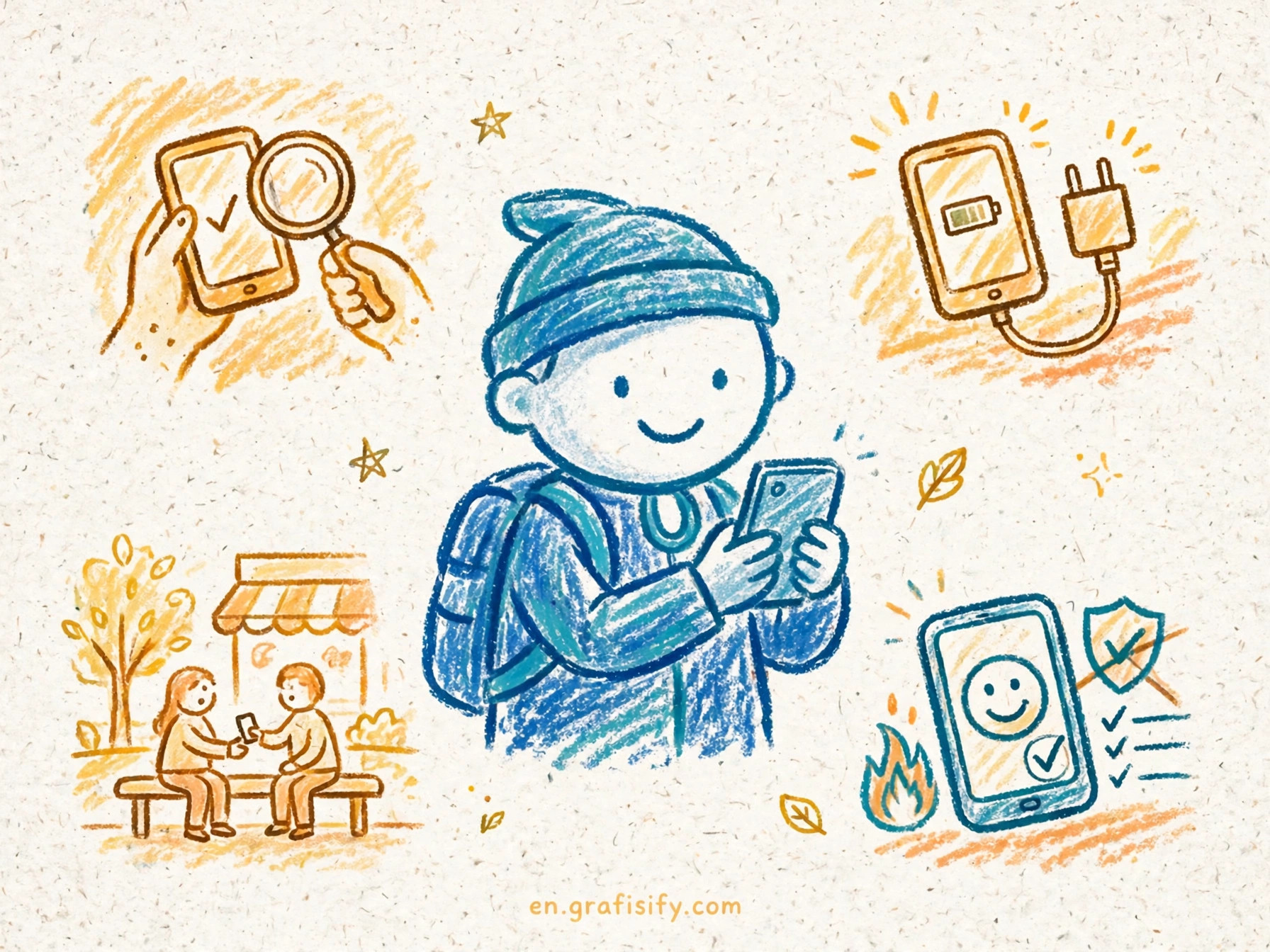
Carrier support gates the whole thing. Apple switches RCS on per operator through a carrier bundle, so two iPhones on the same iOS version can differ: one shows the RCS toggle, the other does not, because their carriers differ. The three big US carriers, AT&T, T-Mobile, and Verizon, enabled RCS for iPhone during the iOS 18 beta period in June 2024. Smaller carriers and MVNOs followed at their own pace, and some markets still wait.
Apple added RCS for Business in iOS 18.1, which lets verified brands send rich messages with cards and suggested replies. The consumer side matters more for most readers, though. Person-to-person RCS is the feature that fixes the green bubble experience, and it arrived with the base iOS 18 release.
Apple reported in January 2025 that iOS 18 had reached 68 percent of compatible iPhones. That adoption rate matters because RCS needs both ends on modern software. A contact on iOS 17 or older falls back to SMS no matter what your phone supports. The fallback is silent, which leads to the next section: encryption works only when every link in the chain supports it.
Encryption: What RCS Protects and What It Does Not
Encryption is where RCS gets complicated, because the answer depends on who is texting whom. Three cases cover nearly every conversation.
Android to Android chats in Google Messages have carried end-to-end encryption by default for years. Google built that on the Signal Protocol, and a lock icon marks encrypted threads. Both people need Google Messages, and both need encryption switched on, which it is by default.
Cross-platform chats between iPhone and Android took longer. Apple launched RCS on Universal Profile 2.4, a version without end-to-end encryption in the standard, so early iPhone to Android RCS chats were encrypted in transit only. Carriers and intermediaries in the delivery chain could read them in principle. The GSMA closed that gap on 14 March 2025 with Universal Profile 3.0, which adds end-to-end encryption based on the Messaging Layer Security protocol, known as MLS and published by the IETF as RFC 9420. Apple began rolling out MLS-based encrypted RCS in beta with iOS 26.5 in May 2026, and the GSMA announced the cross-platform rollout on 11 May 2026. Both carriers in a conversation must support the new profile, and both phones need current software, before the lock appears.
Business messages form the third case, and the rule is simple: treat them as unencrypted end to end. RCS for Business messages are encrypted in transit, not end to end, because Google scans them for spam and malicious content. Your bank or airline can send a rich message with a boarding pass, and that message is protected on the wire, but it is not private from the platform in the same way a personal chat is. The digital privacy guide for beginners covers the wider habits that matter once you start thinking about who can read what.
For the full technical picture, the GSMA announcement of RCS Universal Profile 3.0 encryption explains the MLS design, and the Sinch guide to RCS security lays out the three encryption states in a single table. I treat those two pages as the reference for any claim about RCS encryption, because the details shift with each carrier rollout.
How to Turn On RCS on iPhone and Android
On iPhone, the path is short. Open Settings, tap Apps, tap Messages, tap RCS Messaging, and turn it on. Apple documents the same path on its support page for turning on RCS messaging on your iPhone. The toggle needs iOS 18 or later and a mobile plan from a carrier that supports RCS on iPhone. Activation can take a few minutes or a few hours after you flip the switch. If the RCS Messaging option does not appear at all, your carrier has not enabled it for your line yet, and updating iOS alone will not make it appear. From iOS 26.5, the same screen holds an End-to-End Encryption (Beta) switch, on by default where the carrier supports it.
On Android, Google Messages ships with RCS on by default for most users. Open Google Messages, tap your profile icon, tap Messages settings, tap RCS chats, and confirm the toggle is on. Google documents the setup in its Messages help page on RCS chats. If RCS chats show as unavailable, check two things: the phone number is verified in Google Messages, and the carrier supports RCS. Samsung Messages on older Galaxy phones used its own RCS implementation; current Galaxy phones ship with Google Messages as the default, which keeps the setup identical.
Switching phones deserves a minute of prep. RCS ties to your phone number and your carrier, so a new phone usually picks it up after number verification. The move goes smoother if you handle the number transfer first. The guide to how to transfer an eSIM to a new phone walks through the transfer step by step, and the guide to how to back up your phone so you never lose photos covers message history before you wipe the old device. Turn RCS off on the old phone before the swap if the new phone stalls on verification; that clears the registration and lets the new phone claim the number cleanly.
If a specific conversation still falls back to SMS, run the short checklist. Both phones need RCS on. Both carriers need RCS support. Both phones need a data or Wi-Fi connection at that moment. Group chats need every participant on RCS, or the thread drops to MMS for everyone. One weak link in that chain sends the whole conversation back to SMS, and the Messages app does not always flag the downgrade.
Conclusion: Switch It On and Move On
RCS is the rare upgrade that costs nothing, needs no new app, and fixes a daily annoyance. Photos arrive sharp, group chats work, and you can see when someone is typing. The rough edges are real: carrier support still varies, encryption between iPhone and Android is rolling out in beta, and business messages stay unencrypted end to end. None of those caveats change the basic call. Turn RCS on, keep your software current, and let SMS shrink to a fallback for the few contacts whose carriers lag behind.
Open Settings now and check for the RCS toggle. If it is there, switch it on and send a photo to an Android contact. If it is missing, ask your carrier when RCS arrives for your plan, then check again after the next iOS or Android update. For the deeper technical background, the Sinch explainer on how RCS works covers the Universal Profile, the carrier plumbing, and the encryption timeline in one place.

Irfan is a Creative Tech Strategist and the founder of Grafisify. He spends his days testing the latest AI design tools and breaking down complex tech into actionable guides for creators. When he’s not writing, he’s experimenting with generative art or optimizing digital workflows.




 Artificial Intelligent
 Design & Creative
 Freelance
 Gadgets & Gear
 Insights
 Laptop
 Reviews
 Smartphone
 Tech Guides
 Vibe Coding