AI Agents vs Workflows: When to Use Which

Every team building with large language models hits the same fork in the road. You have a task that needs more than one model call, and you have to decide how much freedom to hand the model. Do you script each step in code, or do you let the model plan its own path? The terms get tossed around as if they mean the same thing. They do not, and picking the wrong shape costs real money in tokens, debugging time, and failed runs.
Verdict: Workflows or Agents? (TL;DR)
Use a workflow when you can describe every step in advance. Use an agent only when the model must decide its own next step because the path cannot be known ahead of time. Most teams should start with a single model call, add retrieval or context when needed, and graduate to a fixed workflow only after the simple version shows its limits. Agents come last, not first. I have watched teams burn weeks on agent frameworks for tasks a short script could have handled in an afternoon, and the fix was almost always the same: delete the framework, write the steps down, and let the model do one job at a time.
The short version:
- Known path, repeated task: build a workflow. It is predictable, cheap, and easy to test.
- Unknown path, long task with many tools: consider an agent. It trades cost and control for flexibility.
- Uncertain about either: start with one model call and add structure only when the evidence demands it.


Agentic Systems, Defined: Workflows vs Agents
The confusion starts with the vocabulary. Vendors use the word agent for almost anything that calls a model, so the term now covers chatbots, scripts, and full autonomous systems at once. Anthropic drew the line that the rest of the industry now quotes. In its guide to building effective agents, the company writes: “Workflows are systems where LLMs and tools are orchestrated through predefined code paths. Agents, on the other hand, are systems where LLMs dynamically direct their own processes and tool usage, maintaining control over how they accomplish tasks.” That single sentence does most of the work in this article, and you can find the full guide on Anthropic’s research page.
A workflow is a recipe. You write the steps, the order, and the handoffs. The model contributes judgment inside a step, but it never picks the next step. A customer support triage pipeline is a workflow: classify the ticket, pull the account record, draft a reply, and send it to a human for approval. Each step is fixed. If step two fails, you know exactly where to look.
An agent is a loop. The model receives a goal, picks a tool, reads the result, and decides what to do next. Nobody wrote the sequence in advance because nobody could. A research agent given the question “find every public pricing change our three competitors made this quarter” has to search, open pages, compare dates, and decide when it has enough. The path emerges from the work.

Google Cloud defines agents more loosely, as “software systems that use AI to pursue goals and complete tasks on behalf of users” with reasoning, planning, and memory. Amazon describes its Bedrock Agents as a way to “build and configure autonomous agents in your application.” Both definitions are accurate for their products, and both are broader than Anthropic’s. When a vendor says agent, ask which definition they mean: a fixed pipeline with model calls inside it, or a loop where the model steers. The answer changes the cost, the failure modes, and the testing plan. Read Google’s full definition on Google Cloud’s AI agents page and the AWS framing in the Bedrock Agents documentation.
I treat the Anthropic distinction as the working rule for this article because it maps to a real engineering decision. Predefined path or model-chosen path. Everything else follows from that choice.
The Five Workflow Patterns
Anthropic’s guide lists five workflow patterns that cover most production use. Each one solves a specific weakness of a single model call, and each one keeps the path fixed so the system stays testable. The same guide notes that “the most successful implementations weren’t using complex frameworks or specialized libraries. Instead, they were building with simple, composable patterns.” I read that as a warning against buying an orchestration framework before you need one. Plain code with clear steps beats a framework you do not understand.
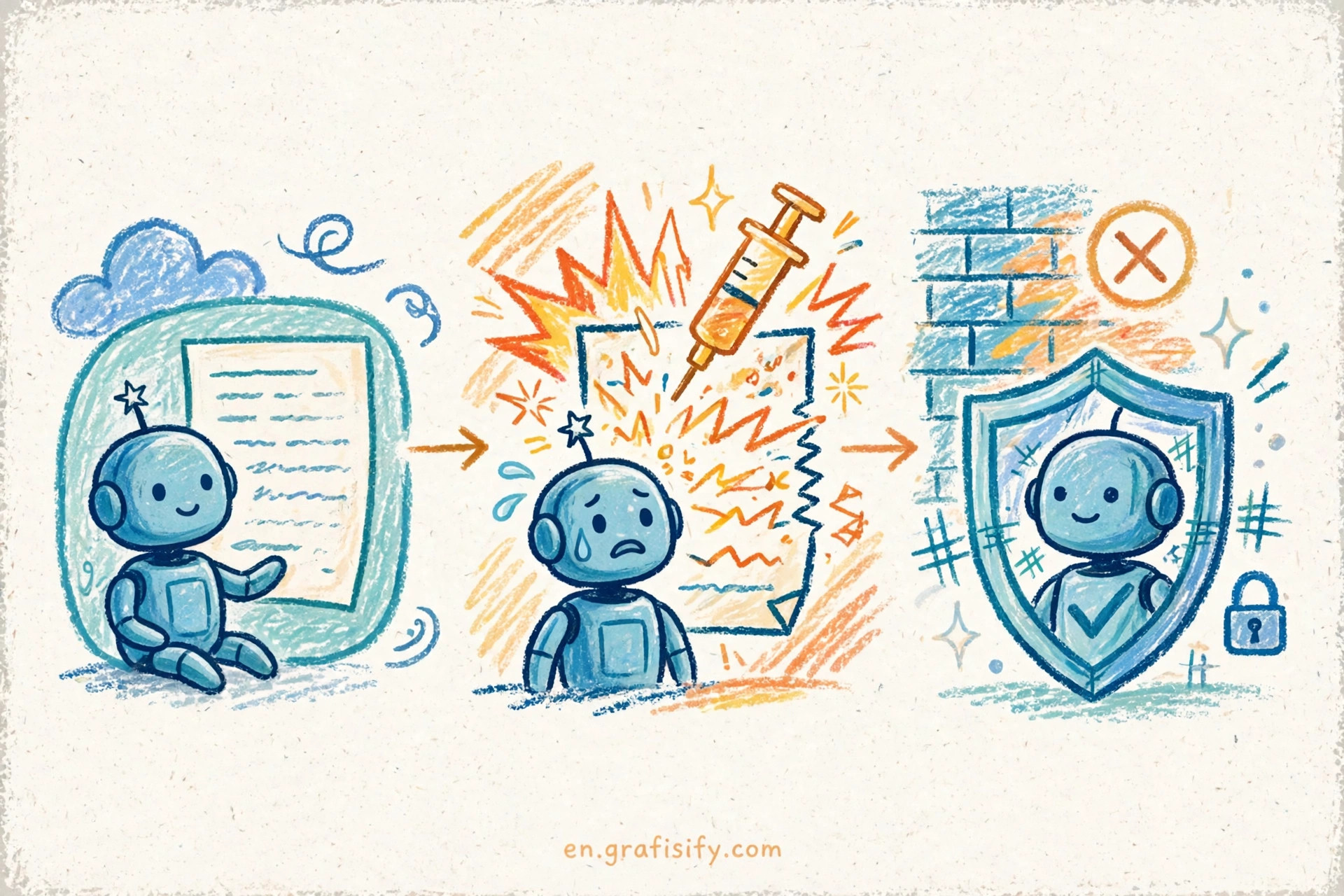
Prompt chaining splits a task into a sequence where each step feeds the next. Draft a marketing outline, then expand it into a post, then check the post against the style guide. Each step does one job well, and a failure in step two points at step two. Routing sends an input to the right specialist first. A support bot routes billing questions to one prompt and technical questions to another, and it can route easy queries to smaller, cost-efficient models. That routing idea connects to a broader cost question I covered in why small AI models win in production: the cheapest model that handles a step correctly is the right model for that step.
Parallelization runs the same step several ways at once. One call checks a draft for tone, another checks it for factual claims, and a third checks it for policy. The results merge into a single verdict. Orchestrator-workers splits a hard task into subtasks handled in parallel by separate calls, with one orchestrator collecting the results. A research summary that gathers analyst notes from five sources fits here. Evaluator-optimizer loops a generator and a critic until the output passes a check, which suits translation and writing tasks where quality can be judged in code or by a second model call.
| Pattern | What it does | Use it when | What it buys you |
|---|---|---|---|
| Prompt chaining | Breaks a task into ordered steps | Each step has a clear input and output | Easy debugging, clear failure points |
| Routing | Sends input to the right specialist | Inputs fall into distinct types | Lower cost, better accuracy per type |
| Parallelization | Runs independent checks at once | Several views of one output help | Higher confidence, voting or merging |
| Orchestrator-workers | Splits work across parallel subtasks | Subtasks are independent | Speed, separation of concerns |
| Evaluator-optimizer | Loops generate and critique | Quality can be judged reliably | Steady improvement over drafts |
Notice what these patterns share: the developer still owns the shape of the work. The model fills in judgment at defined points. That ownership is the reason workflows fail gracefully. When a workflow produces a bad result, you can replay the exact steps, find the step that broke, and fix it.
How Agents Work: When the Model Picks the Steps
An agent starts where a workflow stops. Give it a goal, a set of tools, and a stopping rule, then let it run a loop: plan, act, observe, repeat. The model reads tool results and chooses the next action. The loop ends when the model calls a finish action or hits a step limit you set. That loop is the whole architecture. Everything else is scaffolding around it.
Anthropic’s guide lists three principles for building agents that hold up in production. Keep the design simple. Make the model’s plan and actions visible so a human can follow them. Spend real effort on the agent-computer interface, meaning the tools, the formats, and the error messages the model sees. A tool that returns a clear error helps the model recover. A tool that returns a stack trace does not. The interface is the product, and I have seen more agent projects fail on bad tool design than on model quality.
The token bill is the part teams underestimate. Anthropic reports from its own data that agents typically use about four times more tokens than chat interactions, and multi-agent systems use about fifteen times more. Those figures come from Anthropic’s Research system, not from an independent benchmark, so treat them as one vendor’s measurement rather than a universal law. The direction still holds: every extra loop iteration costs tokens, and loops run many iterations. The same source describes its own Research system as a multi-agent architecture with an orchestrator-worker pattern, where a lead agent coordinates while specialized subagents work in parallel. You can read the details in Anthropic’s multi-agent research system write-up.
The operational tradeoffs deserve a closer look before you commit. Always-on agents keep running in the background, which adds monitoring, cost, and failure surface. I covered those tradeoffs in always-on AI agents and the practical question of when the constant cost earns its keep.
Workflows vs Agents: The Comparison Table
The decision rule from Anthropic’s guide reads: “When more complexity is warranted, workflows offer predictability and consistency for well-defined tasks, whereas agents are the better option when flexibility and model-driven decision-making are needed at scale.” That sentence is the decision in miniature. The table below turns it into a side-by-side check you can run against any task on your list.
| Dimension | Workflow | Agent |
|---|---|---|
| Predictability | High: same steps every run | Low: path changes per run |
| Flexibility | Low: new cases need new code | High: adapts to surprises |
| Token cost | Low and stable | High: roughly 4x chat, multi-agent roughly 15x |
| Latency | Low and stable | High and variable |
| Debuggability | Replay exact steps | Trace logs, harder to reproduce |
| Best-fit tasks | Classification, extraction, drafting | Research, open-ended investigation |
| Typical failure | A step misfires on new input | Loops, repeats, or stops early |
| Scaling | Scales with code changes | Scales with token budget |
One row deserves extra attention: failure modes. A workflow fails at a known step, which means your logs point at the fix. An agent fails in ways that read like human mistakes. It can loop on a broken tool, retry the same search with slightly different words, or declare a task done while half the sources remain unread. Those failures need guardrails: step limits, time limits, and a clear definition of done. Without them, an agent can spend your budget chasing its own tail.
Security belongs in the same conversation. An agent that can browse, run code, or send messages has a wider blast radius than a workflow with fixed steps. Prompt injection, tool misuse, and data leaks all get worse when the model chooses its own actions. I listed the concrete threats and fixes in AI agent security risks, and the short version is this: give an agent the smallest set of tools that still lets it finish the job, and log every action it takes.
A counterpoint worth hearing comes from Cognition, the company behind Devin. In a 2025 essay, Walden Yan argues that actions carry implicit decisions, and conflicting decisions carry bad results, so teams should by default rule out multi-agent architectures that do not share context between subagents. The essay is an opinion piece, not an empirical study, but the mechanism it names is real. When two subagents work from different slices of context, they make choices that clash. Read the full argument on Cognition’s blog. The lesson I take from it is narrower than its headline: if you build multi-agent systems, shared context is not optional.
How to Choose: A Practical Decision Framework
Theory helps, but teams need a ladder they can climb one rung at a time. This four-step framework follows the same order Anthropic recommends: start simple, measure, and add structure only when the simple version fails in a way you can name.
Step one is a single model call with good context. Write a strong prompt, give the model the documents it needs, and test it on real inputs. Context engineering for AI agents covers how to assemble that context so the model stops forgetting key facts mid-task. Most tasks that look like agent jobs turn out to be single-call jobs with better context, and this step costs almost nothing to try.
Step two adds a fixed workflow when you know the decomposition in advance. If the task always breaks into the same three steps, write those three steps. Add routing when inputs split into types. Add parallel checks when one view of the output is not enough.
Step three adds an agent when the path is unknown and the task runs long. The signal is not task size but path uncertainty. A short task with an unknown path still needs an agent. A long task with a known path still needs a workflow. Ask one question: can I write down the steps before the run starts? A yes means workflow. A no means agent.
Step four considers multi-agent systems only when the value clears the token cost and the subtasks can share context. Split work across subagents when the pieces are genuinely independent and the orchestrator can merge them without losing meaning. Keep the subagent count small. Every added agent multiplies the token bill and the coordination risk.
Two guardrails apply at every step. First, measure with evals before you scale anything. A simple test set of real inputs, run after each change, tells you whether a new step helped or hurt. I wrote a full guide to LLM evals that catch real failures because teams that skip evals end up arguing about vibes instead of numbers. Second, distrust frameworks that hide the mechanics. Anthropic’s guide warns that incorrect assumptions about what a framework does under the hood are a common source of customer error. If you cannot explain what happens on each step of a run, you do not own the system.
Also know when not to build an agent at all. A task with a fixed answer format, a task that must run the same way every time for compliance, and a task where a wrong autonomous action costs more than a slow human action all belong in workflows or with humans. Autonomy is a tool, not a goal.
Conclusion: Start Simple, Add Autonomy on Evidence
Workflows and agents solve different problems. Workflows give you predictability, low cost, and clean debugging for tasks with a known path. Agents give you flexibility for tasks where the path depends on what the work uncovers, and they charge you in tokens, latency, and control for that freedom. The right default is the simple end of the ladder: one good call, then a fixed workflow, then a single agent, then multi-agent only with evidence that the value clears the cost.
Pick one task on your list this week and run the question against it. Can you write down the steps before the run starts? If yes, build the workflow and ship it. If no, sketch the agent loop, set a step limit, log every action, and test it on ten real inputs before you let it near production. Then tell me in the comments which pattern your team uses, workflow or agent, and what pushed you to choose it. Your answer helps the next reader calibrate the same decision.

Irfan is a Creative Tech Strategist and the founder of Grafisify. He spends his days testing the latest AI design tools and breaking down complex tech into actionable guides for creators. When he’s not writing, he’s experimenting with generative art or optimizing digital workflows.






 Artificial Intelligent
 Design & Creative
 Freelance
 Gadgets & Gear
 Insights
 Laptop
 Reviews
 Smartphone
 Tech Guides
 Vibe Coding



