Best AI Website Builders Compared
Why AI Website Builders Changed the Game for Small Businesses
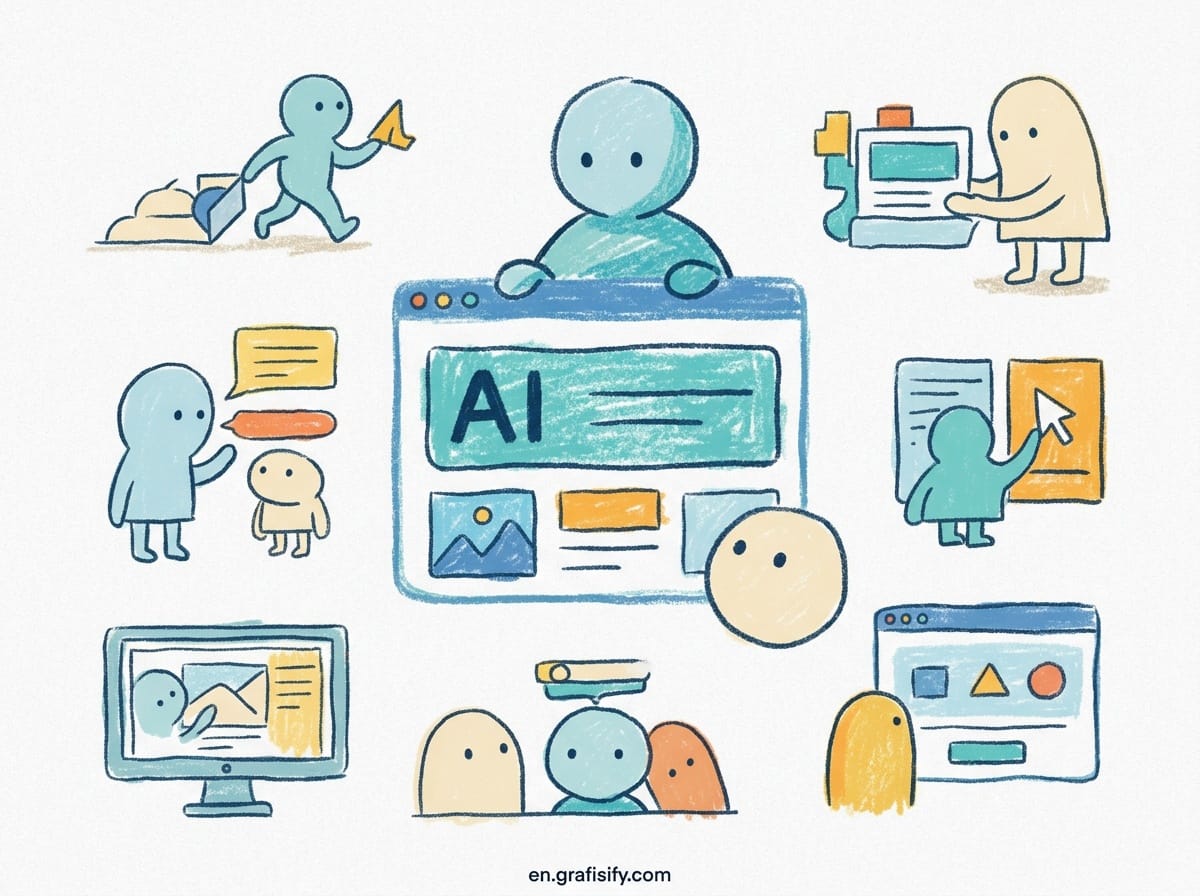
Building a website used to mean picking a template, wrestling with a drag-and-drop editor, writing copy, and then paying a developer to fix the mess. The process took weeks and cost thousands. AI website builders have compressed that timeline into hours, sometimes minutes. By 2026, over 30% of new websites are built with AI tools, and the numbers keep climbing.
The speed difference is dramatic. Businesses using AI builders launch sites about 80% faster than traditional methods. That matters when you need a landing page before a product launch or a portfolio before a client pitch. The AI handles the heavy lifting: structure, copy, image placement, and layout. You handle the edits and the brand voice.
This is not about replacing designers. It is about giving small business owners a path to a professional-looking site without a six-figure budget. The best AI website builders now handle everything from initial prompts to SEO metadata. You describe your business, pick a vibe, and the tool generates a multi-page site with sections, navigation, and calls to action.
What sets the current crop apart is the quality gap. Some tools punch out generic brochure pages. Others produce genuinely custom layouts with real design sense. The comparison below breaks down seven leading AI website builders so you can pick the one that matches your skill level, budget, and long-term goals.
The AI Website Builders Compared
This table covers the seven most relevant AI website builders for US professionals and small business owners in 2026. Prices reflect entry-level paid plans, not free trials.
| Builder | Best For | AI Generation | Design Control | Code Export | Ecommerce | Starting Price |
|---|---|---|---|---|---|---|
| Wix AI | Beginners, all-in-one needs | Yes | Medium | No | Yes | $17/mo |
| Framer AI | Design quality, React output | Yes | High | Yes (React) | No | $15/mo |
| Webflow AI | Professionals, CMS, marketing | Yes | High | Yes | Yes | $14/mo |
| Durable | Absolute speed, simple sites | Yes | Low | No | No | $12/mo (annual) |
| Squarespace AI | Creatives, visual portfolios | Yes | Medium | No | Yes | $16/mo |
| 10Web | WordPress users, SEO | Yes | High | Yes (WordPress) | Yes | $10/mo |
| Jimdo AI | Budget brochure sites | Yes | Low | No | No | $9/mo |
The table shows a clear split. Durable and Jimdo prioritize speed and cost over control. Framer, Webflow, and 10Web hand you the keys to every pixel. Wix and Squarespace sit in the middle, offering solid customization without requiring code knowledge.
Wix AI: The Easiest All-in-One Pick
Wix AI remains the default recommendation for anyone who wants a website without learning a new system. The AI generator asks a few questions about your business type, style preferences, and goals. Within minutes you get a full site with text, images, and a layout that actually makes sense.
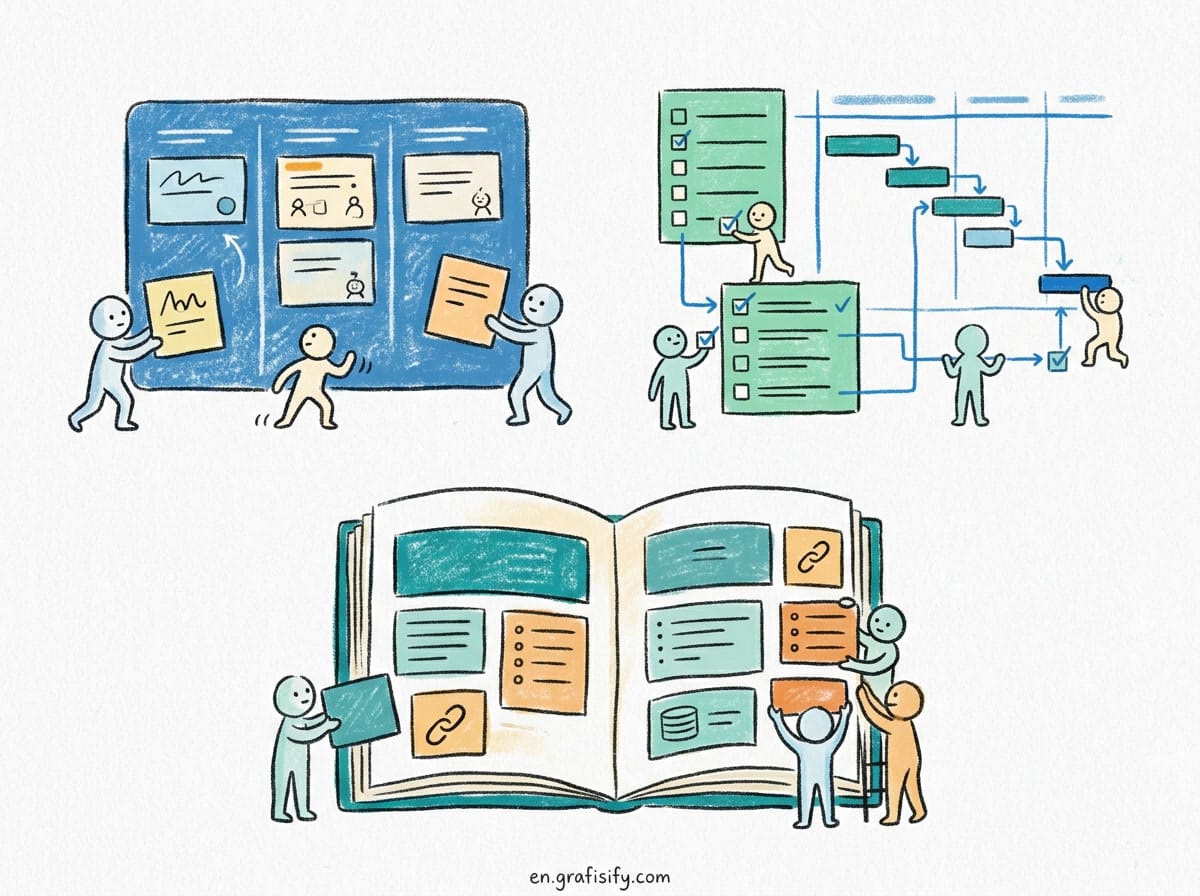
The ecosystem is the real advantage. Wix gives you over 900 templates on top of the AI generation, plus built-in ecommerce, booking systems, and a solid app market. If you run a service business, you can add online scheduling, invoice management, and customer reviews without leaving the platform. That breadth is hard to beat for a small operation.
Design control is moderate. You can adjust colors, fonts, and spacing, and the AI will regenerate sections based on your edits. But you cannot export the code or move to another host. You are committing to Wix’s infrastructure. For most small businesses, that tradeoff is fine because the platform handles hosting, security, and updates automatically.
Pricing starts at $17 per month for the Core plan, which includes a custom domain and removes Wix ads. The free tier exists but slaps ads on your site and gives you a subdomain, so it works only for testing. If you want ecommerce, the Business plans start higher, around $29 per month, but they include payment processing and shipping tools.
Also Read:
Framer AI and Webflow AI: When You Want Design Control
Framer AI and Webflow AI attract the same audience: people who care about how the site looks and behaves at a granular level. These are not one-click solutions. They are professional tools with AI assistance layered on top.
Framer AI builds from a text prompt into a complete layout, then gives you full control over every element. The standout feature is React code export. You can generate a site, tweak it visually, and then export the code to use in your own project. That is rare among AI builders. Framer also integrates with Figma, so you can import existing designs and convert them to live sites. The learning curve is steeper than Wix, but the payoff is a site that does not look like a template.
Webflow AI takes a different angle. Its Layout AI generates a full page structure from a prompt, and the AI copywriter can generate or rewrite text blocks. The real strength is the CMS and marketing stack. Webflow includes localization for 20+ languages, A/B testing through Optimize, and accessibility checks that flag contrast and heading issues. For a business that plans to scale content and run experiments, Webflow is the more complete package.
Both platforms let you export clean code, which matters if you want to hand off to a developer later. Webflow starts at $14 per month for the Basic plan, but ecommerce and CMS features require higher tiers. Framer’s pricing starts at $15 per month for a basic site, with the $25 Starter plan unlocking more pages and custom domains. Neither is truly cheap, but both are cheaper than a custom build.
Durable and Jimdo: Fastest and Cheapest Paths to a Live Site
Durable holds the speed crown. It generates a complete multi-page business site in under two minutes. You type your business name and category, and Durable assembles a homepage, services page, contact form, and about section with stock images and generated copy. For a plumber, therapist, or local restaurant, that is enough to get online today.
Durable also includes a built-in CRM and lead capture tools on paid plans. The AI chat-to-edit feature lets you say things like “change the hero headline” or “add a pricing section,” and the site updates in real time. That conversational approach removes the need to learn an editor at all. The tradeoff is design control. You are limited to a handful of layout options and color schemes. If you need something distinctive, Durable will frustrate you.
Jimdo is the budget option at $9 per month. It focuses on brochure-style sites: a homepage, contact info, maybe a gallery. The AI setup asks basic questions and produces a clean, functional page. There is no ecommerce, no blog system worth mentioning, and limited customization. But for a one-page presence that costs less than a monthly coffee habit, Jimdo works.
Both tools share a weakness: they are dead ends for growth. You cannot export your site or migrate to a more powerful platform without rebuilding. If your business plan involves online sales, a blog, or complex forms, skip these and look at Wix or Webflow instead.
Squarespace AI and 10Web: Creatives and WordPress Users
Squarespace AI aims at a specific crowd: photographers, artists, consultants, and anyone whose portfolio is the product. The Blueprint AI setup runs as a conversational flow. You answer questions about your work, desired mood, and typography preferences. The AI then assembles a site using Squarespace’s premium template library, which remains the best-looking starting point in the industry.
The design output leans heavily on whitespace, large imagery, and refined typography. That aesthetic suits creative professionals perfectly. Squarespace also handles ecommerce well, with inventory, shipping, and tax tools built in. The catch is the same as Wix: no code export and a locked ecosystem. Starting price is $16 per month, and you will want the Business plan at $23 per month if you need ecommerce without transaction fees.
10Web takes the opposite approach. It is built specifically for WordPress users who want AI assistance without abandoning their CMS. The platform generates WordPress sites on an Elementor-based editor, which means you get the flexibility of the world’s most popular CMS with AI content and layout generation on top. If you already know WordPress, 10Web is the fastest way to spin up a new site or refresh an old one.
10Web also includes strong SEO features, automatic backups, and security monitoring. Starting at $10 per month, it is the cheapest way to get a full WordPress site with hosting and AI tools. The tradeoff is complexity. Elementor has a learning curve, and if you are not familiar with WordPress terminology, the interface can feel overwhelming. That is a fair price for the control you get.
How to Choose the Right AI Website Builder
Start with your end goal, not the price tag. If you need a site to validate an idea or get a local business online this week, Durable or Jimdo will do the job. If you plan to sell products, take bookings, or run a blog for years, invest in Wix, Squarespace, or Webflow from day one. Rebuilding later costs more time and money than starting with the right tool.
Assess your design tolerance. Do you want to tweak every margin and animation? Then Framer or Webflow is worth the learning curve. Do you just want something that looks professional and matches your brand colors? Wix or Squarespace will get you there faster. Do you not care about the details at all? Durable’s chat-to-edit is the lowest friction option.
Consider code export as an exit strategy. Wix, Squarespace, Durable, and Jimdo lock you in. Framer exports React, Webflow exports clean HTML/CSS, and 10Web gives you standard WordPress files. If you might hire a developer or move to a custom stack later, choose one of the export-friendly options.
Budget is the last filter, not the first. The difference between $9 and $17 per month is trivial compared to the cost of rebuilding a site. A $9 Jimdo site that you outgrow in a year costs you $300 in lost time and a new build. A $17 Wix site that scales with you costs nothing extra.
Key Takeaways
- AI website builders now power over 30% of new sites, and they let small businesses launch in hours instead of weeks.
- Wix AI is the best all-around pick for beginners, with ecommerce, booking, and a huge template library from $17 per month.
- Framer AI and Webflow AI are for people who want real design control and clean code export, at a higher learning cost.
- Durable builds a complete site in under two minutes, and Jimdo is the cheapest option, but both lock you out of growth features.
- Squarespace AI suits creative portfolios, while 10Web is the best choice if you already live in WordPress.
- Plan for the future. Code export matters if you might hire a developer, and rebuilding later always costs more than starting right.
Frequently Asked Questions
How much do AI website builders cost?
Most start between $9 and $17 per month on entry-level paid plans. Jimdo is the cheapest at $9, while Wix, Squarespace, and Framer sit around $15 to $17. Business tiers with ecommerce and advanced features run higher, usually $23 to $29 per month. Free tiers exist but force ads and subdomains, so they work only for testing.
Can AI website builders replace a web developer?
For most small businesses and portfolio sites, yes. The tools handle structure, copy, images, and SEO metadata with little input. You still need a human eye for brand voice, final copy edits, and anything deeply custom. If you need complex integrations, custom logic, or a unique interactive experience, a developer is still the right call.
Do AI website builders let you export your code?
Only some. Framer exports React, Webflow exports clean HTML and CSS, and 10Web gives you standard WordPress files. Wix, Squarespace, Durable, and Jimdo lock you into their platforms with no code export. If you want an exit strategy or plan to hand off to a developer, choose one of the export-friendly options from the start.
How fast can you get a site live with an AI builder?
Durable can generate a complete multi-page business site in under two minutes. Most other tools produce a usable first draft within 10 to 30 minutes, and you can publish the same day. Traditional development typically takes weeks, which is why businesses using AI builders report launching roughly 80% faster.
Which AI website builder is best for SEO?
Webflow has the strongest built-in SEO stack with clean code, meta controls, and fast load times. 10Web also ships strong SEO features on top of WordPress. Wix and Squarespace have improved significantly and handle basic SEO well, but they add more markup and give you less control over technical details.

Irfan is a Creative Tech Strategist and the founder of Grafisify. He spends his days testing the latest AI design tools and breaking down complex tech into actionable guides for creators. When he’s not writing, he’s experimenting with generative art or optimizing digital workflows.
You might also like







 Artificial Intelligent
 Design & Creative
 Freelance
 Gadgets & Gear
 Insights
 Laptop
 Reviews
 Smartphone
 Tech Guides
 Vibe Coding





