ARM vs x86 Windows Laptops: Which One Should You Buy?

ARM vs x86 Windows laptops: the question that keeps coming up
Every laptop buyer runs into the same wall in 2026. You pick a thin Windows ultrabook, check the specs, and the processor is a Snapdragon X Elite instead of an Intel or AMD chip. The model names changed because the underlying architecture changed. ARM Windows laptops went from a curiosity to a serious slice of the market in roughly eighteen months, and that shift forces a real decision.
ARM laptops now hold about 11 percent of the laptop market. The x86 duopoly from Intel and AMD still controls most commercial contracts, but the momentum is clearly moving. The short version: if you live in a browser, want the best battery life on a Windows machine, and do not depend on niche legacy software, an ARM laptop is the obvious pick. If you need broad app compatibility, run specific Windows utilities, or game seriously, an x86 machine is still the safer choice. The rest of this guide explains why, with the numbers to back it up.
What ARM actually changes inside a Windows laptop
For decades Windows ran almost entirely on x86 processors from Intel and AMD. These chips share a common instruction set, so software written for one mostly runs on the other. ARM is a different architecture built on a different instruction set, the same family of chips that powers your phone. Windows 11 on ARM runs natively on these processors, but most existing Windows software was written for x86.
That is where emulation comes in. Microsoft built a translation layer called Prism that lets x86 and x64 applications run on ARM hardware. When you install a Windows app that has no ARM version, Prism converts its instructions on the fly so it still executes. The feature works far better than the old Windows RT days, and most everyday programs run without you noticing the difference. But translation is not free. Emulated apps use more processor time and drain the battery faster than native ARM software.

Native ARM64 apps, in contrast, run at full speed and sip power. The gap between native and emulated performance is the single biggest practical difference between buying an ARM laptop and an x86 laptop.
Battery life: where ARM wins by a wide margin
Battery life is the headline reason people buy ARM Windows laptops, and the numbers justify the hype. Testing on the same Dell XPS 13 chassis shows a Snapdragon X Elite model hitting around 20 hours and 51 minutes of real-world use. The Intel Lunar Lake version of the same machine managed about 8 hours and 40 minutes. That is more than double the runtime from the same body and battery.
That gap is not an outlier. Because ARM chips were designed for phones and tablets, they excel at low-power idle and light workloads. Open a browser, answer email, stream video, write documents, and an ARM laptop keeps running long after an x86 machine needs a charger. Intel and AMD have closed part of the gap with efficient cores, but they still trail ARM on pure runtime in lightweight use.

What does that mean in practice? An ARM ultrabook easily lasts a full workday plus an evening of streaming. An x86 ultrabook might need a midday top-up for the same workload. If battery life is your top priority, ARM is the clear winner.
Performance: close in everyday tasks, different in the corners
For everyday productivity, the performance gap between ARM and x86 has mostly closed. A Snapdragon X Elite handles office work, web browsing, and video calls without complaint. Multi-core work is a genuine strength, with the 12 performance cores on the X Elite keeping pace with comparable x86 chips in threaded tasks.
Single-core performance is where the picture gets more complicated. Apple’s M4 still beats the Snapdragon X Elite by roughly 54 percent in single-core tests, and Intel’s Lunar Lake holds a strong single-core edge over Qualcomm as well. For the average user that difference rarely shows up in daily work. It matters more for demanding single-threaded apps, heavy spreadsheet recalculations, and certain creative tools.
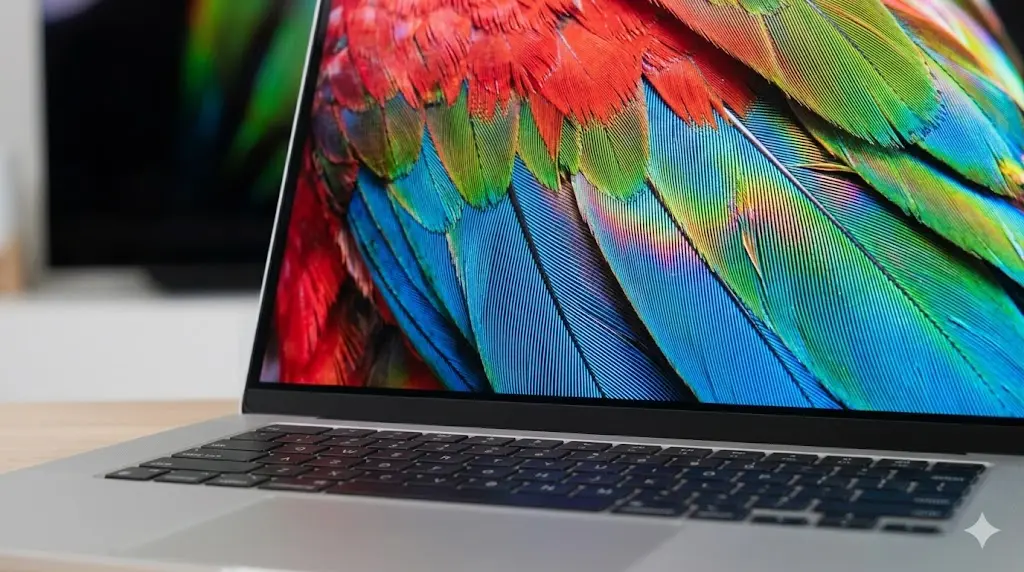
Gaming is the biggest caveat. Modern AAA titles are written and tested against x86 hardware, and many rely on anti-cheat systems that simply refuse to run under emulation. Some games work great on ARM through Prism. Others will not launch at all. If gaming is a primary use case, buy x86 and skip the gamble.
Compatibility: the reason to think twice
Compatibility is the trade-off that decides whether ARM is right for you. Everyday apps have largely gone native. Google Chrome, Microsoft Edge, Office, Zoom, Slack, and most modern productivity tools ship ARM64 versions or run fine through Prism. Cloud-based workflows barely care about the processor under the hood.
The problems hide in the long tail. Older Windows utilities, some VPN clients, hardware drivers for niche peripherals, specialized business software, and certain plug-ins may have no ARM version and may not translate cleanly. Anti-cheat protected games and some professional creative plug-ins are the most common sources of pain. If you depend on one specific legacy application for work, verify it runs on ARM before you spend money.

The safest advice: if your work lives in a browser and standard productivity apps, compatibility is a non-issue. If you rely on specialized x86-only software, stick with x86. Microsoft’s Prism keeps improving, but the responsibility still falls on the software vendor to ship an ARM version.
Who should buy an ARM Windows laptop
For a specific, growing group of buyers, ARM laptops make sense. Frequent travelers and remote workers who value battery life above everything else will feel the difference on day one. Students who carry a laptop between classes all day, stream lectures, and write papers are ideal candidates. Anyone whose workload is browser-based, document-focused, or cloud-dependent gets most of the benefit with almost none of the risk.
Price has become more reasonable too. Early ARM laptops carried a premium for being new, but 2026 models from Asus, Lenovo, and Microsoft now sit in the same price band as comparable x86 ultrabooks. You are no longer paying extra for the architecture. For a mid-range thin-and-light budget, ARM machines compete directly on value once battery life is factored in.
Lightweight design is another bonus. ARM laptops tend to be thinner and lighter because the chips run cooler and need less cooling hardware. The Asus Zenbook A14, for example, weighs about one kilogram while running a Snapdragon processor, and 2026 models bring the Snapdragon X2 Elite for a meaningful performance upgrade. For people who want a genuinely light travel machine, ARM delivers.
Who should stick with x86
Serious gamers should stay on x86 without hesitation. The emulation layer is not reliable enough for the games that matter most, and anti-cheat systems block many titles outright. Creative professionals using plug-in-heavy tools, video editors with specific codecs, or audio software with hardware-dependent drivers should also verify compatibility carefully before switching.
Enterprise and managed environments are another x86 stronghold. Most corporate software stacks, VPN requirements, and IT-management tools are still built and certified for x86. If your company issues a specific device standard or requires particular management agents, an ARM laptop may simply not qualify. IT departments move slowly, and compatibility certification lags the consumer market.
The x86 ecosystem is not going away. Intel and AMD still ship the majority of Windows laptops, and their efficiency has improved dramatically to stay competitive. Choosing x86 is not a dated decision. It is a compatibility-first decision.
ARM vs x86 Windows laptops compared
| Factor | ARM (Snapdragon X) | x86 (Intel / AMD) |
|---|---|---|
| Battery life | Roughly double in light use | Shorter, especially under load |
| Everyday performance | Close to x86 | Strong single-core |
| App compatibility | Native + Prism emulation | Full native support |
| Legacy software | May fail or run slow | Works |
| Gaming | Inconsistent, anti-cheat issues | Best compatibility |
| Weight and heat | Thinner, lighter, cooler | More cooling hardware needed |
| Best for | Travel, battery, browser work | Gaming, enterprise, niche apps |
Use this table as a quick decision guide. If more rows on the left column describe your daily reality, ARM is a great choice. If the right column fits your needs better, x86 remains the safe pick.
Key takeaways
ARM Windows laptops are now a legitimate mainstream choice, not an experiment. They deliver battery life that x86 machines cannot match, run everyday software without issue, and come in thinner, lighter designs.
Battery life is the decisive advantage. Expect roughly double the runtime of a comparable x86 laptop for browser and document work.
Compatibility is the one real risk. Verify that your essential software, especially niche utilities and games, has an ARM version or translates well under Prism before buying.
Buy ARM if battery life and portability are your priorities and your work is browser-based. Buy x86 if you game, rely on legacy or enterprise software, or cannot afford any compatibility surprises.
The direction of the market is worth watching. Intel’s Panther Lake generation, built on 18A process technology, targets both efficiency and performance, while AMD keeps refining its own efficient cores. Each generation narrows the battery gap ARM opened. At the same time, more software ships native ARM64 versions every quarter, and Prism keeps getting better at translating the rest. That convergence means the decision gets easier over time, not harder.
Intel and AMD are not standing still. Their efficiency improves every generation, so the gap narrows each year. But for a specific kind of user in 2026, an ARM Windows laptop is genuinely the better machine. If your daily work fits the ARM profile, the battery life alone is reason enough to make the switch.

Irfan is a Creative Tech Strategist and the founder of Grafisify. He spends his days testing the latest AI design tools and breaking down complex tech into actionable guides for creators. When he’s not writing, he’s experimenting with generative art or optimizing digital workflows.





 Artificial Intelligent
 Design & Creative
 Freelance
 Gadgets & Gear
 Insights
 Laptop
 Reviews
 Smartphone
 Tech Guides
 Vibe Coding




