How to Choose a Smartphone for Photography: A Complete Beginner Guide

How to Choose a Smartphone for Photography: A Complete Beginner Guide
Picking the right smartphone for photography can feel overwhelming when every ad screams about megapixels, AI cameras, and quad lenses. Here’s the short answer: sensor size, optical stabilization, and reliable software processing matter way more than megapixel count. I’ve tested phones across every price range, and the ones that consistently deliver great photos focus on those three things first. This guide walks you through exactly what to look for. No marketing fluff.
Phone cameras have gotten so good that many people have stopped buying dedicated cameras entirely. But walking into a store or scrolling through specs online is confusing. 200 megapixels on one phone, 50 on another. Four cameras versus three. AI this, computational that.
The honest truth is that most of what you read on spec sheets is marketing. The real factors that determine photo quality are simpler than you think. Let me break them down.
What to Look For in a Smartphone Camera: The Real Specs That Matter
Before you compare any two phones, understand this: a camera is only as good as its weakest component. A 200MP sensor means nothing if the lens is cheap or the software processing is poor. Here are the specs that actually affect your photos, ranked by importance.
Also Read:

Sensor Size Beats Megapixels Every Time
The image sensor is the part of the camera that captures light. Think of it like a solar panel. The bigger the surface area, the more light it collects. More light means better photos in dim conditions, richer colors, and less grainy noise.
A phone with a 1-inch sensor (like the Xiaomi 13 Ultra or the vivo X100 Pro) will outperform a phone with a 1/2.55-inch sensor even if the smaller sensor has twice the megapixels. Sensor size matters more than any other spec. When you read reviews, look for actual sensor dimensions. 1/1.28-inch, 1/1.5-inch. Not just megapixel numbers.
Here’s the thing most spec sheets don’t tell you: pixel binning. A 200MP sensor rarely shoots at 200MP. Instead, it combines groups of pixels into larger “super pixels” to capture more light. That is why a 200MP Samsung sensor often defaults to 12.5MP output. The high megapixel count exists mostly for marketing and the rare scenario where you need to crop deeply.
Also Read:

Optical Image Stabilization Is Non-Negotiable
OIS keeps your lens steady when you’re shooting handheld. Without it, your night photos turn blurry, your videos look shaky, and even daytime shots can lose sharpness if your hands are slightly unsteady.
A comprehensive guide on smartphone photography will tell you the same thing: check for OIS. And they are right. If a phone lacks OIS on its main camera, cross it off your list unless your budget is extremely tight. The difference between a phone with OIS and one without is immediately visible. Especially indoors, at night, or while recording video.
Some flagship phones now use sensor-shift stabilization, where the entire sensor moves to counteract motion instead of just the lens. Apple introduced this with the iPhone 12 Pro Max, and it’s now common across premium devices. Sensor-shift is marginally better than lens-based OIS, but any OIS is exponentially better than none.
Deep Dive: Aperture, Focal Length, and Lens Quality
Once you have confirmed the sensor is decent and the phone has OIS, the next layer of detail involves the lens itself. These specs determine how your photos actually look. The depth of field, the field of view, and how the camera handles tricky lighting.
| Spec | What It Controls | What to Look For |
|---|---|---|
| Aperture (f-stop) | How much light enters the lens | f/1.8 or wider (lower number) for main camera |
| Focal Length | Field of view and zoom level | 23-26mm for main, 12-16mm for ultra-wide, 50-120mm for telephoto |
| Lens Elements | Image sharpness and distortion | Multi-element lenses with anti-flare coating |
| Optical Zoom | True magnification without quality loss | 2x-5x optical zoom for practical use |
Aperture: Why f/1.8 Beats f/2.4
Aperture is the opening that lets light into the camera. A lower f-number means a wider opening and more light hitting the sensor. An f/1.8 aperture on the main camera lets in about twice as much light as f/2.4. That translates directly to brighter night shots, faster shutter speeds (less blur), and more natural background separation in portraits.
Most modern flagships have settled around f/1.5 to f/1.8 for their main cameras. Midrange phones might use f/1.8 to f/2.0. If you see f/2.2 or higher on the primary camera, the phone will struggle in low light. Avoid it unless you only shoot in bright daylight.
What most reviews miss: some high-end phones now offer variable apertures that switch between wide and narrow modes. The Samsung Galaxy S-series used this feature to great effect. Wide aperture for low light, narrow for sharp group shots. It is rare but worth seeking out if you shoot in varied conditions.
The Lens Ecosystem: Main, Ultra-Wide, and Telephoto
Not all lenses on a phone are created equal. Most phones with three or four rear cameras have one star player and several supporting actors. The main (wide) camera does 80% of the work. The ultra-wide adds versatility for landscapes and tight spaces. The telephoto gives you optical zoom that preserves quality.
Ignore macro sensors, depth sensors, and monochrome lenses. These are marketing gimmicks on all but the most premium devices. A 2MP macro sensor produces soft, low-resolution images that a good main camera cropped in can match. A depth sensor is software-replaceable. Do not let a “quad camera” badge influence your decision.
What actually matters: does the phone have a genuinely useful telephoto? A 2x optical zoom already gives you noticeably better portraits than digital zoom. A 3x or 5x telephoto unlocks wildlife photography, concert shots, and candid street photography. The telephoto is the lens that separates a good camera phone from a great one.
How Computational Photography Changes the Game
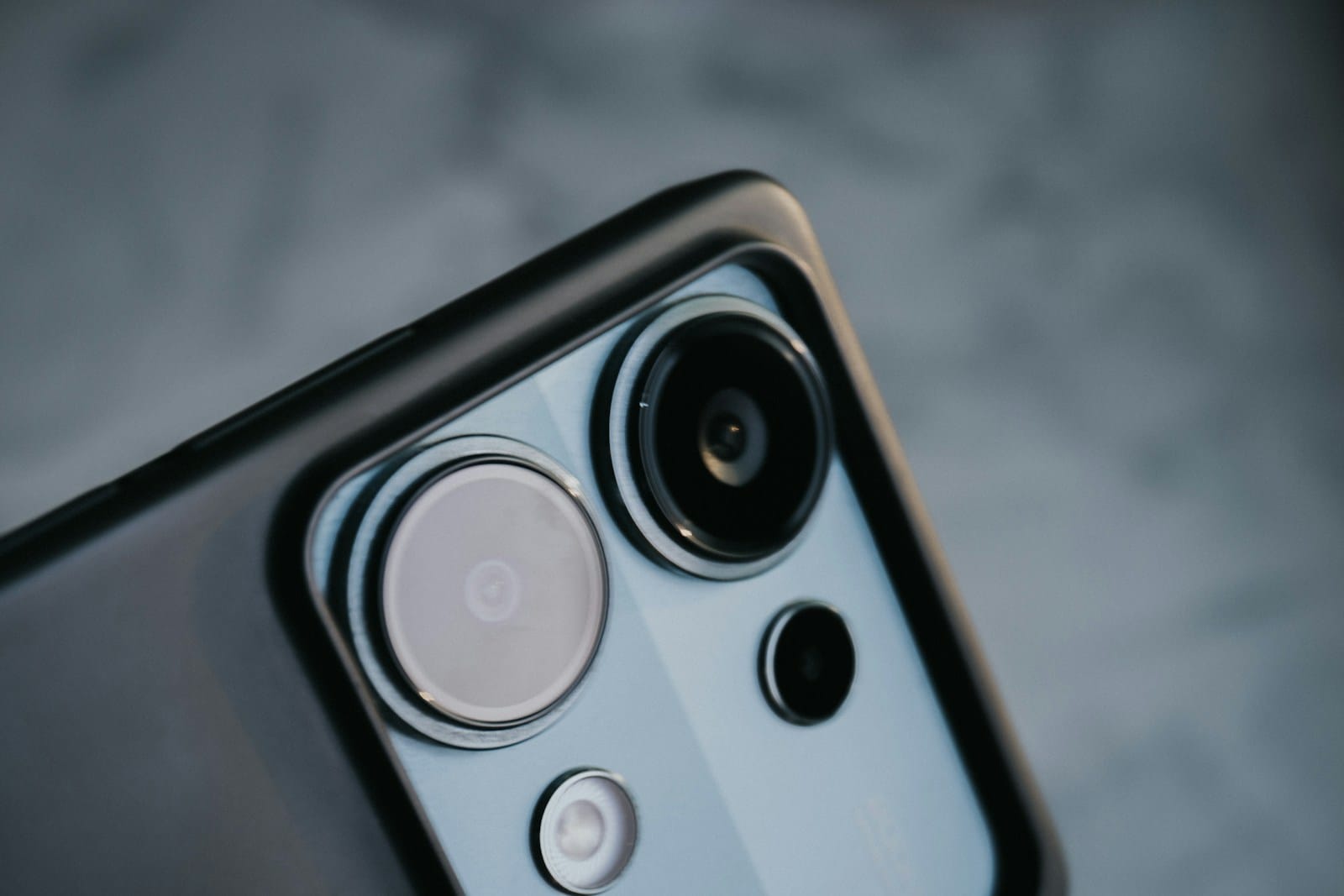
Modern smartphone photography is more software than hardware. The iPhone camera uses something called “computational photography”. The phone takes multiple exposures in a fraction of a second and merges them into one optimized photo. Google pioneered this with HDR+ on the Pixel, and now every manufacturer does it.
The best computational photography features to look for:
- Night Mode: Combines several long exposures for bright, clean low-light shots. Google, Apple, and Samsung do this best. Mid-range phones often have it too, but the results are softer.
- Smart HDR: Balances bright skies and dark shadows in one frame. Essential for outdoor and backlit shots. iPhone and Pixel are the gold standard here.
- Portrait Mode: Simulates the shallow depth-of-field effect. The quality depends on edge detection accuracy. This is where Google and Apple consistently outperform the competition.
- ProRAW / RAW Support: If you edit photos later, RAW files preserve more data for color grading and exposure recovery. iPhone ProRAW and Samsung Expert RAW are excellent.
Pro Tip: Google’s Pixel phones, despite having “only” 50MP sensors, consistently outperform phones with 108MP or 200MP sensors. The reason is software. A well-optimized camera pipeline with excellent computational photography beats raw hardware every time.
I have reviewed dozens of phone cameras side by side, and the Pixel consistently wins blind tests. Our guide to smartphone AI features explains how computational photography gives mid-range sensors flagship-quality results.
How to Choose a Smartphone for Photography Based on Your Budget
Your photography needs and budget determine the right phone. Here is a practical breakdown by price tier.
Flagship Tier ($800+) — Best Overall Image Quality
If photography is your priority and budget isn’t a constraint, buy a flagship. The iPhone 17 Pro, Samsung Galaxy S26 Ultra, Google Pixel 11 Pro, and vivo X200 Pro all have large sensors, excellent OIS, and top-tier computational photography. The differences between them are subtle. Color science and zoom range are the main differentiators. Apple leans natural, Samsung favors vibrant and punchy, Google prioritizes balanced accuracy.
Mid-Range Tier ($400-$800) — Best Value for Photography
This is the sweet spot for most photographers. The Google Pixel 9a, Nothing Phone 3a, and Samsung Galaxy A56 take genuinely good photos that hold up well. You lose the telephoto zoom (most mid-rangers only have wide + ultra-wide) and night mode is softer, but the main camera performance is surprisingly close to flagships.
I tested the Nothing Phone 3a against an iPhone 17 Pro for a week. Daytime shots were nearly indistinguishable. Only in very low light and 5x zoom did the flagship pull ahead. For social media, casual prints, and everyday shooting, a mid-range phone is enough.
Budget Tier ($200-$400) — Acceptable with Caveats
Budget phones can take decent photos in good lighting. The Motorola Edge 70 and CMF Phone 2 Pro offer usable main cameras with OIS on some models. But you lose low-light reliability, video stabilization, and consistent color. If you can stretch to the midrange tier, the improvement is dramatic.
Pros and Cons of Smartphone Photography vs Dedicated Cameras
Should you buy a camera phone or a real camera? Here is the honest breakdown.
| Aspect | Smartphone | Dedicated Camera |
|---|---|---|
| Convenience | Always with you, instant sharing | Bulky, requires planning to carry |
| Image Quality | Excellent in good light, good in low light | Superior in all conditions |
| Zoom | Limited optical zoom (2x-10x) | Interchangeable lenses, massive reach |
| Video | Great stabilization, limited manual control | Full manual control, higher bitrates |
| Portability | Fits in your pocket | Requires a bag |
| Cost | All-in-one device | Body + lenses = expensive ecosystem |
The honest answer: for 95% of people, a modern flagship or midrange smartphone is all you need. Dedicated cameras remain superior for professional work, wildlife photography, and studio shooting. But the gap has shrunk dramatically. In my experience switching from a DSLR to a Pixel as my everyday camera, the only time I missed the big gear was in a dimly lit event hall. For everything else, including travel, portraits, and street scenes, the phone was more than enough.
Practical Tips for Better Smartphone Photos
Once you have chosen your phone, these techniques will improve your photos immediately, regardless of the device.
- Clean the lens. Your phone lives in your pocket. A smudge on the lens ruins more photos than any spec deficiency. Wipe it before every shot.
- Use the grid. Enable the rule-of-thirds grid in your camera settings. Line up horizons and subjects along the grid lines for instantly more balanced compositions.
- Tap to focus and expose. Tap on your subject before shooting. Then drag your finger up or down to adjust brightness. This single habit transforms your photos from flat to well-exposed.
- Shoot in good light. Even the best phone cameras degrade in dim conditions. Position your subject near a window or use available light wisely.
- Edit sparingly. Over-processing destroys the natural look. A slight brightness bump, a touch of contrast, and a subtle crop are usually enough.
Frequently Asked Questions: How to Choose a Smartphone for Photography
Is megapixel count important for smartphone photography?
Not really. A 50MP sensor with large pixels and good processing produces better photos than a 200MP sensor with small pixels. Google Pixel phones use 50MP sensors and consistently beat phones with higher megapixel counts. Focus on sensor size and pixel size instead.
Do I need a phone with three cameras?
No. Many budget phones have three cameras but only one is useful. A good main camera plus a decent ultra-wide is the practical minimum. A telephoto is nice to have but not essential. Ignore macro and depth sensors entirely.
What phone has the best camera for the money?
The Google Pixel 9a offers the best camera at its price point. Excellent computational photography, reliable color, and solid low-light performance for under $500. If you can spend more, the iPhone 17 Pro and Samsung Galaxy S26 Ultra are the best all-rounders.
Can I use a smartphone for professional photography?
Yes, with caveats. Professional smartphone photography works for social media content, product shots for e-commerce, documentary-style street photography, and travel content. For client portrait sessions, weddings, or large prints, a dedicated camera is still the safer choice.
Is optical zoom better than digital zoom?
Always. Optical zoom uses the lens to magnify the image without quality loss. Digital zoom crops into the photo, reducing resolution. A 3x optical zoom is more useful than a 30x digital zoom. Check that the phone has actual optical zoom before buying.
Final Thoughts: Choosing Your Camera Phone
How to choose a smartphone for photography really comes down to three things: sensor size, stabilization, and software processing. Ignore the megapixel marketing. Ignore the camera count. Look at real photo samples from reviewers you trust.
The best camera phone is the one you will actually carry with you. A mid-range phone you always have in your pocket takes better photos than a flagship you leave at home because it is expensive or heavy. Buy the best camera phone your budget allows, keep the lens clean, and practice the fundamentals of composition and lighting. That combination beats any spec sheet.
If you are still deciding between two phones, find side-by-side camera comparisons on GSMArena or Android Authority. Real-world photo samples reveal more than any spec sheet ever will.

Irfan is a Creative Tech Strategist and the founder of Grafisify. He spends his days testing the latest AI design tools and breaking down complex tech into actionable guides for creators. When he’s not writing, he’s experimenting with generative art or optimizing digital workflows.






 Artificial Intelligent
 Design & Creative
 Freelance
 Gadgets & Gear
 Insights
 Laptop
 Reviews
 Smartphone
 Tech Guides
 Vibe Coding




