Which AI Design Tool Should I Use Beginners Guide: A Complete Overview
Which AI Design Tool Should I Use 2026 Beginners Guide: A Complete Overview
Quick Verdict: If you are asking which AI design tool should I use 2026 beginners guide to help you decide, start here. For social media content, pick Canva Pro ($13/mo). For building apps and websites, choose Figma ($16/mo). For professional photo editing and commercial-safe images, go with Adobe Firefly ($5/mo standalone). Most beginners only need one tool, but many end up blending two. All four major platforms offer free tiers, so you can test before you commit.
Here is a stat that stopped me cold. In 2025, 54% of designers used AI weekly. By 2026, that number jumped to 91%. Weekly. Three-quarters of them use it every single day. The AI design market is sitting at $8.22 billion this year, and it is projected to hit $59 billion by 2030. This is not a niche anymore. It is the new normal.
I have spent the past month testing all four major tools for this guide. Canva for social posts. Figma for prototyping. Firefly for photo editing. Midjourney for concept art. The results were not always what I expected. Here is what I found.
The problem is that everyone from Canva to Adobe to Figma to Midjourney is shouting about their AI features. If you are a beginner with no design background, the noise is overwhelming. You do not need 15 tools. You need the right one. For a broader look at how AI is reshaping creative work, check out our AI design tools guide. This article cuts through the marketing and helps you pick based on who you are and what you need to make.
Which AI Design Tool Should I Use 2026 Beginners Guide: What Are AI Design Tools?
AI design tools are software applications that use machine learning, generative models, and neural networks to help you create visual content. They can generate images from text prompts, suggest layouts, remove backgrounds, match brand colors automatically, and even turn mockups into working code.
There is an important distinction worth making. AI design generators like Midjourney and DALL-E create assets from scratch based on your written description. AI-assisted design tools like Canva and Figma enhance your existing workflow with smart suggestions and generative features baked into a full design environment. They are different approaches to the same goal: helping you make better visuals, faster.
Why the explosion in 2026
The models got good enough to trust. Two years ago, AI-generated images had telltale signs. weird fingers, garbled text, lighting that did not make sense. Most of those problems are gone now. The Designer Fund survey of 900+ designers across 60 countries shows that 75% use AI daily, and half of product designers have shipped AI-generated code to production. The inflection point is here.

The Big Four AI Design Tools Compared

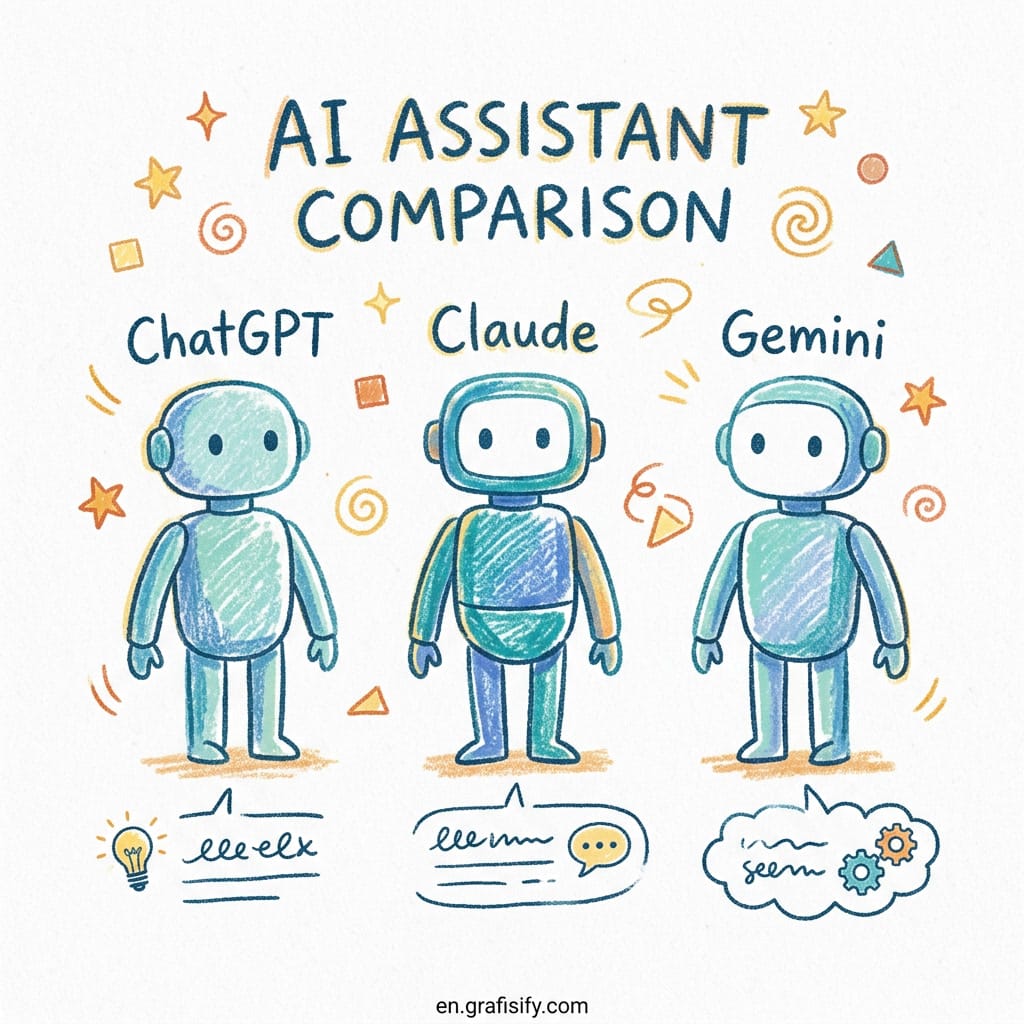
Four platforms dominate the market. Each one was built for a different kind of creator, and each one uses AI in a fundamentally different way. Understanding these differences is the single most important step in picking the right tool.
Canva Magic Studio: the easiest entry point for everyone
Canva turns “I am not a designer” into “I just made that in five minutes.” Its standout feature is Magic Design. Upload an image or describe what you want, and Canva generates multiple complete design options with different layouts, fonts, and color schemes. You pick the one closest to your vision and customize from there.
The rest of the Magic Studio suite fills in the gaps. Magic Eraser removes unwanted objects. Magic Write generates headlines and captions. Background Remover works with one click. For social media graphics, presentations, marketing materials, and quick visual content, nothing is faster. The free tier is generous, and Pro costs $13 per month.

Figma AI: built for product designers and developers
Figma is the industry standard for UI and UX design. Its AI features are designed for product teams building apps, dashboards, and design systems. The Design Agent generates editable screens on the canvas. The MCP server connects directly to coding agents, so designs can be turned into code without manual handoff.
Figma is not for making social media posts. If you need marketing content, this is the wrong tool. But if you are building a digital product, nothing else comes close. The Professional plan costs $16 per seat per month with 3,000 AI credits included.
Adobe Firefly: professional-grade and commercially safe
Adobe Firefly is Adobe’s generative AI engine, trained on licensed content. That matters because it means images generated with Firefly are safe for commercial use. No copyright gray areas. For photographers, creative professionals, and anyone who needs to sell what they make, this is a huge advantage.
Firefly integrates across the Creative Cloud. You can use Generative Fill in Photoshop, text-to-image in Illustrator, and style transfer across the suite. The standalone Firefly plan costs $5 per month. The Photography Plan (Firefly plus Photoshop and Lightroom) is $23 per month. For creative pros who need the full suite, Adobe All Apps runs $55 to $60 per month.
Midjourney: unmatched artistic quality
Midjourney produces the most aesthetically refined images of any AI generator. Period. If you need concept art, illustrations, or highly stylized visuals, Midjourney is the choice. The catch is that it works through Discord, not a visual editor. There is no drag-and-drop canvas, no template library. It is a prompt-based tool for people who know what they want.
Midjourney starts at $10 per month. It has no free tier. For beginners who just need social media graphics or marketing materials, Midjourney is probably overkill. For artists and creative directors who need portfolio-quality images, it is the best option available.
Pros and Cons of AI Design Tools for Beginners
| Tool | Pros | Cons |
|---|---|---|
| Canva | Easiest to learn, huge template library, generous free tier, Magic Design generates layouts instantly | Limited for advanced design, no developer handoff, AI images can look template-like |
| Figma | Industry standard for UI, real-time collaboration, AI Design Agent, MCP server for code export | Steep learning curve for non-designers, not for marketing content, AI credits run out fast |
| Adobe Firefly | Best image quality for photography, commercially safe (licensed training data), deep CC integration | Requires Adobe ecosystem, subscription costs add up, not a standalone design tool |
| Midjourney | Best artistic output, unique styles, active community for inspiration | No free tier, Discord-only interface, no editing tools or templates |
Which AI Design Tool Should I Use 2026 Beginners Guide: How to Choose

Here is the honest answer. There is no single best tool. The right choice depends entirely on what you need to create. Let me walk you through three common scenarios.
Scenario 1: you create social media content
If you are a solo creator, freelancer, or marketer making social posts, presentations, and marketing materials, pick Canva Pro. The Magic Design feature alone saves hours per week. Start with the free tier to test it. Upgrade to Pro ($13/mo) when you need brand kits, background removal, and the full Magic Studio suite. Microsoft Designer is a solid free alternative if you want to keep costs at zero.
Scenario 2: you own a small business and need brand assets
You probably need a combination. Use Canva for day-to-day marketing content (social posts, flyers, email headers). Add Adobe Firefly at $5 per month when you need commercially safe product images or professional photo editing. This combo covers 90% of what a small business needs for under $20 per month.
Scenario 3: you are building an app or website
Figma Professional at $16 per month is the clear choice. Learn the basics with the free Starter plan (unlimited drafts, 150 AI credits per day). When you need team libraries and developer handoff features, upgrade to Professional. If you have zero design experience, start with Uizard for rapid prototyping, then move to Figma as your skills grow.
Frequently Asked Questions About AI Design Tools for Beginners
Can AI design tools replace graphic designers?
No. AI tools handle execution, not strategy. They generate assets based on prompts, but they do not understand brand strategy, audience psychology, or visual hierarchy. The Designer Fund report found that designers using AI ship more and own more, not that they are being replaced. Think of AI as your assistant, not your replacement.
What is the best free AI design tool?
Canva Free is the best all-around option. It gives you access to thousands of templates, basic Magic Design features, and background removal with watermarks. Microsoft Designer is a strong runner-up, especially if you already have a Microsoft account. Both let you create professional-looking content without spending a cent.
Are AI-generated images safe for commercial use?
It depends on the tool. Adobe Firefly is trained entirely on licensed content, making it the safest choice for commercial projects. Canva’s AI is also moving toward licensed training data. Midjourney’s terms allow commercial use on paid plans. Always check each platform’s terms before selling AI-generated work. When in doubt, use Adobe Firefly.
Do I need design experience to use AI design tools?
For Canva and Microsoft Designer, no. The entire experience is built for non-designers. For Figma and Adobe tools, some design fundamentals help. Even there, AI features like Figma’s Design Agent and Adobe’s Generative Fill lower the barrier significantly. The learning curve is shorter than it has ever been.

Final Thoughts: Which AI Design Tool Should You Start With?
Start with Canva Free. It gives you the most room to experiment with zero financial risk. Use it for a week. Make some social posts, a presentation, maybe a flyer. If you hit limits, upgrade to Canva Pro at $13 per month. If you realize you need product design capabilities, add Figma. If you need commercial-safe photography, add Adobe Firefly.
The truth is that most people who ask this question end up using two tools. One for content and one for more specialized work. The combination of Canva and Adobe Firefly covers the broadest range of needs for under $20 per month. Start simple. Scale only when you hit a wall.
Article based on research from Designer Fund AI in Design 2026, HundredTabs comparison, and Penji Graphic Design Trends 2026.

Irfan is a Creative Tech Strategist and the founder of Grafisify. He spends his days testing the latest AI design tools and breaking down complex tech into actionable guides for creators. When he’s not writing, he’s experimenting with generative art or optimizing digital workflows.
You might also like

 Artificial Intelligent
 Design & Creative
 Freelance
 Gadgets & Gear
 Insights
 Laptop
 Reviews
 Smartphone
 Tech Guides
 Vibe Coding