7 Essential Tips for a PC Workspace Setup That Boosts Productivity

The Verdict: Building the ultimate battle station isn’t just about throwing money at expensive RGB lights. A truly effective PC workspace setup hinges on ergonomic alignment, ruthless cable management, and lighting that protects your eyesight. Prioritizing these elements transforms a messy desk into a productivity powerhouse.
What is a PC Workspace Setup?
A PC workspace setup is the strategic arrangement of computer hardware, furniture, and environmental elements designed to maximize ergonomic comfort and workflow efficiency. Unlike a casual laptop arrangement, a dedicated setup optimizes physical health and mental focus through specific monitor positioning, lighting controls, and organized peripherals.
7 Steps to Building Your Dream Desk
1. Start with the “Throne” (Ergonomic Seating)
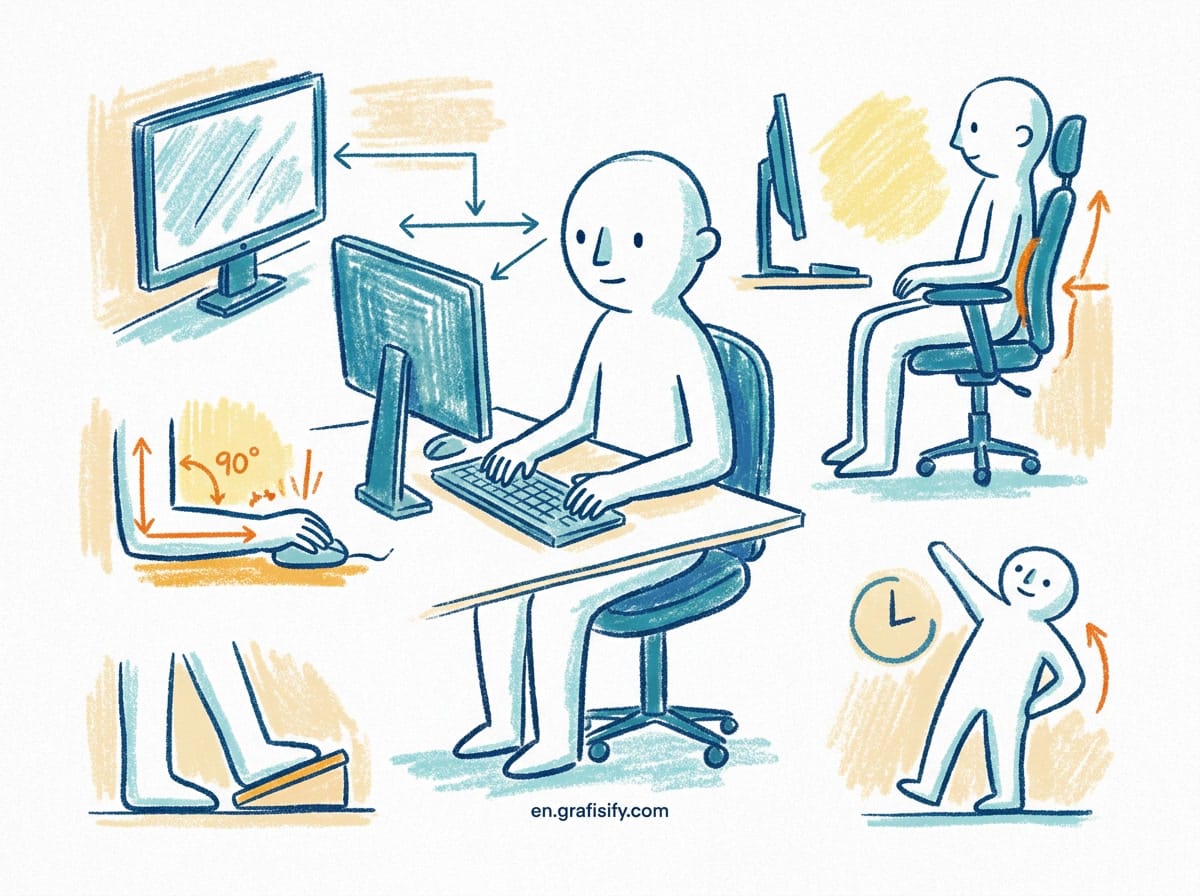
Before you even touch a monitor or a mechanical keyboard, you need to address where you park yourself for eight hours a day. The foundation of any killer PC workspace setup is the chair. We aren’t just talking about a racing-style gaming chair that looks cool on stream; we mean legitimate lumbar support. If your spine isn’t aligned, your productivity is on a ticking timer.
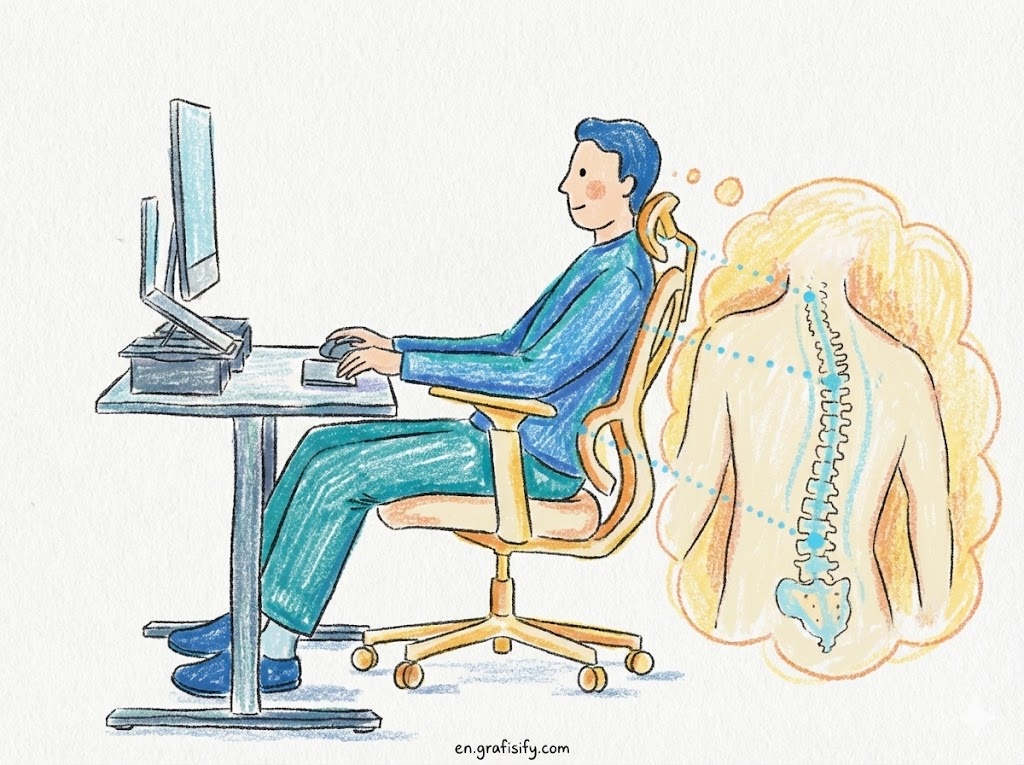
Invest in a chair with adjustable armrests and a reclining back. Your feet should rest flat on the floor, with your knees at a 90-degree angle. If you ignore this step, you’re building a beautiful house on a swamp. Comfort is king, and pain is the ultimate distraction.

2. Master Your Monitor Positioning
Neck strain is the silent killer of focus. Many users make the mistake of placing their screens too high or too low. Ideally, the top of your monitor casing should be at or slightly below eye level. This forces you to look slightly down, which is the natural resting position for the human eye.
Distance matters just as much as height. According to the Mayo Clinic, your monitor should be about an arm’s length away from your face. If you are leaning forward to read text, pull the monitor closer or increase the font size—don’t compromise your posture.
3. Dial in the Lighting
Working in a pitch-black room might feel “hacker-chic,” but it’s a one-way ticket to digital eye strain. A balanced PC workspace setup utilizes bias lighting—LED strips placed behind your monitor to reflect off the wall. This reduces the contrast between your bright screen and the dark room, saving your retinas from fatigue.
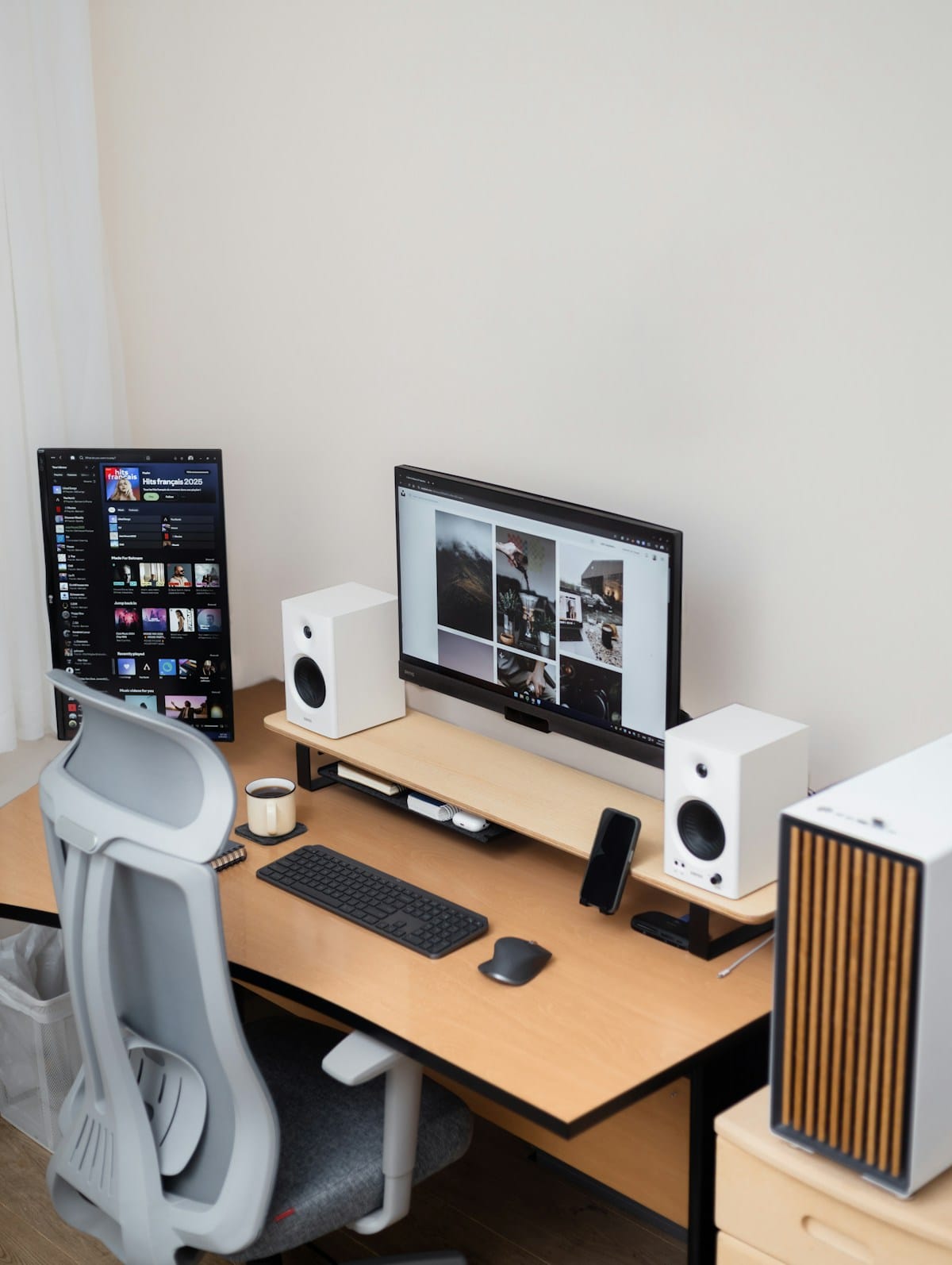
Don’t neglect ambient light, either. Try to position your desk perpendicular to windows to avoid direct glare on the screen. If you work late, a dedicated monitor light bar can illuminate your desk surface without causing screen reflection, keeping your focus sharp without the headache.
4. The War on Cables (Cable Management)
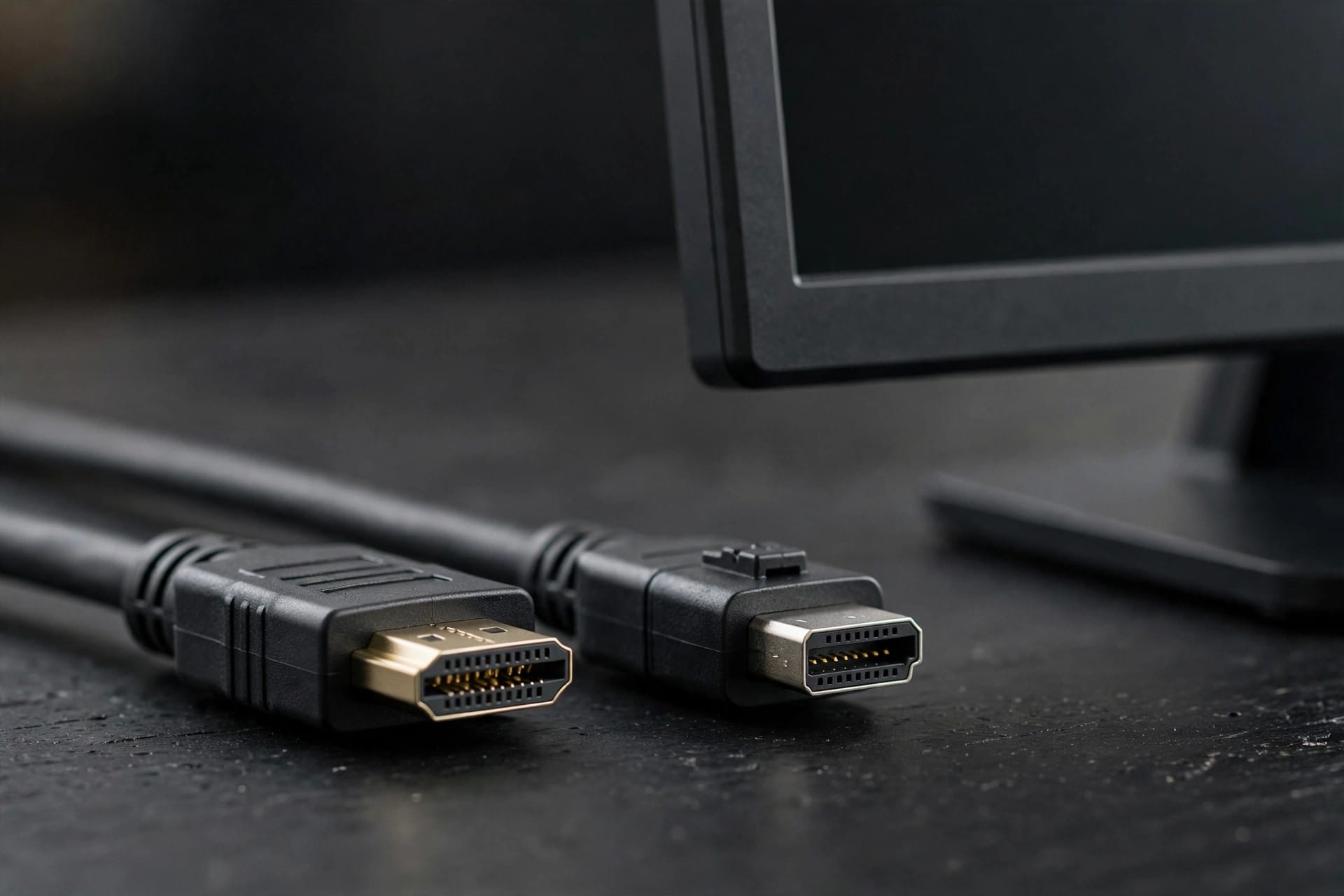
Nothing ruins the aesthetic of a sleek desk faster than the dreaded “spaghetti monster” of tangled wires beneath your feet. Cable management isn’t just about vanity; it’s about organization and safety. Loose cables are dust magnets and trip hazards.
Start by grouping cables together using velcro straps or zip ties. Mount a power strip to the underside of your desk using double-sided mounting tape. By keeping the chaos off the floor, you make the entire space feel cleaner and more open, which psychologically reduces stress.
Also Read:
5. Optimize Peripheral Placement
Your keyboard and mouse are your primary tools, so their placement dictates your shoulder health. In an ideal PC workspace setup, your keyboard should be centered directly in front of you, with the mouse close enough that your elbow doesn’t have to leave your side to use it.
Consider a “tenkeyless” (TKL) keyboard if you don’t do heavy data entry. These smaller keyboards allow you to keep your mouse closer to the center of your body, reducing the shoulder abduction that leads to rotator cuff issues over time.
6. Introduce Personalization and “Life”
A sterile desk can feel like a prison cell. To maintain morale, inject some personality into the space. This could be a specific color scheme, a figure from your favorite game, or high-quality speakers. However, the best addition is often biological.

Adding a small succulent or snake plant does wonders. Not only do plants improve air quality, but the splash of green also breaks up the monotony of grey plastics and black screens. It makes the space feel lived-in and welcoming rather than cold and industrial.
7. Maintenance and Airflow
You can have the most expensive rig in the world, but if it’s choking on dust, it’s useless. Ensure your PC tower is elevated off the carpet. Placing a PC directly on a rug blocks the bottom intake fans (usually the power supply), leading to overheating.
Keep a can of compressed air and a microfiber cloth in a drawer nearby. A weekly wipe-down keeps your PC workspace setup looking pristine and ensures your hardware runs at peak performance temperatures. Treat your gear with respect, and it will last years longer.
Common Mistakes to Avoid
Even seasoned tech enthusiasts trip up when refining their stations. The most common error is ignoring “desk depth.” If your desk is too shallow (under 24 inches), you will be too close to your large monitors, causing eye fatigue regardless of resolution.
Another pitfall is clutter accumulation. It’s easy to let coffee cups, mail, and random drives pile up. Adopt a “clean-as-you-go” policy. A cluttered desk equals a cluttered mind. For more on the psychology of organization, you can read about the 5S methodology, which applies industrial organization principles to personal workspaces.
Pros & Cons of a Dedicated Setup
✅ The Good
- Posture Protection: Reduces long-term back and neck pain significantly.
- Mental Separation: A dedicated PC workspace setup signals your brain that it is time to focus.
- Efficiency: Organized peripherals and dual monitors can double your workflow speed.
❌ The Bad
- Cost: High-quality ergonomic chairs and desks are a significant financial investment.
- Space Requirements: A proper setup requires a dedicated footprint in your room.
- Maintenance: Cable management requires ongoing discipline every time you add a new device.
Final Thoughts
Creating the perfect environment isn’t a one-time task; it’s an evolving process. Whether you are coding, gaming, or writing, a tailored PC workspace setup is the best investment you can make in your own potential. Start with the chair, fix your lighting, and clear the clutter.
Your body is the most important hardware you own—upgrade your desk to support it. Ready to dive deeper into hardware specs? Read our related guide on choosing the best monitors for productivity.
Tagged with:
cable managementDesk Setupdesk tourergonomicsgaming setuphome officemonitor setupProductivityRemote Worktech tipsworkspace design
Irfan is a Creative Tech Strategist and the founder of Grafisify. He spends his days testing the latest AI design tools and breaking down complex tech into actionable guides for creators. When he’s not writing, he’s experimenting with generative art or optimizing digital workflows.




 Artificial Intelligent
 Design & Creative
 Freelance
 Gadgets & Gear
 Insights
 Laptop
 Reviews
 Smartphone
 Tech Guides
 Vibe Coding