7 AI Note-Taking Apps That Organize Your Thoughts
Verdict
NotebookLM wins for research and study. Notion AI wins if you already live in a connected workspace. Obsidian with AI plugins wins for people who want their notes local and private. Mem suits those who hate filing things away. Tana fits power users who think in structured networks. Reflect serves minimalists who want fast capture with smart recall. Apple Notes and OneNote bring AI to the apps you already open every day. The right pick depends on where your notes already live and how much control you want over them.
Most people do not need a new app. They need one app that actually keeps their notes findable. AI note-taking tools promise to organize, summarize, and surface the right note at the right time. Some deliver. Others add a chatbot to the same messy pile you already have.
This guide covers seven tools that take genuinely different approaches. You will see which ones ground their answers in your sources, which ones organize for you automatically, and which ones stay local so your data never leaves your machine.


A note app only helps if you actually open it. The screenshots and feature lists below matter less than the daily habit each tool supports. Think about the moment you reach for notes: during a meeting, while reading, or while planning. The tool that fits that moment is the one you will keep.
NotebookLM Grounds Answers in Your Sources
NotebookLM is Google’s research tool that treats your uploaded files as the only source of truth. You add PDFs, docs, slides, or web pages, and the model answers questions using only that material. When it replies, it cites the specific passage it pulled from, so you can check the claim instead of trusting a guess.
Its standout feature is Audio Overview, which turns your sources into a spoken conversation between two AI hosts. The summary walks through the main points in plain language. For students, researchers, and anyone digesting long reports, that turns a 40 page document into a 10 minute listen during a commute.
The trade-off is scope. NotebookLM is a research companion, not a daily note system. You would not track your grocery list there. You would use it to understand a stack of sources, then carry the conclusions into your main notes app.
Notion AI Lives Inside Your Workspace
If your tasks, docs, and notes already sit in Notion, Notion AI removes the step of copying them somewhere else. You can ask it to summarize a page, draft content, or search across your workspace in natural language. It reads the pages you already have access to and writes results back into the same system.
The strength is context. A generic chatbot knows nothing about your projects. Notion AI queries your actual pages, so a question like “what did we decide about the launch date” returns the decision from your meeting notes, not a generic answer about product launches.
The weakness is lock-in. Your notes, your AI, and your team’s knowledge all live in one cloud service. If you leave Notion, exporting that history cleanly takes effort. For people who already depend on the workspace, that is a fair price for the convenience.
Mem Organizes Notes So You Do Not Have to
Mem takes the opposite stance from folder-based apps. You capture notes without deciding where they belong, and its AI connects related items in the background. Over time, asking Mem a question pulls together threads you forgot you had written.
This appeals to people who stall on organization. The blank “where should this go” decision disappears. You write, and the system handles the structure. For a mind that moves faster than a filing system, that removal of friction is the whole point.

The risk is opacity. When the app decides the structure, you see less of how things connect. Some users want that invisible help. Others prefer to own the map themselves, which leads to the next option.
Obsidian Keeps Your Notes Local with Optional AI
Obsidian stores notes as plain text files on your own device. Nothing is trapped in a proprietary database. You link notes by hand into a personal network, and the format means your writing survives even if the app disappears.
AI is not built in, but community plugins like Copilot and Smart Connections add it. You bring your own API key, choose the model, and keep full control over what gets sent out. Smart Connections, for example, finds notes similar to the one you are writing, which helps when your past thoughts are relevant but buried.
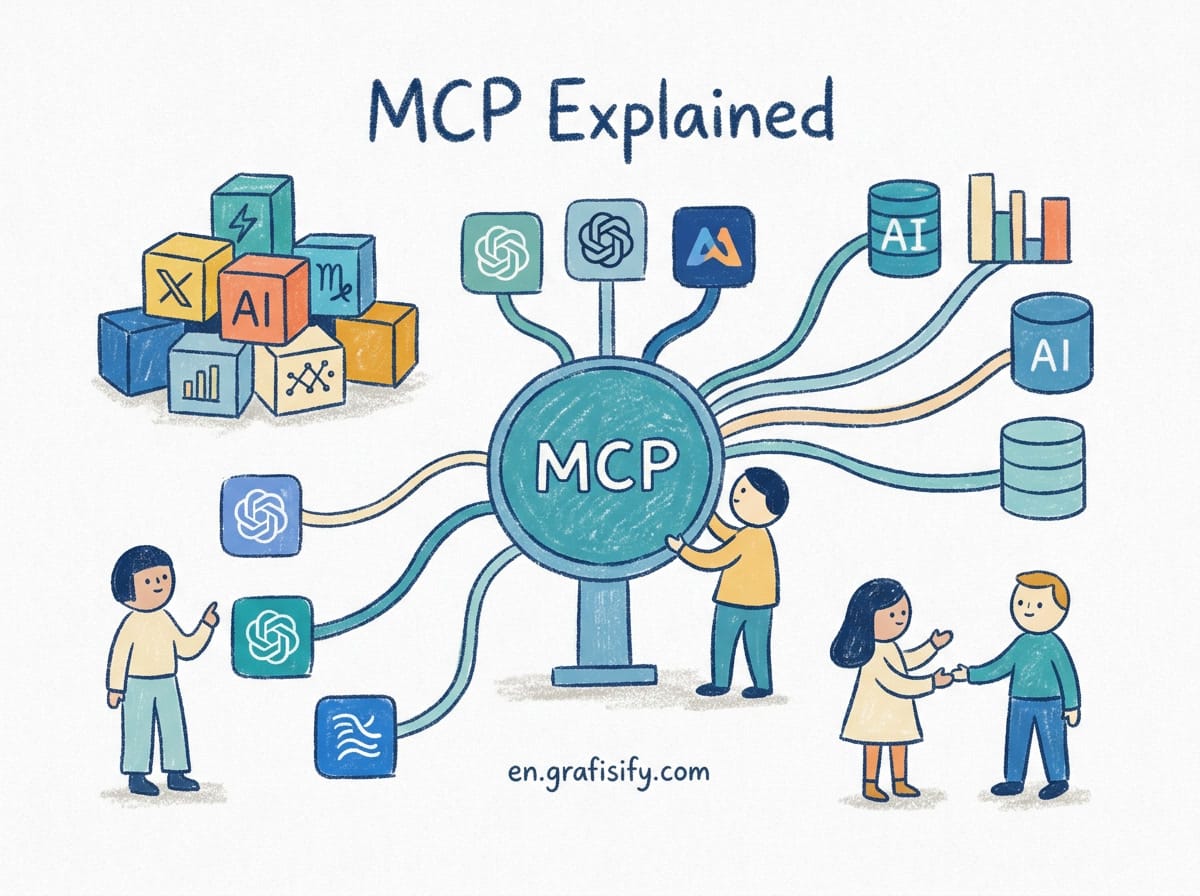
For privacy-minded users, that control matters. Your notes stay on disk. The model only sees what you explicitly pass to it. The cost is setup effort: you install plugins, manage keys, and accept a rougher edge than a polished commercial product. If you want local-first ownership, that work is the price, and many find it worth paying. This connects to how MCP lets any AI tool read your own data sources without moving them to a vendor cloud.
Tana Builds a Structured Second Brain
Tana markets itself as a “second brain” built on nodes instead of flat pages. Every note, task, and tag is a node you can connect, query, and reuse. The AI layer helps you capture fast and shape that chaos into structured records later.
The approach suits people who think in systems. If you want to model projects, relationships, and reference material as one connected graph, Tana gives you the primitives. It is less a writing app than a database you talk to.
That power has a learning curve. New users can feel lost in the node soup. If you just want to jot a thought and find it later, Tana may be more structure than you need. If you want to model a complex life, it rewards the investment.
Reflect Offers Minimal Capture with Smart Recall
Reflect strips note-taking down to fast capture and backlinks. You write, you link, and the app uses AI to help you resurface related notes when you need them. The interface stays quiet on purpose, which helps people who get distracted by features.
It targets the “write now, organize later” habit. Capture is near instant, and the AI assists with recall rather than rewriting your words. For journaling, meeting notes, and daily logs, that restraint is a feature.
The limitation is depth. Reflect is not a project manager or a research engine. It shines as a thinking space, not a system of record. Pair it with a heavier tool if you need structured databases underneath.
Apple Notes and OneNote Add AI to Familiar Apps
You may already have a strong AI note tool installed. Apple Notes gained on-device summarization and cleanup across its devices, so your existing notes get smarter without a new account. OneNote, inside Microsoft 365, offers Copilot that summarizes pages and drafts from your notebooks.
The advantage is zero migration. Your notes stay where they are. The AI layer arrives as an update, not a rebuild. For most people, that is the lowest-friction path to AI organization.
The downside is uneven depth. These features depend on your platform and subscription, and they rarely match the focused power of a dedicated tool. They are a sensible starting point before you commit to a specialist app.
Comparison Table
| Tool | Best for | Where notes live | AI style |
|---|---|---|---|
| NotebookLM | Research and study | Google cloud | Source-grounded answers and audio |
| Notion AI | Connected workspace teams | Notion cloud | Queries your existing pages |
| Mem | Hands-off organization | Mem cloud | Auto-connects related notes |
| Obsidian + AI | Local-first privacy | Your device | Optional plugins, bring your key |
| Tana | Structured second brain | Tana cloud | Node-based capture and query |
| Reflect | Minimal daily capture | Reflect cloud | Smart recall of links |
| Apple Notes / OneNote | People who already use them | Device or 365 cloud | Summarize and draft in place |
Key Takeaways
- Decide where your notes already live before adding AI. A tool that reads your current notes beats a perfect tool you never migrate to.
- Grounding matters. If the AI cites your sources, you can trust the answer. If it guesses, you cannot.
- Local-first options like Obsidian protect privacy but ask for setup work. Cloud tools are smoother and stickier.
- Meeting notes are a common starting point. Pair your note app with a meeting assistant that writes the summary for you so the capture step is automatic.
- Spreadsheet thinking helps too. AI spreadsheet tools that write formulas turn raw notes into tracked data without manual math.
Where to Start
Start with the app you already open. If that is Apple Notes or OneNote, turn on the AI features and see how they feel. If you research constantly, drop your sources into NotebookLM this week and listen to one Audio Overview. If privacy and ownership drive you, install Obsidian and one AI plugin, then bring your own key.
The tools above solve different problems, and reliable prompt chaining techniques still apply when you ask any of them to summarize or connect your notes. Pick one, use it for a real project, and judge by whether you find old notes when you need them. That result beats any feature list.
Your next step is small: move one messy folder of notes into the tool that matches how you think. Give it two weeks. The app that makes your past notes useful again is the one worth keeping.

Irfan is a Creative Tech Strategist and the founder of Grafisify. He spends his days testing the latest AI design tools and breaking down complex tech into actionable guides for creators. When he’s not writing, he’s experimenting with generative art or optimizing digital workflows.



 Artificial Intelligent
 Design & Creative
 Freelance
 Gadgets & Gear
 Insights
 Laptop
 Reviews
 Smartphone
 Tech Guides
 Vibe Coding