AI App Builders for Non-Developers (Scenario-Based Decision Framework)
AI App Builders for Non-Developers (Scenario-Based Decision Framework)
There’s no single “best” AI app builder. The right tool depends on what you’re building, how technical you are, and where you plan to go after launch. This guide helps you pick.
You’ve seen the hype. Type a prompt, get an app. But when you actually try these tools, the differences become obvious. Some are great for landing pages but struggle with databases. Others shine at internal tools but cost too much for side projects. A few generate beautiful code that you can’t actually deploy without help. If you’re a non-developer trying to choose, the comparison tables only get you so far. What works for a solo founder building a SaaS might be overkill for a designer prototyping a portfolio. And a tool that’s perfect for a landing page could be completely wrong for building a database-driven web app.
I’ve spent the last few weeks testing five AI app builders from the perspective of someone who doesn’t write production code. This article focuses on what matters for non-developers: founders, product managers, designers, and anyone who wants to ship software without learning to code.
What Are AI App Builders for Non-Developers?

AI app builders are platforms that generate functional applications from natural language descriptions. Instead of writing code line by line, you describe what you want and the tool builds it. A landing page with a pricing table, a contact form, and analytics. all from a few sentences.
Also Read:

What makes them different from AI coding assistants like GitHub Copilot? AI coding assistants help developers write code faster. AI app builders for non-developers let you skip writing code entirely. You don’t need React, SQL, or API routing knowledge. The tool handles the architecture for you.
The key platforms right now are:
- Lovable. best for full-stack web apps with authentication and databases. Strong visual editor.
- Bolt. fastest iteration speed. Great for prototypes and MVPs.
- v0. best for UI-heavy projects and landing pages. Clean, production-quality output.
- Replit Agent. best for all-in-one development with room to edit code yourself later.
- Cursor (with Composer). most flexible, but requires some willingness to learn.
Deep Dive: AI App Builders for Non-Developers, Comparing Top Tools

Let’s compare how each tool performs across the dimensions that actually matter when you can’t write code.

| Factor | Lovable | Bolt | v0 | Replit Agent | Cursor |
|---|---|---|---|---|---|
| Ease of use | Excellent | Excellent | Very Good | Good | Moderate |
| Best for | Full-stack apps | MVPs and prototypes | UI and landing pages | Learning to code | Flexible projects |
| Visual editor | Yes | Yes | Yes | Limited | No |
| Database support | Built-in | Limited | Frontend only | Full stack | Full stack |
| Code export | Full ownership | Full ownership | Full ownership | Full ownership | Full ownership |
| Starting price | Free tier | Free tier | Free tier | Free tier | Free plus $20/month |
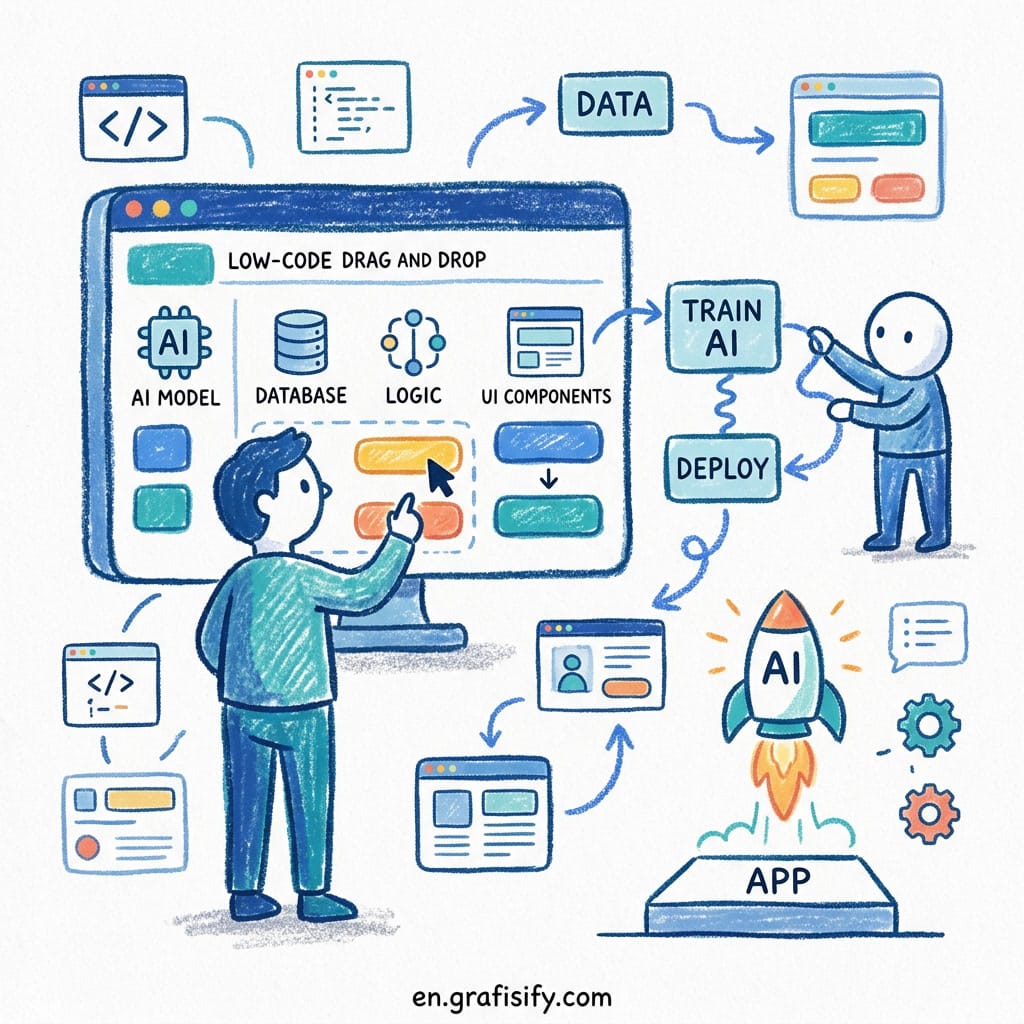
Lovable gives you a drag-and-drop interface on top of AI generation. You describe your app, it builds the structure, and you can visually tweak every piece. The database and authentication layers are handled automatically. That’s a huge win if you’re building a SaaS product or a membership site. I built a member dashboard with user profiles, payment history, and admin controls in about four hours without writing a single SQL query. The built-in Supabase integration handles user sign-ups, data storage, and row-level security out of the box.
Bolt is the fastest tool for getting from idea to something you can show someone. Type a prompt, hit enter, and within seconds you have a working page. If you’re evaluating AI App Builders for Non-Developers based on iteration speed, Bolt is the clear choice. The trade-off is that complex backend features take more effort to add later. Bolt is ideal for MVPs, client demos, and validation experiments where speed matters more than polish.
v0 produces the most polished front-end output out of the box. If your project is mainly about how it looks – for example, a marketing site, a portfolio, or a product landing page – v0 is the clear winner among AI App Builders for Non-Developers focused on design quality. The generated code is clean enough that a professional developer could take over later without rewriting everything from scratch.

Replit Agent is unique because it doesn’t hide complexity from you. It generates code, shows you the files, and lets you edit alongside the AI. For non-developers who want to eventually become developers, this is the best learning tool. For someone who just wants the app to work without understanding the internals, Lovable or Bolt are better choices.
Cursor requires the most up-front knowledge. But if you’re willing to spend a weekend learning the basics of Python and JavaScript, it gives the most flexibility. Non-developers who succeed with Cursor usually pair it with a short introductory course on programming fundamentals. The payoff is that you can build almost anything.
Pros and Cons of AI App Builders for Non-Developers
Before you pick a tool, it helps to understand the trade-offs of relying on AI-generated software as a non-developer.

Pros:
- Ship working software in hours, not weeks. What used to require a development team now takes a weekend.
- No need to learn syntax, frameworks, or deployment pipelines. You describe what you want, and the tool delivers.
- Most platforms let you export and own the code. You are not locked into a proprietary ecosystem.
- Iteration is fast. Change your prompt, get a new version. You can explore multiple approaches in an afternoon.
- Cost is dramatically lower than hiring a developer for early-stage ideas. Most tools have generous free tiers.
Cons:
- Generated apps hit complexity walls. Advanced features like real-time sync, custom APIs, or complex state management may be impossible without hand-written code.
- Debugging is harder when you cannot read the output. If something breaks, you need to describe the problem in natural language and hope the AI fixes it correctly.
- Database design is still an abstract skill. You need to understand concepts like tables, relationships, and queries. even if the tool generates them for you.
- Some platforms encourage vendor lock-in for hosting or premium features. Always check the export policy before committing.
- You may outgrow your tool. A successful prototype often needs to be rebuilt on a traditional stack before it can scale.
How to Choose AI App Builders for Non-Developers: A Scenario-Based Framework
Instead of comparing feature lists, match your specific situation to the right tool.
Scenario 1: you’re a non-technical founder building a SaaS MVP. Pick Lovable. It handles authentication, databases, and payments out of the box. You can go from idea to a working beta in a single weekend. The visual editor means you don’t need to touch code for basic customizations.
Scenario 2: You need a beautiful marketing site or portfolio this week. Pick v0. Its UI output is the best in the market right now. You get production-quality HTML, CSS, and JavaScript that matches what a frontend developer would write. Deploy to Vercel and you’re live in under an hour.
Scenario 3: You want to validate a business idea as fast as possible. Pick Bolt. Nothing else matches its speed from prompt to working prototype. Use Bolt to test whether people actually want what you’re building. If they do, rebuild with a more full-featured tool later.
Scenario 4: You want to learn development while building real projects. Pick Replit Agent. It shows you the code it generates, explains what each part does, and lets you modify it. You’ll absorb programming concepts naturally as you go. Many self-taught developers I know started with Replit’s educational tools.
Scenario 5: You have a complex app idea and some time to learn the basics. Pick Cursor. Spend a weekend on Python fundamentals and HTML basics, then use Cursor’s Composer to accelerate your progress ten times over. The investment in learning pays off when your app needs custom features that other tools can’t handle.

Final Thoughts on AI App Builders for Non-Developers
The era of “you need to learn to code to build software” is ending. AI app builders for non-developers have changed the game for founders who need MVPs, designers who want to prototype, and professionals who need custom tools for their work. The barrier to entry has never been lower.
The main takeaway from testing these tools is: none of them are perfect, but they don’t need to be. The best tool is the one you actually use. Start with Lovable if you’re building a real product. Start with v0 if you’re designing. Start with Bolt if you’re experimenting. Replit if you’re learning. Cursor if you’re ready to invest in long-term skills.
If you’re still unsure which camp you fall into, our comparison of AI app builders for freelancers covers the baseline feature differences that this decision framework builds on. Read it first, then come back here to find your fit. For deeper comparisons, check out Toolradar’s comparison guide on pricing plans and Zapier’s breakdown of Lovable vs Bolt for real-world use cases.

Irfan is a Creative Tech Strategist and the founder of Grafisify. He spends his days testing the latest AI design tools and breaking down complex tech into actionable guides for creators. When he’s not writing, he’s experimenting with generative art or optimizing digital workflows.






 Artificial Intelligent
 Design & Creative
 Freelance
 Gadgets & Gear
 Insights
 Laptop
 Reviews
 Smartphone
 Tech Guides
 Vibe Coding