Claude Code vs Cursor vs GitHub Copilot: 2026 AI Agent Benchmark

Quick Verdict / TL;DR
Choosing between Claude Code, Cursor, and GitHub Copilot in 2026 comes down to workflow architecture rather than raw intelligence models. If you need fully autonomous terminal execution, agentic file modification, and CLI script chaining, Claude Code leads with an 80.8% benchmark score on SWE-bench Verified. If you prefer a seamless graphical IDE with inline diff visualizers and real-time tab completion across whole directories, Cursor remains unmatched for daily inline editing. For enterprise compliance, broad multi-IDE support, and repository-wide context security, GitHub Copilot delivers the safest all-in-one ecosystem integration.
The Shift to Agentic AI Coding in 2026
The software development landscape transformed dramatically over the past two years. AI coding tools evolved from basic autocomplete suggestions into fully autonomous agents capable of managing complex refactoring, resolving GitHub issues, and executing shell workflows. Developers no longer evaluate assistants solely by how quickly they suggest a single line of syntax. Today, the core metric is context management and task autonomy across large repositories.
I have spent months testing these three industry leaders across real-world full-stack web applications, infrastructure automation scripts, and large legacy codebases. The difference in operational philosophy between Claude Code, Cursor, and GitHub Copilot affects developer velocity, context accuracy, and monthly subscription costs. Understanding how each platform handles project context will help you select the optimal tool for your development pipeline. When I build custom agentic pipelines, I carefully evaluate these execution trade-offs.
Architecture Breakdown: CLI vs. IDE vs. Ecosystem Extension
To choose the right assistant, you must first understand their architectural foundations. Each tool approaches codebase interaction from a distinct structural angle.

1. Claude Code: The CLI-First Autonomous Agent
Engineered by Anthropic, Claude Code runs directly inside your terminal session. Rather than acting as a standard editor plugin, it operates as a terminal-native autonomous command-line agent. You grant it controlled permissions to inspect files, execute terminal commands, edit source files directly, and run build test suites.
Because it operates at the CLI level, Claude Code integrates seamlessly with UNIX tools like grep, git, and custom build scripts. It analyzes your environment, parses error logs automatically when a build fails, and iteratively refactors code until unit tests pass. For developers working heavily in terminal environments or SSH sessions on remote servers, this architecture eliminates context switching entirely.


2. Cursor: The Specialized AI Native IDE
Cursor is built as a complete fork of Visual Studio Code. Because it controls the entire editor environment from the ground up, it offers deep visual integration that traditional extensions cannot match. Its core strength lies in multi-file repository indexing, custom prompt rules via project config files, and multi-line visual diff previews.
Features like Cmd+K prompt overlays allow you to highlight lines of code and request immediate edits without opening side windows. Cursor indexes your local codebase using vector embeddings, allowing it to pull relevant context from unimported helper files automatically while you type.
3. GitHub Copilot: The Omnipresent Enterprise Standard
GitHub Copilot remains the most accessible assistant across diverse development environments. Operating as a lightweight extension for VS Code, JetBrains IDEs, Neovim, and Visual Studio, Copilot brings AI completion directly into your existing workflow without requiring a platform change.

Backed by Microsoft and GitHub infrastructure, Copilot excels at enterprise governance. It provides strict intellectual property filters, enterprise privacy guarantees, and direct integration with GitHub Pull Requests, Issues, and Actions pipelines.
Feature Comparison Table
Here is a direct comparison of key specifications and operational performance across all three coding assistants:
| Feature / Dimension | Claude Code | Cursor | GitHub Copilot |
|---|---|---|---|
| Primary Interface | Terminal / CLI Agent | Dedicated VS Code Fork | Multi-IDE Extension |
| SWE-bench Score | 80.8% (Verified) | Model dependent (75-80%) | 72-78% (Copilot Workspace) |
| Underlying Models | Claude 3.7 Sonnet / Opus 4.6 | Claude, GPT-4o, Custom models | GPT-4o, Claude 3.5 Sonnet |
| Autonomous Execution | Yes (Runs terminal tools) | Partial (Composer mode) | No (Limited agent mode) |
| Codebase Indexing | Dynamic file search + ripgrep | Vector codebase embeddings | Remote GitHub repository map |
| Pricing Model | API Usage / Pro Tier | $20/month (Pro tier) | $10-$19/user/month |
Autonomous Task Performance and Benchmarks
When evaluating autonomous problem solving, benchmark statistics provide clear insights into agent capabilities. On the industry-standard SWE-bench Verified dataset, which tests an AI agent’s ability to resolve real GitHub issues automatically, Anthropic’s Claude Code model architecture scores 80.8%.
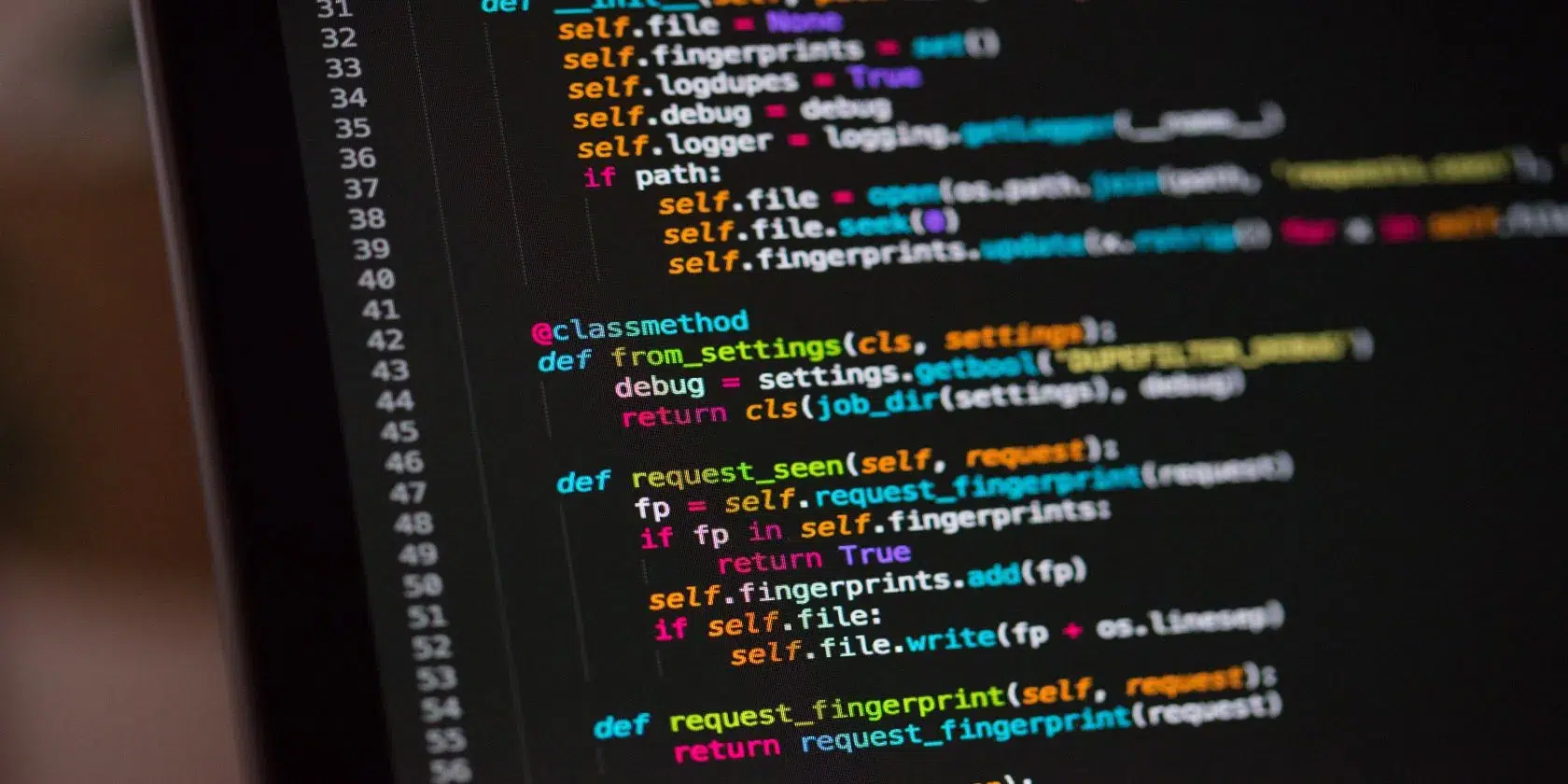
I tested all three platforms on a complex refactoring task: updating an outdated REST API integration to use modern async endpoints across 14 interconnected files. Claude Code completed the task autonomously in a single terminal session. It modified the files, ran the test suite, caught two syntax errors automatically, fixed them, and validated the build.
Cursor accomplished the same task using its Composer feature, requiring manual review for each file diff. While Cursor’s visual side-by-side diff display is clearer for human review, Claude Code executed the multi-file refactor significantly faster with less manual intervention.
GitHub Copilot handled single-file refactoring cleanly but required manual navigation to feed context from all 14 files into the chat context window.
Real-World Workflow Integration and Usability
Working with Legacy Codebases
If you manage legacy codebases with thousands of files, contextual indexing is vital. Cursor excels here due to its automatic background indexing. You can type queries like “@codebase where are global auth headers initialized?” and receive immediate, accurate file references.
Claude Code uses dynamic search tools like ripgrep to traverse repository trees in real time. While slightly slower than pre-computed embeddings, it avoids stale index issues when switching git branches rapidly.
Custom Developer Prompt Rules
Every engineering team follows specific coding conventions. Cursor allows you to define a .cursorrules file in your project root, instructing the model to adhere to strict formatting standards, state management rules, or architectural patterns.
Claude Code reads custom instructions directly from system configurations or project documentation files, applying guidelines dynamically during autonomous execution steps.
GitHub Copilot integrates custom instructions via Copilot Enterprise repository settings, enforcing compliance across large engineering organizations.
Which AI Coding Tool Should You Pick?
To select the best tool for your development workflow, consider your primary environment and operational priorities:
- Choose Claude Code if: You spend significant time in terminal sessions, require autonomous multi-step bug fixing, want to chain AI tasks with shell tools, and prefer hands-off execution.
- Choose Cursor if: You prefer a visual IDE experience based on VS Code, require instant visual diff approval, rely on automatic codebase indexing, and want quick inline code edits.
- Choose GitHub Copilot if: You work in enterprise settings requiring strict IP filters, require compatibility across multiple editors like JetBrains or Neovim, or want tight integration with GitHub pull requests.
Many senior software engineers currently adopt a hybrid strategy: utilizing Cursor for daily frontend editing and visual layout adjustments, while deploying Claude Code in the terminal to resolve complex backend bugs and automate multi-file refactoring.
Conclusion and Next Steps
The choice between Claude Code, Cursor, and GitHub Copilot is no longer about finding the single smartest AI model. Because model options overlap across services, your decision should depend on whether terminal-first autonomy or graphical IDE integration fits your personal developer workflow best.
If you want to optimize your developer environment further, explore our guides on software performance and hardware optimization on Grafisify:
- Compare display hardware for modern development in our guide to OLED vs IPS vs Mini-LED laptop displays.
- Learn how CPU specs impact code compilation times in our review of the AMD Ryzen 7 9800X3D vs Intel Core Ultra 7 265K.
- Select modern high-resolution screens for multi-window coding setups in our 5 best monitors for graphic design and development guide.
- Enhance your productivity workspace by checking out our setup tips on choosing the right ergonomic chair for long work sessions.
To stay updated on official model releases, agent benchmarks, and documentation, visit Anthropic for official Claude documentation, Cursor for IDE features, GitHub Copilot for enterprise guides, and SWE-bench for benchmark evaluations.

Irfan is a Creative Tech Strategist and the founder of Grafisify. He spends his days testing the latest AI design tools and breaking down complex tech into actionable guides for creators. When he’s not writing, he’s experimenting with generative art or optimizing digital workflows.






 Artificial Intelligent
 Design & Creative
 Freelance
 Gadgets & Gear
 Insights
 Laptop
 Reviews
 Smartphone
 Tech Guides
 Vibe Coding




