How to Run Private AI on Your Laptop with Ollama
Run private AI on your laptop with Ollama. One-command install, model picks by hardware, tuning, and honest limits for sensitive documents.

Step-by-step tutorials and problem-solving guides. Master your software, troubleshoot hardware issues, and optimize your devices with our easy-to-follow walkthroughs.

Run private AI on your laptop with Ollama. One-command install, model picks by hardware, tuning, and honest limits for sensitive documents.

Remove Windows 11 bloatware and lock down privacy with free tools. A practical 30 minute cleanup using Win11Debloat, O&O ShutUp10++, and WinUtil.

Run n8n in production with Docker Compose: Postgres, Redis queue mode, a reverse proxy, and backups that survive restarts.

ripgrep finds text across thousands of files in milliseconds. fzf adds an interactive picker. Together they replace slow grep and find pipelines with one fast terminal search box.

Run your own password manager on a Linux VPS with Vaultwarden, a lightweight Bitwarden-compatible server. Learn to self-host vaults with Docker and HTTPS.

Back up a Linux VPS with Restic and Backblaze B2 for encrypted, deduplicated, low cost offsite snapshots. A step by step setup, backup, and restore guide.
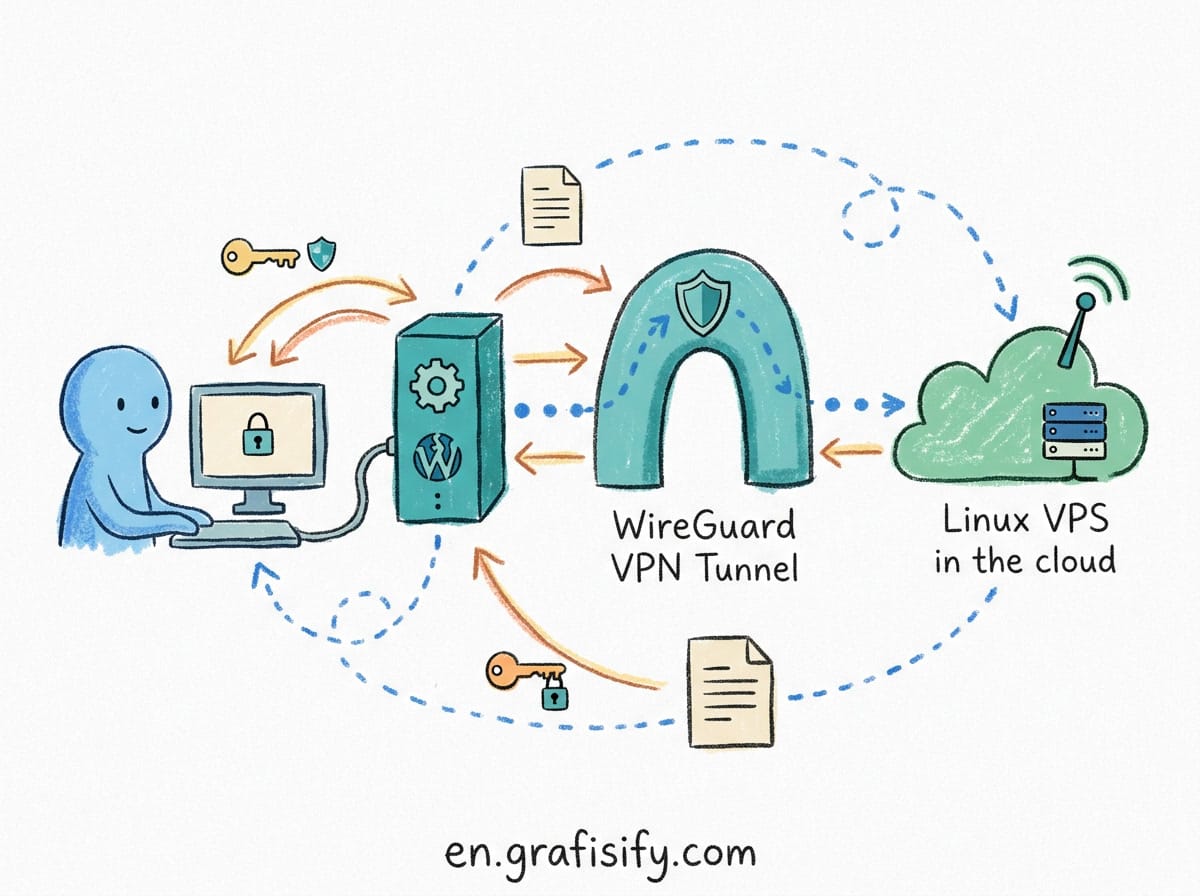
Step-by-step WireGuard VPN setup on a Linux VPS: install on Ubuntu, generate keys, configure wg0, NAT and firewall rules, client setup, and troubleshooting.

Learn how to set up Uptime Kuma on a VPS with Docker. Self-hosted uptime monitoring with alerts, SSL checks, and a public status page, free and open source.

Verdict: Essential Security Rules for Production VPS Hosts Deploying a Linux Virtual Private Server (VPS) with out-of-the-box configurations leaves your host exposed to automated port scans, brute-force SSH attacks, and credential stuffing. Default installations usually allow root password authentication over port 22, enabling attackers to execute persistent dictionary attacks against your server within minutes of […]

Learn essential SSH hardening rules for Linux VPS hosts. Disable password login, switch to Ed25519 keys, configure Fail2ban, and block brute-force attacks.


 Artificial Intelligent
 Design & Creative
 Freelance
 Gadgets & Gear
 Insights
 Laptop
 Reviews
 Smartphone
 Vibe Coding








