Do You Still Need to Learn to Code?

AI coding tools write working code from a plain English prompt. Vibe coding turns a weekend idea into a running app. A reasonable person asks the obvious question: why spend months learning to code when a model types faster than any human ever will?
I asked the same question, and the data gave a clearer answer than the hype on either side. Learning to code still pays. The skill that pays changed. Typing lost value. Judgment gained value.
The Verdict: Yes, Learn to Code, but Learn Different Skills
Learn to code. Do not learn to code the way people learned it five years ago. Memorizing syntax and grinding through boilerplate no longer buys much. The durable skills sit one layer down: reading code, spotting wrong code, describing a problem precisely, and owning the result when users hit it.
AI handles the first draft. Humans still own the final answer. A person who can read code, test it, and explain why it works holds the leverage. A person who can only prompt holds a dependency. That gap decides who keeps working in software and who gets stuck at the demo stage.

This guide walks through the survey data, the controlled studies, and the hiring numbers, then lays out what to learn and how to learn it.
What AI Changed: Typing Got Cheap
Writing syntax used to take most of a developer day. A model now produces a function, a component, or a whole API route in seconds. The bottleneck moved. The hard part was never the keystrokes. The hard part was always deciding what to build, in what shape, with what tradeoffs.
That shift shows up in how professional developers describe their work. They prompt for the draft, then spend their time on review, debugging, and design. The job description did not shrink. It moved up the stack, toward specification and verification.
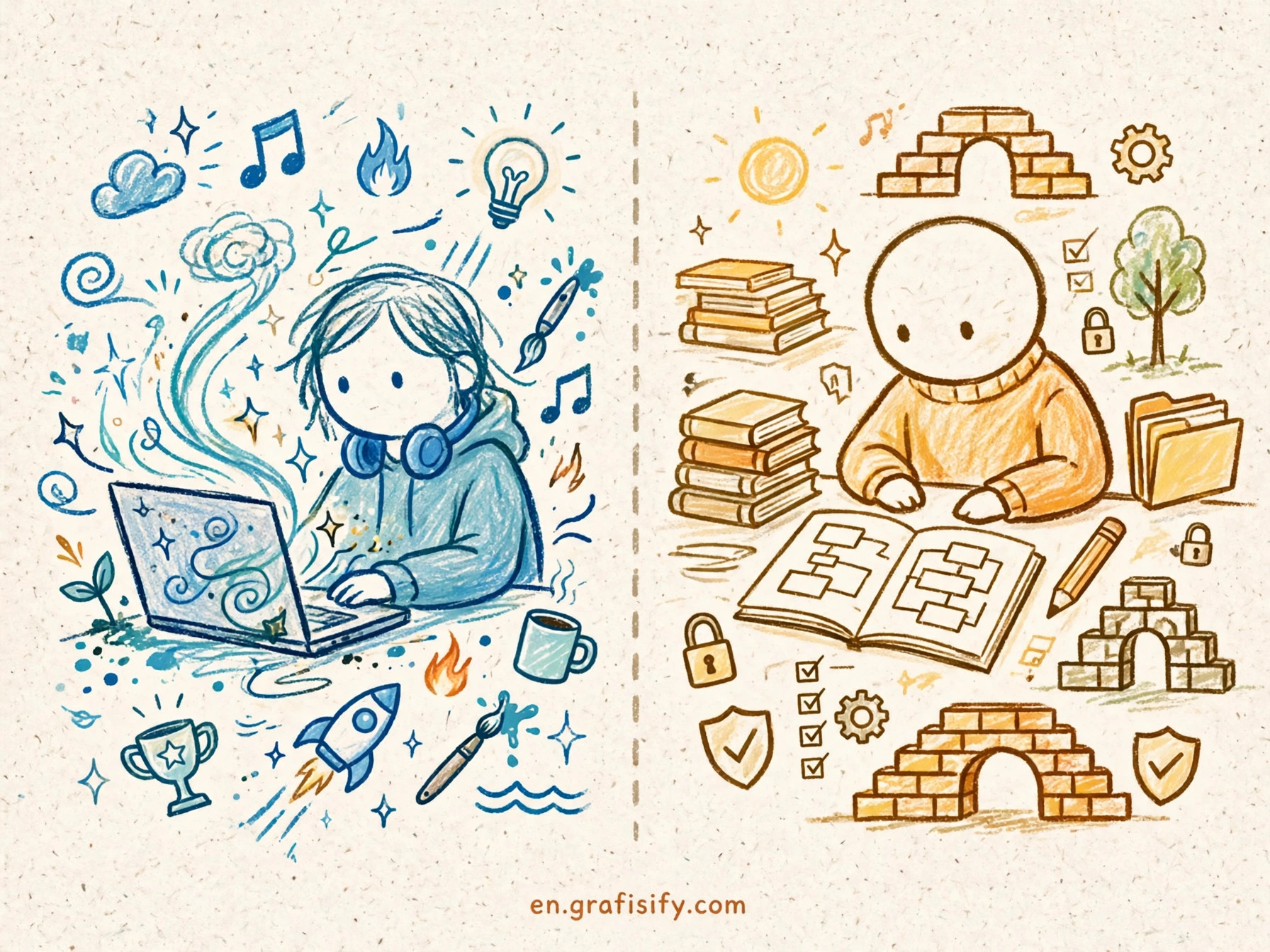
Vibe coding captures the change in one phrase: describe the outcome, let the model write the code, and check the result. The workflow works for prototypes and small tools. It breaks down the moment nobody in the room can read the output. Code you cannot read is code you cannot trust, fix, or ship with confidence.
Think of it like hiring a fast contractor. Speed helps only when someone on site knows the plans, checks the work, and catches the cracked foundation before the walls go up. AI is the contractor. You still need the person who knows the plans.
The Trust Gap: 84 Percent Use AI, 46 Percent Distrust It
The 2025 Stack Overflow Developer Survey collected 49,009 responses from developers in 177 countries. The numbers tell a split story. Adoption is near universal. Trust is not.
84 percent of respondents said they use AI tools or plan to use them, up from 76 percent the year before. Among professional developers, 51 percent use AI tools every day. Yet only 33 percent said they trust the accuracy of AI output, and just 3 percent said they trust it highly. 46 percent actively distrust the accuracy of what these tools produce.
The top frustration, named by 66 percent of respondents, was AI output that is almost right, but not quite. Another 45 percent said debugging AI-generated code can take longer than writing the code from scratch. That frustration is the whole case for learning to code in one statistic. Almost right is the most expensive kind of wrong, because it looks right until it reaches production.
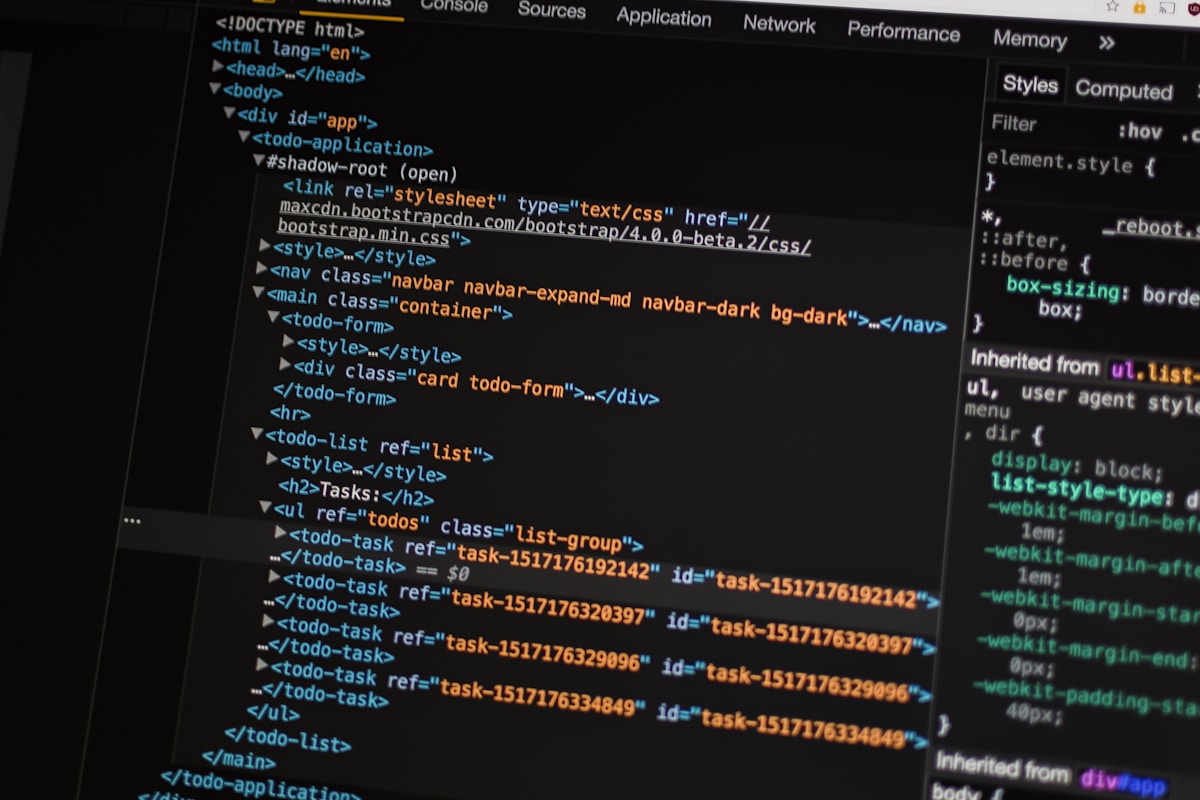

Positive sentiment toward AI tools fell to 60 percent, down from more than 70 percent in 2023 and 2024. Developers use the tools more each year and believe in their output less. That is not a contradiction. It is the sound of people learning where the tool helps and where it needs a human check. An independent analysis of the survey results reaches the same conclusion: core coding skills stay essential because you need them to recognize and fix AI mistakes.
The same survey found that 72 percent of developers said vibe coding was not part of their professional work. AI assists the job. It has not replaced the job, and most working developers draw a line between a weekend experiment and production code.
Speed Is Not the Point: What the METR Study Found
Surveys measure opinion. A controlled experiment measures outcomes. The METR study from July 2025 ran a randomized trial with 16 experienced open-source developers working on 246 real tasks in repositories they already knew. The developers expected AI tools to make them faster. The tools made them 19 percent slower on average.
The result surprised the researchers too. The developers spent the saved typing time on review, repair, and untangling output that looked plausible and behaved wrong. Generation speed is easy to measure. Review time hides inside the work, and it grows as output volume grows.
METR later described the result as historical, because both the models and the ways developers use them keep changing. The lesson still holds. Count the full cost of a change, review and rollback included, not the seconds it took to generate the first draft.
DORA research from Google Cloud frames the same point from the organization side. In its 2025 findings, AI acted as an amplifier: teams with strong practices got more from the tools, and teams with weak practices got more of their weaknesses back, faster. The tool multiplies what already exists. It does not fix what is broken.
The Skills AI Cannot Take From You
Some skills lose value when generation gets cheap. Others gain value, because every line of generated code needs a human who can judge it. The table below separates the two groups.
| Skill | AI handles it | Stays human |
|---|---|---|
| Writing boilerplate and syntax | Yes | No |
| Spotting wrong or insecure code | No | Yes |
| Defining the problem precisely | No | Yes |
| System design and architecture | Partially | Yes |
| Debugging and root cause analysis | Partially | Yes |
| Testing strategy and edge cases | Partially | Yes |
| Security review before shipping | No | Yes |
| Explaining decisions to a team | No | Yes |
Reading code sits at the top of the human list. You cannot review a pull request you cannot read. You cannot debug a failure in code you do not understand. You cannot tell a plausible answer from a correct one without the fundamentals underneath it.
Specification is the second durable skill. Models do what the prompt says, not what the user meant. A vague prompt produces a confident, wrong system. The person who can describe a problem in precise terms, with acceptance criteria and edge cases, gets better output from the same model than a person who types a loose wish. I have watched this gap decide whole projects: same model, same budget, different spec, different result.
Debugging is the third. AI-generated bugs look different from human bugs. They hide inside confident, well formatted code with a subtle logic error or a wrong API assumption. Finding them takes the same fundamentals that writing code used to take, plus patience with output that insists it is correct.
Security review belongs on the list too. Generated code can include outdated libraries, unsafe defaults, and plausible looking auth logic with a hole in it. Shipping vibe coded apps without a security pass is how side projects become breach reports. Someone has to read the code before real users touch it.
Who Can Skip Deep Coding, and Who Cannot
Not every person needs the same depth. The honest answer depends on what you want to build and who carries the risk when it breaks.
Founders and product managers can often skip deep syntax. They need enough fluency to describe a feature, read a diff at a high level, and know when an agent is guessing. A working prototype built with AI tools can validate an idea before anyone hires an engineer. That is a real use case, and it works because the prototype carries low risk.
Career switchers face a harder market. SignalFire’s 2025 talent report found that new graduates made up 7 percent of Big Tech hires, down 25 percent from 2023. The Stanford Digital Economy Lab, tracking ADP payroll data, found employment for 22 to 25 year olds in the most AI exposed occupations running 19 percent below trend in its August 2026 update. The entry rung narrowed. Junior roles now demand more proof of skill, not less, because employers know a candidate can generate a portfolio without understanding it.
Working developers cannot skip it at all. The survey data is clear: the people who gain the most from AI tools are the people who already know how the code works. They prompt better, catch errors faster, and ship with more confidence. A senior engineer with an agent is a force multiplier. A beginner with an agent and no fundamentals is a person with a fast way to produce code they cannot defend.
Designers, analysts, and operators sit in the middle. Light coding fluency, reading code, writing small scripts, automating a repetitive task, pays off fast. Deep systems knowledge is optional until the work demands it. The deciding test is simple: if the code breaks in production, does someone page you? If yes, learn it properly.
How to Learn to Code in the AI Era
The learning order changed. The old path started with syntax drills and ended with a first project. The new path starts with a small real project and uses AI as a tutor, not a crutch. The rules below keep the tutor honest.
Pick one language and one stack. Python for data and automation, JavaScript for web work, or TypeScript if you want types from the start. Depth in one language beats a tour of five. The survey still ranks Python, JavaScript, and HTML with CSS among the most used and most wanted technologies, so any of them is a safe first pick.
Build one small thing every week. A to-do app, a scraper, a tiny API, a landing page with a form. Small finished projects teach more than large unfinished ones. Each project should end with something a real person can use, even if that person is you.
Use AI to explain, not to finish. When you get stuck, ask the model to explain the concept and show a small example. Then close the chat and write the code yourself. The moment you paste a full solution you did not write, you skipped the rep that builds the mental model. Testing AI generated code before you ship is a habit worth building early, and it starts with testing your own code first.
Read code every day. Open source repositories, pull requests, and your own old code. Reading builds the pattern recognition that review depends on. Ten minutes of reading beats an hour of watching a tutorial, because reading is the skill you will use at work.
Learn debugging as a first class skill. Breakpoints, logs, reading a stack trace, and reproducing a bug before fixing it. A debugging workflow with AI assistants works only when you can tell the model what actually failed instead of pasting an error and hoping.
Write tests for your own projects. A test forces you to state what correct means before you write the code. That habit transfers directly to reviewing AI output, where stating what correct means is half the job.
Ship something to real users. A deployed project with a bug report from a real person teaches more than ten tutorials. It also gives you the one thing hiring managers now ask for: proof you can own code in production, not just generate it.
The Bottom Line: Code Is Still the Price of Admission
AI took over the typing. It did not take over the thinking. The 2025 Stack Overflow survey, the METR experiment, and the hiring data point the same way: the developers who thrive are the ones who can read code, judge it, and own it.
Learn to code, but learn it for the AI era. Learn to read before you learn to write at speed. Learn to specify a problem, test an answer, and debug a failure. Those skills were valuable before AI, and they are worth more now, because every line of generated code needs a human who can say yes or no with confidence.
Start this week. Pick a language, build one small thing, and read the code you produce until you can explain every line. The model will keep getting faster. Your judgment is the part that keeps you in the job. Compare vibe coding with traditional coding to decide where AI fits in your own workflow, then build the fundamentals that let you use it well.

Irfan is a Creative Tech Strategist and the founder of Grafisify. He spends his days testing the latest AI design tools and breaking down complex tech into actionable guides for creators. When he’s not writing, he’s experimenting with generative art or optimizing digital workflows.





 Artificial Intelligent
 Design & Creative
 Freelance
 Gadgets & Gear
 Insights
 Laptop
 Reviews
 Smartphone
 Tech Guides
 Vibe Coding






