LLM Function Calling: A Practical Guide
Verdict: Function Calling in 60 Seconds
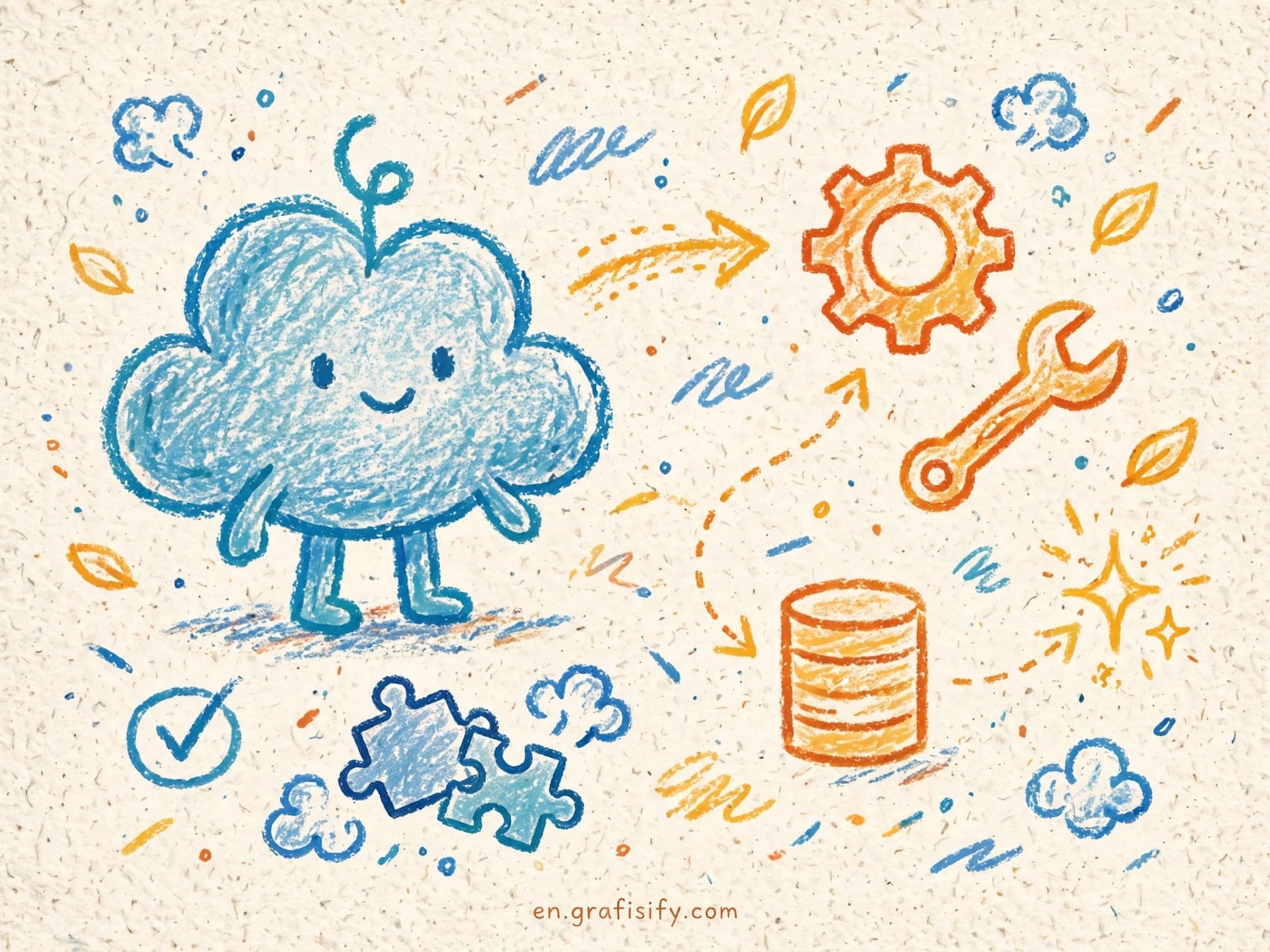
TL;DR: Function calling turns a language model into a tool dispatcher. You hand the model JSON Schema definitions for your tools, the model answers with a tool name plus arguments instead of prose, your code runs that tool, and you return the result for the next turn. The loop repeats until the model stops requesting tools. Enforce schemas where the provider supports it, gate parallel calls behind real evals, and treat tool output as untrusted input. OpenAI, Anthropic, and Google use different names for the same pieces, but the round trip works the same in each case.

What Function Calling Does: The Round Trip
A standard chat call returns text. A function-calling call returns a structured request: the name of a tool you defined and the arguments it wants. Anthropic describes the pattern in plain words in its tool-use documentation: “The model can’t run your code, so every tool call is a round trip: the model asks, you execute, you report back, the model continues.” The model never touches your database, your shell, or your API. It proposes arguments. Your code decides what runs.
Picture a get_weather tool with a city parameter. A user asks about rain in Austin. The model returns a request for get_weather with {“city”: “Austin”}. Your code calls the real weather API, then appends the result as a new message in the conversation. The model reads that result and writes the final answer in plain language. If you want the same concept framed through structured outputs, see our comparison of structured outputs across the same three providers.

The strength of the pattern sits in the loop, not in any single call. Work chains one move to the next: list files, read the relevant one, summarize it. Each result shapes the following request. The model plans in small moves while your code handles execution. Once you internalize the round trip, the differences between providers become a matter of vocabulary.
The model picks tools from their descriptions, so descriptions act as documentation and API contract at once. A vague description produces vague tool choices. Name the tool for the action it performs and state the inputs it expects. Spell out when the model should skip it. Teams that get this right find that new tools slot into existing loops with no code changes on the caller side.
OpenAI vs Anthropic vs Google: Tool Use Compared
All three providers expose the same idea through their own naming. The table below maps the moving parts, with links to the official docs under it.

| Capability | OpenAI | Anthropic | Google Gemini |
|---|---|---|---|
| Tool schema field | parameters | input_schema | parameters inside the function declaration |
| Schema enforcement | strict mode pins outputs to your JSON Schema | strict: true applies grammar-constrained sampling to tool inputs | validated tool-choice mode checks schema adherence |
| Parallel calls | parallel_tool_calls on supported models beginning with GPT-5 | several tool_use blocks per turn; you pick the execution order | parallel and compositional (sequential) calls |
| Feeding results back | tool role messages | tool_result blocks | functionResponse parts |
| Official docs | function calling guide | tool use docs | function calling docs |
The practical difference is loop shape, not vocabulary. OpenAI threads tool calls through tool messages while Anthropic pairs tool_use blocks with tool_result blocks. Gemini uses functionResponse parts for the same job. All three end the same way: keep running tools until the model gives you text, then stop.
Designing Tool Schemas Models Get Right
Few tools beat many tools. Each tool needs a name that says what it does and a description that covers purpose and parameters, including the cases where the model should leave the tool alone. Enums beat free-form strings for choices the model must pick from a fixed set. Close the schema with additionalProperties: false so unexpected fields cannot slip through.
OpenAI’s strict mode enforces full schema conformance, and Anthropic’s strict: true constrains token sampling to schema-valid outputs. Both features exist to kill malformed arguments before they reach your code. Turn them on for production paths wherever the provider offers them. The same tool-as-interface idea scales up when you package tools as servers; our walkthrough of a custom MCP server with Python shows the pattern in practice.

Tool definitions cost tokens. OpenAI documents that they “count against the model’s context limit and are billed as input tokens”. Ten detailed tools on each request adds up across a busy product. Limit the tools you load up front, keep descriptions short, and consider tool search when your catalog grows large.
Version your tool schemas like any other interface. Adding a parameter means keeping the old name working for at least one release cycle. Rename a tool and each prompt that referenced the old name breaks in production. A short changelog entry next to each schema saves the debugging session later. Strict schemas make these migrations safer, since the provider rejects payloads that no longer match.
The Agentic Loop: Parallel Calls and Multi-Turn Runs
The canonical pattern is a while loop keyed on the model’s stop reason. Send the conversation, check whether the response asked for tools, run them, append results, and repeat. Anthropic makes the contract explicit: a response carries stop_reason tool_use and can hold several tool_use blocks in one assistant turn. In the same page, Anthropic adds: “How you run those calls is your decision. The API doesn’t prescribe an execution order.” That single sentence explains why two implementations on the same provider can diverge.

Gemini supports parallel calls in a single turn and compositional calls in sequence. Its tool-choice modes cover the basics: any forces a call, none forbids it, and validated checks schema adherence. OpenAI documents parallel calls on supported models beginning with GPT-5. One caution from history: the 2024 Structured Outputs launch notes said strict schemas were “not compatible with parallel function calls”. Current docs still expose both features, but OpenAI has not published a clear statement on the combination for its latest models. Test the pair on your target model before shipping. Teams that run loops around the clock face the same questions at larger scale; our guide to always-on AI agents covers that territory.
Batch independent calls together and serialize the dependent ones. A lookup that needs a previous call’s ID cannot run beside it. Cap loop iterations too. A runaway loop burns budget fast, and real tasks tend to resolve in a handful of turns. Prove parallel behavior with an eval suite that catches real failures before you widen the blast radius.
Build timeouts into the loop from day one. A single tool call that hangs should not freeze the whole run. Wrap each execution in a deadline and return a crisp error message when the deadline hits. Models recover from a crisp failure: they retry with different arguments or pick another tool. Silence is the one thing they cannot handle.
Failure Modes, Security, and When Tools Do Not Fit
Arguments come back hallucinated or missing. Schemas drift after you edit a tool. The model picks a tool when plain text would do. Latency stacks up across deep loops. Evals catch most of this. OpenAI’s 2024 Structured Outputs launch reported gpt-4o-2024-08-06 at 100% schema reliability in its internal evals, while gpt-4-0613 scored under 40% on the same setup and prompting the new model without structured outputs reached 93%. Those numbers come from OpenAI’s own benchmark on a dated model. Quote them with the model name and date, not as a universal guarantee. For an independent measure, the Berkeley Function Calling Leaderboard (BFCL) V4 measures model accuracy when calling functions, and its lineage runs from AST metrics through enterprise functions to multi-turn and holistic agentic evaluation. (OpenAI, BFCL)
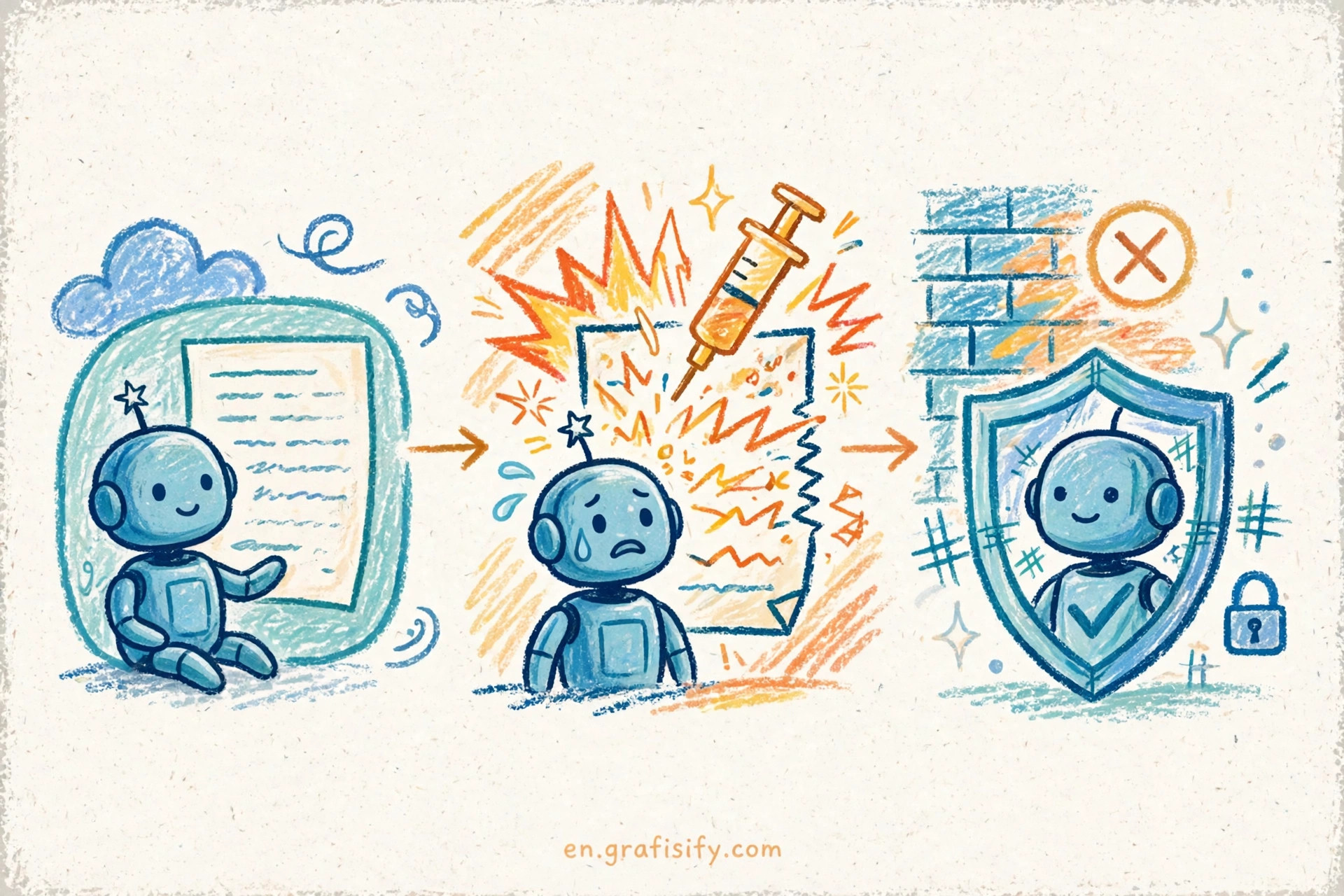
Security deserves its own line in your checklist. Tool results carry text you did not write: web pages, database rows, user content. That text flows back into the model’s context, which opens a channel for indirect prompt injection. OWASP lists “LLM01:2025 Prompt Injection” as the first entry in its GenAI Top 10. Sanitize results and keep tool permissions narrow. Log what tools did on each run. For the wider threat picture, read our rundown of AI agent security threats and the companion piece on MCP server credential leaks.
One-shot questions, pure summarization, and tight latency budgets work better without them. Add tools when the task needs live data or real actions. Skip them for one-shot answers.
Keep a record of each tool call in production: the arguments the model sent, the result it got, and the turn number. After a failed run, that log answers the hard question: did the model misread the schema, did the tool return junk, or did the loop mishandle a normal result? Teams that skip logging end up guessing, and guessing costs more than the log storage ever will.
Conclusion: Ship Tools With a Plan
Function calling rewards deliberate design. Small tool sets with strict schemas and short descriptions raise argument quality. Turn on schema enforcement. Gate parallel calls behind evals. Sanitize tool results. Budget the token cost of your tool definitions like any other input. As your tool set grows, keeping the model’s working memory tidy matters too; our piece on context engineering for agents digs into that.
Pick one provider quickstart this week and wire it to a single internal API. Add an eval set built from real tool-call transcripts and watch where the model stumbles. Widen the tool set one tool at a time. Applied turn after turn, that loop is how teams move from a clever demo to a dependable feature.

Irfan is a Creative Tech Strategist and the founder of Grafisify. He spends his days testing the latest AI design tools and breaking down complex tech into actionable guides for creators. When he’s not writing, he’s experimenting with generative art or optimizing digital workflows.







 Artificial Intelligent
 Design & Creative
 Freelance
 Gadgets & Gear
 Insights
 Laptop
 Reviews
 Smartphone
 Tech Guides
 Vibe Coding



