AI Coding Agent Rules Files That Actually Work
Verdict
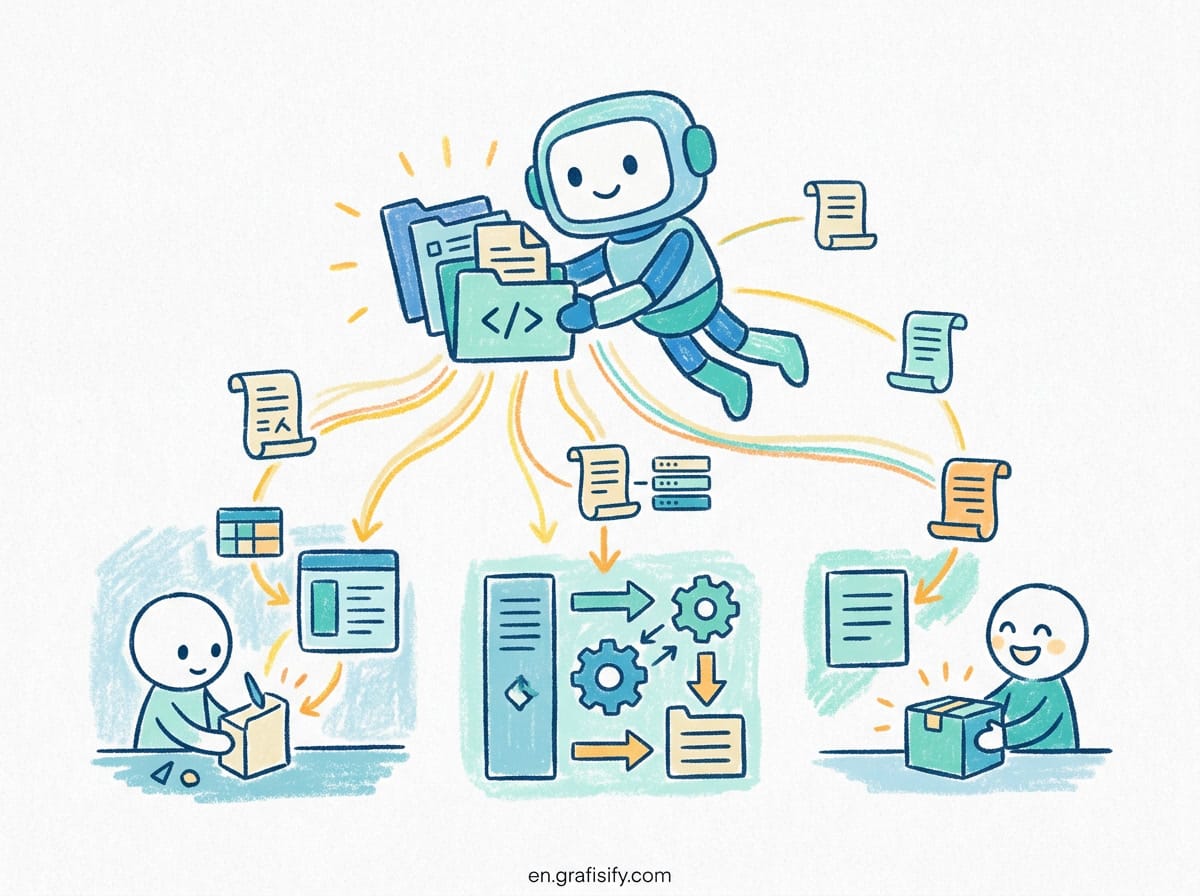
AI coding agents work best when given concise, concrete guardrails instead of vague instructions. Today, developers face a fragmented ecosystem of instruction files: CLAUDE.md for Claude Code, .cursor/rules/*.mdc for Cursor, .github/copilot-instructions.md for GitHub Copilot, and the emerging open standard AGENTS.md stewarded by the Agentic AI Foundation. If your instructions exceed 200 lines or rely on soft language, agents silently ignore them. The most effective setup relies on a single root AGENTS.md as your canonical source of truth, connected to vendor-specific files via imports or symlinks, and paired with path-scoped rules for large codebases.
The Problem with AI Agent Context Drift
AI coding agents do not retain memory between separate CLI invocations or prompt completions. Every session starts with a clean slate. When an agent lacks project-specific context, it defaults to standard library assumptions that frequently break existing codebases. It might use npm instead of your repository’s mandatory pnpm, generate legacy options when you use standard strict typing, or write tests using Jest when your project relies entirely on Vitest.
To solve this, developers historically pasted repetitive prompts at the start of every chat session. As team workflows grew more complex, manual context injection became completely unmanageable. Major AI development tool vendors introduced persistent instruction files that load automatically at session launch. However, without proper structure, these instruction files create a different failure mode: context rot. When you dump an entire internal team wiki into an agent instruction file, the model consumes thousands of tokens before answering your first question. Dense paragraphs of prose confuse the language model, causing it to skip critical instructions entirely.
Furthermore, different AI models respond to instruction structure in distinct ways. Large reasoning models need clear hierarchical boundaries and explicit negative constraints. Without structured guidance, an autonomous coding agent might attempt destructive file operations, refactor untouched legacy modules, or introduce unwanted dependencies that break your continuous integration pipeline.
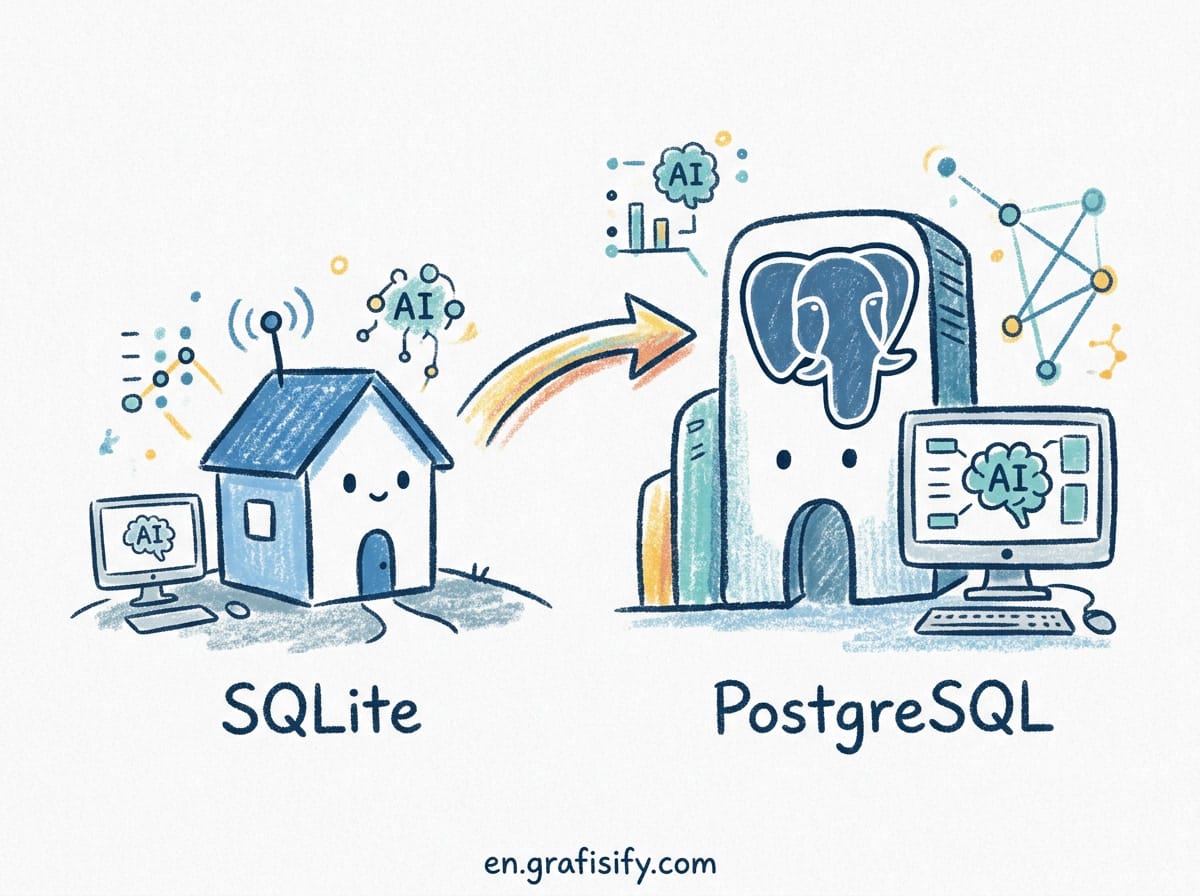
Comparing Instruction Formats: CLAUDE.md vs AGENTS.md vs Cursor Rules
Each major AI development tool relies on its own configuration file format and loading resolution logic. Understanding these differences prevents quiet configuration failures where an agent runs with zero project context.
| Feature / Format | AGENTS.md | CLAUDE.md | Cursor Rules (.mdc) |
|---|---|---|---|
| Target Tool | OpenAI Codex, Amp, Jules, 60k+ Repos | Claude Code CLI | Cursor IDE |
| File Location | /AGENTS.md (Root & Subdirs) | /CLAUDE.md or /.claude/CLAUDE.md | /.cursor/rules/*.mdc |
| Format Type | Plain Markdown | Plain Markdown | YAML Frontmatter + Markdown |
| Path Scoping | Directory proximity (nearest file) | .claude/rules/ with paths: | Frontmatter globs: pattern |
| Resolution Order | Concatenates root down to working dir | Concatenates ancestor directories | Priority: AlwaysApply > Glob > Intelligent |
| Steering Foundation | Agentic AI Foundation (Linux Foundation) | Anthropic | Anysphere (Cursor) |
AGENTS.md (The Open Standard)
Created as a vendor-neutral standard and now stewarded under the Linux Foundation’s Agentic AI Foundation, AGENTS.md serves as a transparent README for AI systems. Supported natively by OpenAI Codex, Google’s Jules, Amp, Factory, and Cursor, it is adopted in over 60,000 open-source repositories. The main OpenAI codebase uses 88 nested AGENTS.md files across its microservices. It contains no complex metadata, making it easy to read, version control, and update across team repositories.
CLAUDE.md (Claude Code)
Anthropic’s native instruction format for Claude Code reads CLAUDE.md from the repository root or .claude/CLAUDE.md. Claude Code does not read AGENTS.md by default. If your team standardizes on AGENTS.md, you must bridge the two tools. You can place a single line in CLAUDE.md to import the main file: @AGENTS.md. Claude Code automatically resolves this import at launch, ensuring both tools share exact context without code duplication.

Cursor MDC Rules (.cursor/rules/*.mdc)
Cursor legacy setups used a single .cursorrules file at the root. Modern Cursor setups use individual .mdc files inside .cursor/rules/. Each file requires YAML frontmatter specifying description, globs, and alwaysApply. Note that plain .md files inside .cursor/rules/ are ignored by Cursor because they lack frontmatter. If you prefer plain Markdown without frontmatter, Cursor reads AGENTS.md directly.
Directory Resolution: How Agents Find and Merge Instructions
Understanding how agents resolve nested files prevents unexpected rule overrides in large projects or monorepos. Different agent runners use distinct algorithms to traverse your directory tree.
When OpenAI Codex launches, it builds an instruction chain by walking down from the Git repository root to your current working directory. In each directory along the path, it looks for AGENTS.override.md first, then AGENTS.md. It concatenates these files in order, meaning nested files closer to your active working directory take precedence over root-level defaults. Codex caps this combined instruction chain at 32 KiB by default to prevent context window bloat and maintain fast response times.
Also Read:

Claude Code follows a similar additive approach. It walks up from your current directory to the filesystem root, concatenating all parent CLAUDE.md files. Content nearest your launch directory is appended last. To prevent root rules from bleeding into specialized sub-packages, Claude Code supports path-scoped rules inside .claude/rules/ using explicit file matching patterns.
In large monorepos containing multiple microservices, keeping a single global instruction file creates friction. For instance, a frontend Next.js package requires React conventions, while a backend Rust service requires strict memory and error handling guidelines. Placing localized AGENTS.md files in individual package directories ensures the agent receives relevant context without loading unnecessary framework rules.
5 Rules for Writing Rules That AI Agents Follow
Writing effective agent rules requires a shift from human documentation styles to clear machine instructions. Here are five practical rules tested across large production codebases.
1. Keep Total Instructions Under 200 Lines
Long instruction files degrade model attention. When an instruction file exceeds 200 lines, LLMs start missing directives located in the middle of the document. Keep your root AGENTS.md under 150-200 lines. If you have extensive domain knowledge, break it into path-scoped rule files that load only when relevant files are edited.
2. Use Concrete Commands Instead of Soft Advice
Vague directives fail consistently. Phrases like “write clean code” or “ensure proper error handling” provide zero signal to an LLM. Replace abstract advice with explicit shell commands and architectural constraints.
# Bad (Vague):
# - Write good tests and format code nicely.
# - Handle errors carefully.

# Good (Concrete):
# - Run tests with: pnpm test --run
# - Format using: pnpm prettier --write
# - All API routes must return JSON with shape: { success: boolean, data?: T, error?: string }

3. Bridge Vendor Formats with a Single Source of Truth
Do not maintain separate, duplicate instruction files for Cursor, Claude Code, and Codex. They will inevitably drift out of sync. Use AGENTS.md as your primary source of truth at the repository root. Then, configure vendor-specific files to reference it.
For Claude Code, create a minimal CLAUDE.md with an import tag:
@AGENTS.md

### Claude-Specific Overrides
- Use /compact when conversation history reaches 50% capacity.
For Cursor, keep AGENTS.md in the root, or create path-scoped .mdc files in .cursor/rules/ for complex glob requirements.
4. Enforce Hard Guardrails via Pre-Hook Scripts
Agent instruction files are loaded as context inside the prompt, not as hard-coded system boundaries. If an instruction says “never touch production environment variables,” a model may still attempt it under specific prompt conditions. For critical safety constraints, pair your instruction files with shell hooks (such as Claude Code’s PreToolUse hooks or Git pre-commit hooks). Hooks intercept actions at the shell level, blocking dangerous operations regardless of what the model decides.
5. Verify Loaded Context in Active Sessions
Never assume an instruction file loaded correctly. Before starting complex multi-file edits, verify what context the active agent has ingested:
In Claude Code, run /context to view loaded memory files and verify that CLAUDE.md appears under active memory. In Cursor, inspect the active rule indicator in the chat sidebar to confirm your target .mdc rule is attached to the conversation.
Frequently Asked Questions
Should I commit AGENTS.md or CLAUDE.md to Git?
Yes. Project-level instruction files should always be committed to version control. They establish consistent build commands, test patterns, and architectural rules across your entire engineering team. For user-specific preferences (such as personal editor bindings or local shell aliases), use local uncommitted files like CLAUDE.local.md or AGENTS.override.md.
What is the difference between AGENTS.md and README.md?
A README.md is written for human developers, containing onboarding guides, architectural overviews, setup instructions, and product context. An AGENTS.md is optimized for AI consumption, containing machine-readable execution commands, file-naming rules, linting configurations, and strict negative constraints.
Why is my Cursor IDE ignoring my rules file?
If you created a file inside .cursor/rules/ with a .md extension instead of .mdc, Cursor will ignore it. Cursor requires the .mdc extension to parse YAML metadata fields like globs and alwaysApply. If you prefer plain Markdown without metadata, place an AGENTS.md at your project root instead.
Conclusion
Establishing clear agent instructions transforms AI coding assistants from unpredictable prompt targets into reliable, deterministic team members. Standardize your repository on an AGENTS.md file at the root level, import it into vendor-specific tools like Claude Code, and keep your total rule set under 200 lines. By combining concise instructions with path-scoped rules and shell-level hooks, you maintain clean code standards while eliminating context rot across your entire team.

Irfan is a Creative Tech Strategist and the founder of Grafisify. He spends his days testing the latest AI design tools and breaking down complex tech into actionable guides for creators. When he’s not writing, he’s experimenting with generative art or optimizing digital workflows.






 Artificial Intelligent
 Design & Creative
 Freelance
 Gadgets & Gear
 Insights
 Laptop
 Reviews
 Smartphone
 Tech Guides
 Vibe Coding




