Best AI Documentation Generators for Developers
Quick Take
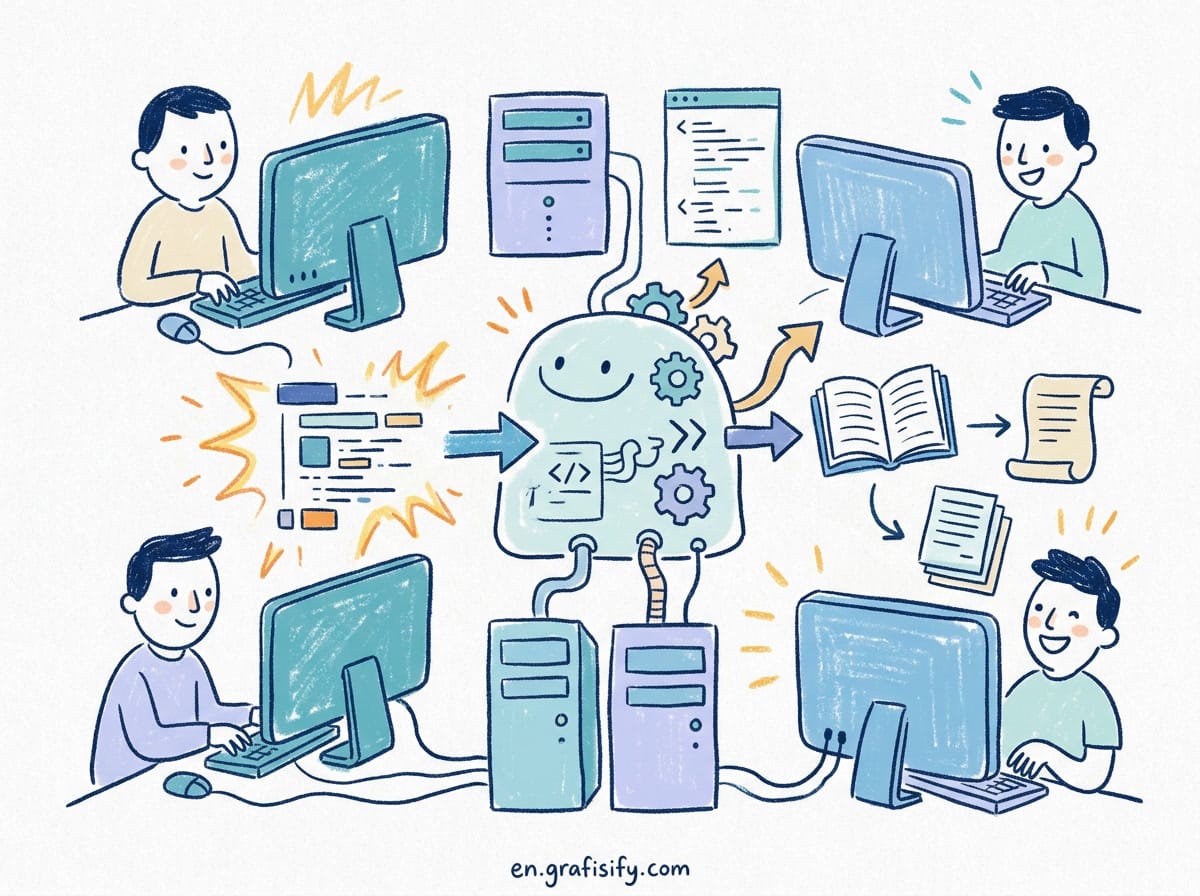
Maintaining technical documentation manually is a major engineering bottleneck that consumes developer hours and leads to stale, out-of-date API references. Modern AI documentation generators solve this by integrating directly into your CI/CD pipelines, analyzing your source code syntax trees, and automatically publishing formatted, interactive developer portals. If you want instant repository-level documentation synced with git commits, tools like Mintlify and Readme.io provide the most polished setup. For dev teams managing legacy codebases or complex APIs, specialized tools offer automated inline comment extraction and OpenAPI spec generation without manual maintenance.
The Hidden Cost of Stale Developer Documentation
In fast-paced software development, engineering teams ship feature updates daily. Unfortunately, documentation is almost always an afterthought. When API endpoints change or code parameters get refactored, outdated documentation forces developer teams to spend hours reading raw code, hunting down context in Slack threads, or filing repetitive support tickets.
Manual documentation creates technical debt. Writing OpenAPI specifications, markdown guides, and inline docstrings manually takes up to 20% of engineering time. As teams scale, keeping docs synchronized across microservices becomes practically impossible without automation.
AI documentation generator tools eliminate this friction. By parsing code ASTs (Abstract Syntax Trees), analyzing pull requests, and inspecting commit diffs, AI documentation generators auto-update developer hubs, generate interactive API playgrounds, and maintain inline codebase references in real time. If you want to streamline software delivery, combining doc automation with a GitHub CLI workflow creates a frictionless developer pipeline.

Key Evaluation Criteria for AI Documentation Tools
Not all AI documentation tools serve the same developer workflow. Selecting the right documentation generator depends on codebase architecture, security requirements, and team structure. When evaluating tools for your engineering pipeline, focus on these essential capabilities:
- AST and Codebase Context: High-quality tools index full repository context rather than inspecting isolated code snippets. Deep semantic understanding ensures accurate parameter descriptions and accurate cross-file function relationships.
- CI/CD and Git Integration: Modern generators hook directly into GitHub Actions or GitLab CI. Docs update automatically whenever a pull request is merged to main.
- API Spec Generation: Top platforms parse TypeScript types, Python type hints, and Go structs to auto-generate OpenAPI, Swagger, or GraphQL schemas.
- Security and Privacy Controls: Enterprise teams need local parsing or SOC2-compliant cloud processing to prevent sensitive intellectual property from training third-party models. Running doc tools inside isolated Docker containers ensures tight security compliance.
- Interactive Developer Portals: Beyond plain markdown, leading solutions generate searchable web interfaces with interactive API playgrounds, code snippet generators, and multi-language SDK examples.
Top 6 AI Documentation Generators for Developers
1. Mintlify (Best for Complete Developer Portals)
Mintlify has become an industry standard for engineering teams building public and internal developer documentation. It connects directly to your GitHub repository and automatically extracts docstrings, type definitions, and endpoint parameters to render beautiful, high-performance documentation websites.
Key features include automated OpenAPI schema parsing, built-in AI search assistants for readers, and continuous synchronization via git commits. Developers write lightweight MDX files while Mintlify handles styling, search indexing, and interactive API components. For engineering organizations seeking turn-key developer hubs with modern UI aesthetics, Mintlify delivers the strongest out-of-the-box experience.

2. Readme.io AI (Best for Interactive API Reference & Metrics)
Readme.io integrated generative AI capabilities into its enterprise documentation suite to streamline API reference generation. Readme automatically transforms your OpenAPI/Swagger files into interactive API documentation with live call execution directly in the browser.
Its AI assistant helps technical writers convert raw endpoint definitions into structured getting-started tutorials, troubleshooting guides, and changelogs. Readme also provides deep API analytics, showing product teams which endpoints are most queried and where developer onboarding breaks down.

3. Swimm (Best for In-IDE & Internal Codebase Walkthroughs)
Swimm takes a code-first approach to documentation by embedding docs directly into your IDE (VS Code, JetBrains). Instead of hosting separate web portals, Swimm uses AI to create interactive code walkthroughs that automatically update when code is refactored.

Swimm’s patented “Auto-Sync” engine tracks code changes across git branches. If a function signature changes in a pull request, Swimm’s AI suggests exact documentation edits before merging, ensuring internal dev docs never decay into stale artifacts.
4. Sourcegraph Cody (Best for Deep Multi-Repo Search & Docs)
Sourcegraph Cody leverages Sourcegraph’s massive code graph index to generate comprehensive documentation across enterprise multi-repository architectures. Cody understands global dependencies, interface implementations, and microservice cross-calls better than single-repo tools.
Developers can ask Cody to generate full architecture explainers, module overviews, or inline function documentation across millions of lines of code. It is an ideal tool for large engineering teams navigating legacy codebases where documentation was historically neglected. Understanding context limits is critical here, as explained in our guide on why long context impacts AI coding performance.
5. Doxygen & Sphinx with AI Extensions (Best for Open Source & C/C++/Python)
For open-source maintainers relying on classic documentation compilers like Doxygen (C++) or Sphinx (Python), modern AI extensions bring generative documentation to traditional toolchains. Extensions like sphinx-autodoc-ai interface with local LLMs or OpenAI APIs to synthesize docstrings directly into HTML/PDF outputs.
These extensions extract inline comments, infer missing parameter types, and auto-generate comprehensive module indexes during compilation. Open-source developers can run these tools locally without commercial SaaS subscriptions, keeping workflows open and customizable. Teams interested in self-hosted pipelines can also explore running private AI models on local hardware.
6. DocuWriter.ai (Best for Instant Codebase-to-Doc Conversion)
DocuWriter.ai is a targeted tool built to generate documentation from source files instantly. Developers upload code files or connect GitHub repositories, and DocuWriter analyzes the code structure to produce comprehensive API references, code tutorials, and changelogs.
It excels at creating multi-language code snippets and explaining complex algorithms in plain English. DocuWriter is particularly useful for agency teams and freelancers who need to deliver clean, documented codebases to clients on short notice.
Feature Comparison: AI Documentation Generators
| Tool | Primary Focus | Git Integration | API Spec Parsing | Best For |
|---|---|---|---|---|
| Mintlify | Public Developer Portals | GitHub / GitLab | OpenAPI, MDX | SaaS startups & modern dev tools |
| Readme.io | Interactive API Hubs | GitHub CI | OpenAPI, Swagger | API-first product teams |
| Swimm | IDE Code Walkthroughs | GitHub / JetBrains | Inline AST & Diff tracking | Internal dev onboarding & team docs |
| Sourcegraph Cody | Multi-Repo Context Docs | Enterprise Git Hubs | Code Graph Engine | Large enterprises & complex repos |
| Sphinx / Doxygen AI | Open-Source Docstrings | Local Build / CI | C++ / Python AST | Open-source maintainers & local LLM setups |
| DocuWriter.ai | Instant Code Parsing | GitHub Upload | Multi-language AST | Agencies, freelancers & quick exports |
Implementation Workflow: Automating Docs in CI/CD
To get the maximum value from AI documentation generators, integrate them directly into your continuous integration workflow. Follow these best practices to set up automated documentation delivery:
- Enforce Type Annotation Standards: AI generators rely heavily on source code types. Ensuring TypeScript types, Python type hints, or Go struct tags are defined improves AI doc accuracy by over 40%.
- Run Doc Checks in Pull Requests: Configure your CI pipeline to trigger doc checks on every PR. Tools like Swimm and Mintlify can comment directly on PRs if new code lacks documentation or breaks existing references. Reference official documentation standards from GitHub Actions Documentation and OpenAPI Specification Guidelines for schema validation.
- Automate Deployment Hooks: Set up continuous deployment so merged PRs instantly rebuild and publish documentation to your custom domain, eliminating manual static site builds.
- Incorporate Interactive API Playgrounds: Use tools with live environment testing so developers can test API endpoints directly from the docs using sandbox keys. Explore MDN Web Docs Standards and GraphQL Specification Standards to structure your developer hubs according to open industry standards.
Cost models vary significantly across these platforms. Mintlify and Readme bill per seat or per project with enterprise tiers for private repos. Swimm prices per developer seat for IDE-based access. Open-source options like Sphinx AI extensions cost nothing in licensing but require engineering time for setup and maintenance. Calculate total cost of ownership, not just subscription price.
Cost models vary significantly across these platforms. Mintlify and Readme bill per seat or per project with enterprise tiers for private repos. Swimm prices per developer seat for IDE-based access. Open-source options like Sphinx AI extensions cost nothing in licensing but require engineering time for setup and maintenance. Calculate total cost of ownership, not just subscription price.
Frequently Asked Questions
Can AI documentation generators handle private enterprise codebases safely?
Yes. Enterprise-tier tools like Mintlify, Readme, and Swimm offer SOC2 Type II compliance, zero data retention agreements, and private VPC deployments. Additionally, open-source combinations like Sphinx with local LLMs ensure code never leaves your private infrastructure.
Do AI documentation tools replace technical writers?
No. AI documentation tools handle the mechanical work of extracting signatures, generating baseline parameter lists, and syncing docstrings. Technical writers and lead engineers focus on high-level architecture tutorials, conceptual guides, and developer experience strategy.
What is the difference between inline doc generators and developer portals?
Inline generators (like Swimm) keep documentation embedded directly in the codebase and IDE for internal engineering context. Developer portals (like Mintlify and Readme) generate static web portals with custom domains, branding, and interactive search for external users and client teams.
How do AI documentation generators handle versioned or multi-branch codebases?
Most enterprise tools support branch-scoped documentation builds. Mintlify and Readme allow you to publish separate documentation sets for tagged releases, beta branches, or legacy API versions. Readers can switch between versions from a dropdown, and stale versions remain archived automatically without manual copy-paste work.
What languages and frameworks get the best results?
Strongly typed languages produce the most accurate AI generated docs. TypeScript, Python with type hints, Go, Java, and Rust give generators reliable AST signals for parameter inference. Loosely typed code without annotations requires more manual review, because the model has less structural context to work from.
How do AI documentation generators handle versioned or multi-branch codebases?
Most enterprise tools support branch-scoped documentation builds. Mintlify and Readme allow you to publish separate documentation sets for tagged releases, beta branches, or legacy API versions. Readers can switch between versions from a dropdown, and stale versions remain archived automatically without manual copy-paste work.
What languages and frameworks get the best results?
Strongly typed languages produce the most accurate AI generated docs. TypeScript, Python with type hints, Go, Java, and Rust give generators reliable AST signals for parameter inference. Loosely typed code without annotations requires more manual review, because the model has less structural context to work from.
Final Thoughts
Manual documentation maintenance is no longer viable for modern engineering teams shipping code daily. By adopting AI documentation generator tools, engineering organizations eliminate stale API references, reduce onboarding time for new developers, and maintain authoritative documentation with zero manual overhead. Evaluate your codebase architecture, pick the tool that matches your repository setup, and automate your documentation pipeline today.

Irfan is a Creative Tech Strategist and the founder of Grafisify. He spends his days testing the latest AI design tools and breaking down complex tech into actionable guides for creators. When he’s not writing, he’s experimenting with generative art or optimizing digital workflows.






 Artificial Intelligent
 Design & Creative
 Freelance
 Gadgets & Gear
 Insights
 Laptop
 Reviews
 Smartphone
 Tech Guides
 Vibe Coding