Script GitHub CLI to Automate Repo Workflows

Quick Verdict
The GitHub CLI (gh) turns your terminal into a complete GitHub control panel. You can create issues, merge pull requests, trigger workflows, and query the API without opening a browser. If you write code in a terminal every day, learning to script gh pays back in minutes saved on every repo task. This guide covers the commands and patterns that matter for daily automation.
Why the GitHub CLI Belongs in Your Workflow
Most developers keep a browser tab pinned to GitHub. That tab is a context switch. Every time you leave the editor to click through a PR or check a build, you lose focus. The gh CLI removes that switch. It speaks to the same GitHub API your browser uses, but from a shell you already live in.
The CLI ships with the official GitHub command surface. Core commands cover repos, issues, pull requests, releases, and gists. Action commands cover caches, runs, and workflows. Additional commands cover the raw API, aliases, extensions, secrets, and variables. You get the whole platform without leaving your prompt. New to AI-assisted coding? Our Claude Code vs Cursor vs Copilot comparison helps you pick a coding agent, and our context engineering guide explains how to keep agents from losing state.
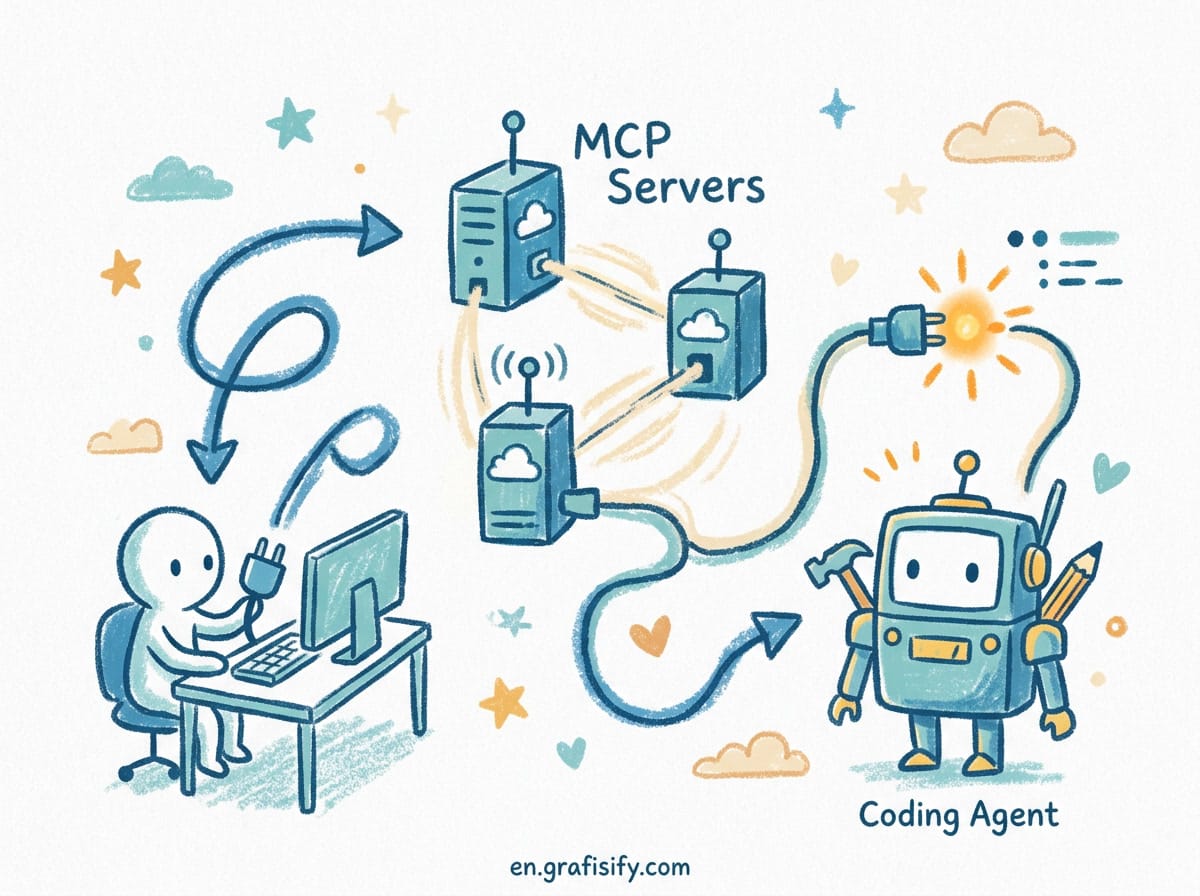
For a vibe coder who pairs with an AI assistant, gh is the bridge between your local agent and the remote repo. Your coding agent can run gh commands to open a PR, read CI logs, and merge when green. That loop closes without a single browser click.
Installing and Authenticating
Install gh from the official GitHub CLI site or your package manager. On macOS use Homebrew with brew install gh. On Ubuntu use the apt repository GitHub publishes. On Windows use winget with winget install GitHub.cli.
Authenticate once with gh auth login. The command opens a browser flow and stores a token in your system keyring. After that, every gh call is authenticated. To check status run gh auth status.
You can scope auth to a specific host. If you work against GitHub Enterprise Server, pass --hostname during login. The same binary handles both cloud and self-hosted instances.

Everyday Commands That Save Time
These are the commands I reach for most. Each one replaces a browser trip.
gh repo clone owner/nameclones a repo fast.gh issue createopens a new issue with title, body, and labels from flags.gh pr createpushes your branch and opens a pull request in one step.gh pr checkout 321fetches a PR and checks out its branch locally.gh release create v1.0drafts a release from tagged commits.
The pattern is consistent: a noun (issue, pr, repo, release) followed by a verb (create, list, view, close). Once you learn the grammar, the rest of the surface falls into place.
One detail worth knowing early: most commands accept --json to return structured data instead of human-readable text. gh pr list --json number,title,state prints an array you can pipe into jq. This is the key that unlocks scripting. Human output is for your eyes; JSON output is for your scripts. The full command surface lives in the official GitHub CLI manual, and the underlying endpoints are documented in the GitHub REST API reference.
gh api: The Escape Hatch to Everything
When a dedicated command does not exist, gh api talks to any REST or GraphQL endpoint directly. It authenticates, formats JSON, and prints the response. The endpoint argument is a path like repos/{owner}/{repo}/releases, where {owner} and {repo} are filled from your current directory.
Use --jq to pull specific fields from the response. For example, gh api repos/{owner}/{repo}/issues --jq '.[].title' prints only issue titles. Use --template with a Go template to format output into tables or custom text. The jq manual covers the full filter syntax for shaping JSON.
Send data with -f key=value for string fields or -F key=value for typed fields. Typed fields convert true, false, and integers to proper JSON. Add a file body with --input file.json. Post a comment with:

gh api repos/{owner}/{repo}/issues/123/comments -f body='Hi from CLI'
For GraphQL, set the endpoint to graphql and pass a query field. Use --paginate to walk every page of results, and --slurp to wrap pages in one array.

Automating CI with gh run and gh workflow
GitHub Actions is where the CLI shines for automation. Instead of refreshing the Actions tab, drive builds from the terminal.
gh run listshows recent workflow runs with status and conclusion.gh run watchstreams a run until it finishes.gh run view --logprints the full log of a failed job so you can debug locally.gh workflow run deploy.ymltriggers a workflow manually with optional inputs.
Pair this with your coding agent. A common loop: the agent commits, opens a PR, waits for gh run watch to report success, then merges. The whole review pipeline runs in the terminal.
Comparing Manual vs Scripted Repo Tasks
The table below shows what changes when you move a routine task from the browser to a gh script.
| Task | Browser method | gh CLI method | Speed |
|---|---|---|---|
| Open a pull request | Push branch, click New PR, fill form | gh pr create | Seconds |
| Check build status | Open Actions tab, scroll | gh run list | One line |
| Post an issue comment | Find issue, type in box | gh api .../comments | One command |
| Read CI failure log | Click job, expand steps | gh run view --log | Streamed |
The browser still works. The CLI just removes the clicks. For one-off tasks either is fine. For repeated tasks, a script wins every time.
Building Reusable Aliases
Aliases compress long commands into short ones. gh alias set stores them in your gh config. For example, map gh co to pr checkout so you can type gh co 321.
Aliases can chain commands with shell syntax. A common trick: alias gd to a combined pr create with default reviewers and labels. Share aliases across machines by exporting config or committing it to a dotfiles repo.
If you outgrow aliases, write a gh extension. Extensions are standalone binaries or scripts that gh loads as subcommands. The community ships extensions for changelogs, repo graphs, and PR triage. Browse them with gh extension list after installing the extension command.
Scripting Patterns for Daily Use
A useful pattern is the status report. Run gh pr list --author "@me" --state open to see your open PRs, pipe through --json for machine reading, and format with jq. Wrap it in a shell function named myprs and you have a one-word dashboard.
Another pattern is bulk cleanup. List stale branches with gh api against the branches endpoint, filter by last commit date in jq, and delete the ones past a threshold. Always echo the list before deleting so you review it first.
For AI-assisted loops, have your coding agent call gh pr create then poll gh run list until the checks pass. Keep the agent out of merge authority on protected branches. Let CI gate the merge, not the model. If you pair gh with a local coding agent, see our guide on connecting MCP servers to your coding agent and our piece on running AI coding agents on large codebases for safer patterns.
Wrapping gh in Shell Functions and Hooks
Aliases are fast but limited to command substitution. Shell functions give you real logic. Define a function in your .bashrc or .zshrc that calls gh, processes the JSON, and prints what you care about. A function named prwait can run gh pr checks in a loop and exit when all checks pass, then notify you with a desktop alert. That turns a manual refresh cycle into a background task.
You can also wire gh into git hooks. A pre-push hook that runs gh pr status reminds you which branch maps to which PR before you push. A post-merge hook that opens the Actions log keeps you aware of what just shipped. These hooks catch mistakes at the moment they happen, not after a teammate spots them.
For scheduled work, call gh from cron or a systemd timer. A nightly job that lists branches with no commits in 90 days and posts a summary to a team issue keeps stale code visible. The CLI is just a command, so any scheduler that runs a shell can run it.
Frequently Asked Questions
Is gh free to use?
Yes. The GitHub CLI is open source under a permissive license and free for all GitHub accounts, including free and Enterprise plans.
Can I use gh with GitHub Enterprise Server?
Yes. Authenticate with gh auth login --hostname your-instance.com. The same commands work against your self-hosted instance.
Does gh replace the GitHub API for scripts?
It wraps the API. For endpoints without a dedicated command, gh api reaches them directly with built-in auth and JSON handling.
How do I keep aliases in sync across machines?
The config lives in your home directory under the gh config file. Commit it to a dotfiles repo or copy it between machines to keep aliases consistent.

Final Thoughts
The GitHub CLI rewards anyone who lives in a terminal. Start with gh pr create and gh run list, then expand into gh api once you hit a missing command. Script the tasks you repeat weekly, not the ones you run once. Your coding agent can drive gh for you, but you should understand each command before you hand it the keys.
Pick one repetitive repo task you do in the browser today. Write the gh command for it, alias it, and run it from your terminal. That single swap is where the habit starts.

Irfan is a Creative Tech Strategist and the founder of Grafisify. He spends his days testing the latest AI design tools and breaking down complex tech into actionable guides for creators. When he’s not writing, he’s experimenting with generative art or optimizing digital workflows.




 Artificial Intelligent
 Design & Creative
 Freelance
 Gadgets & Gear
 Insights
 Laptop
 Reviews
 Smartphone
 Tech Guides
 Vibe Coding





