Best AI Meeting Assistants 2026: Fireflies vs Otter vs Fathom vs Fellow
Best AI Meeting Assistants 2026: Fireflies vs Otter vs Fathom vs Fellow
Verdict
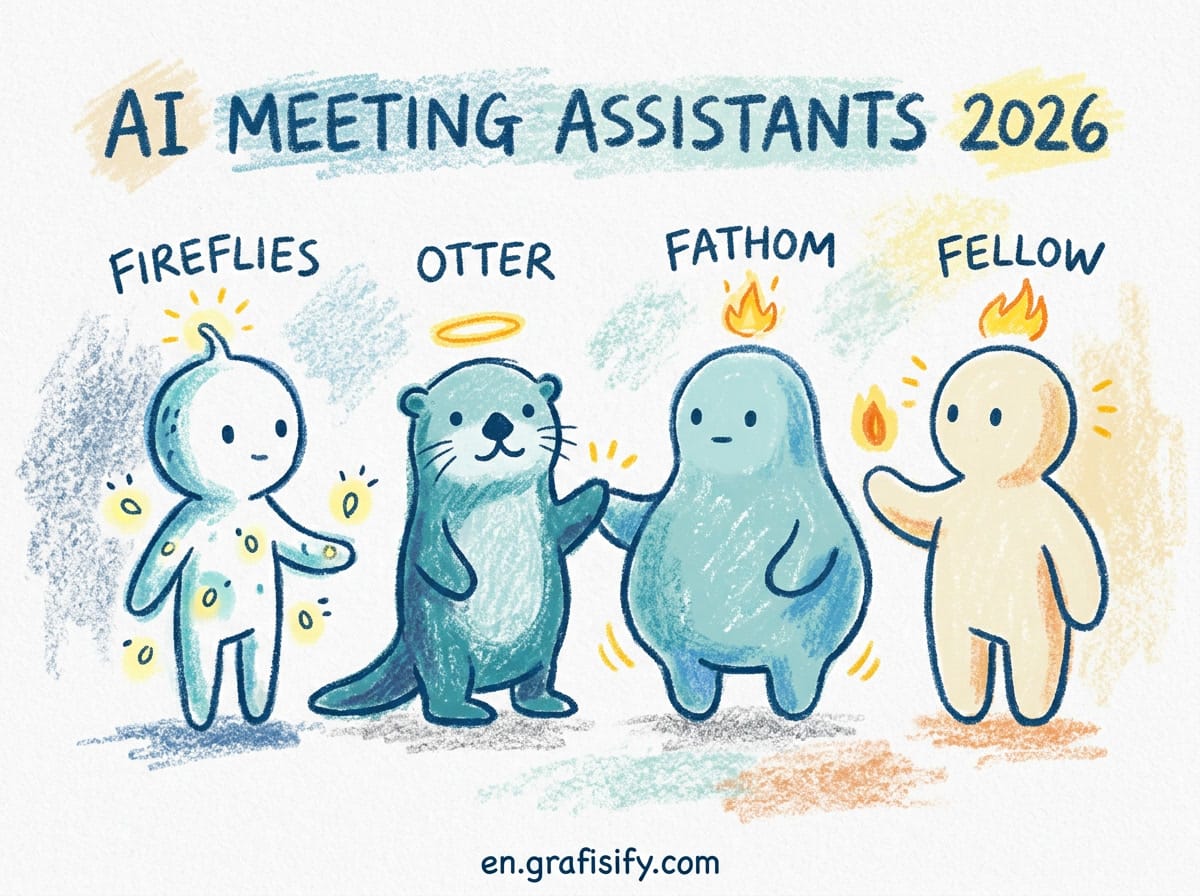
Fireflies.ai is the best all-around AI meeting assistant for teams using multiple platforms because it joins Zoom, Google Meet, and Microsoft Teams meetings automatically and delivers searchable transcripts with CRM integration. Otter.ai is ideal for solo professionals who need real-time transcription editing and speaker identification. Fathom shines as the best free option with clean video recordings and automatic summaries. Fellow works best for teams that want meeting agendas, action items, and notes in one integrated workspace. Choose based on your primary platform and whether you work solo or in a team.
AI meeting assistants have evolved beyond simple transcription. They now join calls automatically, identify speakers accurately, extract action items, summarize key decisions, and integrate with your existing tools like Slack, Notion, and CRMs. The right tool eliminates post-meeting admin work so you can focus on execution instead of documentation.
This guide compares the top four AI meeting assistants based on real-world testing across different use cases, pricing models, and integration capabilities.

Also Read:

Why AI Meeting Assistants Matter in 2026
Meetings consume more time than ever. The average knowledge worker spends 31 hours per month in unproductive meetings, according to recent studies. That’s nearly four full workdays lost each month to meetings that could have been emails or simply better organized.
AI meeting assistants solve this problem by transforming live conversations into structured, actionable outputs. Instead of spending hours after a meeting writing notes, extracting decisions, and assigning follow-ups, the AI handles this automatically while you stay present during the conversation.
The technology has matured significantly in 2026. Early tools struggled with speaker identification and accurate transcription in noisy environments. Modern AI assistants achieve 95%+ accuracy even with background noise, distinguish between multiple speakers reliably, and understand context well enough to extract meaningful action items rather than just transcribing words.
Also Read:

Key Features to Evaluate
When choosing an AI meeting assistant, focus on these critical capabilities:
- Platform compatibility: Does it work with your video conferencing tools (Zoom, Google Meet, Microsoft Teams, Webex)?
- Automatic joining: Can it join meetings without manual intervention?
- Speaker identification: How accurately does it distinguish between speakers?
- Action item extraction: Does it identify tasks, owners, and deadlines automatically?
- Integration ecosystem: Does it connect with your existing tools like Slack, Notion, or CRMs?
- Pricing model: Is it per user, per meeting, or credit-based?
- Data privacy: Where is your data stored and how long is it retained?
Fireflies.ai: Best for Multi-Platform Teams
Fireflies.ai stands out as the most versatile AI meeting assistant for teams that use multiple video conferencing platforms. It seamlessly integrates with Zoom, Google Meet, Microsoft Teams, and Webex, automatically joining scheduled meetings when invited.
The platform excels at speaker identification, even in complex scenarios with multiple participants. Its AI goes beyond transcription to analyze meeting content, identifying key topics, decisions, and action items with impressive accuracy.

Fireflies shines with its extensive integration ecosystem. It connects directly with popular CRMs like Salesforce, HubSpot, and Pipedrive, automatically logging meeting notes and creating follow-up tasks. It also integrates with project management tools like Asana, Trello, and ClickUp, plus communication platforms like Slack and Microsoft Teams.
The search functionality is particularly powerful. You can search across all your meeting transcripts using natural language queries like “show me all decisions about the Q3 budget” or “find action items assigned to Sarah last week.” This transforms your meeting history into a searchable knowledge base.
However, Fireflies uses a credit-based pricing model that can become expensive for heavy users. Each minute of processed audio consumes credits, and advanced features like custom vocabulary or sentiment analysis cost additional credits.

Otter.ai: Best for Solo Professionals
Otter.ai remains the gold standard for individual professionals who prioritize transcription quality and real-time editing capabilities. Its core strength is near-perfect transcription accuracy with excellent speaker diarization.
Unlike tools that only process recordings after the fact, Otter provides real-time transcription during meetings. This allows you to see the transcript unfold as people speak, making it easier to stay engaged while still capturing everything accurately.
Otter’s interface is designed for quick editing and organization. You can highlight important sections, add comments, create summaries, and extract quotes with just a few clicks. The mobile app is particularly well-designed, allowing you to record in-person meetings and sync them with your cloud library.
For journalists, researchers, and consultants who conduct many interviews or client meetings, Otter’s ability to handle diverse accents and technical terminology makes it invaluable. It also offers better control over data retention policies compared to some competitors.
The main limitation is that Otter works best as a standalone tool. While it offers basic integrations with Zoom and Google Calendar, it lacks the deep workflow integrations that Fireflies provides with CRMs and project management tools.
Fathom: Best Free Option
Fathom has emerged as the best free AI meeting assistant in 2026, offering surprisingly robust features at no cost. It specializes in Zoom meetings, automatically joining when added to your calendar invites.
What sets Fathom apart is its clean, distraction-free approach. After each meeting, it provides a polished video recording with AI-generated highlights, key moments, and a summary. The interface removes filler words, long pauses, and tangents, creating a concise, watchable recording.
Fathom automatically identifies speakers and creates timestamped highlights for important moments. You can easily share the recording with team members who couldn’t attend, and they can jump directly to relevant sections using the highlights.
The free tier includes unlimited meetings with up to four participants, which covers most small team needs. For larger meetings, you’ll need to upgrade to their paid plan, but the free version remains generous compared to competitors.
Fathom’s main weakness is its limited platform support—it currently only works with Zoom—and its lack of advanced integrations with other productivity tools. However, for teams primarily using Zoom who want a simple, free solution, it’s hard to beat.
Fellow: Best for Structured Meeting Workflows
Fellow takes a different approach by combining AI meeting capabilities with traditional meeting agenda and note-taking features. It’s designed for teams that want to improve their meeting culture overall, not just automate transcription.
The platform starts with meeting templates and agendas. Before each meeting, Fellow prompts participants to add discussion topics and questions. During the meeting, it provides real-time transcription alongside the agenda, keeping discussions focused and on track.
After the meeting, Fellow automatically extracts action items, assigns owners, and sets deadlines based on what was discussed. These tasks integrate directly with project management tools like Asana and Jira, ensuring nothing falls through the cracks.
Fellow also includes analytics to help teams improve their meeting habits. You can see metrics like meeting frequency, duration, and attendance patterns, plus feedback from participants about meeting effectiveness.
The main trade-off is complexity. Fellow requires more setup and adoption effort than simpler transcription-focused tools. Teams need to commit to using agendas and following structured workflows to get full value from the platform.
Comparison Table
| Feature | Fireflies.ai | Otter.ai | Fathom | Fellow |
|---|---|---|---|---|
| Best for | Multi-platform teams with CRM needs | Solo professionals, journalists | Small Zoom-focused teams | Teams wanting structured meetings |
| Platform support | Zoom, Google Meet, MS Teams, Webex | Zoom, Google Meet, standalone recording | Zoom only | Zoom, Google Meet, MS Teams |
| Free tier | Limited (800 min/month) | Yes (300 min/month) | Yes (unlimited 4-person meetings) | Yes (basic features) |
| Starting price | $10/user/month | $17/user/month | $12/user/month | $7/user/month |
| CRM integration | Excellent (Salesforce, HubSpot, etc.) | Limited | None | Good (Salesforce, HubSpot) |
| Real-time transcription | No | Yes | No | Yes |
| Action item extraction | Excellent | Good | Basic | Excellent |
| Meeting analytics | Basic | Limited | None | Comprehensive |
How to Choose the Right Tool
Your choice should depend on three key factors:
- Your primary meeting platform: If you’re exclusively on Zoom, Fathom becomes much more attractive. If you use multiple platforms, Fireflies or Fellow are better choices.
- Your team size and structure: Solo professionals benefit most from Otter’s transcription quality and editing features. Teams with defined workflows prefer Fellow’s structure. Sales and customer-facing teams need Fireflies’ CRM integrations.
- Your budget constraints: If you need a free solution, Fathom offers the most generous free tier. For paid options, consider whether you prefer per-user pricing (Otter, Fellow) or credit-based pricing (Fireflies).
Implementation Tips
To get maximum value from your AI meeting assistant:
- Start with your most important recurring meetings. Don’t try to record everything—focus on high-value sessions like client calls, team standups, or strategic planning meetings.
- Establish sharing protocols. Decide who gets access to meeting recordings and transcripts, and communicate this clearly to all participants.
- Integrate with your existing workflows. Connect your meeting assistant to your project management and communication tools to ensure action items don’t get lost.
- Review and refine regularly. Check if the AI is capturing action items accurately and adjust your meeting structure if needed to make extraction more reliable.
Where to Start
If you’re overwhelmed by choices, start here:
- For sales teams: Try Fireflies.ai with your CRM integration enabled. The automatic logging of client conversations will save hours each week.
- For freelancers and consultants: Test Otter.ai’s real-time transcription during client calls. The ability to stay present while still capturing everything accurately is transformative.
- For small teams on Zoom: Install Fathom and use it for your weekly team meetings. The free tier will handle most of your needs with zero cost.
- For managers wanting better meetings: Implement Fellow with simple agenda templates. The structured approach will improve meeting quality even before you leverage the AI features.
Whichever tool you choose, commit to using it consistently for at least two weeks. The initial setup effort pays dividends in reduced administrative work and better meeting outcomes.

Irfan is a Creative Tech Strategist and the founder of Grafisify. He spends his days testing the latest AI design tools and breaking down complex tech into actionable guides for creators. When he’s not writing, he’s experimenting with generative art or optimizing digital workflows.





 Artificial Intelligent
 Design & Creative
 Freelance
 Gadgets & Gear
 Insights
 Laptop
 Reviews
 Smartphone
 Tech Guides
 Vibe Coding


