Build Custom MCP Servers to Automate Your Dev Workflow

Why stop at prebuilt MCP servers?
The Model Context Protocol changed how AI agents connect to the tools you actually use. Instead of pasting context and hoping the model figures things out, an MCP server hands your agent a clean set of tools, resources, and instructions it can call on demand. Most developers install servers built by someone else: GitHub, Slack, databases, browser automation. Those cover the common cases. They do not cover the way you work.
That gap is where a custom server earns its keep. When your CI pipeline reports failures through a tool that only exists inside your team, no prebuilt server understands it. When your support ticket system uses a workflow nobody outside your company has seen, the generic integrations cannot help. Building your own MCP server turns those private systems into something your AI agent can reach, inspect, and act on without you copying data back and forth.
This guide walks through what MCP actually is, why a custom server beats a pile of prebuilt ones for team-specific work, and how to build one in Python or TypeScript. You do not need to be a framework expert. The official SDKs handle most of the heavy lifting, and a working server takes about twenty minutes once you know the shape of the code.
What MCP gets you that plain APIs do not
MCP is an open standard released by Anthropic in November 2024. It standardizes how an LLM application talks to external data sources and tools. Think of it as a universal connector between the model and the world, instead of one-off glue code for each integration.
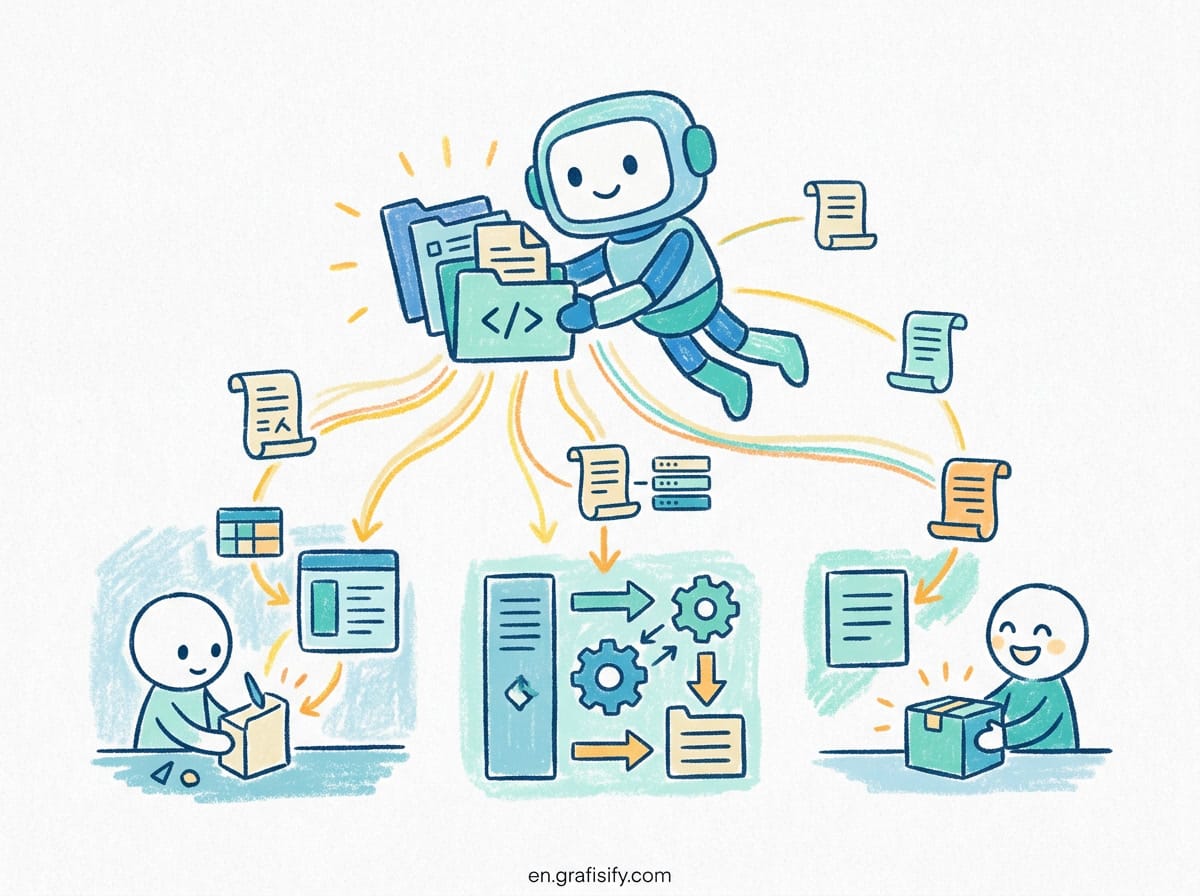
The protocol defines three primitives your server exposes to a client:
- Tools, which are functions the model can invoke to take an action.
- Resources, which are read-only data the model can pull into its context.
- Prompts, which are reusable instruction templates the client can load.
A plain API gives you endpoints and expects the calling code to know how to use them. MCP gives the model a self-describing surface: it sees what each tool does, what arguments it takes, and what it returns. The model can then decide when to call a tool, rather than you hardcoding every call in advance.
The practical result is less context stuffing. Instead of dumping a large log file into a prompt and hoping the model finds the error, your server offers a tool that parses the log and returns only the failing lines. That saves tokens, reduces mistakes, and keeps the model focused on the decision rather than the parsing.
Why custom servers matter for real workflows
The MCP community has published thousands of servers. The official repository alone lists dozens covering GitHub, Slack, Figma, Google Drive, and many more. For a solo developer working with mainstream tools, those are often enough.
The problem starts when your workflow depends on systems that are not mainstream. A staging environment behind a VPN. An internal microservice that only your team’s docs describe. A database schema that carries five years of decisions nobody wrote down. Generic servers cannot know about these. A custom server can encode exactly what your agent needs to interact with them safely.
Consider a typical deployment checklist. You push code, run tests, check metrics, and verify a feature in staging. Each step touches a different system with different credentials and different output formats. A custom MCP server can expose one tool that runs the checklist end to end and reports the result in a structured way. That turns a twenty minute manual ritual into a single agent command, with each step logged and auditable.
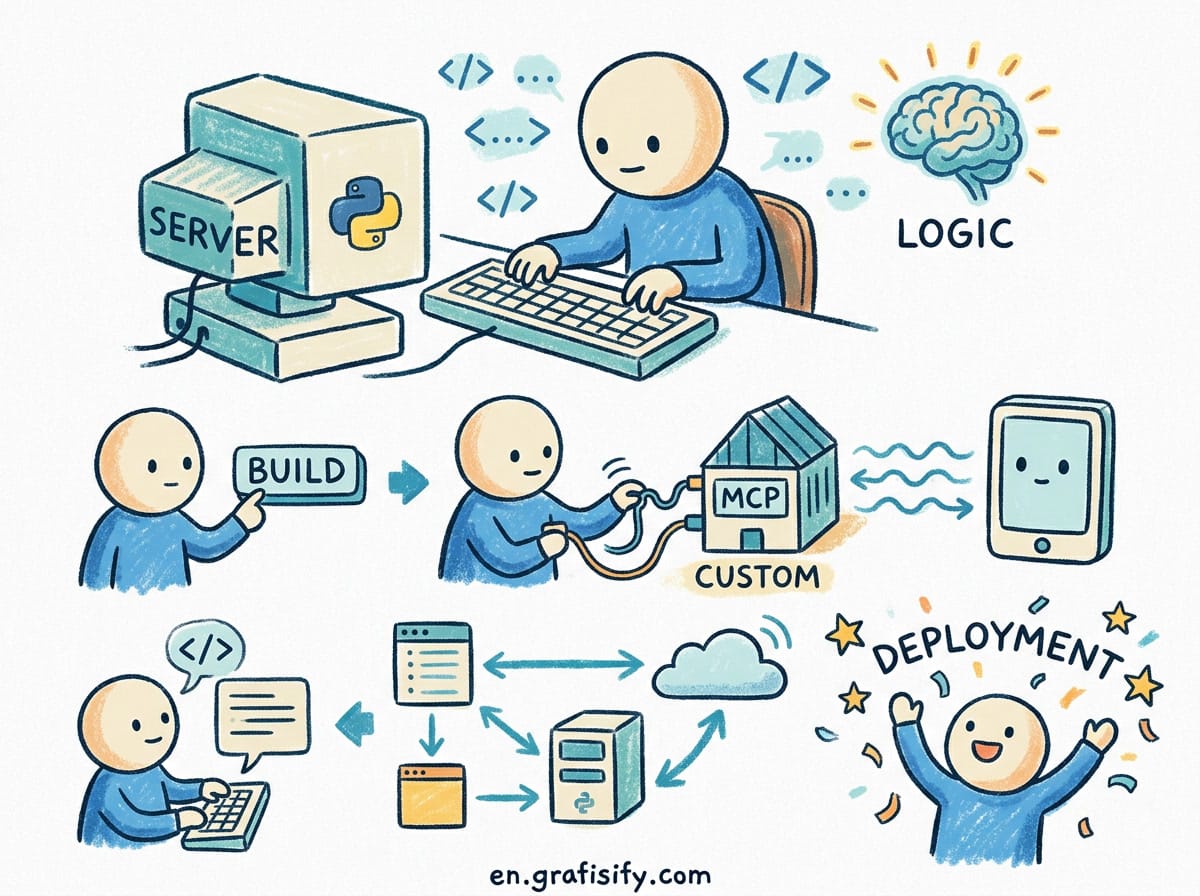
Teams get the most value here. When two engineers share a custom server, the knowledge of how to run the internal workflow lives in one place instead of in someone’s memory or a stale README. New team members can ask the agent to run tasks that would otherwise take weeks to learn.
Choose your SDK: Python or TypeScript
Your choice of language should follow where your tools already live, not what is newest. If your backend, scripts, and data pipeline are Python, build in Python. If you live inside a Node ecosystem, TypeScript is the natural fit. Both official SDKs are maintained by the MCP team and behave the same way.
Here is the comparison in practice:
Also Read:
| Factor | Python SDK | TypeScript SDK |
|---|---|---|
| Best fit | Data, ML, automation scripts | Web apps, Node services |
| Setup | pip install | npm install |
| Typical server | ~40 lines | ~45 lines |
| Async support | Yes | Yes |
| Deployment | Python runtime | Node runtime |
Do not overthink this. Pick the language your team already writes and move on. The protocol is the same, so you can port a server from one language to the other later without rethinking the design.
Build a minimal server in Python
The fastest way to understand MCP is to build the smallest useful server. This example exposes one tool that fetches a summary from a hypothetical internal API. It shows the exact shape every server follows.
from mcp.server.fastmcp import FastMCP

mcp = FastMCP("internal-ops")

@mcp.tool()
def get_deploy_status(service: str) -> str:
"""Return the latest deploy status for a service."""
# Call your internal API here.
return f"{service}: healthy, last deploy 12m ago"

if __name__ == "__main__":
mcp.run()
That is a complete, runnable server. The FastMCP wrapper hides the transport handling, the request protocol, and the tool registration. You write plain Python functions, and the SDK exposes them to any MCP client that connects.
Run it, then point your editor or CLI at the server with mcp run path/to/server.py. Your agent can now call get_deploy_status, passing the service name, and get a clean result instead of you pasting a dashboard screenshot.
Add a resource and a prompt
Tools are only one third of the protocol. Adding a resource gives the model read-only access to data it can pull in, and a prompt gives the client a reusable template.
from mcp.server.fastmcp import FastMCP

mcp = FastMCP("internal-ops")

@mcp.tool()
def get_deploy_status(service: str) -> str:
"""Return the latest deploy status for a service."""
return f"{service}: healthy, last deploy 12m ago"

@mcp.resource("ops://config")
def get_config() -> str:
"""Return the current environment configuration."""
return "region: us-east-1, replicas: 3"

@mcp.prompt()
def incident_report(service: str) -> str:
"""Template for reporting an incident on a service."""
return f"Summarize the incident for {service} with timestamps and impact."
Each decorator maps to one MCP primitive. The client decides when to use each. A model debugging a slow service might load the config resource, call the status tool, then ask for the incident template to structure its report. All three primitives work together.
Keep resource content small and targeted. A resource that returns a huge config file defeats the purpose of MCP, because the model ends up holding the same context bloat you were trying to avoid.
Wire it into your editor and CLI
Once the server runs, you connect it to the clients you already use. Claude Desktop, Cursor, VS Code, and several other tools support MCP out of the box. The configuration is the same pattern everywhere: a JSON block that points the client at your server command.
{
"mcpServers": {
"internal-ops": {
"command": "python",
"args": ["/path/to/server.py"]
}
}
}
After a restart, the client discovers the tools, resources, and prompts your server exposes. Type a request that involves a deploy status, and the model knows it can call your custom tool. No prompt engineering needed to remind it the tool exists.
For scripting and automation outside an editor, the MCP CLI lets you run the same server headlessly. That is where automation takes over: schedule the server, call it from a cron job, or chain it into a larger pipeline. A custom server becomes one more building block in your automation stack rather than a feature trapped inside an IDE.
Security and safety when exposing tools
Giving a model the power to call tools means giving it the power to act. That is the point, and it is also the risk. Every tool you expose should be scoped to the smallest permission that gets the job done.
Follow these rules from the start:
- Use read-only access by default. Add write tools only when a workflow genuinely needs them.
- Validate every argument the model sends. Never trust tool input to be well-formed.
- Keep credentials out of the server code. Read them from environment variables or a secrets manager.
- Log tool calls. You need to know what the agent did and when.
- Add an approval step for destructive actions. Some clients support human confirmation before a tool runs.
A common mistake is exposing a database tool that can run arbitrary SQL. That is convenient and dangerous. Prefer tools that run a fixed, parameterized query with an allowlist of tables. The model still gets what it needs, and you do not hand it a loaded weapon.
Takeaways
Custom MCP servers bridge the gap between generic AI integrations and the specific way you build software. They are not hard to create, and the SDKs remove most of the ceremony around the protocol.
The core ideas to remember:
- MCP standardizes how agents reach tools, resources, and prompts. A plain API does not describe itself to the model the way an MCP server does.
- Prebuilt servers cover mainstream tools. Build your own for the internal systems and workflows that generic integrations cannot reach.
- Python and TypeScript SDKs produce nearly identical servers. Pick the language your team already writes.
- A minimal server is around forty lines. Start with one read-only tool, then add resources and prompts as the workflow grows.
- Scope permissions tightly, validate input, and log calls. Tool access is real access.
Start with the smallest useful server for one repetitive task you do weekly. Automate that, see how it feels in your editor, then expand to the next workflow. The protocol is new enough that building a custom server now puts you ahead of most developers still copying context into prompts by hand.

Irfan is a Creative Tech Strategist and the founder of Grafisify. He spends his days testing the latest AI design tools and breaking down complex tech into actionable guides for creators. When he’s not writing, he’s experimenting with generative art or optimizing digital workflows.





 Artificial Intelligent
 Design & Creative
 Freelance
 Gadgets & Gear
 Insights
 Laptop
 Reviews
 Smartphone
 Tech Guides
 Vibe Coding




