Silent Health Risks of Working From Home (What Every Remote Worker Should Know)
Silent Health Risks of Working From Home (What Every Remote Worker Should Know)
Your home office might be damaging your body, and chances are you haven’t noticed yet. Studies show 82.7% of remote workers now have forward head posture, 59.1% report chronic back pain, and the average WFH employee sits more than double the hours of their office-based counterparts. These aren’t minor aches. They’re the beginning of problems that compound silently over months and years.
Silent Health Risks of Working From Home are the topic nobody wants to talk about at happy hour. But the data is impossible to ignore. Working from home changed everything. No commute. More flexibility. Better coffee. But five years into the largest remote work experiment in history, the medical data tells a story nobody wanted to hear. Your body wasn’t designed for eight hours of sitting in a chair you grabbed from the guest bedroom.
The scary part? Most of these health problems creep up slowly. You don’t wake up one day with forward head posture. You wake up one day with a stiff neck that never quite goes away. Then your shoulders ache. Then your lower back starts talking to you every afternoon at 3 PM.
This article covers what the research actually says about remote work health risks, not the equipment shopping lists you see everywhere else. We’ll look at the real data, the early warning signs, and what you can do about it without spending a dime on a standing desk.
What Are the Silent Health Risks of Working From Home?
When people talk about WFH health risks, they usually mean back pain and bad posture. Those are real. But the silent part is the scarier part.
A 2025 study of 110 remote academic workers found that forward head posture affected nearly 83% of participants. Forward head posture is exactly what it sounds like: your head drifts forward relative to your shoulders. For every inch your head moves forward, the weight your neck has to support effectively doubles. Your head weighs about 10-12 pounds. At two inches forward, your neck is supporting 20-24 pounds. All day.
One of the most overlooked silent health risks of working from home is the sitting problem. A massive Dutch survey of 60,000 workers published in August 2025 found that remote workers sit 6.3 hours per day at work compared to 3.0 hours for on-site workers. That’s more than double. And sitting isn’t just uncomfortable. It’s metabolically destructive. Your hip flexors shorten. Your glutes switch off. Your spine compresses.
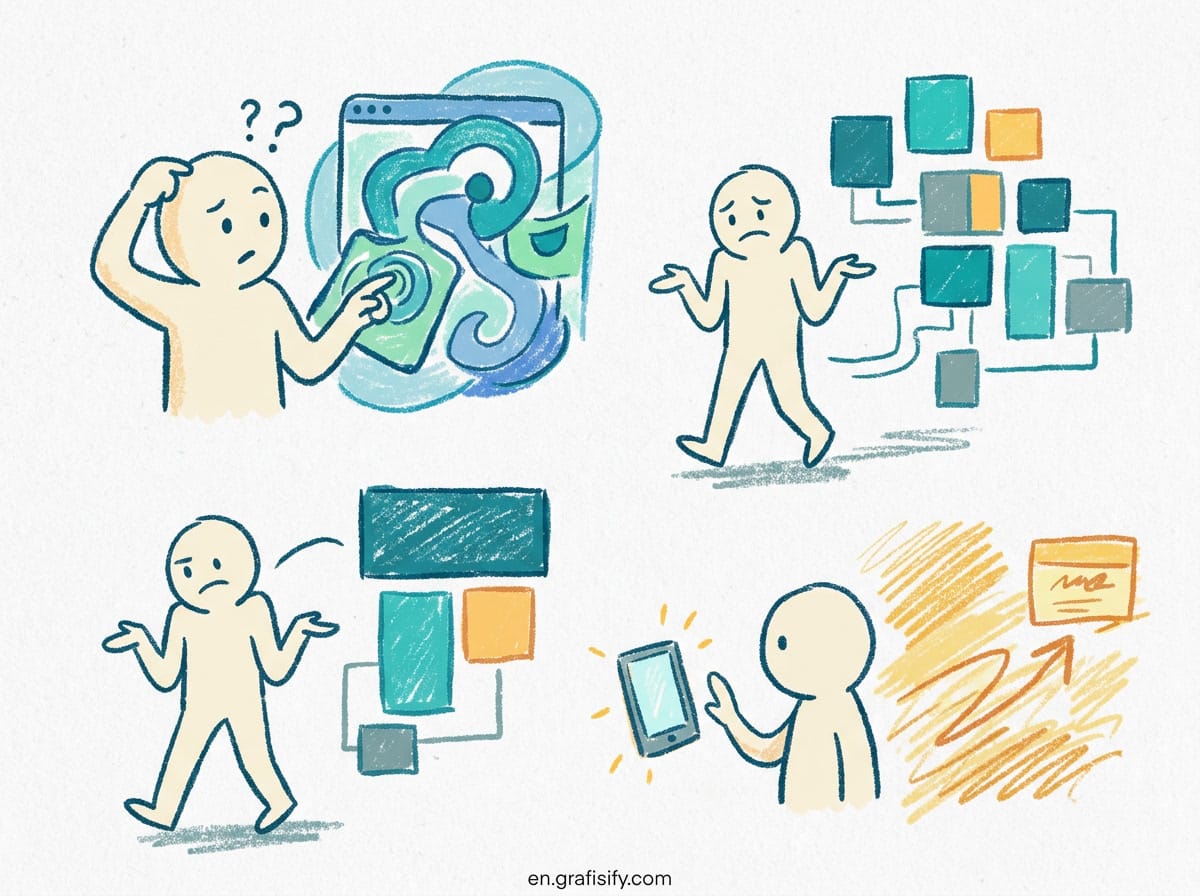
Repetitive strain injuries are the third silent threat. Your wrists, elbows, and shoulders weren’t designed for the same 12-inch mouse-and-keyboard motion for eight hours straight. The symptoms start as a tingle and end as a diagnosis.
Deep Dive: Forward Head Posture, Sedentary Damage, and Eye Strain
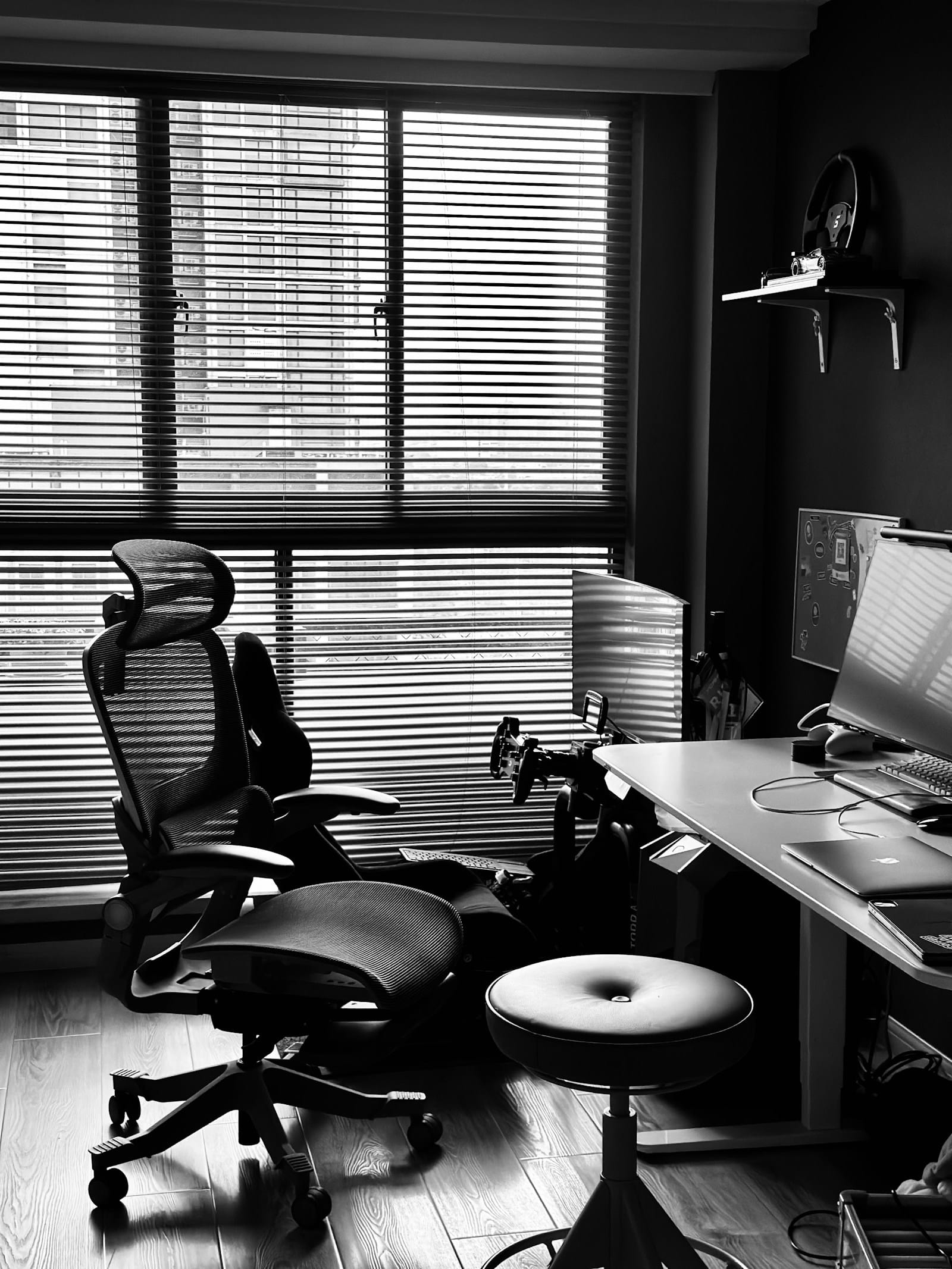
Forward Head Posture: The 83% Problem
A study published in the journal Medicina del Lavoro assessed 73 young IT professionals and found that the average craniovertebral angle was just 32 degrees, well below the healthy threshold of 50 degrees. Lower angle means more forward head posture. The study also found that neck disability correlated directly with poor workspace ergonomics and lack of physical activity.
The mechanism is simple. You lean toward your screen to read small text. Your shoulders round forward. Your upper trapezius muscles go into constant low-level contraction. Over weeks, that becomes your resting posture. Your body literally reshapes itself around bad habits.
Here’s what makes it a silent risk: you don’t feel it happening. Forward head posture develops over months. By the time your neck hurts, the structural changes are already established. Fixing them takes deliberate effort.
Why 6+ Hours of Sitting Changes Your Body
The 60,000-person CBS Netherlands study confirmed what ergonomists have suspected for years: remote workers sit twice as long as office workers. But here’s the data point that should worry you. Musculoskeletal disorders cost US businesses roughly $45 billion per year in direct costs, according to OSHA. Indirect costs, lost productivity, medical treatment, time off, can run five times higher.
Sitting for extended periods does three things to your body. First, your hip flexors shorten and tighten, which changes your walking gait and can cause lower back pain. Second, your gluteal muscles stop firing properly, a condition called gluteal amnesia. Third, your spinal discs lose hydration from sustained compression, making them more vulnerable to herniation.

A systematic review published in PMC (2024) found that a seat-back angle of 100 to 130 degrees combined with lumbar support significantly reduces disc pressure and paraspinal muscle fatigue. In plain English: lean back slightly and support your lower back.
Computer Vision Syndrome and Digital Eye Strain
Digital eye strain affects an estimated 50-90% of computer workers, and remote workers are at the high end of that range. The symptoms include dry eyes, blurred vision, headaches, and increased sensitivity to light. The cause is straightforward: you blink less when staring at a screen. Normal blink rate is 15-20 blinks per minute. During computer work, it drops to 5-7.
The 20-20-20 rule is the most practical fix: every 20 minutes, look at something 20 feet away for 20 seconds. It gives your ciliary muscles a break and resets your blink rate.

| Health Risk | Prevalence Among Remote Workers | Onset Pattern |
|---|---|---|
| Forward Head Posture | 82.7% | Gradual (months) |
| Chronic Back Pain | 59.1% | Gradual (weeks to months) |
| Neck Pain | 54.5% | Gradual |
| Shoulder Pain | 35.5% | Gradual |
| Digital Eye Strain | 50-90% | Daily (end of day) |
| Repetitive Strain Injury | ~20% | Gradual (months to years) |
Pros and Cons of a Home Office (Health Edition)
The Good
For all the talk about silent health risks of working from home, remote work isn’t all bad for your health. You control your environment. You can take breaks when you need them, not when the office schedule says so. You can cook proper meals instead of eating cafeteria food. No commute means more time for exercise, if you actually use it.
A 2025 study in Nature found that workers with flexible schedules reported better sleep quality and lower stress levels. The autonomy of remote work has documented health benefits, but you just have to actively claim them.
The Bad
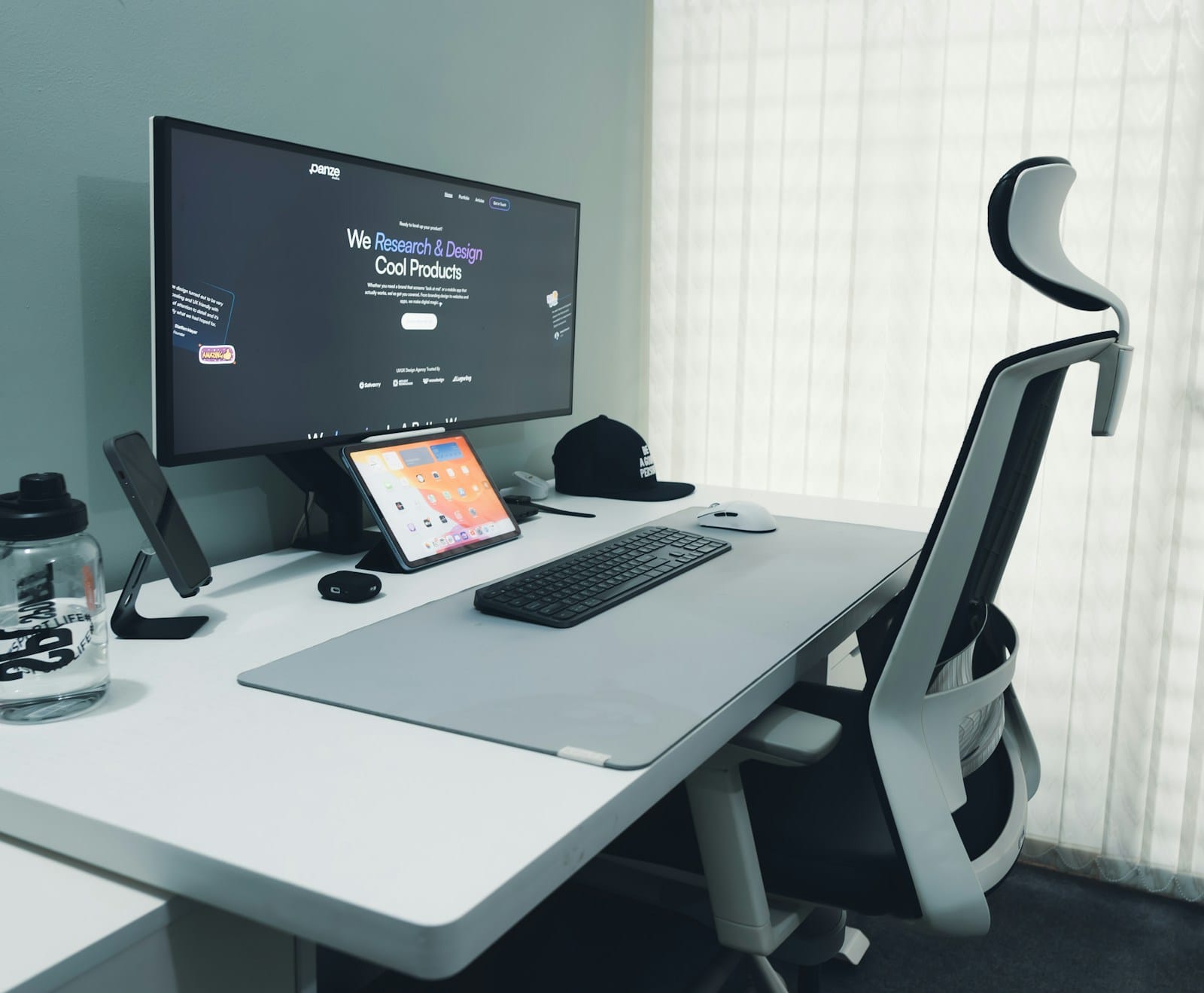
The downsides are structural. Most home offices lack proper ergonomic equipment. A kitchen chair isn’t a task chair. A laptop on a coffee table isn’t a workstation. And without the social cues of an office, someone walking to your desk, a meeting in a different room, you stay in one position for hours.
Research published in BMC Public Health (2025) found that the blurred boundary between work and personal life in WFH setups correlates with higher stress and lower recovery during off-hours. Your body can’t repair itself if it never fully disconnects from work mode.
How to Spot the Silent Health Risks of Working From Home Early
When it comes to silent health risks of working from home, early detection is everything. Here are the warning signs your body sends before the damage becomes permanent.
1. You tilt your head back to see your screen. If you find yourself looking down through the bottom of your glasses or tilting your chin up, your monitor is too low. The fix: raise it to eye level. Stack books under it if you have to.
2. Your shoulders are up by your ears. Touch your shoulders right now. Are they relaxed or hunched? Chronic shoulder elevation is a classic sign of poor desk setup. Your body is bracing against bad ergonomics without you realizing it.
3. You get headaches in the afternoon. Tension headaches that build through the workday are often cervicogenic, they start in your neck and radiate up. If your headache starts at the base of your skull, look at your posture first.
4. Your hands tingle while typing. This is the early warning for carpal tunnel syndrome and other repetitive strain injuries. Don’t wait until you lose grip strength. Adjust your keyboard height so your wrists are neutral, not bent up or down.
5. Your eyes feel dry by lunchtime. Digital eye strain is the easiest problem to fix. The 20-20-20 rule, artificial tears, and reducing screen brightness all help immediately. But if your eyes are dry by noon, you’re already in the danger zone.
6. You can’t remember the last time you stood up. If you’ve been in the same position for two hours, your body is accumulating damage. Set a timer for 30 minutes. When it goes off, stand up, stretch, walk to the kitchen. Even 60 seconds of movement resets the metabolic clock.
I’ve worked from home for three years, and I hit four of these six warning signs before I bothered to fix my setup. The forward head posture took six months of deliberate correction, chin tucks, wall angles, and a monitor riser made from old textbooks. It works, but it would have been easier to prevent than to reverse.
Here’s a quick five-minute daily check you can do at your desk:
| Check | What to Look For | Quick Fix |
|---|---|---|
| Screen height | Top of monitor at or just below eye level | Raise with books or a box |
| Chair height | Feet flat on floor, knees at 90 degrees | Adjust or add a footrest |
| Wrist position | Straight, not bent up or down | Adjust keyboard tray or chair height |
| Shoulder position | Relaxed, not shrugged up | Pull shoulders down and back |
| Blink rate | Are your eyes feeling dry? | Use the 20-20-20 rule |
Final Thoughts
The silent health risks of working from home are real, but they aren’t inevitable. The data shows that 82.7% of remote workers already have forward head posture, and 59.1% report back pain. Those numbers come from peer-reviewed studies, not scare tactics.
But here’s the encouraging part: most of these problems respond to simple fixes. Monitor height. Chair adjustment. A timer to remind you to stand up. The 20-20-20 rule for your eyes. None of it costs money. Most of it takes less than five minutes to implement.
Your body adapts to whatever position you put it in for eight hours a day. The question is whether it adapts toward health or away from it. The research sources, the forward head posture study from PMC, the BMC Public Health work-life boundary research, and the ergonomics guide and our health insights section, all point to the same conclusion: prevention is simple, but it has to be deliberate.
Don’t wait until your neck forces you to pay attention. Your body is sending signals right now. The question is whether you’ll listen before it has to shout.

Irfan is a Creative Tech Strategist and the founder of Grafisify. He spends his days testing the latest AI design tools and breaking down complex tech into actionable guides for creators. When he’s not writing, he’s experimenting with generative art or optimizing digital workflows.
You might also like







 Artificial Intelligent
 Design & Creative
 Freelance
 Gadgets & Gear
 Insights
 Laptop
 Reviews
 Smartphone
 Tech Guides
 Vibe Coding