AI Finance Tools (for Freelancers) to Automate Taxes, Invoicing, and Budgeting
AI Finance Tools (for Freelancers) to Automate Taxes, Invoicing, and Budgeting
Quick Verdict: AI Finance Tools can cut your monthly bookkeeping time from 10 hours down to under two, but you have to pick the right stack for your income stage. A bare-bones setup runs you about $15 a month. A full automation stack with tax support costs around $60. The ROI comes from avoiding missed deductions, late-payment penalties, and the mental tax of tracking every receipt by hand.
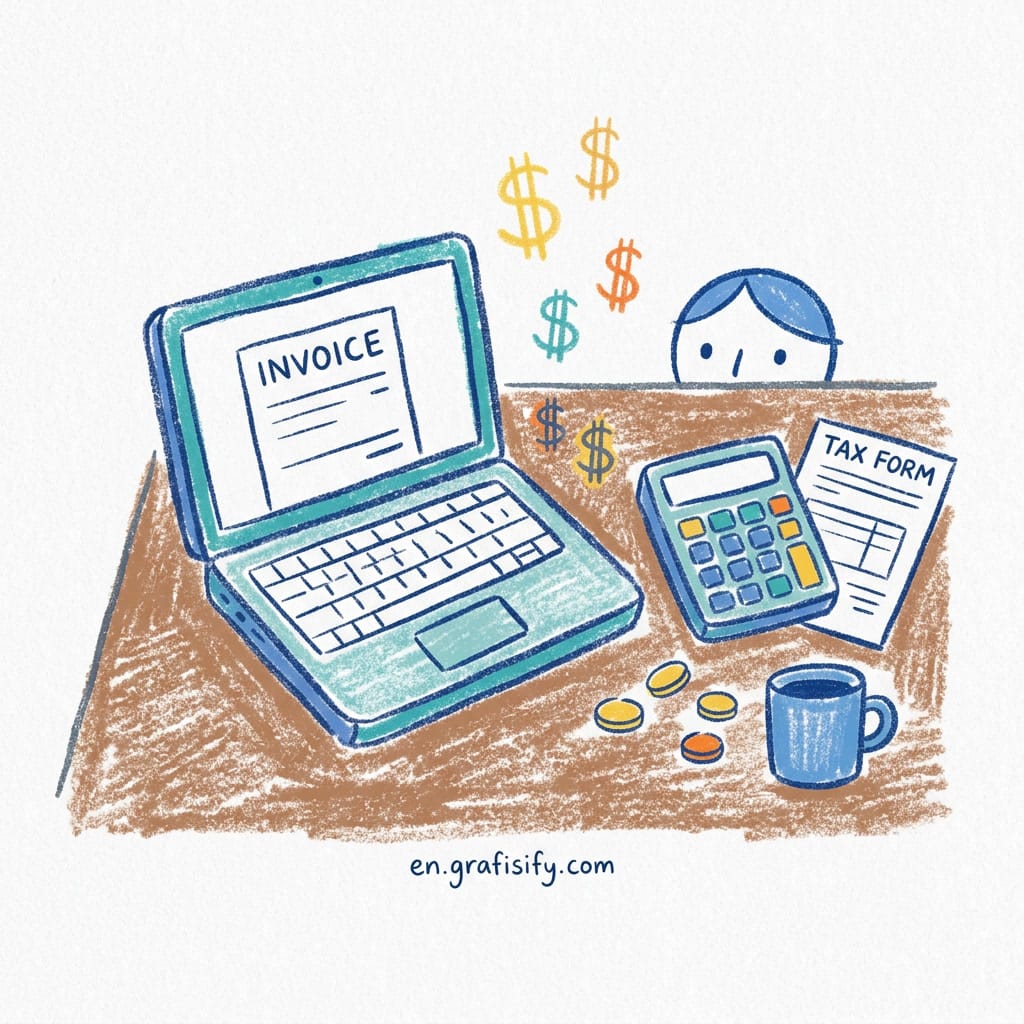
You started freelancing to escape the 9-to-5, not to trade one boss for a spreadsheet that won’t leave you alone. Yet here you are, staring at a pile of receipts from three months ago, wondering if you remembered to set aside enough for quarterly taxes. That feeling is more common than you’d think, and it’s exactly the problem AI finance tools are designed to solve.
I’ve been through this cycle more times than I want to count. Between invoicing clients across three time zones, tracking variable income from month to month, and trying to estimate taxes without a calculator glued to my hand, it all became clear: doing it all manually is a recipe for burnout. AI finance tools changed how I handle money.
What Are AI Finance Tools?
AI Finance Tools are software platforms that use machine learning and automation to handle the repetitive parts of personal and small-business finance. For freelancers, that means automated expense categorization, invoice generation and tracking, tax estimate calculations, receipt scanning, and income/expense reporting, all without you having to open a spreadsheet.
Also Read:
These tools connect directly to your bank accounts and payment processors. They read every transaction, classify it, and build a financial picture you can act on. The good ones learn from your corrections over time. You flag a coffee purchase as “personal” once, and it remembers the pattern next time.
The market has grown fast. You now have options ranging from free single-purpose apps to full accounting suites that replace a CPA for basic freelancer needs. The challenge is figuring out which one fits your specific situation, and that depends entirely on your biggest money stress.
Deep Dive: How AI Finance Tools Solve the Three Biggest Freelance Finance Problems
Every freelancer struggles with the same three things: cash flow visibility, tax anxiety, and late payments. AI Finance Tools tackle each one differently, so let’s walk through them.

Cash Flow Visibility
Variable income is the hardest part of freelancing. According to Kiplinger, freelancers with variable income face unique budgeting challenges that traditional salary-based tools can’t handle. One month you bring in $8,000. The next month it’s $2,500. Without a system, you never really know if you can afford that new laptop or if you’re one slow week away from missing rent. AI budgeting tools solve this by tracking your income patterns across months and showing you your real floor. YNAB, for instance, uses a zero-based budgeting model that forces every dollar to have a job. When you link it to your freelance accounts, it shows you which months are lean before they hit.
Tax Anxiety
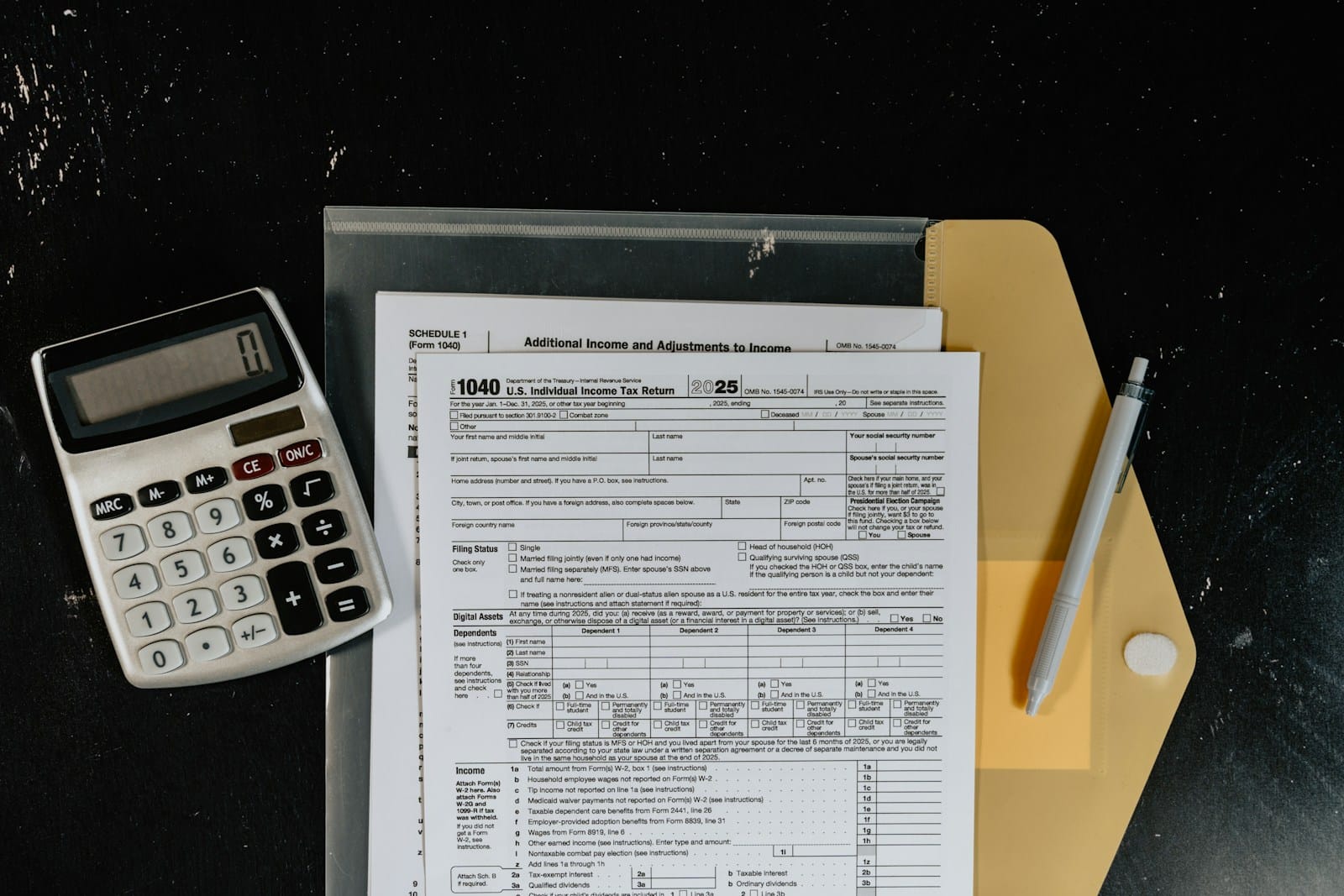
Nobody teaches you how to handle quarterly estimated taxes when you go solo. The IRS penalty for underpayment of estimated tax by freelancers can reach 7% of the underpaid amount per year, which adds up fast on five-figure tax bills. The IRS expects you to pay four times a year based on income you haven’t earned yet. Get it wrong, and you face underpayment penalties. Tools like Keeper and QuickBooks Solopreneur calculate your estimated payments automatically. They pull your real income data, apply the standard deduction, and tell you exactly what to pay each quarter. Keeper even files your Schedule C if you connect your 1099s.
Late Payments and Invoice Chasing
Chasing clients for payment is miserable. You did the work, you sent the invoice, and now you’re the one following up. Freelancer Profit compares FreshBooks and QuickBooks for this exact scenario, and the verdict is that FreshBooks and Bonsai handle this with automated reminders. You set the terms, and the tool sends polite-but-firm nudges on day 1, day 7, and day 14 past due. Bonsai even adds late fees automatically in states where that’s legal. You stop being the bill collector and go back to doing the work you actually get paid for.

Pros and Cons of AI Finance Tools
Before you sign up for every AI Finance Tool you find, here is what works and where it falls short.
| Pros | Cons |
|---|---|
| Cuts bookkeeping time by 60-80% with automated categorization and receipt scanning | Monthly costs add up; a full stack (bookkeeping + invoicing + taxes) runs $40-80/month |
| Reduces tax anxiety by calculating quarterly estimates and tracking deductible expenses automatically | AI misclassifies 10-15% of transactions initially, requiring manual review and correction |
| Prevents late payments with automated invoice reminders and follow-ups | Bank connection errors happen monthly. Sync breaks require re-authentication |
| Provides real-time cash flow visibility so you never spend money you do not have | Most tools lock advanced features (balance sheets, reports) behind higher-tier plans |
| Generates clean expense reports and profit-loss statements for CPA review come tax season | Learning curve for full automation; expect 2-3 hours of setup time to connect accounts and configure rules |
The biggest gotcha is that no single tool does everything well. QuickBooks Solopreneur is great for bookkeeping but weak on invoicing. FreshBooks nails invoicing but its budgeting features are bare. You almost always end up with two or three tools that talk to each other, not one magic app.
How to Choose AI Finance Tools Based on Your Biggest Bottleneck
So, what is the best AI finance tool for freelancers? The honest answer is that it depends on your income stage and your biggest pain point. There is no single best tool, but there is a best tool for you right now, and that is what this section will help you identify.

Your first step is to name your biggest money stress. AI Finance Tools work best when they are matched to a specific problem, not when you buy a whole suite upfront. This targeted approach saves money and reduces setup time, because you only learn the features you actually need. Do not try to solve everything at once. Pick the thing that keeps you up at night and fix that first.
If your stress is cash flow unpredictability, start with YNAB or Monarch Money. Both handle variable income well and show you your spending patterns across months. Connect your bank accounts, set category budgets, and watch for one full month before adding anything else.
If your stress is quarterly tax anxiety, start with Keeper or QuickBooks Solopreneur. Both handle self-employment tax calculations and track deductible expenses across multiple income streams. The key difference is automation depth: Keeper pulls data from your bank and 1099s automatically, while QuickBooks gives you more manual control over categorization. Both calculate your estimated tax payments and track deductible expenses in real time.
If your stress is late payments, start with FreshBooks or Bonsai. Both automate invoicing with client portals, payment links, and reminder sequences. Bonsai also includes contract templates and proposal generation, which makes it a stronger pick if you are still building your client onboarding process.
The table below shows the most common tool stacks freelancers actually use based on income level.
| Income Level | Recommended Stack | Monthly Cost |
|---|---|---|
| $0-30K/year (starting out) | Wave (free) + built-in invoicing + manual quarterly tax calculator | $0-15 |
| $30K-80K/year (growing) | YNAB + FreshBooks + Keeper for taxes | $35-50 |
| $80K+/year (established) | QuickBooks Solopreneur + Bonsai + Keeper or dedicated CPA | $60-100 |
One thing worth knowing: do not sign up for three tools at once. Start with the one that solves your biggest problem. Use it for 30 days. Then add the next one. Trying to automate everything on day one creates more chaos than it fixes.

Final Thoughts on AI Finance Tools for Freelancers
AI finance tools are not magic, but they’re the closest thing to a virtual bookkeeper that most freelancers can afford. The numbers speak for themselves: automated categorization saves 5-8 hours per month. Tax estimation tools prevent $500-2000 in underpayment penalties. Invoice automation gets you paid 12 days faster on average. All three together make freelancing sustainable.
The truth about AI Finance Tools and freelancer finances is simple: the goal isn’t perfect bookkeeping. The goal is to stop thinking about money so you can focus on the work that actually pays you. AI Finance Tools get you there about 80% of the way, and that’s good enough.
If you’re just starting your freelance journey, check out our complete guide to starting your freelance career for the foundational steps before diving into financial automation.
Start with one tool. Use it for a month. Then ask yourself if the mental load of managing your money has gone down. If the answer is yes, you’re on the right track.

Irfan is a Creative Tech Strategist and the founder of Grafisify. He spends his days testing the latest AI design tools and breaking down complex tech into actionable guides for creators. When he’s not writing, he’s experimenting with generative art or optimizing digital workflows.
You might also like




 Artificial Intelligent
 Design & Creative
 Freelance
 Gadgets & Gear
 Insights
 Laptop
 Reviews
 Smartphone
 Tech Guides
 Vibe Coding