Best Note Taking Apps for Freelancers: A Complete Comparison Guide

Best Note Taking Apps for Freelancers: A Complete Comparison Guide
Quick verdict: The best note taking app for freelancers depends on how you work. Notion is the strongest all-around choice for most independent professionals. It combines notes, databases, and project management in one tool. Obsidian is better if you want local files and linked thinking. Apple Notes works perfectly if you’re in the Apple ecosystem and want something free. This guide breaks down each option so you can pick the right one without wasting time.
Here’s the thing about note taking as a freelancer. You aren’t just writing reminders. Meeting notes from client calls. Project briefs. Brainstorming for proposals. Research for blog posts. Expense tracking. That invoice reference number you’ll need next month. Your notes are the operating system of your freelance business.
Pick the wrong tool, and you’ll fight your system every day. Too simple, and you outgrow it in three months. Too complex, and you spend more time organizing than working. The best note taking apps for freelancers balance power with simplicity. Let us find yours.
Best Note Taking Apps for Freelancers: Notion
Notion is the closest thing to an all-in-one workspace. It combines notes, databases, wikis, and kanban boards. You can track a client project in the same space where you keep your content calendar and your tax receipt scans. The flexibility is both its superpower and its biggest drawback.
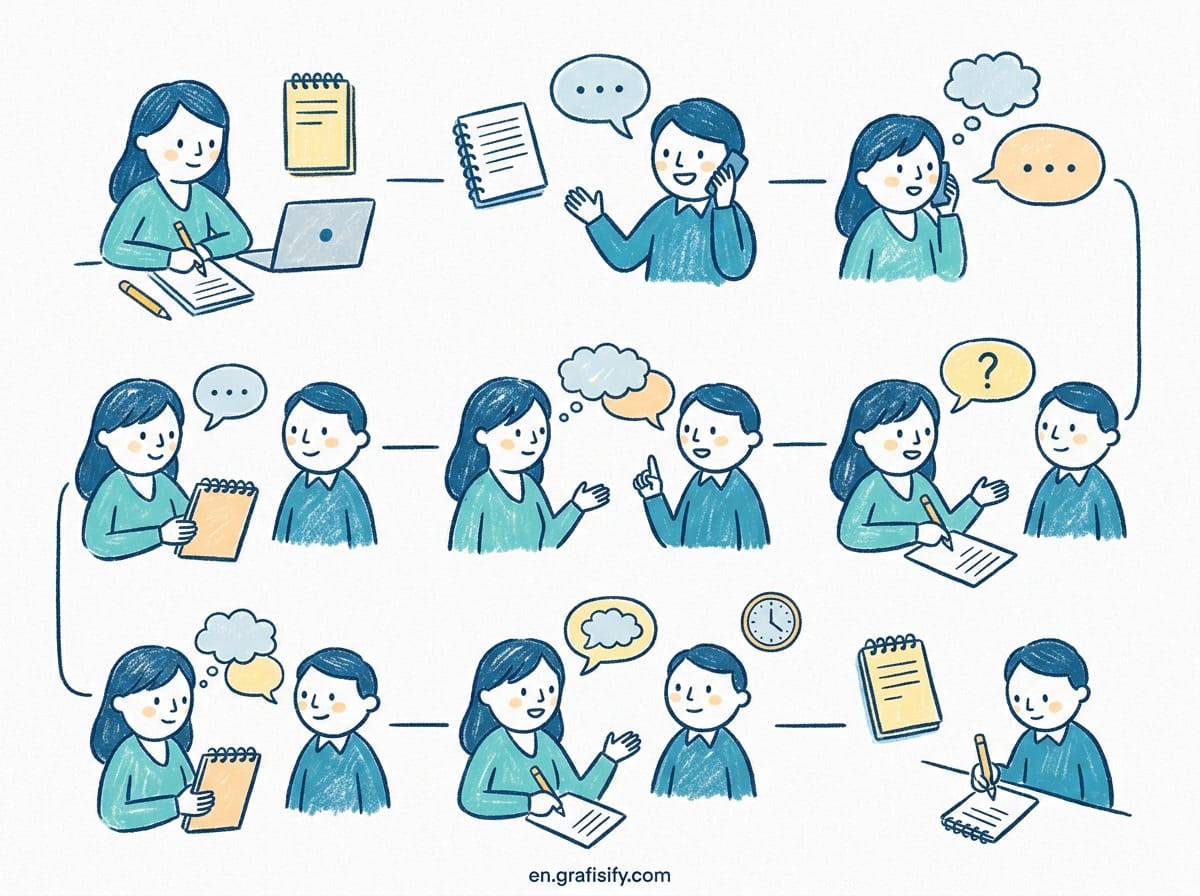
Notion works well if you like structure. You create databases, link them together, and build views that match your workflow. A client dashboard with linked notes, task status, and invoice tracking is easy to set up. The template library is enormous. Someone has probably already built a template for exactly what you need.
The trade-off is real though. Notion can feel overwhelming when you start. The blank page with infinite possibilities is liberating for some and paralyzing for others. You’ll spend time upfront setting up your system. But once it clicks, it’s hard to go back to anything simpler.
Best Note Taking Apps for Freelancers: Obsidian
Obsidian takes a completely different approach. Your notes are plain Markdown files stored on your computer. Nothing is in the cloud unless you choose to sync. You own everything. No subscription required for the core app.

The magic of Obsidian is linking. You connect notes with bidirectional links, and a graph view shows how your ideas relate. It’s powerful for freelancers who do research-heavy work. Writers, content strategists, and consultants build what the community calls a second brain over time. Each note connects to the next, and your knowledge grows organically.
With over 2,000 community plugins, Obsidian can be customized to do almost anything. There’s a learning curve. You’ll spend your first weekend setting things up. After that, you write and link without friction. The free tier gives you the full local experience forever.

Evernote and Apple Notes: The Reliable Alternatives
Evernote has been around longer than any app on this list. Its web clipper is still the best in class. When you find something useful online, you clip it to Evernote with one click. The search is fast and works inside images and PDFs. For freelancers who collect a lot of reference material, Evernote is hard to beat.

Apple Notes is the quiet winner. It ships on every Mac, iPhone, and iPad. No setup. No account to create. No subscription. The recent versions added tags, tables, document scanning, and collaboration. For Apple-only freelancers, it handles 90% of note taking needs without installing anything.
Evernote costs $10-15 per month for the full experience. Apple Notes is free. Both are solid choices if you prefer simplicity over customization.
How to Choose the Best Note Taking App for Your Freelance Work
Here’s a comparison table to help you decide quickly.
| App | Best For | Free Tier | Paid Price | Platforms |
| Notion | All-in-one workspace, databases, project tracking | Yes, generous | $10/month | All platforms |
| Obsidian | Linking ideas, local files, long-term knowledge | Yes, full local | $8/month (sync) | All platforms |
| Evernote | Web clipping, fast search, PDF storage | Limited | $10-15/month | All platforms |
| Apple Notes | Simple, free, Apple ecosystem | Yes, full | Free | Apple only |
| Google Keep | Quick notes, reminders, Google integration | Yes, full | Free | All platforms |
| OneNote | Free, cross-platform, notebooks structure | Yes, full | Free | All platforms |
Not sure where to start? Pick Notion. It has the best balance of features and ease of use for most freelancers. If you want something simpler, start with Apple Notes or Google Keep. Upgrade when you outgrow them. For more productivity tips, check our freelance productivity guide.
Pros and Cons of Using a Dedicated Note Taking App
Pros:
- Everything in one place. No more notes scattered across sticky notes, email drafts, and random text files.
- Search that works. A good note app finds any note in seconds. Try doing that with a notebook.
- Cross-device sync. Take a call on your phone, type up notes on your laptop. They match.
- Organization by design. Tags, folders, links, databases. Your system grows with your business.
- Backup by default. Cloud sync means you never lose a note to a dead hard drive.
Cons:
- Too much choice. Picking an app is itself a project. Some freelancers spend weeks switching between tools instead of working.
- Subscription fatigue. Most good apps cost $8-15 per month. That adds up across the tools you already pay for.
- Migration pain. Moving 500 notes from one app to another isn’t fun. Some apps make export deliberately hard.
- Over-engineering risk. You can spend more time building the perfect system than using it.
After trying five different note apps over three years, the biggest lesson was simple. The best tool is the one you actually use every day. I switched from Notion to Obsidian for personal notes and kept Notion for client projects. Two tools for different kinds of thinking. That split works better than forcing everything into one system.
Frequently Asked Questions: Best Note Taking Apps for Freelancers
Is a free note taking app good enough for freelancers?
Absolutely. Apple Notes, Google Keep, and OneNote are completely free and handle most note taking needs. Notion and Obsidian also have generous free tiers. You only need to pay for advanced features like team collaboration, version history, or cloud sync beyond a certain limit. Start free. Scale when you hit a real wall.
Which note taking app is best for project management?
Notion is the clear winner here. Its database views let you track tasks, deadlines, client status, and invoices alongside your notes. As Zapier notes, Notion excels for collaboration and structured workspaces. Obsidian can do this with plugins but requires more setup. Evernote and Apple Notes are primarily for notes, not project management.
How do I migrate my notes from one app to another?
Most apps support Markdown or HTML export. Notion exports to Markdown and CSV. Obsidian uses Markdown natively. Evernote exports to ENEX format which some apps can import. The FloatJet guide on note taking apps recommends checking the export options before committing to any tool. If an app makes export difficult, consider that a red flag.
Should I use one note app or multiple?
That depends on your workflow. Some freelancers use one app for everything. Others split: a simple app (Apple Notes) for quick capture and a powerful one (Notion or Obsidian) for deep work. The key is having a clear capture habit. Wherever notes land, they must land somewhere reliably. A single app works better until you hit a specific need the other app can’t meet.
Do note taking apps work offline?
Most do. Obsidian is fully offline by default. Apple Notes works offline on your device. Notion has offline access on mobile but limited desktop offline. Google Keep works offline on mobile. If you work in areas with unreliable internet, Obsidian or Apple Notes are the safest choices.

Final Thoughts: Pick One and Start Taking Notes
The best note taking apps for freelancers all do the same core thing well. They capture text, organize it, and find it later. The differences matter less than you think.
Here’s what I learned after years of switching. Don’t chase the perfect system. Pick the app that removes the most friction from your current workflow. Use it for three months. If you still feel the friction, switch. But give it time. Most apps reveal their real value after a few weeks of daily use.
Your freelance business runs on the information you capture and connect. A good note app isn’t a luxury. It’s the infrastructure your work depends on. Pick one from the list above. Set it up today. Your future self will thank you.

Irfan is a Creative Tech Strategist and the founder of Grafisify. He spends his days testing the latest AI design tools and breaking down complex tech into actionable guides for creators. When he’s not writing, he’s experimenting with generative art or optimizing digital workflows.




 Artificial Intelligent
 Design & Creative
 Freelance
 Gadgets & Gear
 Insights
 Laptop
 Reviews
 Smartphone
 Tech Guides
 Vibe Coding